
Photo & Shape Collage Maker PC
Isara Inc
Download Photo & Shape Collage Maker on PC With GameLoop Emulator
Photo & Shape Collage Maker sa PC
Ang Photo & Shape Collage Maker, na nagmumula sa developer na Isara Inc, ay tumatakbo sa Android systerm sa nakaraan.
Ngayon, maaari mong laruin ang Photo & Shape Collage Maker sa PC gamit ang GameLoop nang maayos.
I-download ito sa GameLoop library o mga resulta ng paghahanap. Hindi na tumitingin sa baterya o nakakadismaya na mga tawag sa maling oras.
I-enjoy lang ang Photo & Shape Collage Maker PC sa malaking screen nang libre!
Photo & Shape Collage Maker Panimula
Let’s create your awesome and unique photo by Shape Collage, Frame Collage, Roid Collage and Name Collage.
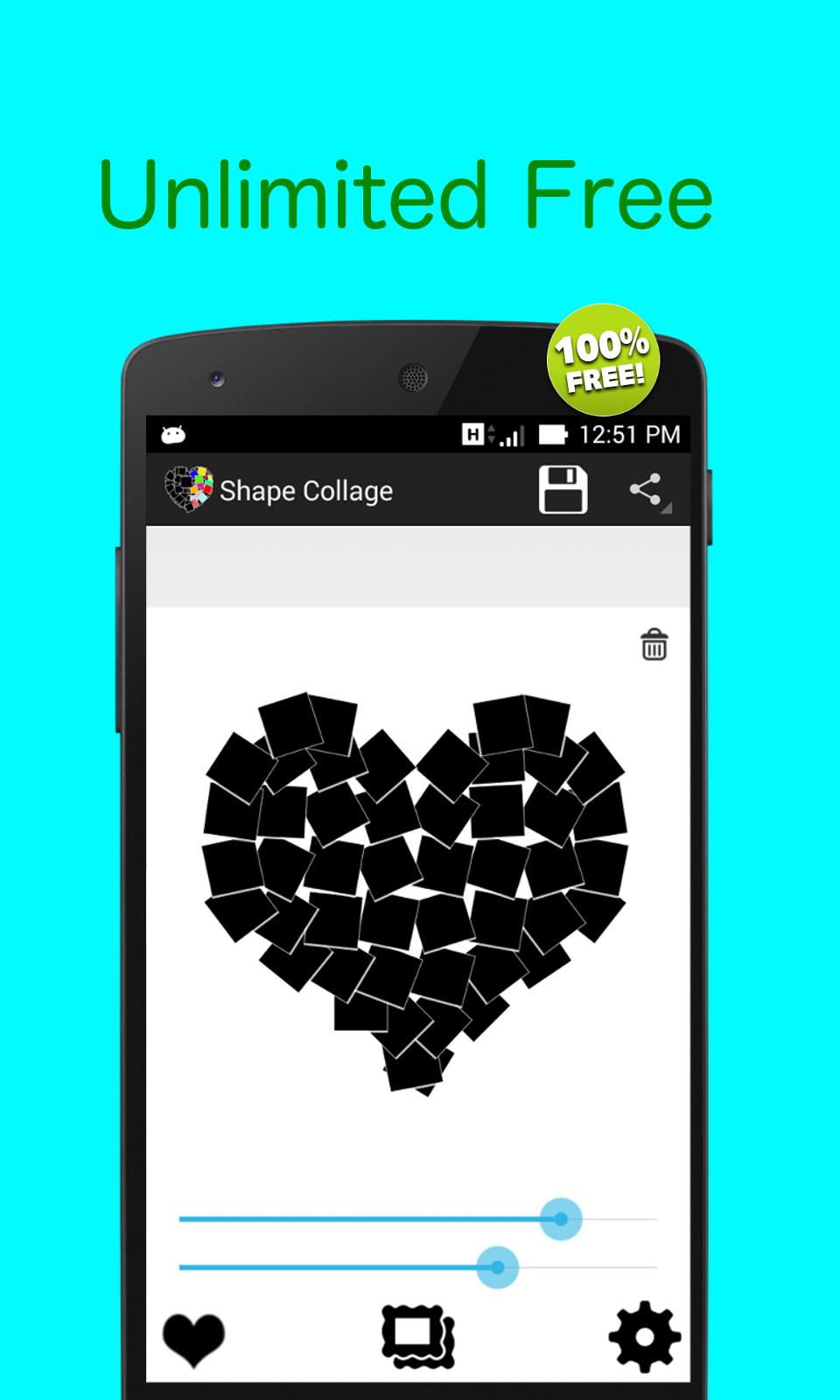
Shape Collage
Using Shape Collage to make your own beautiful and unique photo collage in any shape that you want. It’s very easy to get your own Shape Collage.
Features:
★ Select multiple photo from gallery.
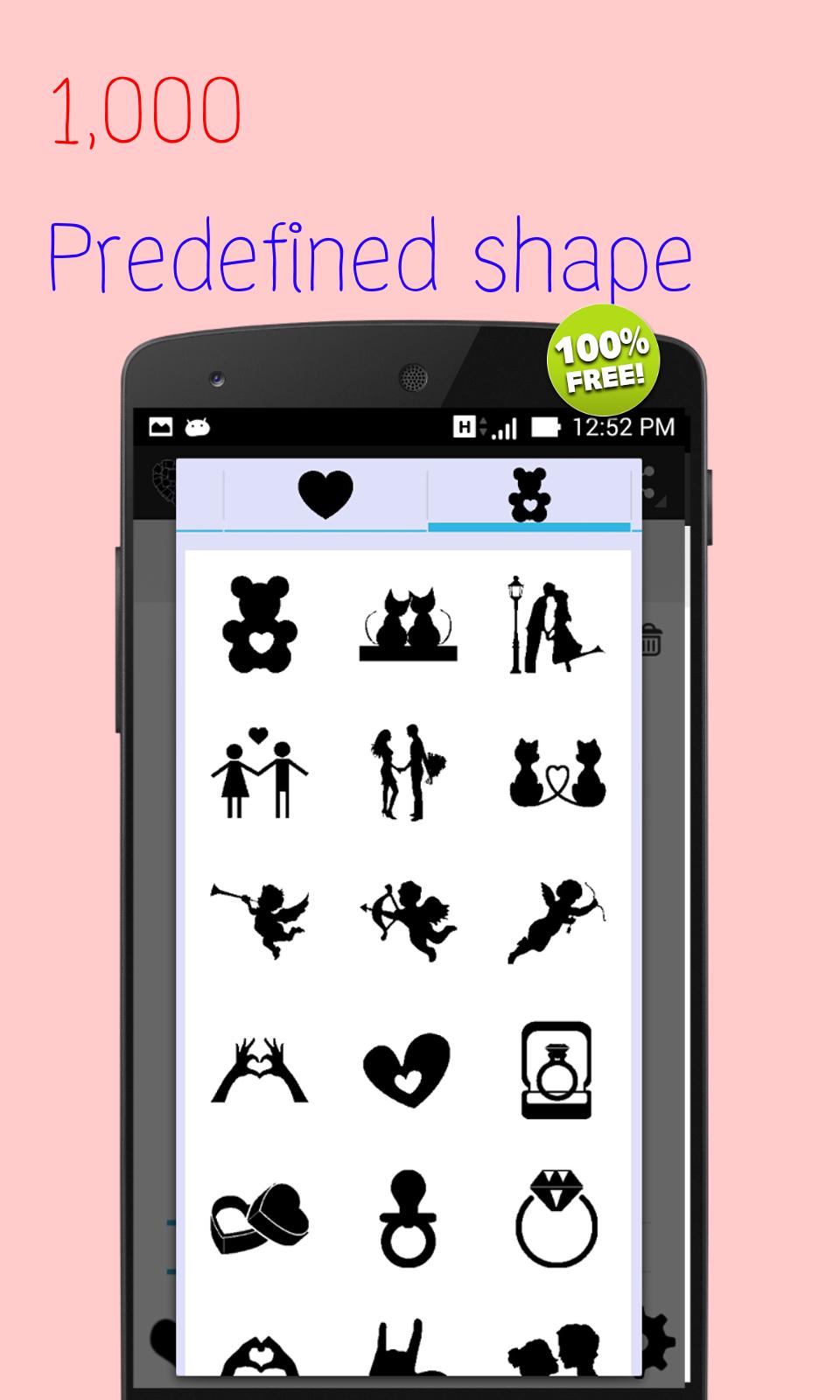
★ Tons of predefined shapes such as heart star rectangle animal map sign etc.
★ Custom shape using text number your name or your face.
★ Adjust collage size by pitch rotate and zoom
★ Adjust frame color and size
★ Change background patterns or any color including transparency background.
★ Great idea for birthday or anniversary gift
★ Add beautiful text art and stickers
★ Share the photo on Facebook, whatsapp, Instagram.
Frame Collage
Create small slide frames of photo and place in on decorated canvas like scrapbook.
Features:
★ Select multiple photo from gallery.
★ Automatically random place, adjust size your photo on canvas.
★ Free move re size, rotate, zoom in/out
★ Change background patterns or any color including transparency background.
★ Add beautiful text art and stickers
★ Further adjustment for slide effect, caption
★ Share the photo on Facebook, whatsapp, Instagram.
Roid Collage
Beautify your photo by adding frame with small slide frames collage together.
★ Select photo either from gallery or camera to create photo frames.
★ Adjust number of frames.
★ Auto adjust size match with your canvas
★ Free move adjust size,rotate, zoom in/out
★ Add beautiful text art and stickers
★ Further adjustment for slide effect, caption
★ Change background patterns or any color including transparency background.
★ Share the photo on Facebook, whatsapp, Instagram.
Name Collage
Arrange beautiful flowers, Coffee beans, heart and so on as your name, your friend's name or any name you love one. Give them as gift.
Features:
★ Just type your name
★ Change font style
★ Choose any flower or coffee bean , heart and a lot more you like
★ Change background patterns or any color including transparency background.
★ Share the photo on Facebook, whatsapp, Instagram.
Preview
Tags
PhotographyInformation
Developer
Isara Inc
Latest Version
2.2.3
Last Updated
2020-04-08
Category
Photography
Available on
Google Play
Show More
How to play Photo & Shape Collage Maker with GameLoop on PC
1. Download GameLoop from the official website, then run the exe file to install GameLoop
2. Open GameLoop and search for “Photo & Shape Collage Maker” , find Photo & Shape Collage Maker in the search results and click “Install”
3. Enjoy playing Photo & Shape Collage Maker on GameLoop
Minimum requirements
OS
Windows 8.1 64-bit or Windows 10 64-bit
GPU
GTX 1050
CPU
i3-8300
Memory
8GB RAM
Storage
1GB available space
Recommended requirements
OS
Windows 8.1 64-bit or Windows 10 64-bit
GPU
GTX 1050
CPU
i3-9320
Memory
16GB RAM
Storage
1GB available space