Panorama Maker : Photo Split PC
Appwallet Technologies
Download Panorama Maker : Photo Split on PC With GameLoop Emulator
Panorama Maker : Photo Split sa PC
Ang Panorama Maker : Photo Split, na nagmumula sa developer na Appwallet Technologies, ay tumatakbo sa Android systerm sa nakaraan.
Ngayon, maaari mong laruin ang Panorama Maker : Photo Split sa PC gamit ang GameLoop nang maayos.
I-download ito sa GameLoop library o mga resulta ng paghahanap. Hindi na tumitingin sa baterya o nakakadismaya na mga tawag sa maling oras.
I-enjoy lang ang Panorama Maker : Photo Split PC sa malaking screen nang libre!
Panorama Maker : Photo Split Panimula
Panorama Photo Split app which allows you to crop, resize, zoom, and split a full size pic to create seamless, panorama for instagram in swipe post for Instagram's with multiple photo features. No more "no crop" or "full pic" needed!
Rediscover your panoramas with an insta swipe instagram panorama photo posts. Keep your Instagram’s feed alive with swipeable panoramas! PanoramaCrop for Instagram app which easily splits your wide photos so you can make the most out of the new Instagram’s multi photo posts. Show every detail and make panorama photo split for instagram with a swipe!
Ever wanted to display your gorgeous full size insta swipe instagram panorama photos on Instagram but had to sacrifice the resolution to fit the size restrictions? Tried cropping panoramic photos on your own but ended up with jagged, misaligned images? Panorama Swipe Instagram photo fit which solves the all those problems!
With panorama for instagram in swipe, you can make and now post panorama photo on Instagram without having to compromise the true beauty and resolution of your pictures.
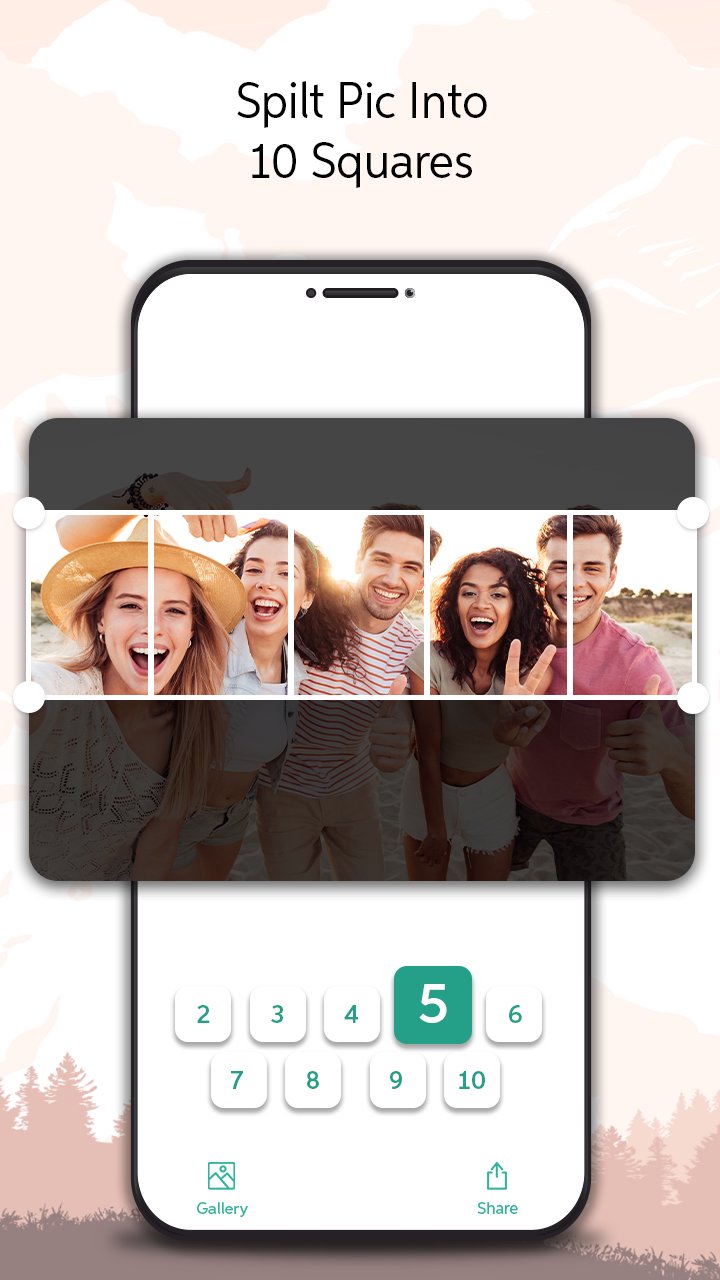
Create panorama from photos or allows you to crop and divide your photos into equal 1x1, 2x1, 3x1, 4x1, 5x1, 6x1, 7x1, 8x1, 9x1 or 10x1 panora split to create the beautiful insta swipe instagram panorama and seamless looking landscape oriented to edit photo panorama and post the instagram feeds. Inspire and gain Instagram followers by creating the immersive and interactive, swipeable and panorama split for instagram posts.
Perfect for any user looking to display the true beauty of their panorama swipe instagram, landscape oriented photos to swipeable posts for the instagram.
With PanoramaCrop for Instagram features you can do it all:
• Create Panorama from photos and spilt panorama up to 10 pictures with one touch.
• Crop, Resize,and Zoom in with one panorama split for instagram app.
• Edit the spilt panorama photo sizes as supported by the Instagram.
• Preserves photo quality to edit photo panorama swipeable post for instagram.
• High resolution image support for the instagram feed posts.
• Preview your photos and save them to the gallery.
No Crop & Square For Instagram:-
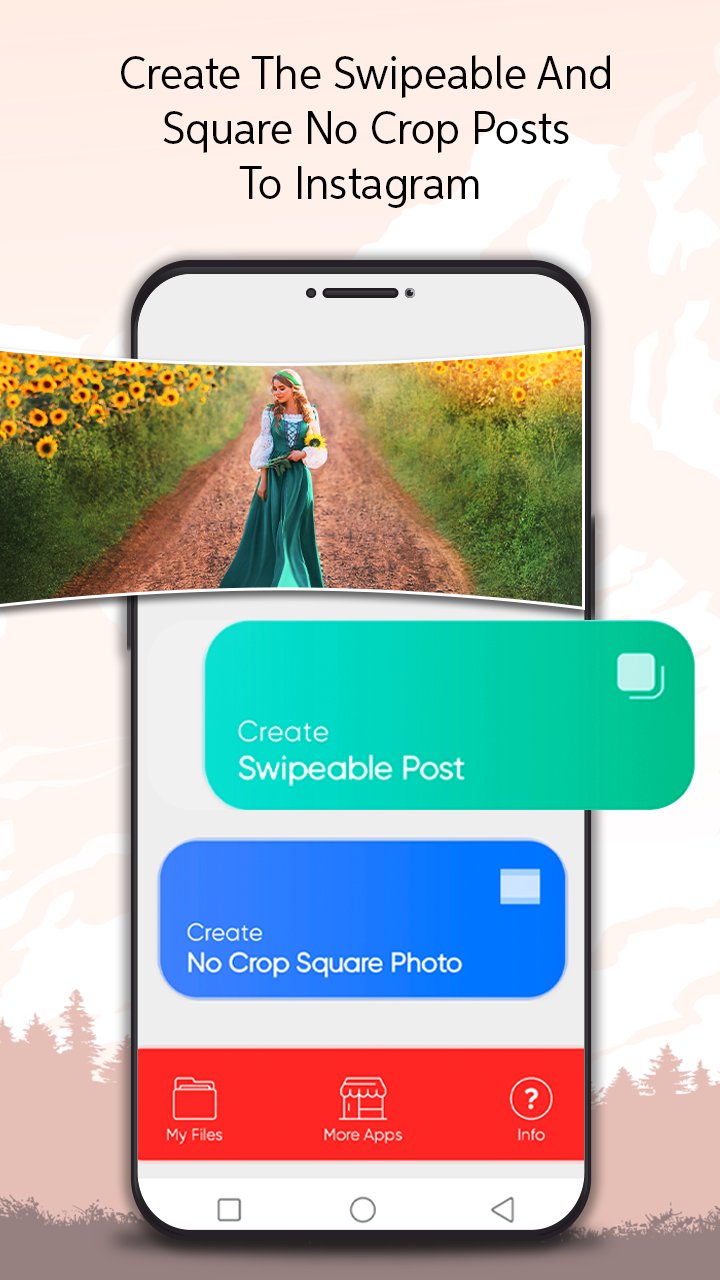
Square Photo Instagram is the simplest square pic - no crop photo editor for instagram to make post for the instagram feeds. You can even create the instagram no crop square pictures using built in no crop feature if you still prefer the old, but nice square photo instagram style. No more frustration when you have to crop your great full size photos before posting them on social networks.
You no longer need to crop your photo to a very small square (or) use square no crop photo editor and adjust the log square aspect ratios of the 5X4, 4x3, 7x5, 3x2, 5x3, 16x9 to make the square photo instagram. Use the direction option to make the resize for instagram photos of the no square crop instagram with landscape and portrait modes. Apply the different colors to the no crop instagram square photos.
Square Pic - No Crop Photo Editor for Instagram which enables you to post full sized pics on Instagram without cropping. Easily create the no crop square instagram photo in seconds! It gives you everything to edit the square pic - no crop photo editor for the instagram photo fit, it's easy to use professional tools and to edit fancy photos.
No Crop & Square For Instagram Features:-
*Allows to select the photos from mobile phone gallery.
*Adjust the log square aspect ratios of the 5x4, 4x3, 7x5, 3x2, 5x3, 16x9 to make the no crop instagram square photos.
*Use the direction option to make the resize for instagram photos of the no square crop instagram with landscape and portrait modes.
*Apply lot of the different colors to make the no crop instagram square photos.
.
*Directly post the square photos for instagram.
Download our panorama for instagram in swipe (or) the best square no crop photo editor app to make the post for the instagram feeds!!!
Preview
Tags
PhotographyInformation
Developer
Appwallet Technologies
Latest Version
1.6
Last Updated
2024-05-27
Category
Photography
Available on
Google Play
Show More
How to play Panorama Maker : Photo Split with GameLoop on PC
1. Download GameLoop from the official website, then run the exe file to install GameLoop
2. Open GameLoop and search for “Panorama Maker : Photo Split” , find Panorama Maker : Photo Split in the search results and click “Install”
3. Enjoy playing Panorama Maker : Photo Split on GameLoop
Minimum requirements
OS
Windows 8.1 64-bit or Windows 10 64-bit
GPU
GTX 1050
CPU
i3-8300
Memory
8GB RAM
Storage
1GB available space
Recommended requirements
OS
Windows 8.1 64-bit or Windows 10 64-bit
GPU
GTX 1050
CPU
i3-9320
Memory
16GB RAM
Storage
1GB available space