Kamera VIVO S.1 PC
V-GANDEVart
Download Kamera VIVO S.1 on PC With GameLoop Emulator
Kamera VIVO S.1 sa PC
Ang Kamera VIVO S.1, na nagmumula sa developer na V-GANDEVart, ay tumatakbo sa Android systerm sa nakaraan.
Ngayon, maaari mong laruin ang Kamera VIVO S.1 sa PC gamit ang GameLoop nang maayos.
I-download ito sa GameLoop library o mga resulta ng paghahanap. Hindi na tumitingin sa baterya o nakakadismaya na mga tawag sa maling oras.
I-enjoy lang ang Kamera VIVO S.1 PC sa malaking screen nang libre!
Kamera VIVO S.1 Panimula
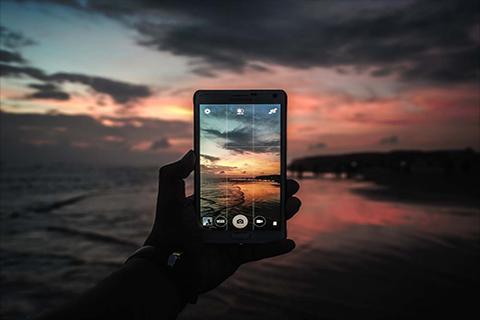
Present Photography and still so new from VIVO
In the photography sector, the Vivo S1 selfie camera has a 24.8MP resolution pop-up.
While for the rear camera, three are embedded, each with 12MP resolution (main), 8MP (wide-angle),
and 5MP (depth sensor).
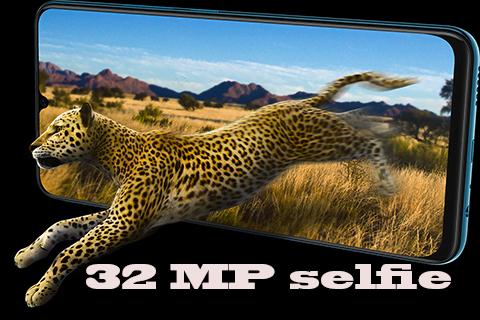
S1 has an industry leading 32MP front camera,
and Ultra HD resolution that will give your selfie results with a high level of sharpness and clarity.
This camera is also supported with several modes, such as AI Face Beauty, AI Selfie Lighting, AR Stickers, AI Filters,
and other features, can make your selfie more exciting and fun.
Supported by Sony IMX499 sensor camera, taking photos with S1 is more accurate and precise.
AI Portrait Framing helps you get the best composition and provides a pleasant experience every time you capture the moment in your life.
AI Super Wide-Angle Camera can enlarge your view up to 120 °, so that it can make it easier to see, objects and a more beautiful world. When a selfie group,
the camera will change automatically to Super Wide-Angle mode to get a wider view.
Features camera xanon :
-Potrait mode
-Automatic iso
-Manual iso
-Sport fashion
-24 Mega pixel Camera
-Rear Camera 36 Mega pixel
-Night mode
-Full manual settings for potography
Try all the features of HD DSLR Kamera VIVO S.1 for free!
Preview
Information
Developer
V-GANDEVart
Latest Version
3.0
Last Updated
2019-07-22
Category
Photography
Available on
Google Play
Show More
How to play Kamera VIVO S.1 with GameLoop on PC
1. Download GameLoop from the official website, then run the exe file to install GameLoop
2. Open GameLoop and search for “Kamera VIVO S.1” , find Kamera VIVO S.1 in the search results and click “Install”
3. Enjoy playing Kamera VIVO S.1 on GameLoop
Minimum requirements
OS
Windows 8.1 64-bit or Windows 10 64-bit
GPU
GTX 1050
CPU
i3-8300
Memory
8GB RAM
Storage
1GB available space
Recommended requirements
OS
Windows 8.1 64-bit or Windows 10 64-bit
GPU
GTX 1050
CPU
i3-9320
Memory
16GB RAM
Storage
1GB available space