
iPixel - Modern Image Editor PC
oneAppz
Download iPixel - Modern Image Editor on PC With GameLoop Emulator
iPixel - Modern Image Editor sa PC
Ang iPixel - Modern Image Editor, na nagmumula sa developer na oneAppz, ay tumatakbo sa Android systerm sa nakaraan.
Ngayon, maaari mong laruin ang iPixel - Modern Image Editor sa PC gamit ang GameLoop nang maayos.
I-download ito sa GameLoop library o mga resulta ng paghahanap. Hindi na tumitingin sa baterya o nakakadismaya na mga tawag sa maling oras.
I-enjoy lang ang iPixel - Modern Image Editor PC sa malaking screen nang libre!
iPixel - Modern Image Editor Panimula
ipixel is a best free powerful photo editing application.
If you have some knowledge of photography, you can do a lot with ipixel,
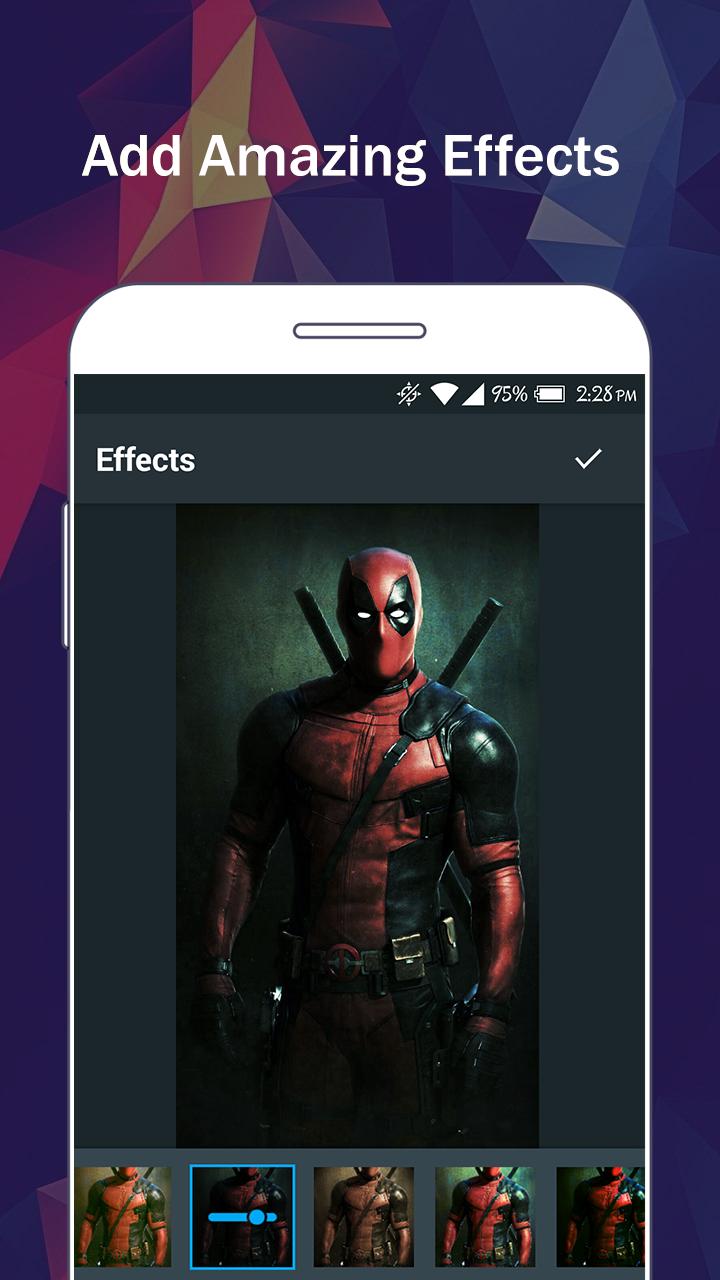
There are so many effects, stickers and features to apply to your photos!
Main Features:
- Photo filters
- Magic photo effects and frames
- Awesome stickers
- One-tap auto enhance
- Color balance
- Crop, rotate, and straighten your photo
- Adjust brightness, contrast, color temperature, and saturation
- Sharpen and blur
- Color : exposure, brightness, contrast, saturation, tint and hue
- Color temperature ("Warmth")
- Color Splash
- Easily edit with the touch and pinch-to-zoom interface
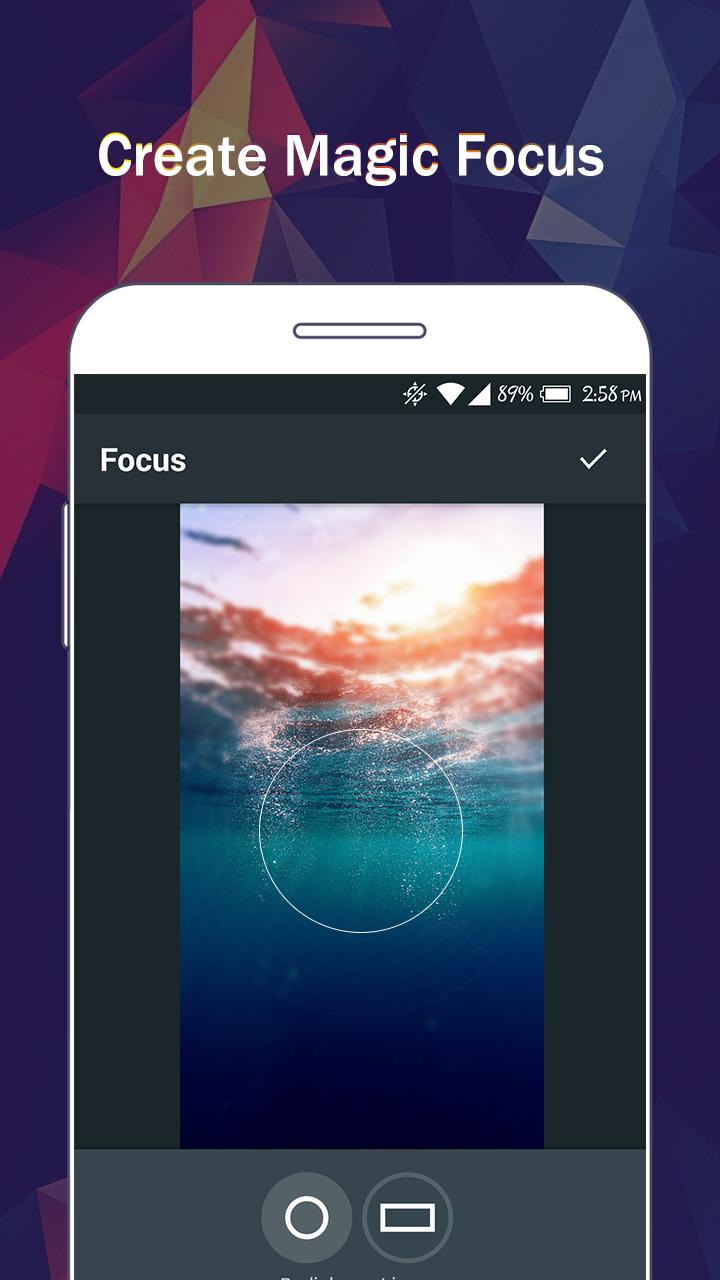
- Focus (Tilt Shift)
- Draw and add text
- Create your own memes
- Share photos with e-mail, SNS and more
Preview
Tags
PhotographyInformation
Developer
oneAppz
Latest Version
1.2.2000
Last Updated
2019-12-23
Category
Photography
Available on
Google Play
Show More
How to play iPixel - Modern Image Editor with GameLoop on PC
1. Download GameLoop from the official website, then run the exe file to install GameLoop
2. Open GameLoop and search for “iPixel - Modern Image Editor” , find iPixel - Modern Image Editor in the search results and click “Install”
3. Enjoy playing iPixel - Modern Image Editor on GameLoop
Minimum requirements
OS
Windows 8.1 64-bit or Windows 10 64-bit
GPU
GTX 1050
CPU
i3-8300
Memory
8GB RAM
Storage
1GB available space
Recommended requirements
OS
Windows 8.1 64-bit or Windows 10 64-bit
GPU
GTX 1050
CPU
i3-9320
Memory
16GB RAM
Storage
1GB available space