
Interval Background Camera PC
esukeapp
Download Interval Background Camera on PC With GameLoop Emulator
Interval Background Camera sa PC
Ang Interval Background Camera, na nagmumula sa developer na esukeapp, ay tumatakbo sa Android systerm sa nakaraan.
Ngayon, maaari mong laruin ang Interval Background Camera sa PC gamit ang GameLoop nang maayos.
I-download ito sa GameLoop library o mga resulta ng paghahanap. Hindi na tumitingin sa baterya o nakakadismaya na mga tawag sa maling oras.
I-enjoy lang ang Interval Background Camera PC sa malaking screen nang libre!
Interval Background Camera Panimula
I can only Japanese.
I use the translation.
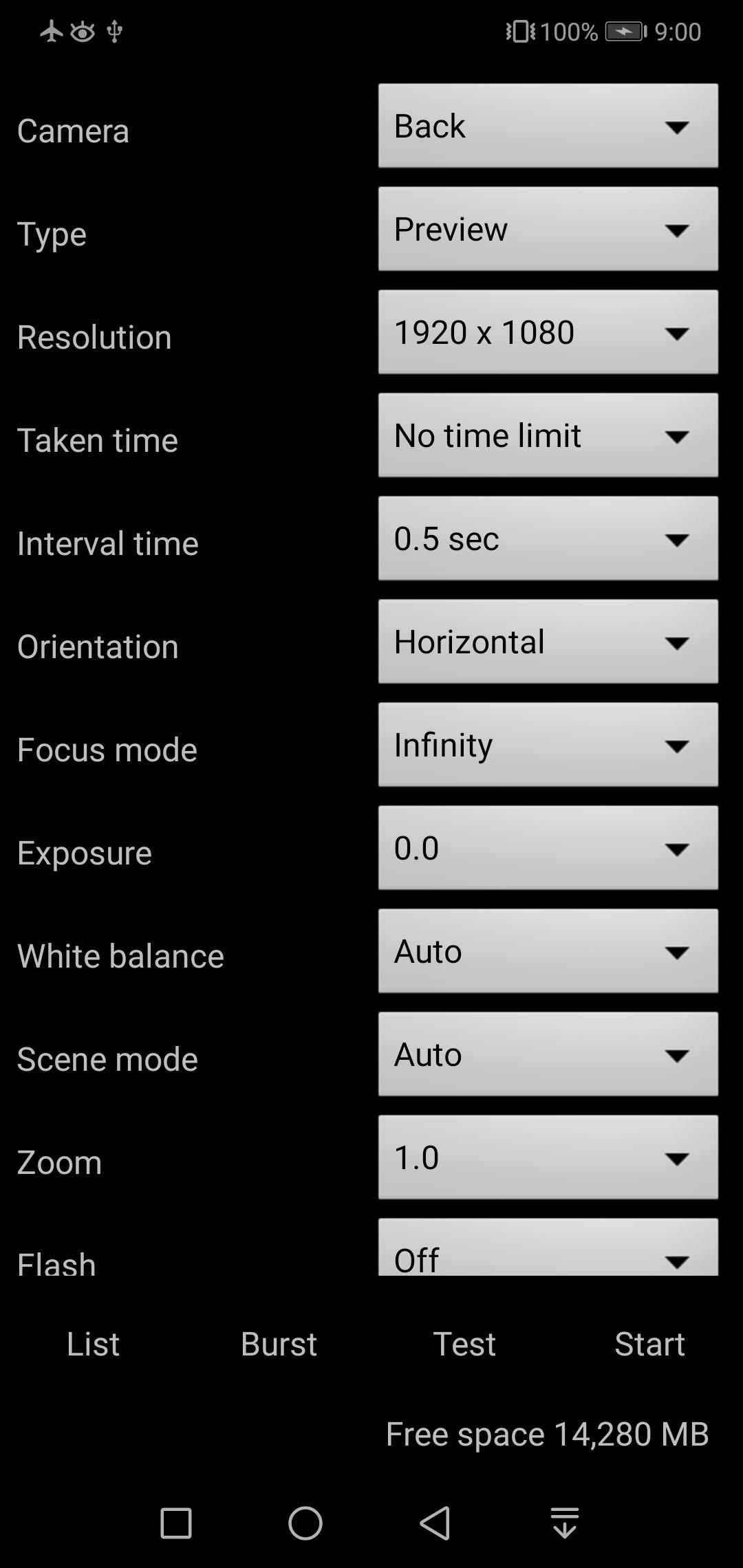
It is a camera application for use in interval shooting for plant growth observation, fixed point observation, and surveillance for crime prevention purposes.
After entering the settings you like, you can check it with a test shot, and if there are no problems, you can use it by simply pressing the start button to start.
There are two types: preview shooting (silent shooting) and camera shooting (high image quality).
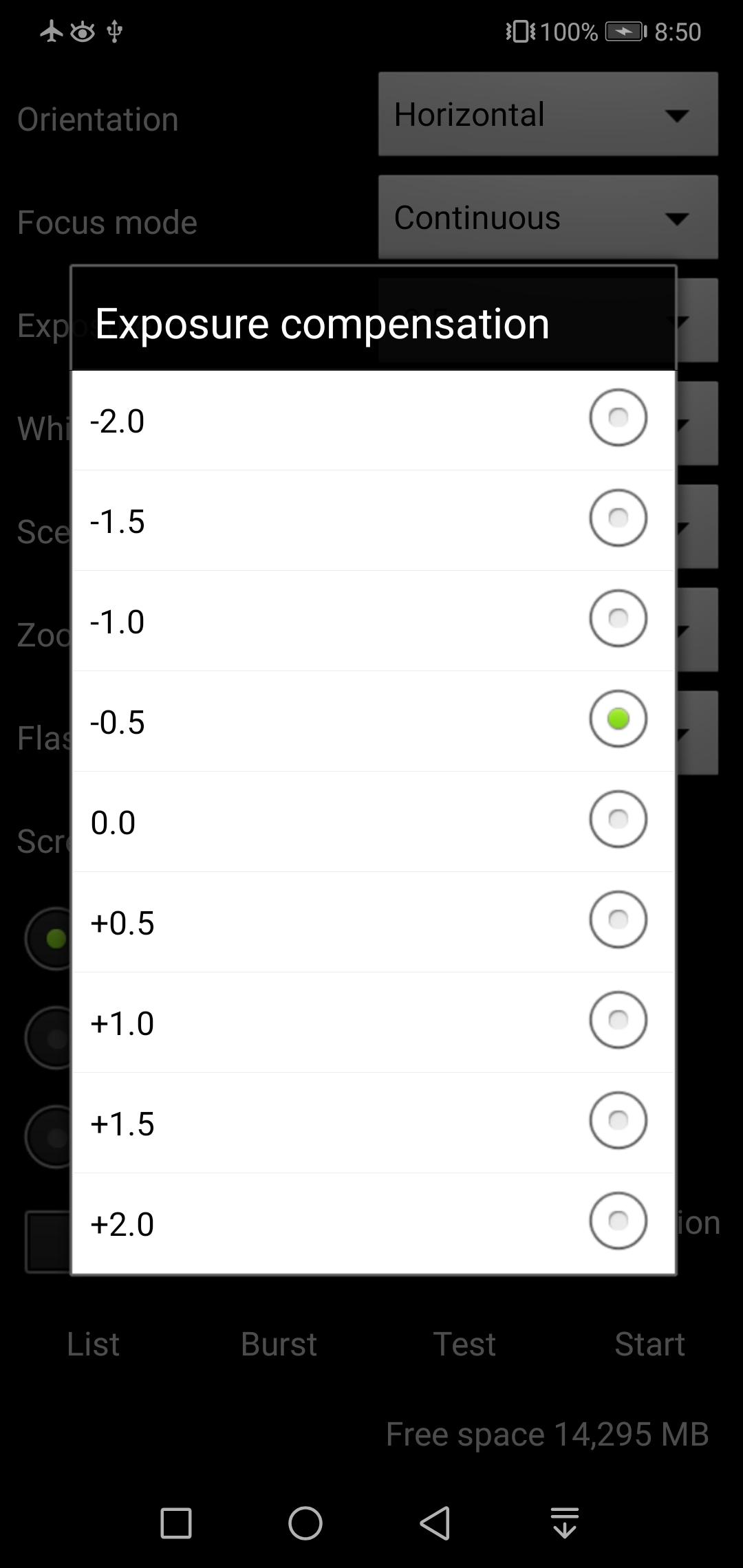
You can make detailed settings such as autofocus, exposure compensation, white balance, scene mode, color effect, zoom, and flash mode, so you can use it according to the shooting scene.
If you set the focus continuously, you can shoot continuously while following.
You can shoot in the background with the screen turned off for fixed point observation.
There is a slide show function that allows you to browse the photos you have taken at high speed.
There is a function to automatically delete old image files when the capacity is insufficient.
You can shoot movies in the background, and you can also set the resolution and image quality.
Set according to your preference, such as high-quality shooting and long-time shooting with a reduced file size.
Free version restrictions
It is necessary to display an advertisement to increase the shooting time and the number of shots.
If you have any questions or requests, please give us details.
※Note
It may accelerate the deterioration of the main body.
The developer is not responsible for any damage caused by this application.
Preview
Tags
PhotographyInformation
Developer
esukeapp
Latest Version
3.1.2
Last Updated
2021-08-30
Category
Photography
Available on
Google Play
Show More
How to play Interval Background Camera with GameLoop on PC
1. Download GameLoop from the official website, then run the exe file to install GameLoop
2. Open GameLoop and search for “Interval Background Camera” , find Interval Background Camera in the search results and click “Install”
3. Enjoy playing Interval Background Camera on GameLoop
Minimum requirements
OS
Windows 8.1 64-bit or Windows 10 64-bit
GPU
GTX 1050
CPU
i3-8300
Memory
8GB RAM
Storage
1GB available space
Recommended requirements
OS
Windows 8.1 64-bit or Windows 10 64-bit
GPU
GTX 1050
CPU
i3-9320
Memory
16GB RAM
Storage
1GB available space