
ePhoto France PC
Smartphone iD
Download ePhoto France on PC With GameLoop Emulator
ePhoto France sa PC
Ang ePhoto France, na nagmumula sa developer na Smartphone iD, ay tumatakbo sa Android systerm sa nakaraan.
Ngayon, maaari mong laruin ang ePhoto France sa PC gamit ang GameLoop nang maayos.
I-download ito sa GameLoop library o mga resulta ng paghahanap. Hindi na tumitingin sa baterya o nakakadismaya na mga tawag sa maling oras.
I-enjoy lang ang ePhoto France PC sa malaking screen nang libre!
ePhoto France Panimula
Take your ID photo with an ePhoto code directly from your smartphone.
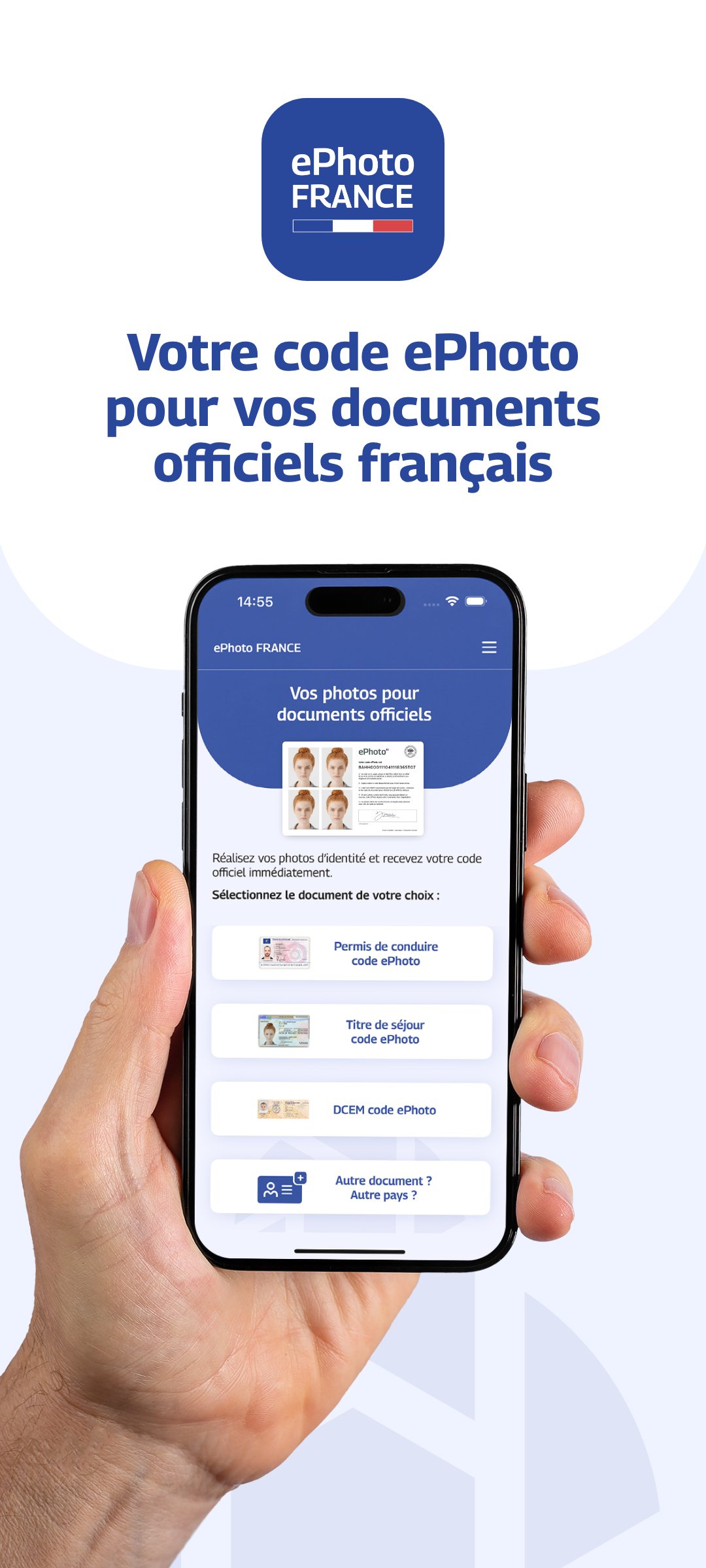
With ePhoto France, take an ID photo that meets administrative standards and get your official ePhoto code for your online applications: driver's license, residence permit, DCEM (Document de Circulation pour Étranger Mineur - Travel Document for Foreign Minors), etc.
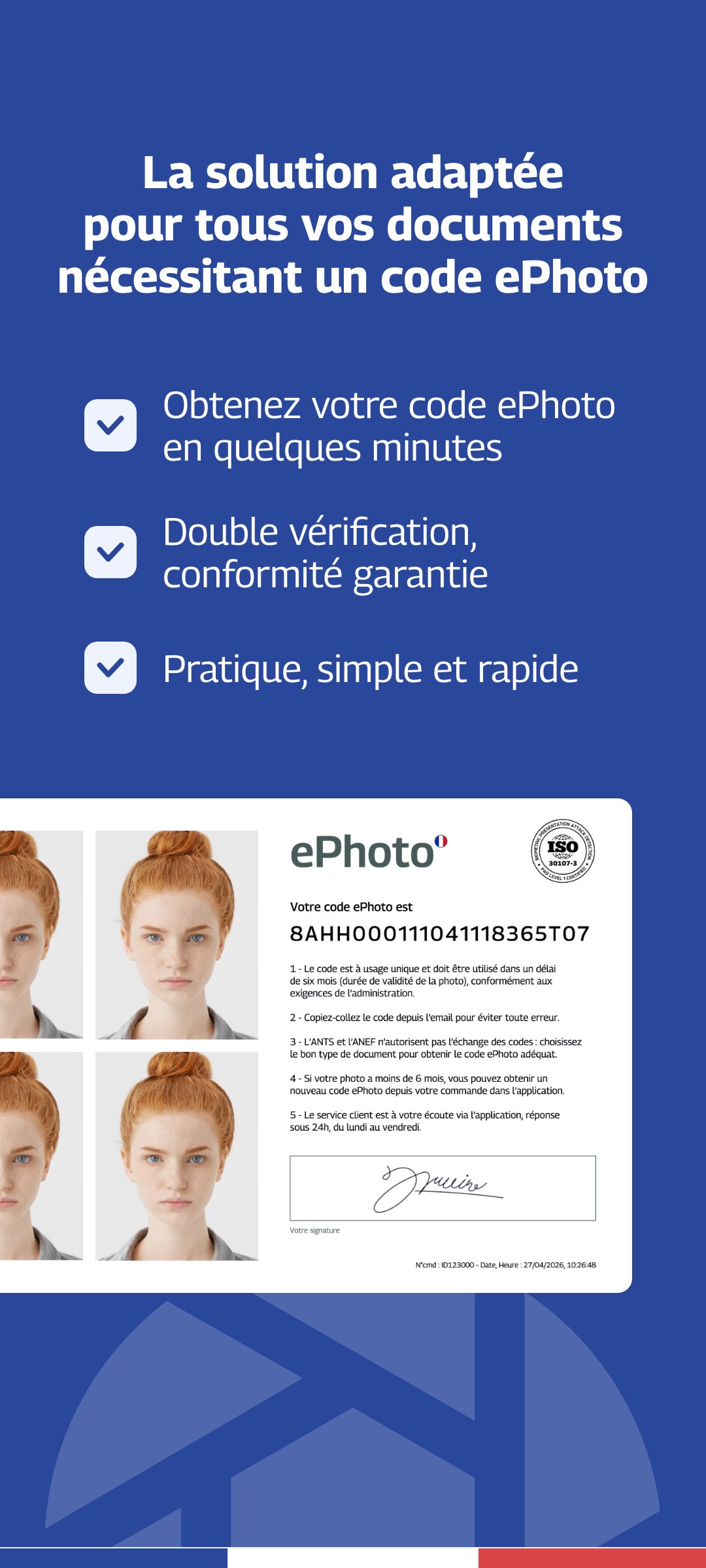
An ePhoto is a digital ID photo accompanied by an electronic signature.
The ePhoto code is required for certain online administrative procedures, particularly on the French government website.
Application compliant with the requirements of the Ministry of the Interior.
Thanks to our advanced verification technology combined with human review, your photos are checked to guarantee their compliance with official standards.
No need to look for a photo booth or a photographer.
Take your ID photos directly at home, with your smartphone.
Our solution is particularly suitable for:
- babies and children
- people living in rural areas
- people with reduced mobility
Take your photo and automatically get your ePhoto code and your ID photo in the correct format.
For which applications:
- Driver's license
- Residence permit
- DCEM (Travel document for foreign minors)
What you will receive:
- Your passport photo compliant with the standards
- Your digital signature
- Your ePhoto code
- Delivery by email in less than one hour
Guarantee:
Photo accepted by the administration or 100% refund.
Tips for a successful photo:
1 - Use a plain, light background
2 - Look directly at the camera
3 - Avoid any shadows on your face
4 - Take the photo in a well-lit area
Tip: Ask a friend or family member for help and use your smartphone's rear camera.
Preview
Tags
PhotographyInformation
Developer
Smartphone iD
Latest Version
2.10
Last Updated
2026-04-13
Category
Photography
Available on
Google Play
Show More
How to play ePhoto France with GameLoop on PC
1. Download GameLoop from the official website, then run the exe file to install GameLoop
2. Open GameLoop and search for “ePhoto France” , find ePhoto France in the search results and click “Install”
3. Enjoy playing ePhoto France on GameLoop
Minimum requirements
OS
Windows 8.1 64-bit or Windows 10 64-bit
GPU
GTX 1050
CPU
i3-8300
Memory
8GB RAM
Storage
1GB available space
Recommended requirements
OS
Windows 8.1 64-bit or Windows 10 64-bit
GPU
GTX 1050
CPU
i3-9320
Memory
16GB RAM
Storage
1GB available space