
HD Profile Picture Downloader PC
QMLab
Download HD Profile Picture Downloader on PC With GameLoop Emulator
HD Profile Picture Downloader sa PC
Ang HD Profile Picture Downloader, na nagmumula sa developer na QMLab, ay tumatakbo sa Android systerm sa nakaraan.
Ngayon, maaari mong laruin ang HD Profile Picture Downloader sa PC gamit ang GameLoop nang maayos.
I-download ito sa GameLoop library o mga resulta ng paghahanap. Hindi na tumitingin sa baterya o nakakadismaya na mga tawag sa maling oras.
I-enjoy lang ang HD Profile Picture Downloader PC sa malaking screen nang libre!
HD Profile Picture Downloader Panimula
How to view someone else's Instagram profile picture with the "View full Instagram profile picture" application?
One inconvenience that Instagram users face is that they cannot see other people's profile pictures in full and full resolution.
This can be a bit difficult if you are a little curious about your crush's profile picture or a stranger suddenly follows you, for example.
In terms of privacy, Instagram's profile picture is actually like a "statement" about the account owner personally, to more or less create an impression or identity with others, so your "curious" If you want to see the full resolution, there's nothing wrong with that.
In particular, you can also use this application to save your own avatar if you accidentally delete the original image.
With the "View full Instagram profile picture" tool you can use to make this task very simple and accessible from any device with an internet connection.
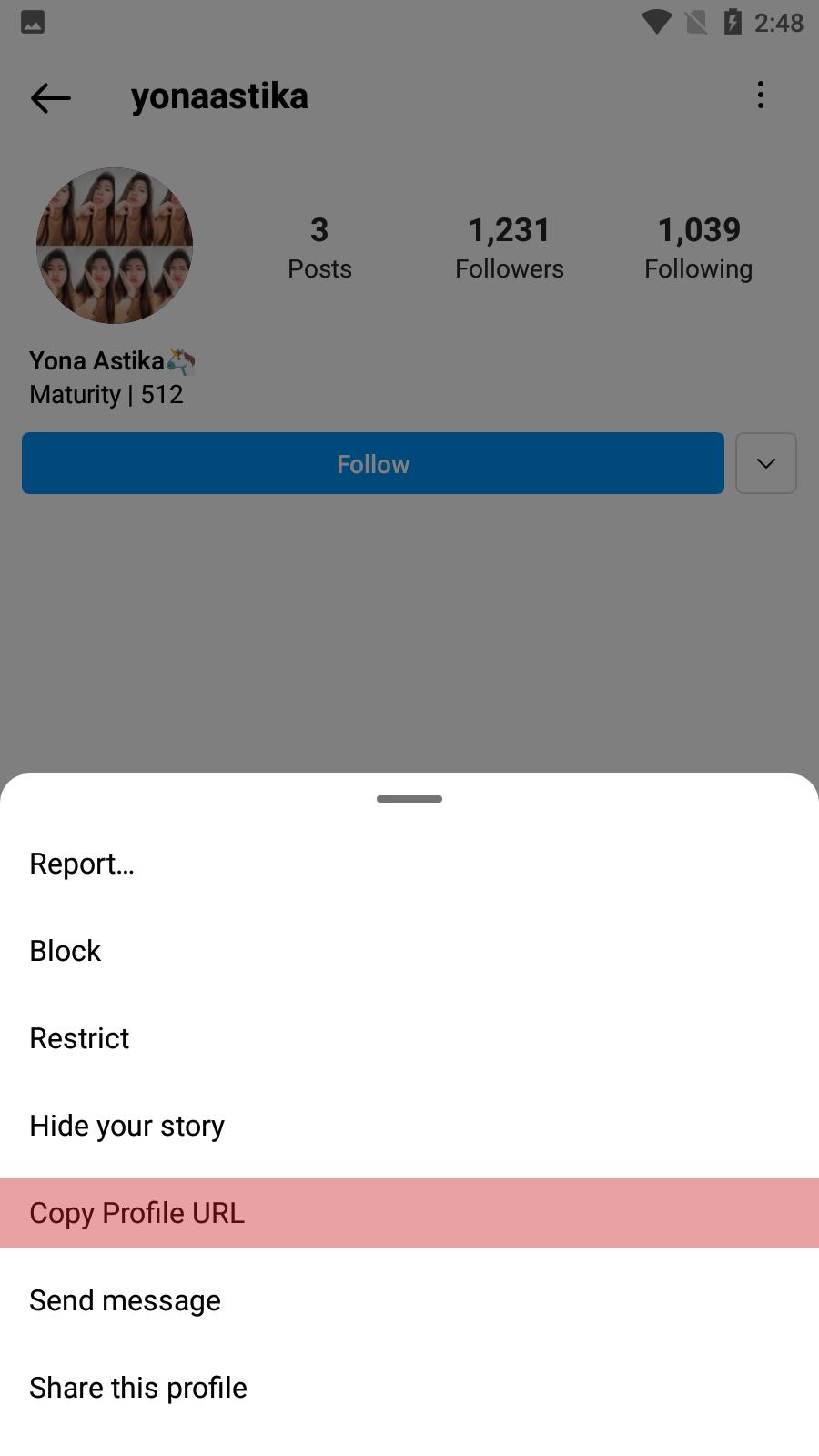
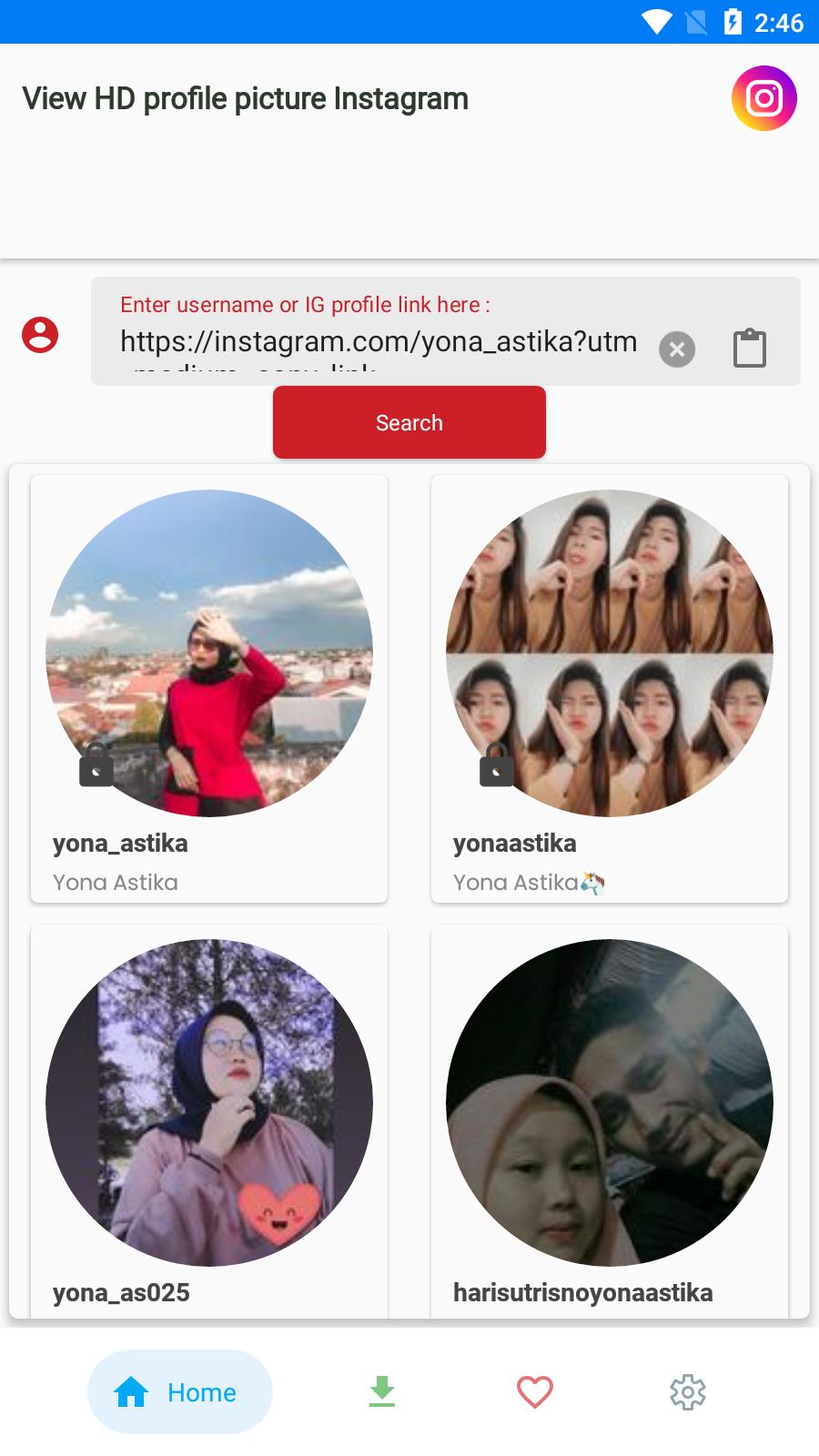
Just enter the account name or profile page address of the person you want to see the profile picture, and wait a bit and see the results. You can download or view the profile picture in large size.
Preview
Tags
PhotographyInformation
Developer
QMLab
Latest Version
16
Last Updated
2023-10-06
Category
Photography
Available on
Google Play
Show More
How to play HD Profile Picture Downloader with GameLoop on PC
1. Download GameLoop from the official website, then run the exe file to install GameLoop
2. Open GameLoop and search for “HD Profile Picture Downloader” , find HD Profile Picture Downloader in the search results and click “Install”
3. Enjoy playing HD Profile Picture Downloader on GameLoop
Minimum requirements
OS
Windows 8.1 64-bit or Windows 10 64-bit
GPU
GTX 1050
CPU
i3-8300
Memory
8GB RAM
Storage
1GB available space
Recommended requirements
OS
Windows 8.1 64-bit or Windows 10 64-bit
GPU
GTX 1050
CPU
i3-9320
Memory
16GB RAM
Storage
1GB available space
