Garden Photo Blender & Editor PC
MVLTR Apps
Download Garden Photo Blender & Editor on PC With GameLoop Emulator
Garden Photo Blender & Editor sa PC
Ang Garden Photo Blender & Editor, na nagmumula sa developer na MVLTR Apps, ay tumatakbo sa Android systerm sa nakaraan.
Ngayon, maaari mong laruin ang Garden Photo Blender & Editor sa PC gamit ang GameLoop nang maayos.
I-download ito sa GameLoop library o mga resulta ng paghahanap. Hindi na tumitingin sa baterya o nakakadismaya na mga tawag sa maling oras.
I-enjoy lang ang Garden Photo Blender & Editor PC sa malaking screen nang libre!
Garden Photo Blender & Editor Panimula
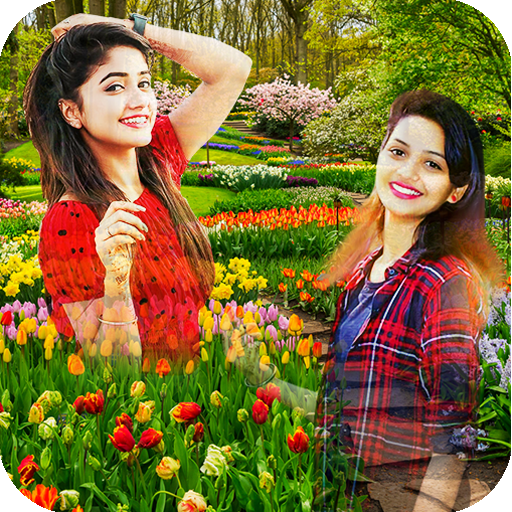
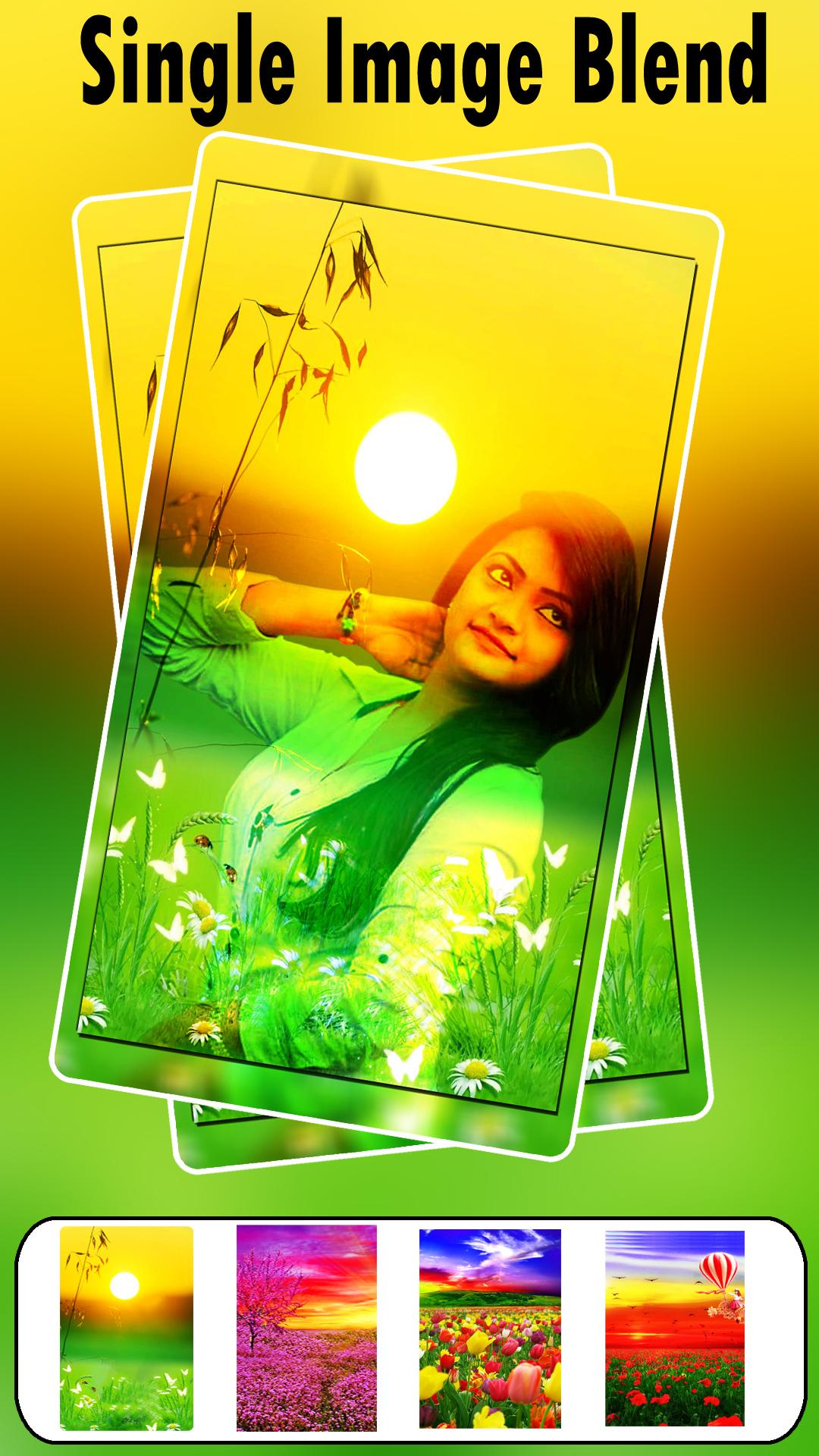
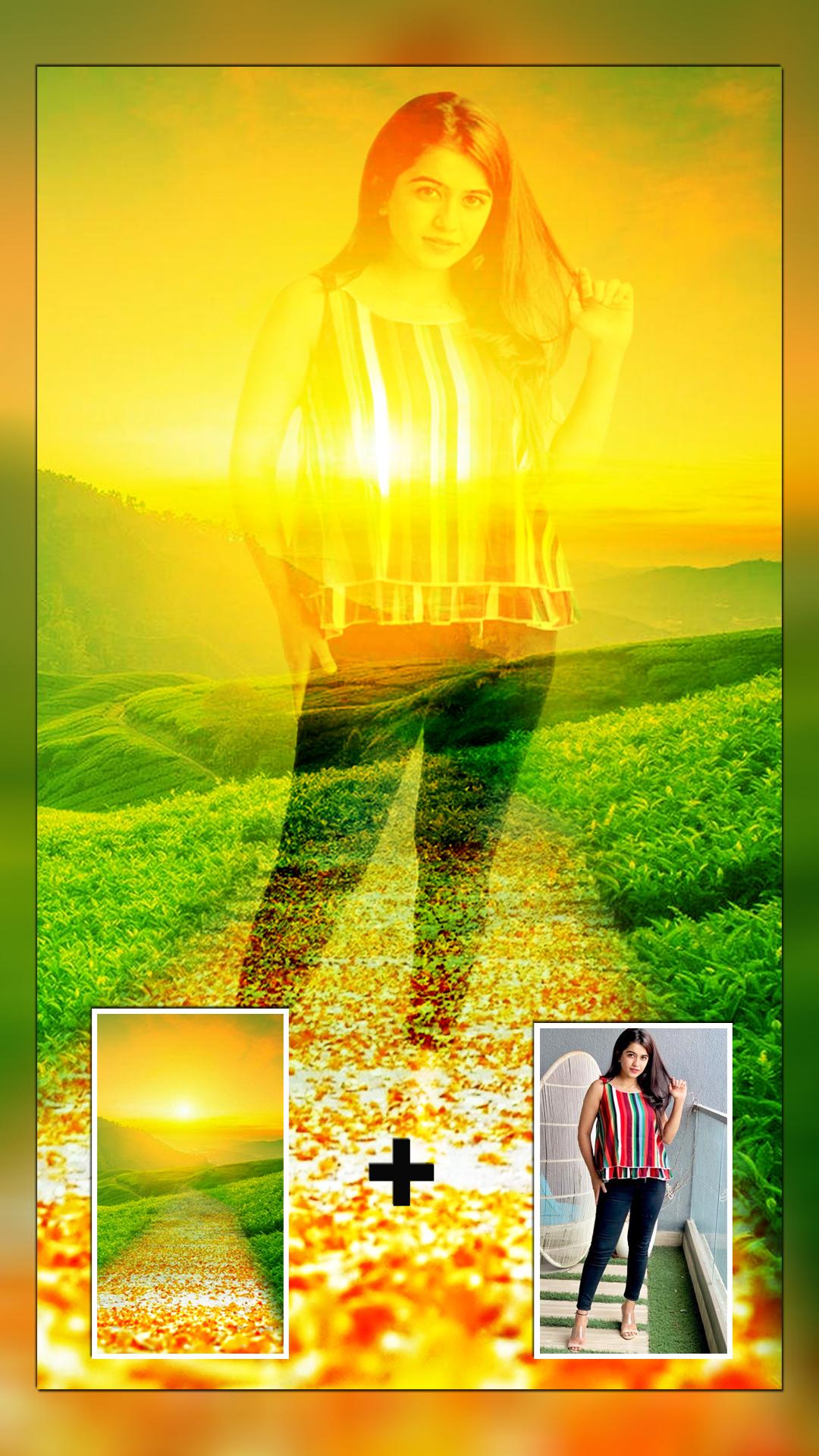
Create amazing photo blending effects with the Garden Photo Blender. This app lets you create a double exposure effect by overlaying your photos onto beautiful garden-themed HD backgrounds. Select a photo from your gallery or capture one with your camera. Choose a garden background and adjust the blend level for the perfect look. You can also add custom text and fun stickers to personalize your creation.
Transform your photos into beautiful works of art with Garden Photo Frames & Editor. Our app is the perfect tool for creating stunning, professional-looking photos with a touch of nature. Whether you're a seasoned photo editor or just starting, our intuitive and easy-to-use interface makes it simple to create beautiful images.
Key Features:
Garden-Themed Frames: Choose from a wide variety of beautiful and serene garden-themed photo frames. From lush green landscapes to vibrant flower gardens, we have a frame for every occasion.
Transparent Photo Frames: Our unique transparent frames allow you to blend your photos seamlessly with the garden backgrounds. This creates a stunning and realistic effect that will make your photos stand out.
Photo Blender: Mix and blend your photos with our beautiful garden backgrounds to create unique and captivating compositions.
Photo Editor: Our app comes with a powerful photo editor that allows you to enhance your photos with a variety of tools. You can crop, rotate, and adjust the brightness, contrast, and saturation of your photos.
Stickers and Text: Add a personal touch to your photos with our collection of fun and creative stickers. You can also add text to your photos to create personalized messages.
Easy to Use: Our app is designed to be easy to use, with a simple and intuitive interface. You don't need any prior experience with photo editing to create beautiful images with our app.
Share Your Creations: Once you've created your masterpiece, you can easily share it with your friends and family on social media.
🌱 Why MVLTR Apps?
We blend creativity with simplicity, giving users of all ages a chance to express themselves through nature-themed photo edits. Whether you're escaping the city in a photo or just adding a natural touch to your selfie, MVLTR Apps brings the garden to you.
Preview
Tags
PhotographyInformation
Developer
MVLTR Apps
Latest Version
1.42
Last Updated
2025-09-24
Category
Photography
Available on
Google Play
Show More
How to play Garden Photo Blender & Editor with GameLoop on PC
1. Download GameLoop from the official website, then run the exe file to install GameLoop
2. Open GameLoop and search for “Garden Photo Blender & Editor” , find Garden Photo Blender & Editor in the search results and click “Install”
3. Enjoy playing Garden Photo Blender & Editor on GameLoop
Minimum requirements
OS
Windows 8.1 64-bit or Windows 10 64-bit
GPU
GTX 1050
CPU
i3-8300
Memory
8GB RAM
Storage
1GB available space
Recommended requirements
OS
Windows 8.1 64-bit or Windows 10 64-bit
GPU
GTX 1050
CPU
i3-9320
Memory
16GB RAM
Storage
1GB available space