
Dazz Cam PC
Darrin Hamilton
Download Dazz Cam on PC With GameLoop Emulator
Dazz Cam sa PC
Ang Dazz Cam, na nagmumula sa developer na Darrin Hamilton, ay tumatakbo sa Android systerm sa nakaraan.
Ngayon, maaari mong laruin ang Dazz Cam sa PC gamit ang GameLoop nang maayos.
I-download ito sa GameLoop library o mga resulta ng paghahanap. Hindi na tumitingin sa baterya o nakakadismaya na mga tawag sa maling oras.
I-enjoy lang ang Dazz Cam PC sa malaking screen nang libre!
Dazz Cam Panimula
🥗Dazz Cam - Capture every valuable moment
- Makes each moment in lifestyles as treasured as it supposed
- Recreate reminiscences with image old use retro filter of Dazz camera app
- Bring you back to the images length of the 90s with romance, classic style, vintage film filter
- Help you can go away the modern-day photographic data like the old ones
🍋Dazz Cam - Best retro digicam consequences with vintage style
- Prominent with a classic style between modern-day glide just after a few touches
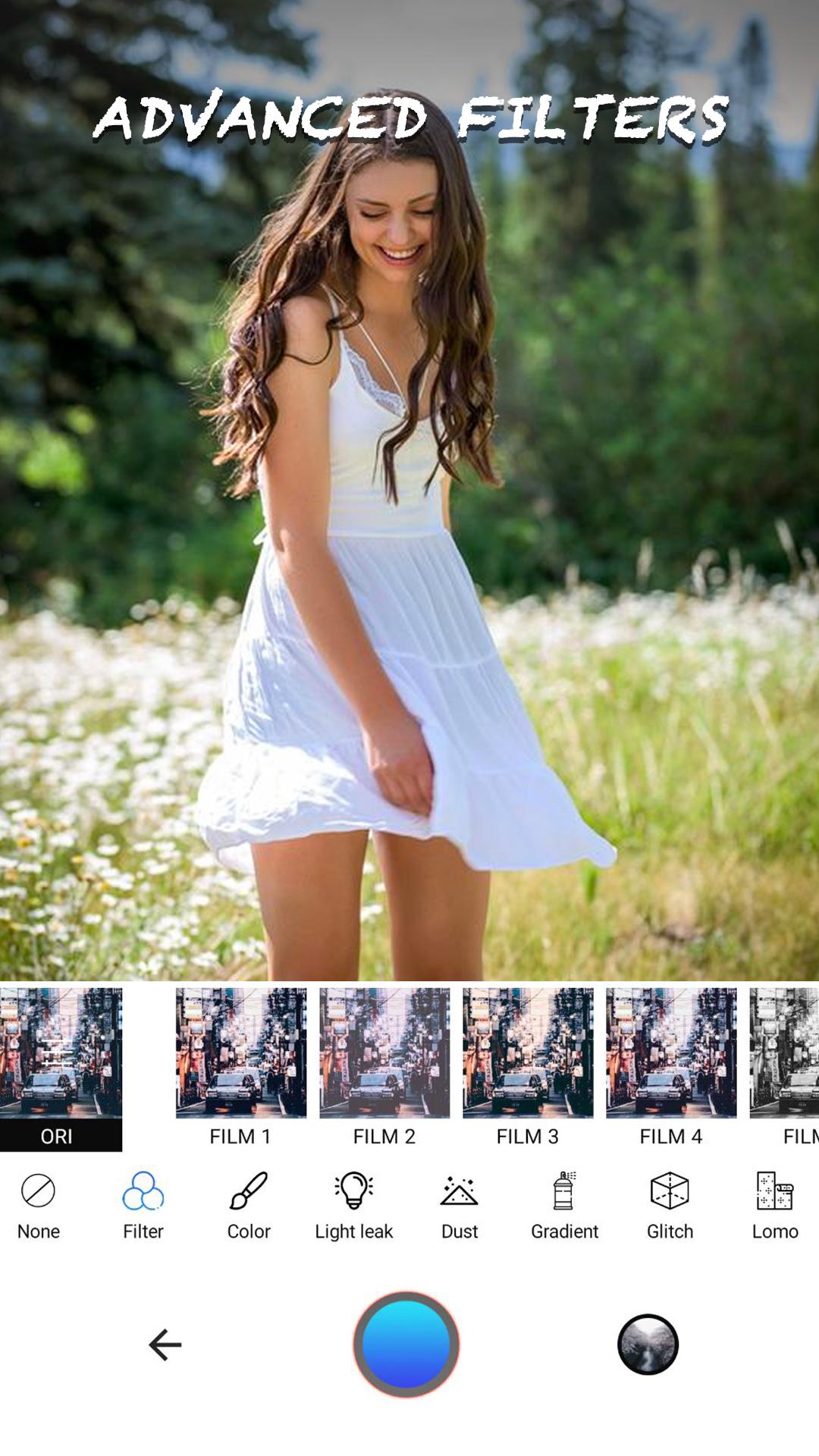
- Lots of live retro filters & vintage photograph effects will make your magnificent pix stand out
- Use the retro filters to make beautiful picture vintage
🎯Features
★ Auto-create images in an immediately with the old feeling
★ +50 professionally designed historic film filters
★ Nondestructive editing
★ +60 light leak filters
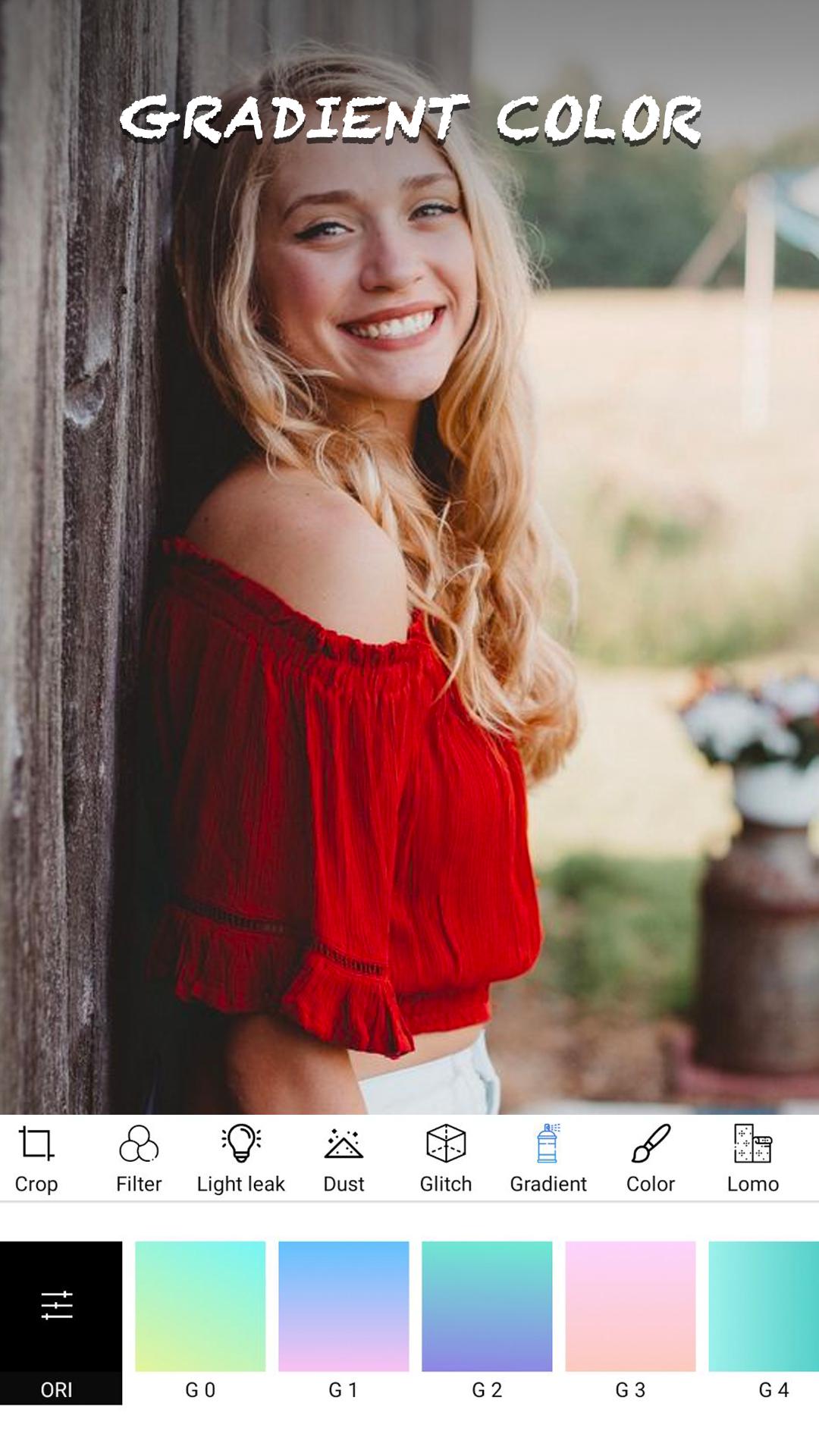
★ Lomo filters. Adjustments
★ Go back & change whatever you want
★ Easy share tools
★ +50 film scratches & dust
★ Share perfect analogue pics on social media
Preview
Information
Developer
Darrin Hamilton
Latest Version
1.2
Last Updated
2021-07-01
Category
Photography
Available on
Google Play
Show More
How to play Dazz Cam with GameLoop on PC
1. Download GameLoop from the official website, then run the exe file to install GameLoop
2. Open GameLoop and search for “Dazz Cam” , find Dazz Cam in the search results and click “Install”
3. Enjoy playing Dazz Cam on GameLoop
Minimum requirements
OS
Windows 8.1 64-bit or Windows 10 64-bit
GPU
GTX 1050
CPU
i3-8300
Memory
8GB RAM
Storage
1GB available space
Recommended requirements
OS
Windows 8.1 64-bit or Windows 10 64-bit
GPU
GTX 1050
CPU
i3-9320
Memory
16GB RAM
Storage
1GB available space