
Cut And Paste Photo Editor With Background Eraser PC
Jacinto Macias
Download Cut And Paste Photo Editor With Background Eraser on PC With GameLoop Emulator
Cut And Paste Photo Editor With Background Eraser sa PC
Ang Cut And Paste Photo Editor With Background Eraser, na nagmumula sa developer na Jacinto Macias, ay tumatakbo sa Android systerm sa nakaraan.
Ngayon, maaari mong laruin ang Cut And Paste Photo Editor With Background Eraser sa PC gamit ang GameLoop nang maayos.
I-download ito sa GameLoop library o mga resulta ng paghahanap. Hindi na tumitingin sa baterya o nakakadismaya na mga tawag sa maling oras.
I-enjoy lang ang Cut And Paste Photo Editor With Background Eraser PC sa malaking screen nang libre!
Cut And Paste Photo Editor With Background Eraser Panimula
Do you know how to have an impressive photo? Let us give you some tips!
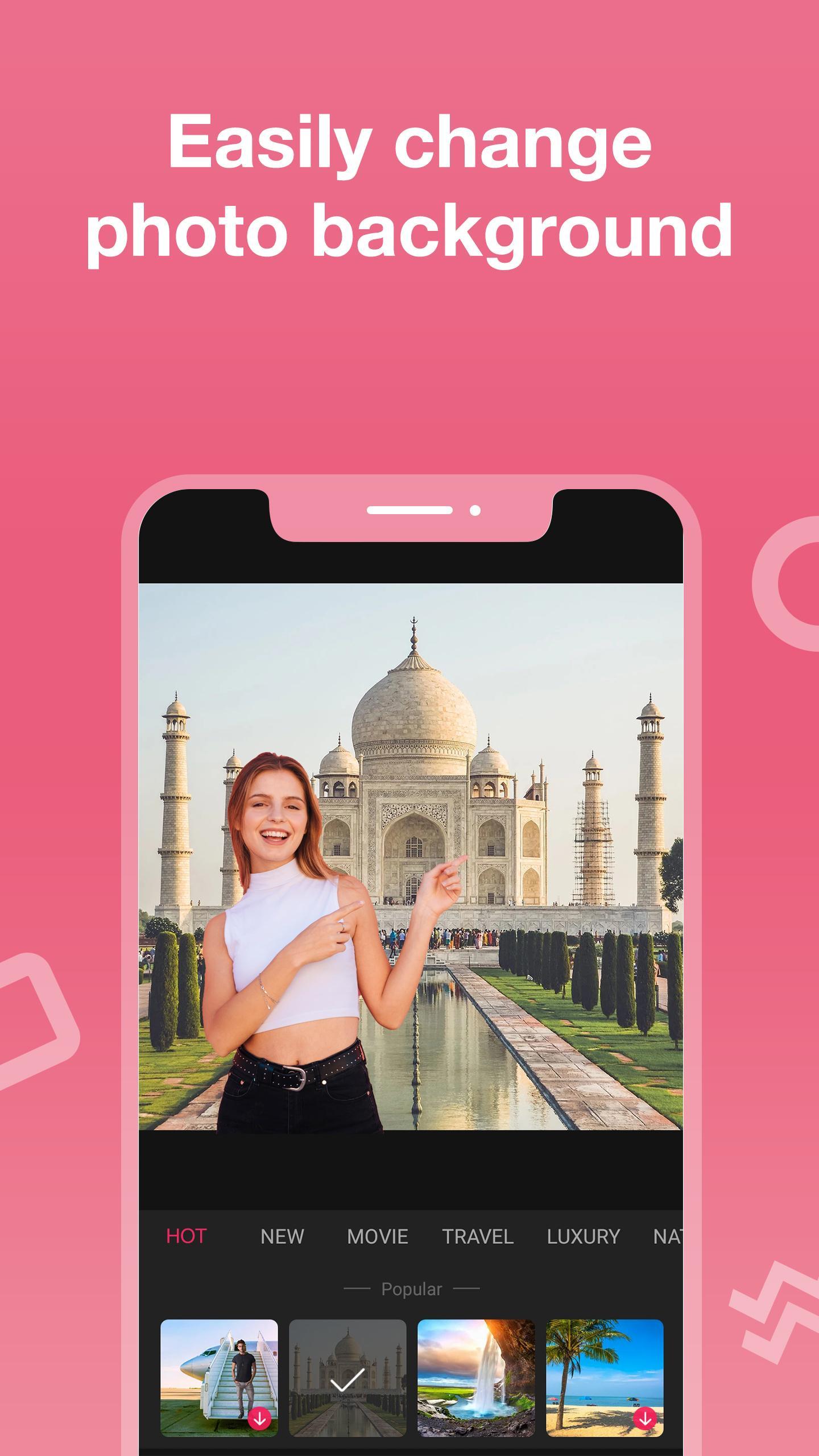
😎 Photo background editor, put your photos on famous place so that other people admire you
😎 Cut photo editor, match faces with model, superheroes, astronauts, ...
😎 Text on photo editor, insert status right on photo to get more likes
😎 Photo stickers editor, decorate photos more vividly
😎 Blur images to hide areas that are not good
😎 Draw on photos, highlight some points
😎 Rotate photo editor, make your photo more unique with new angle
You can do all of these things without installing multiple products because our HD photo editor background change application can do it all and do more like crop photo in circle, lighten pictures, photo editor filters and effects,... Are you ready to explore the background cutter app now?
Features of background remover app
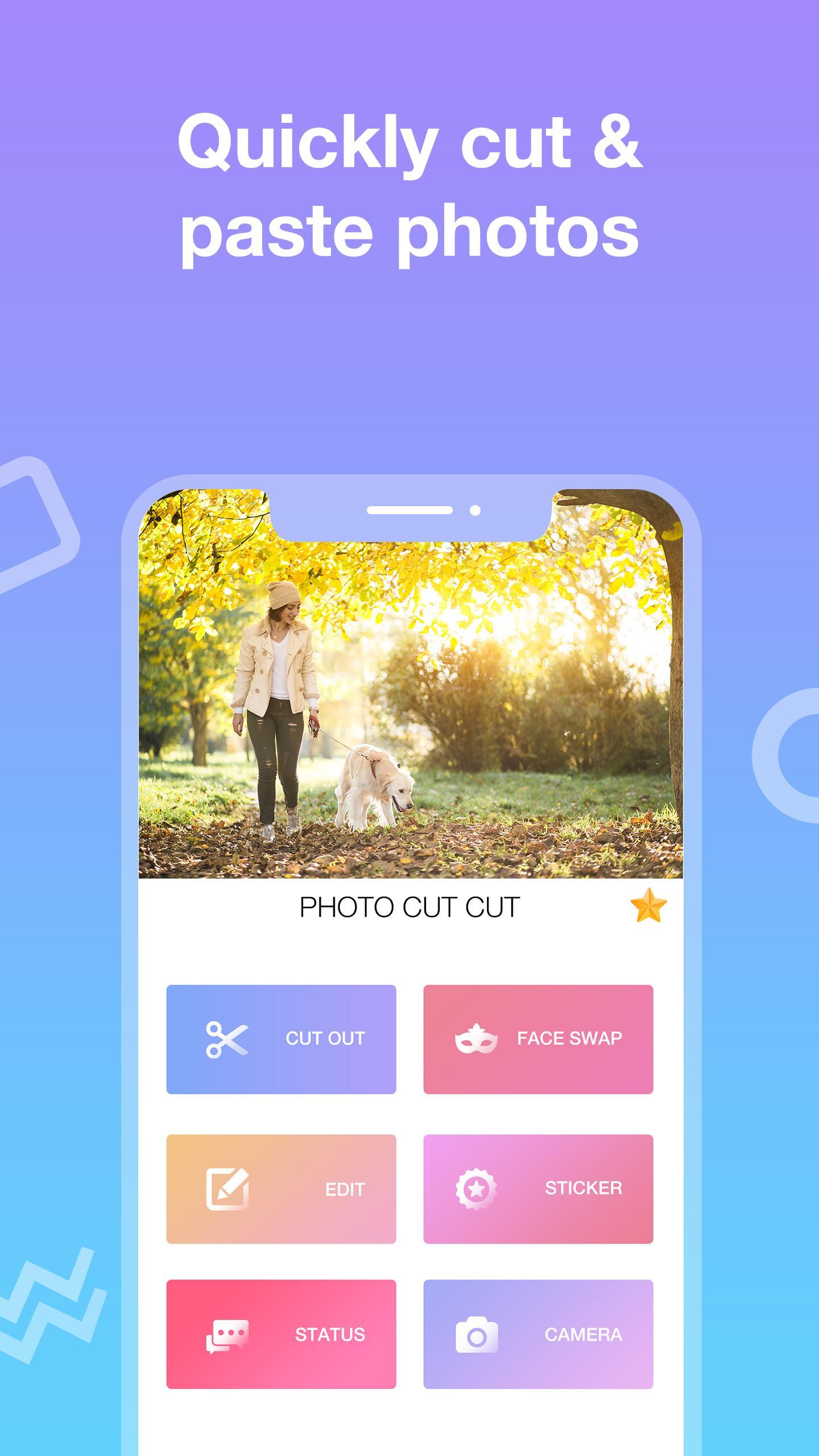
1. Background eraser and editor
+ Select 1 photo for photo cutter background changer
+ Select the area you want to cut photos and paste
+ Conducting photo cutter new
+ Change change the background of your photo
+ Add photo filters and effects for photos
+ Insert cute sticker for pictures
+ Add meaningful messages, words on photo editor
2. Face Swap
+ Take a photo to edit
+ Or choose a photo available in the library
+ Select a sample to edit
3. Image editor
+ Select 1 photo for picture editor free
+ Multi-purpose photo editing HD quality: crop photo editor, rotate photos, stickers, picture editor with text, cut and paste photo editor, blur, ...
4. Photo sticker
+ Make your photos more eye-catching with giant sticker warehouse
+ Change position and size when adding sticker
5. Message
+ The auto crop photo background changer app provides a message store with many topics, helping you to have more impressive photos, image editor with text edit
6. Smart camera
+ Take beautiful photos with filters
Highlights of change background color app
👆 Easy photo cutter and editor
👆 Quick background changer of photo
👆 Full set of photo editor free
👆 Impressive sticker collection
👆 Warehouse of meaningful messages
👆 Easy to cut photo editor background, change background in photo
👆 App to edit background photo is suitable for all ages
👆 Small photo cutter and paste application capacity
👆 Free HD photo editor background change
The edit background HD application has too many useful features, right? Download the background cutter and changer application to own the most unique photos!
If you have any requirements about photo background remover app or have difficulty using background editor for pics, please leave a comment below. The development team always strives to bring you the best background changer photo editor application.
Please rate 5* background eraser and remover to support the developer!
Preview
Information
Developer
Jacinto Macias
Latest Version
1.1.4
Last Updated
2020-04-04
Category
Photography
Available on
Google Play
Show More
How to play Cut And Paste Photo Editor With Background Eraser with GameLoop on PC
1. Download GameLoop from the official website, then run the exe file to install GameLoop
2. Open GameLoop and search for “Cut And Paste Photo Editor With Background Eraser” , find Cut And Paste Photo Editor With Background Eraser in the search results and click “Install”
3. Enjoy playing Cut And Paste Photo Editor With Background Eraser on GameLoop
Minimum requirements
OS
Windows 8.1 64-bit or Windows 10 64-bit
GPU
GTX 1050
CPU
i3-8300
Memory
8GB RAM
Storage
1GB available space
Recommended requirements
OS
Windows 8.1 64-bit or Windows 10 64-bit
GPU
GTX 1050
CPU
i3-9320
Memory
16GB RAM
Storage
1GB available space