Photo Editor 2026: Art Paint PC
elmoussafir fatima zahra
Download Photo Editor 2026: Art Paint on PC With GameLoop Emulator
Photo Editor 2026: Art Paint sa PC
Ang Photo Editor 2026: Art Paint, na nagmumula sa developer na elmoussafir fatima zahra, ay tumatakbo sa Android systerm sa nakaraan.
Ngayon, maaari mong laruin ang Photo Editor 2026: Art Paint sa PC gamit ang GameLoop nang maayos.
I-download ito sa GameLoop library o mga resulta ng paghahanap. Hindi na tumitingin sa baterya o nakakadismaya na mga tawag sa maling oras.
I-enjoy lang ang Photo Editor 2026: Art Paint PC sa malaking screen nang libre!
Photo Editor 2026: Art Paint Panimula
Elevate Your Photo Editing Game with Photo Editor 2026: Art Paint – Neon Photo Lab!
Are you ready to unlock the full potential of your photos and create stunning, eye-catching profile pictures?
Look no further than Photo Editor 2026: Art Paint – Neon Photo Lab, the all-in-one photo editing app that combines powerful tools, beautiful effects, and professional results — all in one place!
📸 Powerful Features at Your Fingertips:
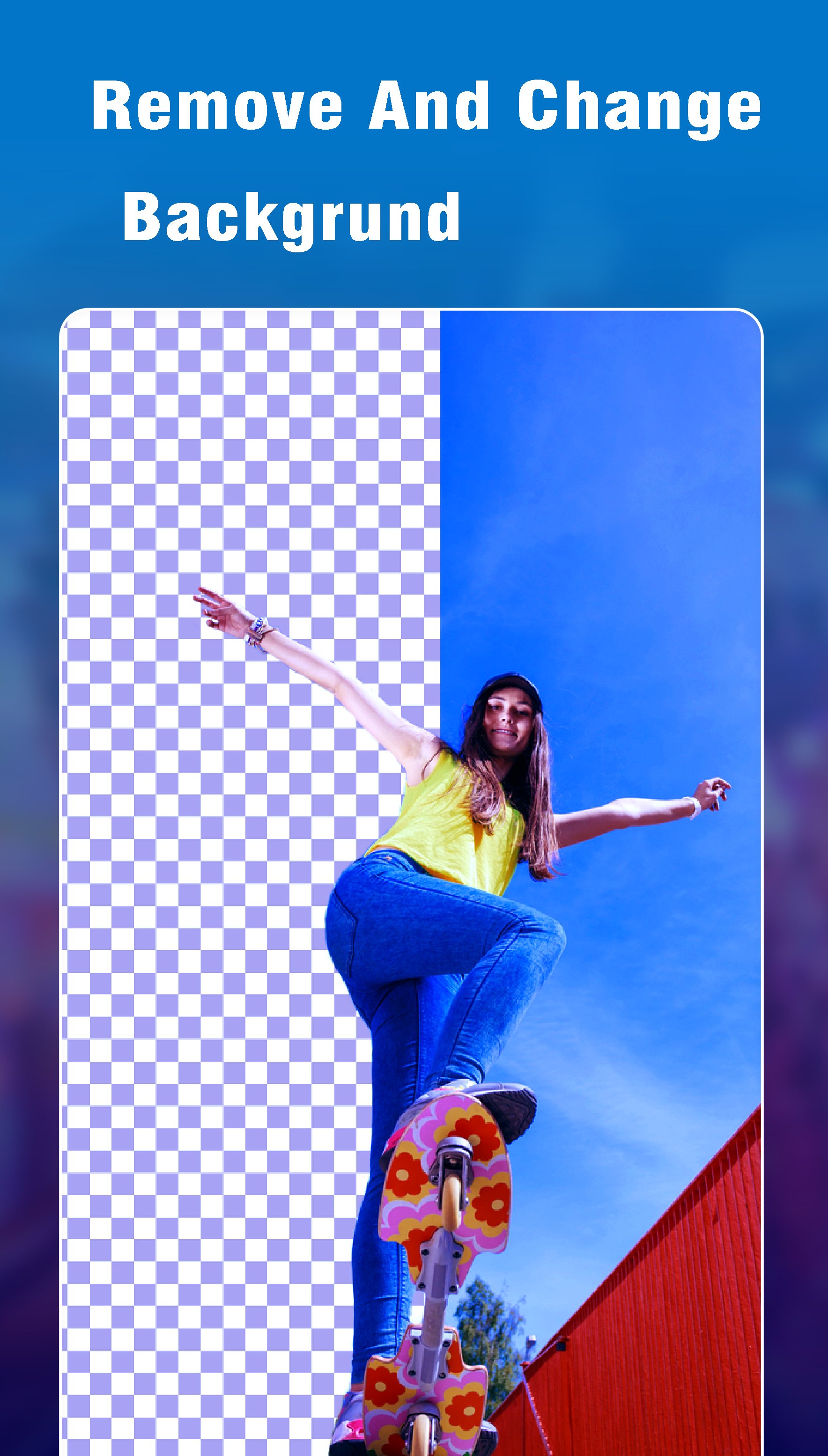
🪄 Remove & Replace Backgrounds with AI
Say goodbye to boring backgrounds! Instantly remove the background from any photo with our smart AI Background Remover, and replace it with a wide selection of aesthetic, clean, or creative backgrounds.
Perfect for professional looks or a scroll-stopping profile picture in seconds!
🎨 Neon Photo Editor
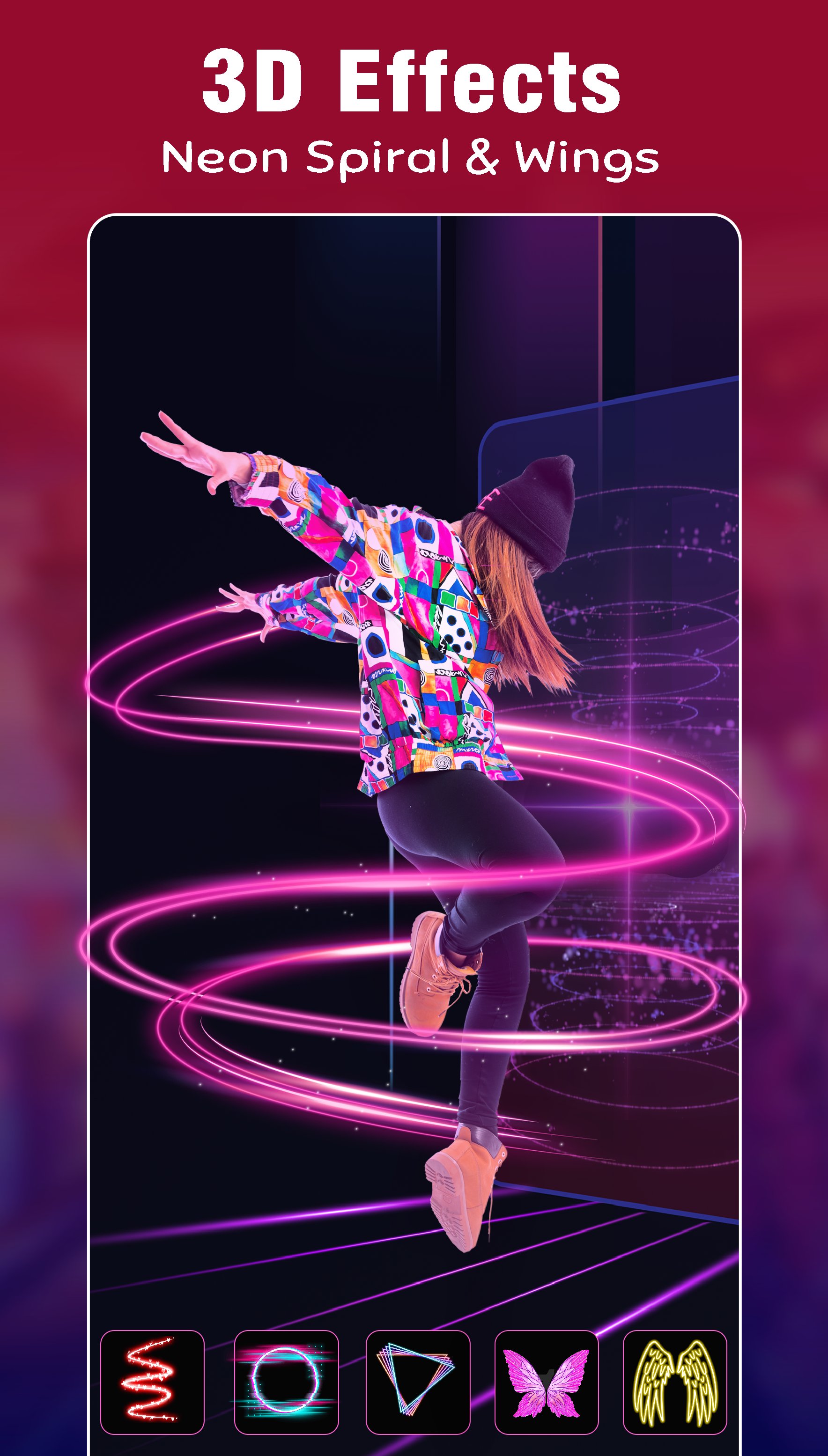
Transform your photos with dazzling neon effects, Drip Art, Photo Motion, and 3D Photo Frames to give your pictures a mesmerizing, modern edge.
Create attractive profile photos that are sure to increase profile views and social engagement.
📷 Selfie Camera
Capture perfect selfies and apply a variety of filters to enhance lighting and colors. Easily edit your photos to make them social media-ready in just moments!
🎆 Pix Lab Effects
Add a touch of artistry with Pix Lab’s vibrant filters and effects. Create bold, unique edits that turn everyday pictures into creative masterpieces and increase your profile visits.
🖼️ Profile Picture Frame Maker
Choose from a stunning collection of aesthetic profile picture frames and borders.
Give your DP a professional makeover that’s guaranteed to attract more friend requests, followers, and likes.
🎨 Photo Filters
No need to be a pro editor! Add style and personality with a wide range of filters like Black & White, Neon Glow, and more.
🌟 Photo Motion Effects
Bring your photos to life! Add animated effects and create 3D-like motion visuals — perfect for dynamic social posts and attention-grabbing content.
🌁 Blur & Mosaic
Blur the background to emphasize your subject, or apply mosaic effects to protect privacy by blurring faces — perfect for portrait photos.
🎨 Free HSL Color & Curves
Fine-tune your edits with advanced yet easy controls for Hue, Saturation, and Luminance using the HSL editor and curves — totally free!
🦋 Wings Effects
Add magical or edgy elements with angel wings, butterfly wings, or even devil wings.
Give your profile picture a unique touch that expresses your personality.
✂️ Cutout – Crop Your Images
Effortlessly crop unwanted parts of your photo with the Cutout tool. Highlight what matters most and create cleaner, sharper visuals.
🔽 Resize & Compress
Easily resize your images for different platforms or compress them to save space — all while keeping top image quality. Ideal for fast uploads and optimized sharing.
✍️ Text, Stickers & Doodles
Add stylish text overlays, choose from a variety of fonts, and enhance your images with fun stickers.
Feeling creative? Doodle freely to give your edits a personal touch.
📲 Share & Shine on Social Media
Post your masterpieces directly to Instagram, Facebook, WhatsApp, TikTok, and more.
With easy-to-use tools and next-level editing features, your profile picture will stand out like never before!
Preview
Tags
PhotographyInformation
Developer
elmoussafir fatima zahra
Latest Version
1.20
Last Updated
2025-08-28
Category
Photography
Available on
Google Play
Show More
How to play Photo Editor 2026: Art Paint with GameLoop on PC
1. Download GameLoop from the official website, then run the exe file to install GameLoop
2. Open GameLoop and search for “Photo Editor 2026: Art Paint” , find Photo Editor 2026: Art Paint in the search results and click “Install”
3. Enjoy playing Photo Editor 2026: Art Paint on GameLoop
Minimum requirements
OS
Windows 8.1 64-bit or Windows 10 64-bit
GPU
GTX 1050
CPU
i3-8300
Memory
8GB RAM
Storage
1GB available space
Recommended requirements
OS
Windows 8.1 64-bit or Windows 10 64-bit
GPU
GTX 1050
CPU
i3-9320
Memory
16GB RAM
Storage
1GB available space