Photo Warp PC
Gigant
Download Photo Warp on PC With GameLoop Emulator
Photo Warp sa PC
Ang Photo Warp, na nagmumula sa developer na Gigant, ay tumatakbo sa Android systerm sa nakaraan.
Ngayon, maaari mong laruin ang Photo Warp sa PC gamit ang GameLoop nang maayos.
I-download ito sa GameLoop library o mga resulta ng paghahanap. Hindi na tumitingin sa baterya o nakakadismaya na mga tawag sa maling oras.
I-enjoy lang ang Photo Warp PC sa malaking screen nang libre!
Photo Warp Panimula
The best free Photo Warp app is arrived in your country.
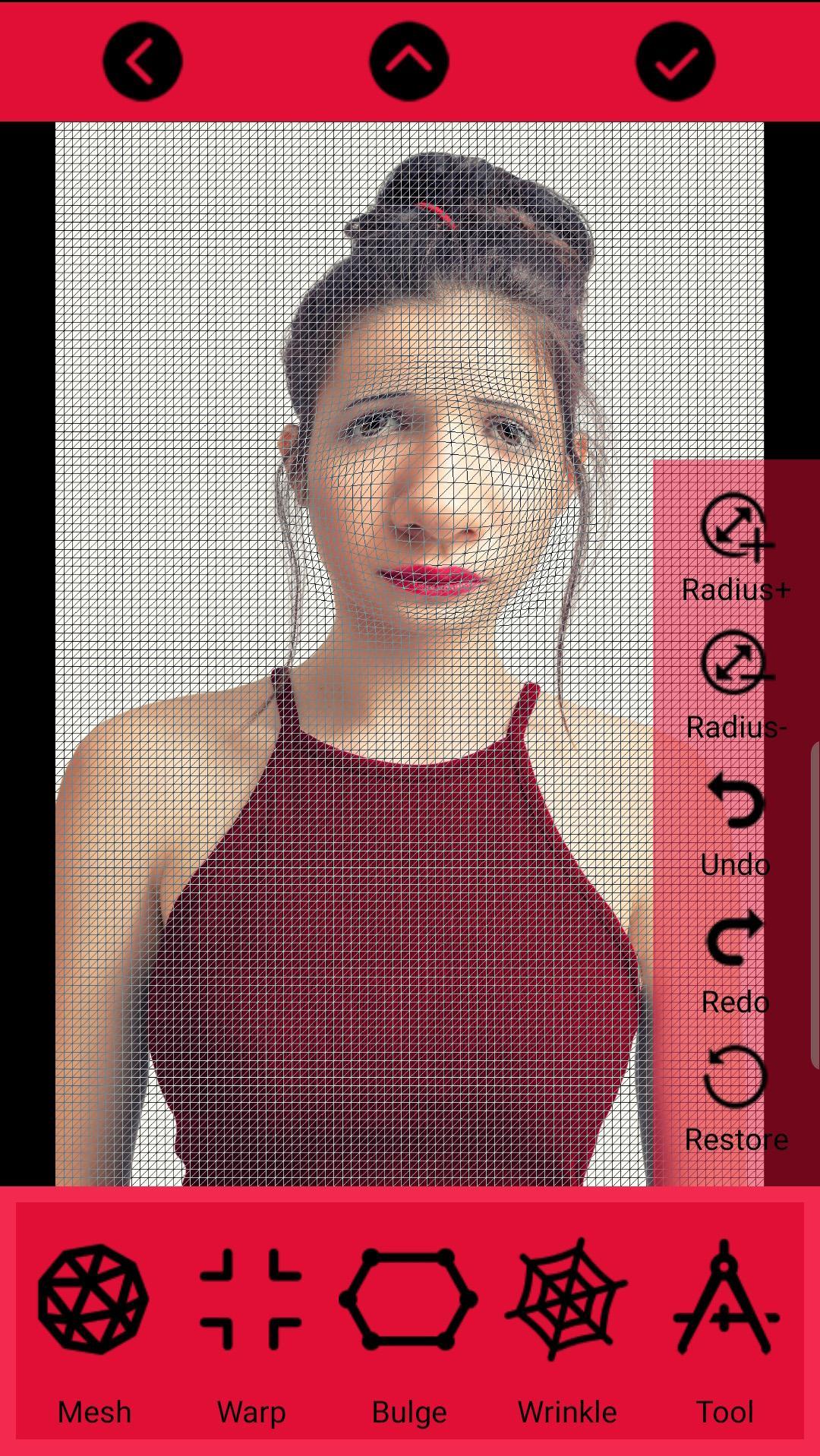
This app will melt your face!
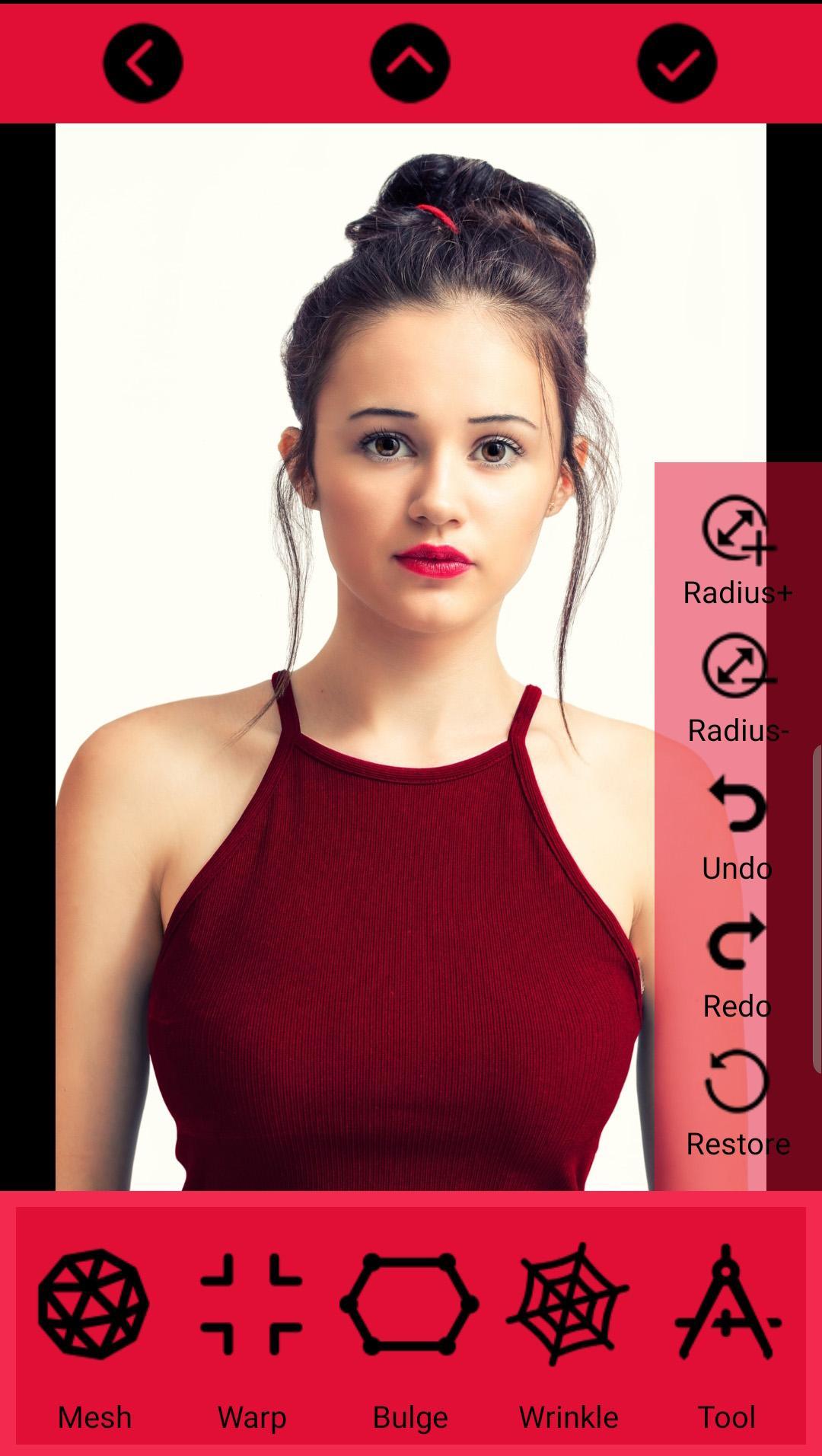
Just take a picture then warp, bend and distort it .
Make yourself skinnier, buff yourself up or enlarge any body parts that might need some enlargement
And go crazy and have fun putting several pounds of fat on your friends or giving them the biggest cheese-eating grin you can imagine.
Features:
-Pinch, Bloat, Bulge, Swirll all warp famous effects in one tool
- Warp tool (Moves pixels around as you drag the cursor),
- Fast and responsive (real-time) manipulation even on older devices!
- Use any picture to warp whether it's from your camera or any photo from your device
- Save pictures to your device or SD card
- Share your creations online
- The much requested feature: you can now open pictures from the gallery app ;)
- Installing to SD card is supported
Preview
Tags
PhotographyInformation
Developer
Gigant
Latest Version
2.1
Last Updated
2019-06-29
Category
Photography
Available on
Google Play
Show More
How to play Photo Warp with GameLoop on PC
1. Download GameLoop from the official website, then run the exe file to install GameLoop
2. Open GameLoop and search for “Photo Warp” , find Photo Warp in the search results and click “Install”
3. Enjoy playing Photo Warp on GameLoop
Minimum requirements
OS
Windows 8.1 64-bit or Windows 10 64-bit
GPU
GTX 1050
CPU
i3-8300
Memory
8GB RAM
Storage
1GB available space
Recommended requirements
OS
Windows 8.1 64-bit or Windows 10 64-bit
GPU
GTX 1050
CPU
i3-9320
Memory
16GB RAM
Storage
1GB available space