
Black and White Photo Editor PC
Crazy Photo Studio
Download Black and White Photo Editor on PC With GameLoop Emulator
Black and White Photo Editor sa PC
Ang Black and White Photo Editor, na nagmumula sa developer na Crazy Photo Studio, ay tumatakbo sa Android systerm sa nakaraan.
Ngayon, maaari mong laruin ang Black and White Photo Editor sa PC gamit ang GameLoop nang maayos.
I-download ito sa GameLoop library o mga resulta ng paghahanap. Hindi na tumitingin sa baterya o nakakadismaya na mga tawag sa maling oras.
I-enjoy lang ang Black and White Photo Editor PC sa malaking screen nang libre!
Black and White Photo Editor Panimula
Black and White Photo Editor
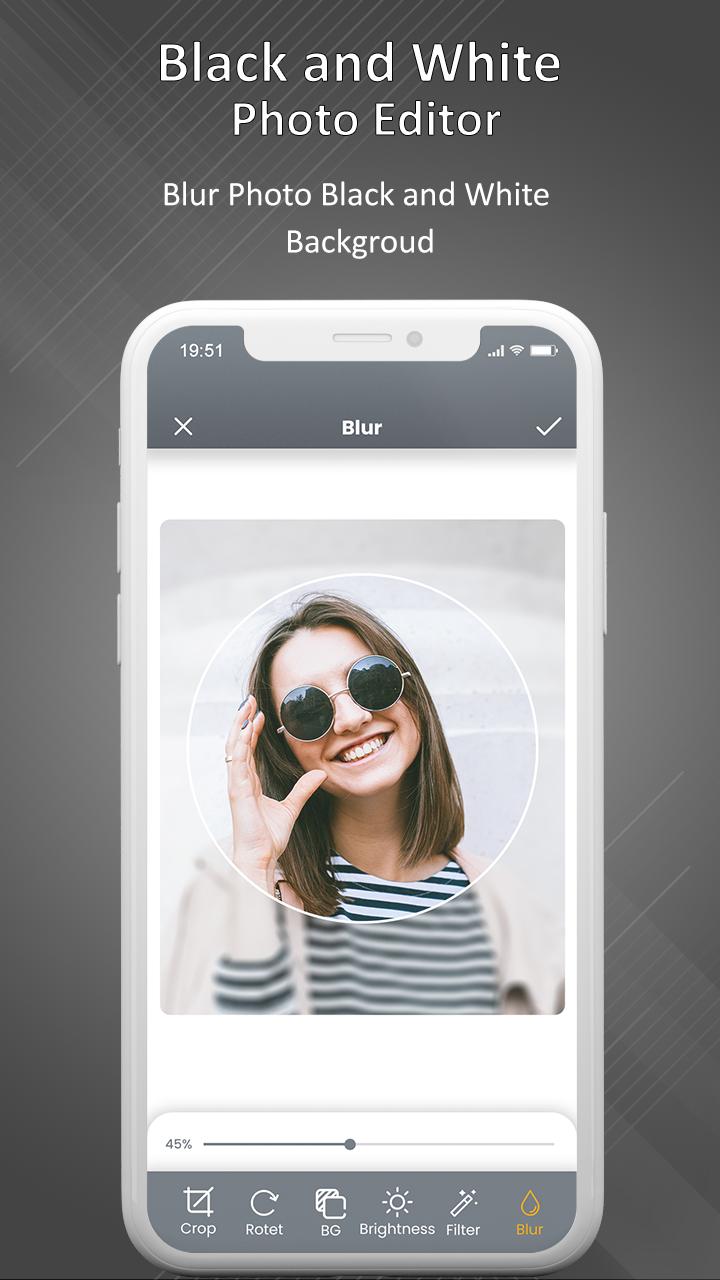
Black and White Photo Editor is one of the best applications for users to customize their photos from their mobile phones. This Application gives facilities to users to choose a photo from their phone gallery.
Make the piece of art, with this great editor tool app, can make any dull photo an eye-catching, beautiful and make your profile pictures much more interesting.
Through this application, users can set an offset pointer position by which they can change the pointer position, as well as the pointer, which can be resized by them. After this procedure, this application provides users with image editing tools like add text, stickers, Zoom in and out as well as can set wallpaper on their phone home screen.
If you want to edit some of your previously taken pictures, use these awesome photo effects. Add a vintage look and light leaks or select which part you want to remain coloured. If you are planning on taking a pic now, find favourite photo filters and apply them before taking a photo. Within seconds you'll get beautiful pictures you and your friends are going to adore!
Black and White Photo Effect app’s Features :
- Import your favorite image from the gallery or take a photo with the camera.
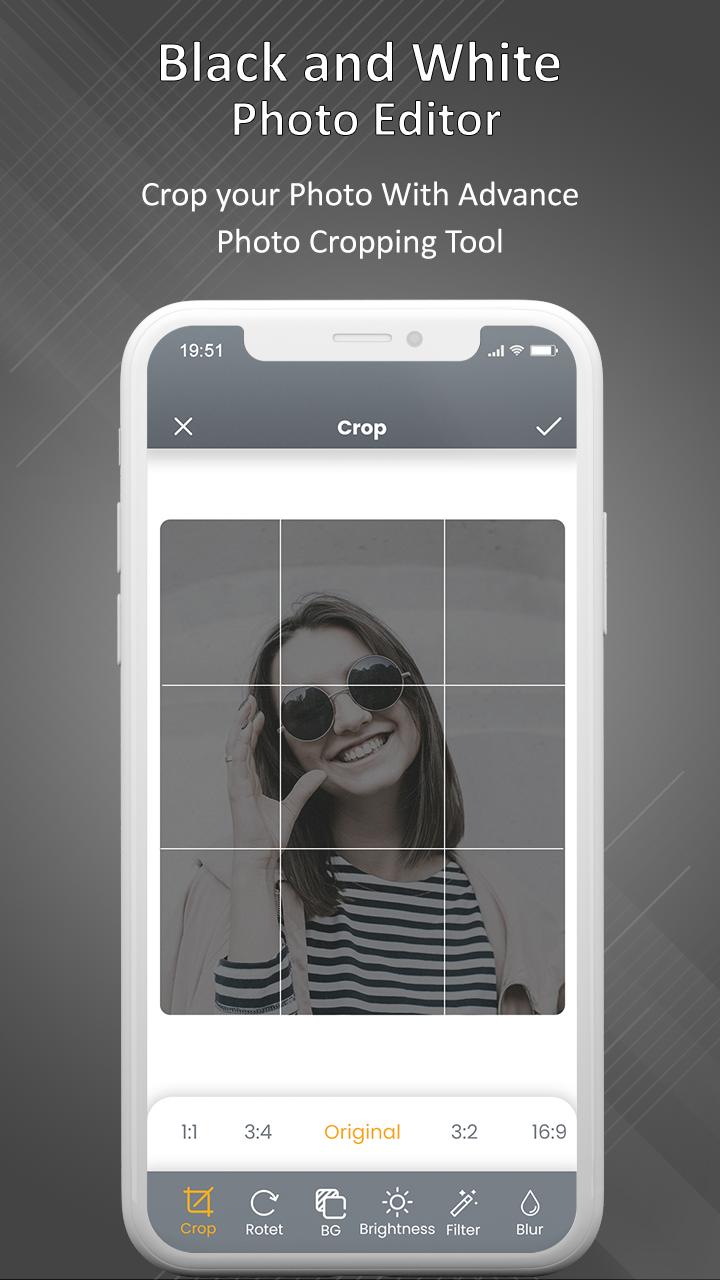
- Select a particular image size like a square,3:4,4:3,9:16, 16:9, 7:5, free, circle and circle square.
- Free convert photo from old photo and old pictures with photo color filter.
- Users can increase and decrease the size of the photo.
- Change your colored image to black and white.
- Make Photo stylish Instantly.
- You can set an offset pointer position by which they can change the pointer position.
- Many black and white filters to choose from.
- This application gives users image editing tools like add text, Zoom in & out, stickers, and set the wallpaper on their phone home screen.
- You can also use this app to turn any photo into an old photo with retro photo effects.
- Save your edited photo on SD Card or phone memory.
- Share that image on various social networking sites as per their requirements.
You must have this B&W Photo Editor App for your making your birthday photo, anniversary photo, Valentine photos, love photos, wedding photos, beautiful picnic, college group more beautiful with frames and save in your albums and convert in black photos or black pictures.
So, download this Black And White Photo Effect Editor app and let the fun begin.!!
Preview
Tags
PhotographyInformation
Developer
Crazy Photo Studio
Latest Version
1.4
Last Updated
2023-04-23
Category
Photography
Available on
Google Play
Show More
How to play Black and White Photo Editor with GameLoop on PC
1. Download GameLoop from the official website, then run the exe file to install GameLoop
2. Open GameLoop and search for “Black and White Photo Editor” , find Black and White Photo Editor in the search results and click “Install”
3. Enjoy playing Black and White Photo Editor on GameLoop
Minimum requirements
OS
Windows 8.1 64-bit or Windows 10 64-bit
GPU
GTX 1050
CPU
i3-8300
Memory
8GB RAM
Storage
1GB available space
Recommended requirements
OS
Windows 8.1 64-bit or Windows 10 64-bit
GPU
GTX 1050
CPU
i3-9320
Memory
16GB RAM
Storage
1GB available space