
Collage Maker Photo Editor PC
TTT TEAM
Download Collage Maker Photo Editor on PC With GameLoop Emulator
Collage Maker Photo Editor sa PC
Ang Collage Maker Photo Editor, na nagmumula sa developer na TTT TEAM, ay tumatakbo sa Android systerm sa nakaraan.
Ngayon, maaari mong laruin ang Collage Maker Photo Editor sa PC gamit ang GameLoop nang maayos.
I-download ito sa GameLoop library o mga resulta ng paghahanap. Hindi na tumitingin sa baterya o nakakadismaya na mga tawag sa maling oras.
I-enjoy lang ang Collage Maker Photo Editor PC sa malaking screen nang libre!
Collage Maker Photo Editor Panimula
Collage Maker help you create perfect picture collages and easy share with friends.
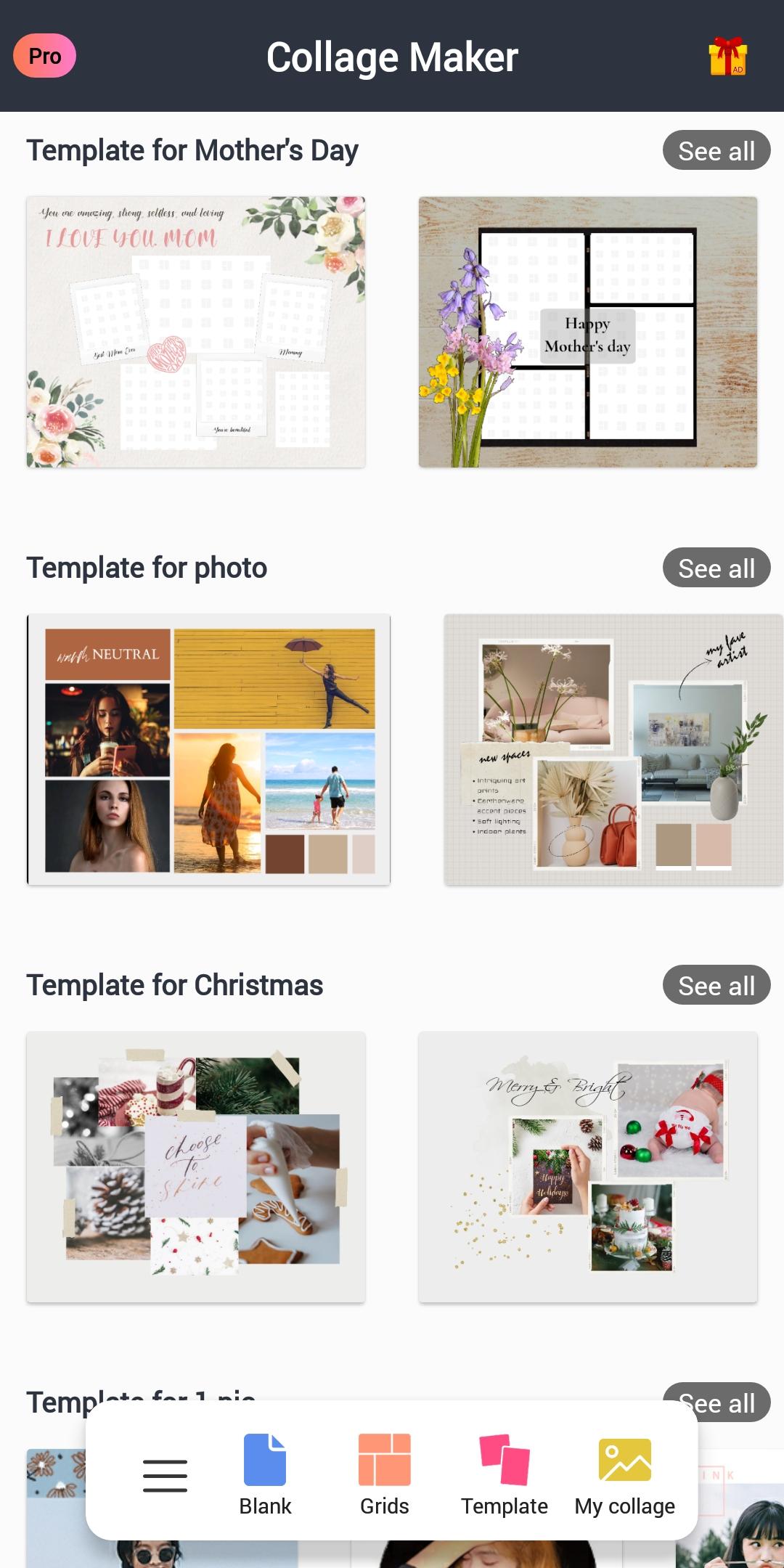
With Photo Collage Maker & Editor you can combine many photos into photo collage with 200+ layouts. You can pick layout you like best, edit collage with filter, sticker, frame, text and much more.
Key Features:
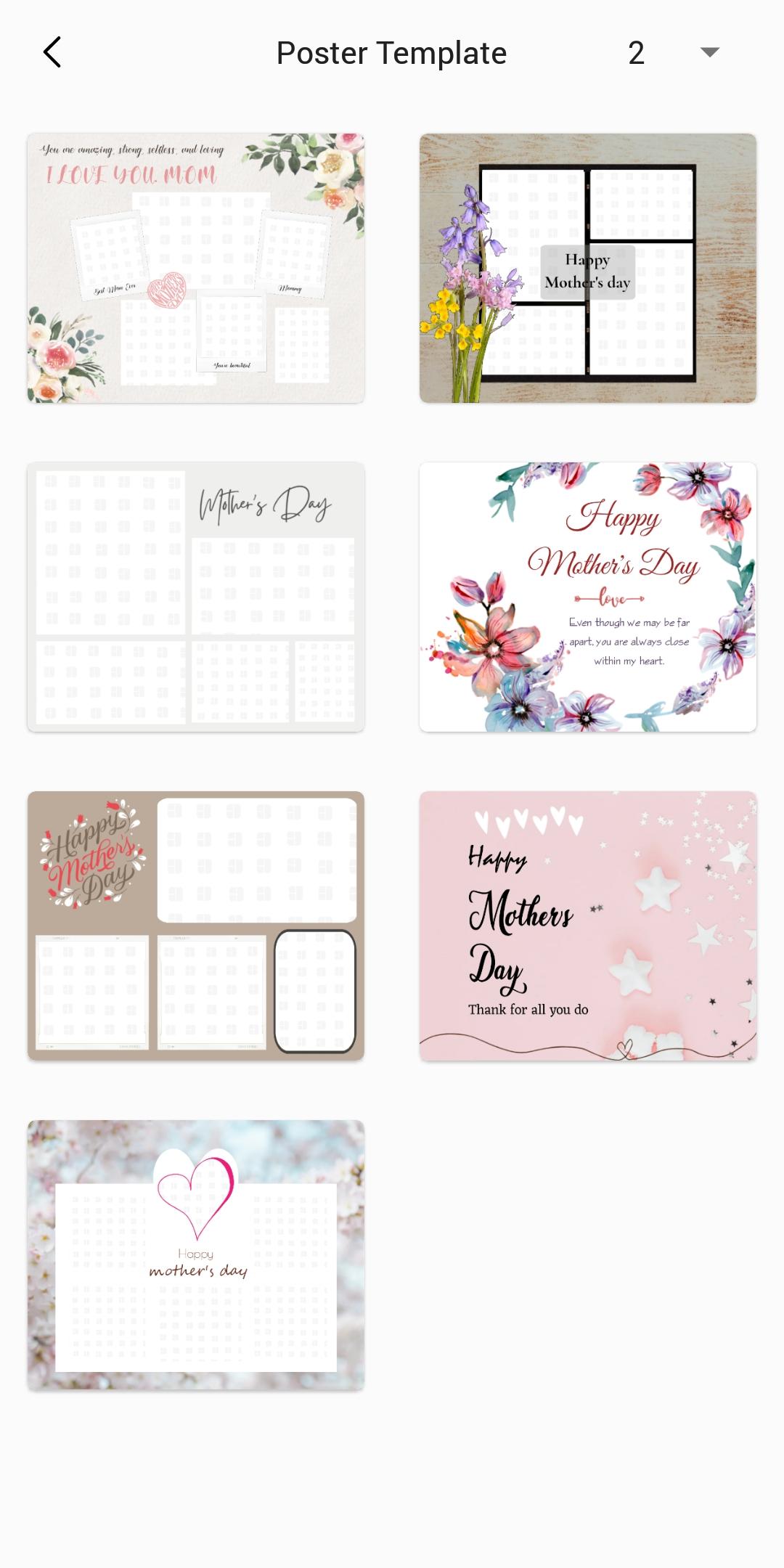
1. 100+ Stylized templates to choose from.
2. 200+ Layouts of frames or grids to choose from!
3. You can crop photos freely.
4. You can choose the border width and rounded corner size.
5. Large number of Background, Sticker, Font, and doodle to choose from!
6. Change ratio of collage and edit border of collage.
7. Make photo collage with Freestyle or Grid style.
8. Crop pictures and edit photo with Filter, Text.
9. Save photo in high resolution to your gallery and share pictures to social apps.
📷 Grid
Create photo collage with hundreds of layouts in seconds. Custom photo grid size, border and background, you can design layout on your own!
📷 Freestyle
Select beautiful background with full screen ratio to create a scrapbook. You can decorate with pictures, stickers, texts, doodles...
📷 Story Template
200+ Stylized templates. Share your most memorable moments with friends.
📷 Photo Frames
A lot of photo frames and effects make your moment stunning, like love photo frames, anniversary, holiday & baby photo frames…
📷 Edit
Photo editor provides a bunch of editing tools: crop picture, apply filter to picture, add sticker and text to image, draw on image with doodle tool, flip, rotate...
Download and start creating a layout or collage immediately. Unleash your creativity in our photo lab!
Preview
Tags
PhotographyInformation
Developer
TTT TEAM
Latest Version
1.0.55
Last Updated
2024-01-10
Category
Photography
Available on
Google Play
Show More
How to play Collage Maker Photo Editor with GameLoop on PC
1. Download GameLoop from the official website, then run the exe file to install GameLoop
2. Open GameLoop and search for “Collage Maker Photo Editor” , find Collage Maker Photo Editor in the search results and click “Install”
3. Enjoy playing Collage Maker Photo Editor on GameLoop
Minimum requirements
OS
Windows 8.1 64-bit or Windows 10 64-bit
GPU
GTX 1050
CPU
i3-8300
Memory
8GB RAM
Storage
1GB available space
Recommended requirements
OS
Windows 8.1 64-bit or Windows 10 64-bit
GPU
GTX 1050
CPU
i3-9320
Memory
16GB RAM
Storage
1GB available space