GirlFriend Photo Editor PC
CreativeStarApps
Download GirlFriend Photo Editor on PC With GameLoop Emulator
GirlFriend Photo Editor sa PC
Ang GirlFriend Photo Editor, na nagmumula sa developer na CreativeStarApps, ay tumatakbo sa Android systerm sa nakaraan.
Ngayon, maaari mong laruin ang GirlFriend Photo Editor sa PC gamit ang GameLoop nang maayos.
I-download ito sa GameLoop library o mga resulta ng paghahanap. Hindi na tumitingin sa baterya o nakakadismaya na mga tawag sa maling oras.
I-enjoy lang ang GirlFriend Photo Editor PC sa malaking screen nang libre!
GirlFriend Photo Editor Panimula
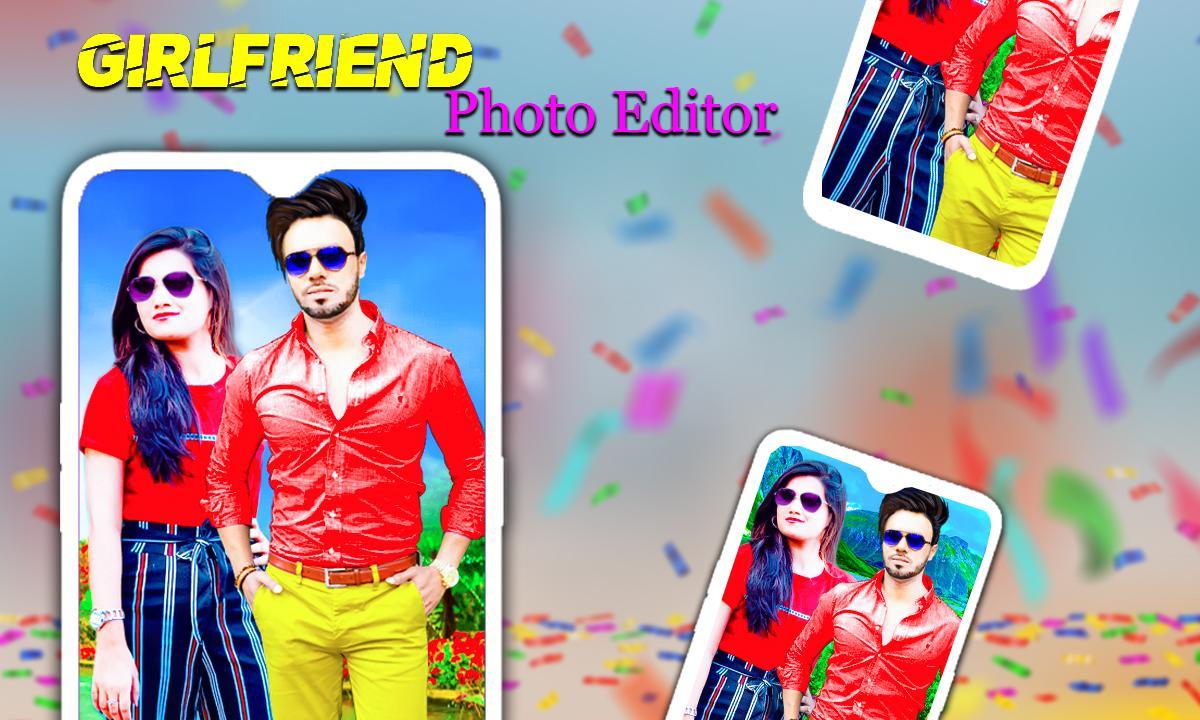
Now You can create beautiful GirlFriend greeting by placing photos in GirlFriend photo Editor app
and by writing Name on GirlFriend photo Frames
This Girl Friend Photo Frames app is used to give a lovely and creative touch(like greeting cards) to your pictures with these awesome Nature Girl Friend Frames app and make your most important day unforgettable via your android phone.
After downloading this Girl friend app, you will be busy by setting up backgrounds, frames and stickers on your photos. In addition to that new backgrounds and frames are added regularly in order to make you engage with this app always.
Girl Friend Photo frames has hd natural background with girl photo frames. Pick a photo and set frame and save and share to your friends easily.
Apply color effects to get soft and sharp pictures. Add text using add text on photo option. Select text from the list of fonts. Text color can be changed and the text size can be increased or decreased. GirlFriend photo editor pictures can be used as a greeting card to convey wishes to your friends.
Beautify your pictures with different Music sticker collections. Girl Friend photo app has more amazing stickers which you can apply on your photos to make them more attractive. The sticker sizes can be resized and they can be rotated and moved over the device screen.
Desi Girl Friend photo editor has flip option which you can apply on your pictures and stickers. The final image can be saved and share on social media. This GirlFriend photo Editor has a collection of wonderful Nature photo backgrounds.
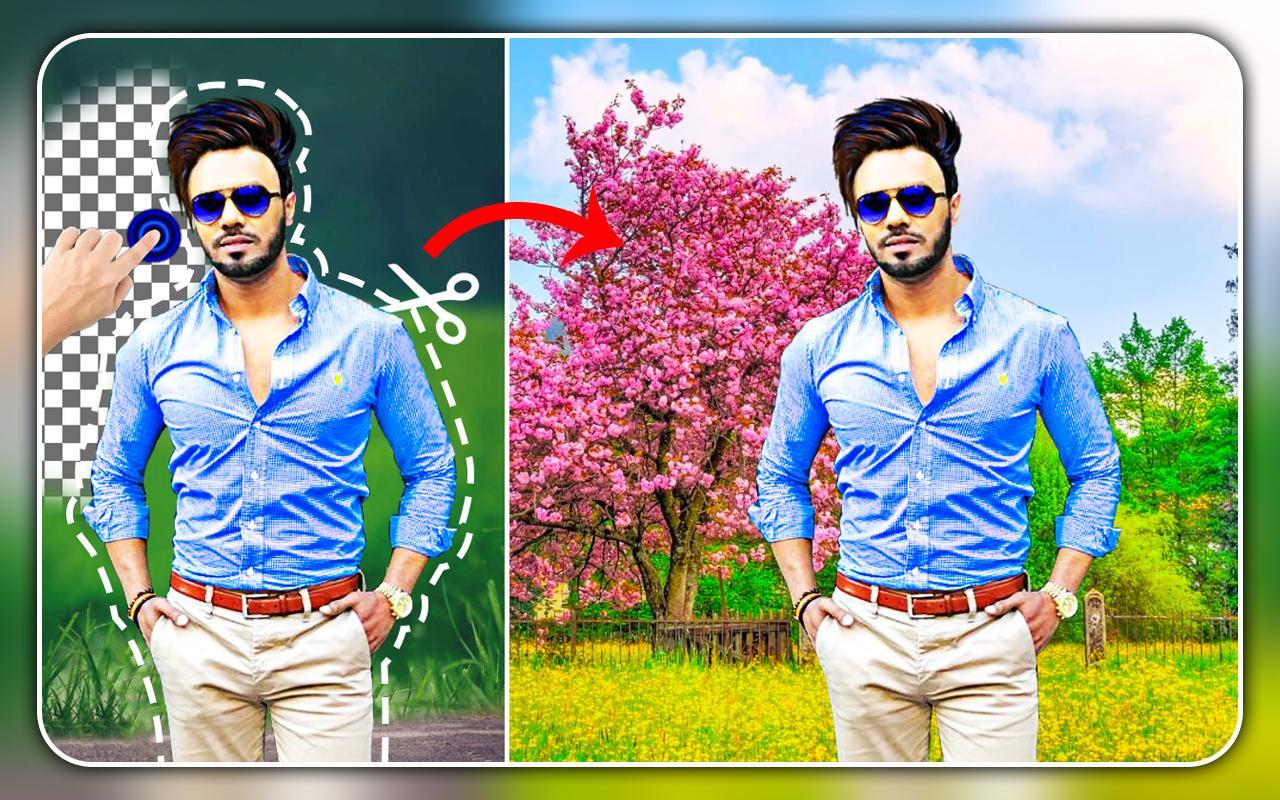
Girlfriend photo create with special magic effects, this app auto Ai effects feature available, Auto select photo automatically remove background.
Beautiful Beach Frames are in this GirlFriend photo Frame. Set these Frames to your photo to make it attractive.
How to USE?
1.Select Nature Backgrounds Click to Select photos from gallery.
2. You can click new photo to set in photo frames.
3. Select Girl Friend photoEditor from our collection.
4. Flip horizontal & Vertical your photo to set each block of Girl Friend photo collage pic.
5. Choose from a great variety of modern fonts and print text over photos.
6. Want them with your own text? You can change the font style, color and size.
7. You can save and share Girl Friend greetings with your mobile social networking apps.
8. Apply various effects on photos during design.
9. Easy to use interface.
10. Girl Friend photo effects.
Features:
Pick Photo From Camera and Gallery,Cut Option
GirlFriend PhotoFrames, Girl Friend Photo Sticker, Candles, Ballons, Flowers,
Blend photo with Girl Friend Backgrounds is changed opacity low and high.
Photo on Text,Frames using Stylish Fonts, Colors, Art Filters.
Echo Blend effect, Blur Background, photo & stickers’ adjustment, Color filters feature for backgrounds and stickers are the other features of this Girl Friend photo editor.
Stickers
Girl Friend Photo editor has amazing more stickers. It has Music , Girl Friend Stickers, cake, Baloon.
Preview
Tags
PhotographyBoardInformation
Developer
CreativeStarApps
Latest Version
1.0.38
Last Updated
2025-10-02
Category
Photography
Available on
Google Play
Show More
How to play GirlFriend Photo Editor with GameLoop on PC
1. Download GameLoop from the official website, then run the exe file to install GameLoop
2. Open GameLoop and search for “GirlFriend Photo Editor” , find GirlFriend Photo Editor in the search results and click “Install”
3. Enjoy playing GirlFriend Photo Editor on GameLoop
Minimum requirements
OS
Windows 8.1 64-bit or Windows 10 64-bit
GPU
GTX 1050
CPU
i3-8300
Memory
8GB RAM
Storage
1GB available space
Recommended requirements
OS
Windows 8.1 64-bit or Windows 10 64-bit
GPU
GTX 1050
CPU
i3-9320
Memory
16GB RAM
Storage
1GB available space