
CloudCam PC
arcade solutions ag
Download CloudCam on PC With GameLoop Emulator
CloudCam sa PC
Ang CloudCam, na nagmumula sa developer na arcade solutions ag, ay tumatakbo sa Android systerm sa nakaraan.
Ngayon, maaari mong laruin ang CloudCam sa PC gamit ang GameLoop nang maayos.
I-download ito sa GameLoop library o mga resulta ng paghahanap. Hindi na tumitingin sa baterya o nakakadismaya na mga tawag sa maling oras.
I-enjoy lang ang CloudCam PC sa malaking screen nang libre!
CloudCam Panimula
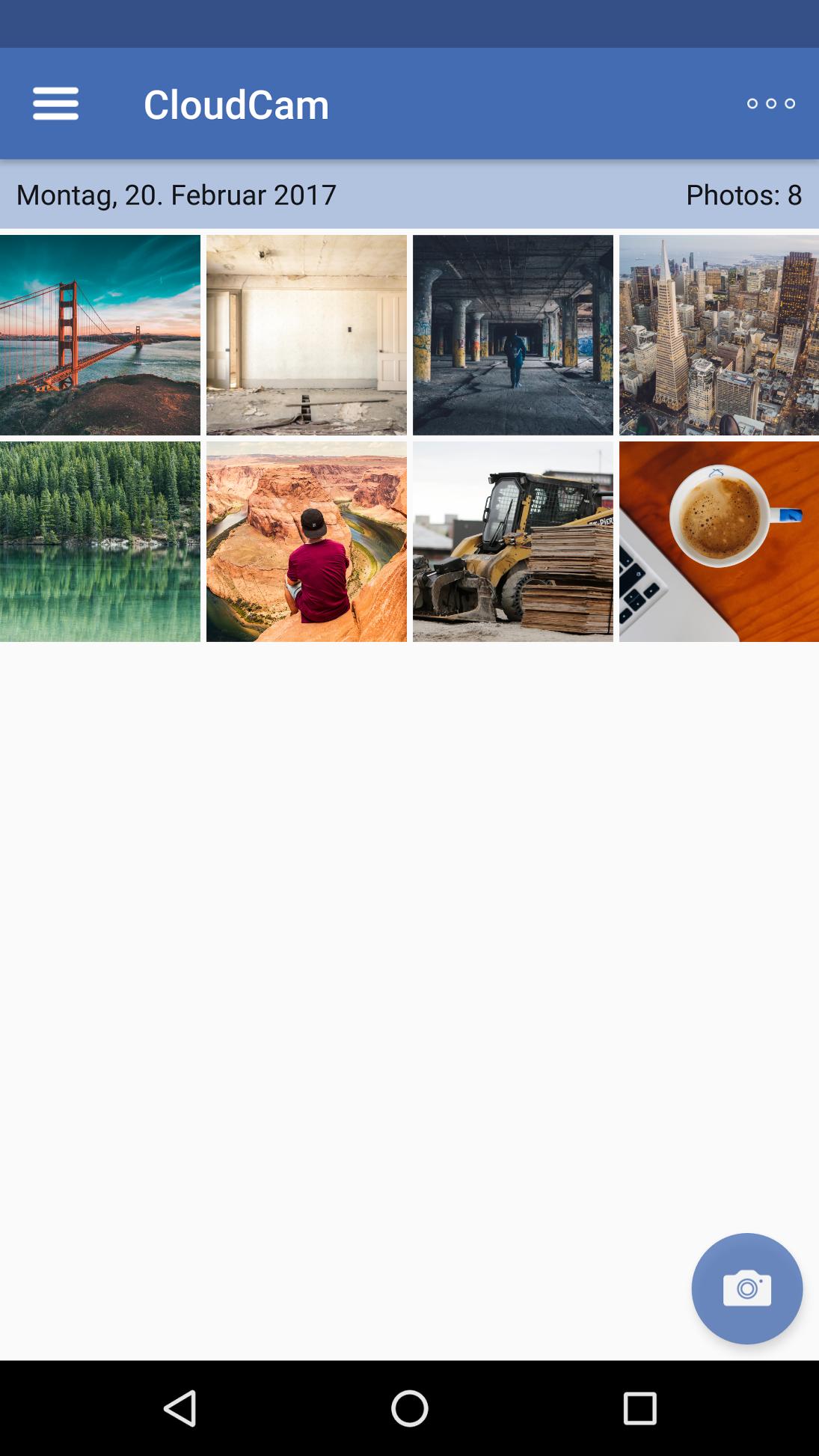
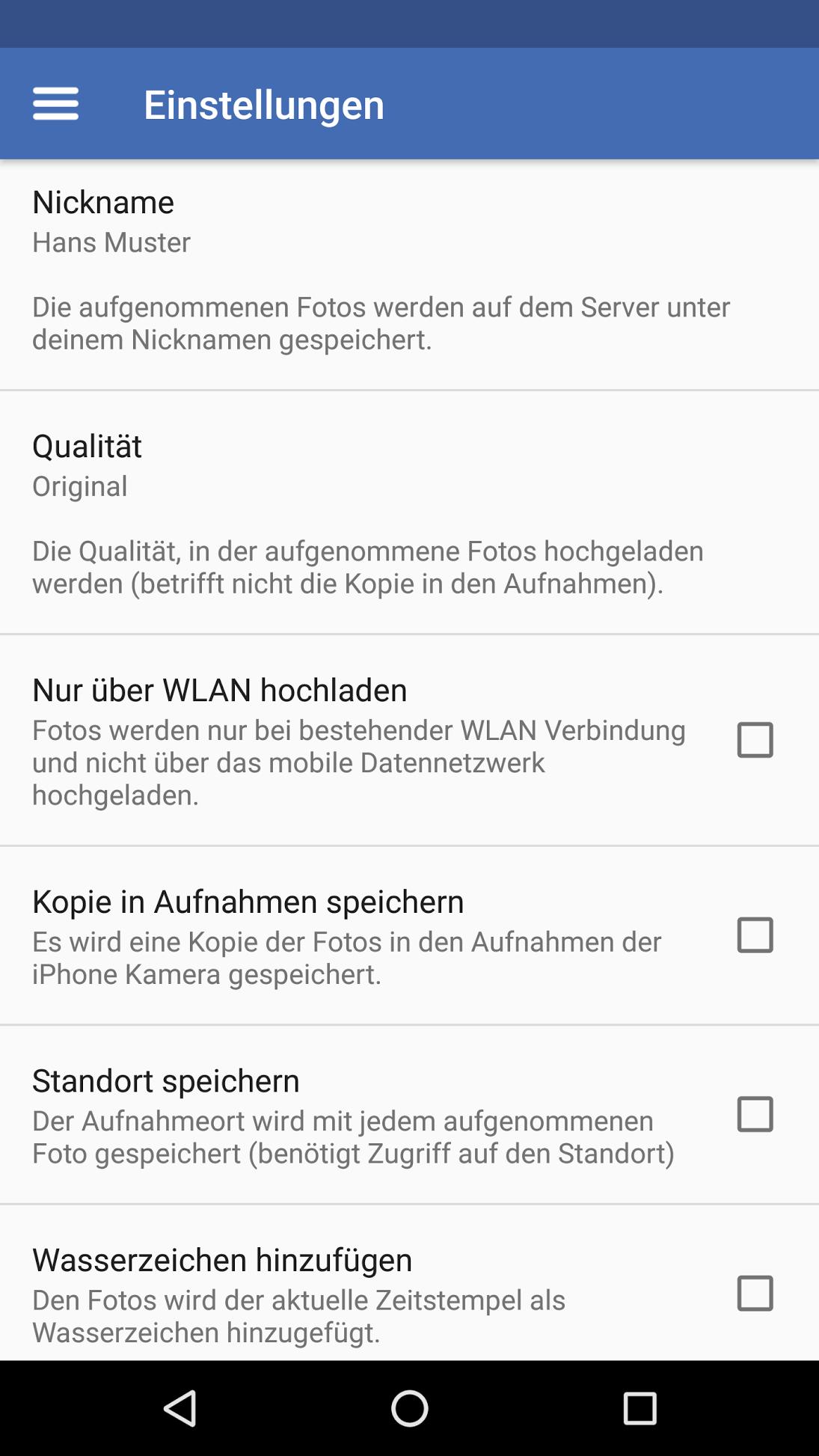
The CloudCam app saves photos immediately after preparation directly in the cloud. This app is designed for companies and organizations in which employees have to create for documentation purposes with their smartphone photos from the road (for example, construction sites, claims, etc.). Thanks CloudCam photos are accessible within a few seconds for the entire organization, so no manual and tedious syncing. The following settings are available within the app:
• 3 different image sizes (original, medium, small)
• personal nickname (folder name)
• Allow upload over Wi-Fi
• Save photos in addition to "local recordings"
• Location information Exclude
• Add a watermark (date and time)
As an additional feature provides arcade.ch to appropriate back-end services. Companies can use it to control the settings of their employees centrally and automate the logon process by QR-code or token application link.
CloudCam works perfectly with all ownCloud installations together> version 8.0. By using the back-end services Photos can also be uploaded without specifying a ownCloud user to shared folders with or without password protection. This also enables an inter-organizational co-operation with minimal administrative effort.
Preview
Tags
PhotographyInformation
Developer
arcade solutions ag
Latest Version
2.1.4.102
Last Updated
2024-04-23
Category
Photography
Available on
Google Play
Show More
How to play CloudCam with GameLoop on PC
1. Download GameLoop from the official website, then run the exe file to install GameLoop
2. Open GameLoop and search for “CloudCam” , find CloudCam in the search results and click “Install”
3. Enjoy playing CloudCam on GameLoop
Minimum requirements
OS
Windows 8.1 64-bit or Windows 10 64-bit
GPU
GTX 1050
CPU
i3-8300
Memory
8GB RAM
Storage
1GB available space
Recommended requirements
OS
Windows 8.1 64-bit or Windows 10 64-bit
GPU
GTX 1050
CPU
i3-9320
Memory
16GB RAM
Storage
1GB available space