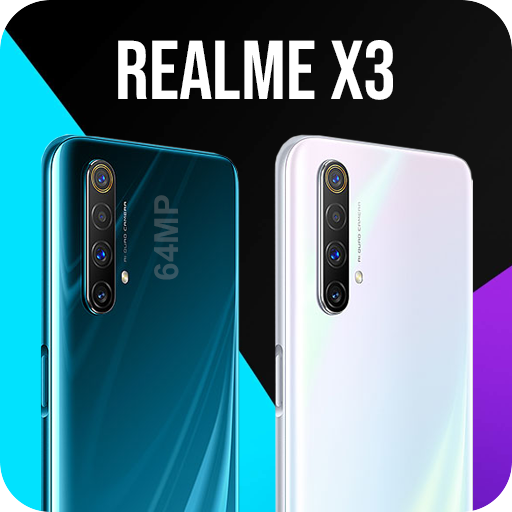
Camera for Realme X3 – Realme Camera PC
Game tools Guide apps
Download Camera for Realme X3 – Realme Camera on PC With GameLoop Emulator
Camera for Realme X3 – Realme Camera sa PC
Ang Camera for Realme X3 – Realme Camera, na nagmumula sa developer na Game tools Guide apps, ay tumatakbo sa Android systerm sa nakaraan.
Ngayon, maaari mong laruin ang Camera for Realme X3 – Realme Camera sa PC gamit ang GameLoop nang maayos.
I-download ito sa GameLoop library o mga resulta ng paghahanap. Hindi na tumitingin sa baterya o nakakadismaya na mga tawag sa maling oras.
I-enjoy lang ang Camera for Realme X3 – Realme Camera PC sa malaking screen nang libre!
Camera for Realme X3 – Realme Camera Panimula
Realme X3 - Camera for Realme is the BEST PROFESSIONAL and FREE photo camera. Realme 3 Camera HD is is inspired by Realme Camera, adding many useful features. With Realme Camera, you may get many fantastic camera features which contain in HD camera, and much more.
Selfie Camera for Realme X3 provides perfect quality for previewing and recording, intelligent shooting modes, real-time funny effects, picture-in-picture functionality when multiple cameras are connected, and quick sharing to popular social networking sites. Selfie Camera for Realme is the best camera application you can get for your phone
Realme Camera - Camera for Realme X3 with cool live AR stickers, beauty cam, amazing filters and professional mode, you can easily turn your photos into artwork and share them to social network. You can show your friends that you have a cool camera just like on Realme x, Realme x2, Realme x3.
Realme Camera - Selfie Camera for Realme X3 bring great standard professional photos. Scene Optimization brings the most professionally animated photos.
—💝— Selfie Camera for Realme : Camera for Realme X3 features—💝—
💝 Realme Beauty Camera Stickers
✦ Realme Camera with free 100+ emoji camera stickers & motion stickers & photo stickers & makeup stickers for beauty selfies.
✦ Realme Camera Beauty makeup photo sticker editor, includes hairstyles, necklaces, earrings camera stickers.
💝 Real-time Selfie Filters – Photo editor app
✦ Realme X3 Camera with more selfie stickers, motion stickers with super cute animals & selfie camera.
✦ Camera for Realme with a diverse range of photo filter designed for beauty camera selfies with beauty makeup, such as
💝 Motion Stickers & Live Filters
✦ Selfie Camera for Realme with photo stickers maker offers real-time face filters & live filters & motion stickers & photo stickers.
✦ Realme Camera with dozens of live filters, photo stickers, live stickers, motion stickers are ready!
💝 Photo Filters and effects
✦ Shot on Realme Camera with varieties of filters are ready for different photo effects in selfie camera photo editor free! Enhance pictures by adding photo filters and effects.
💝 Other Realme X3 Features
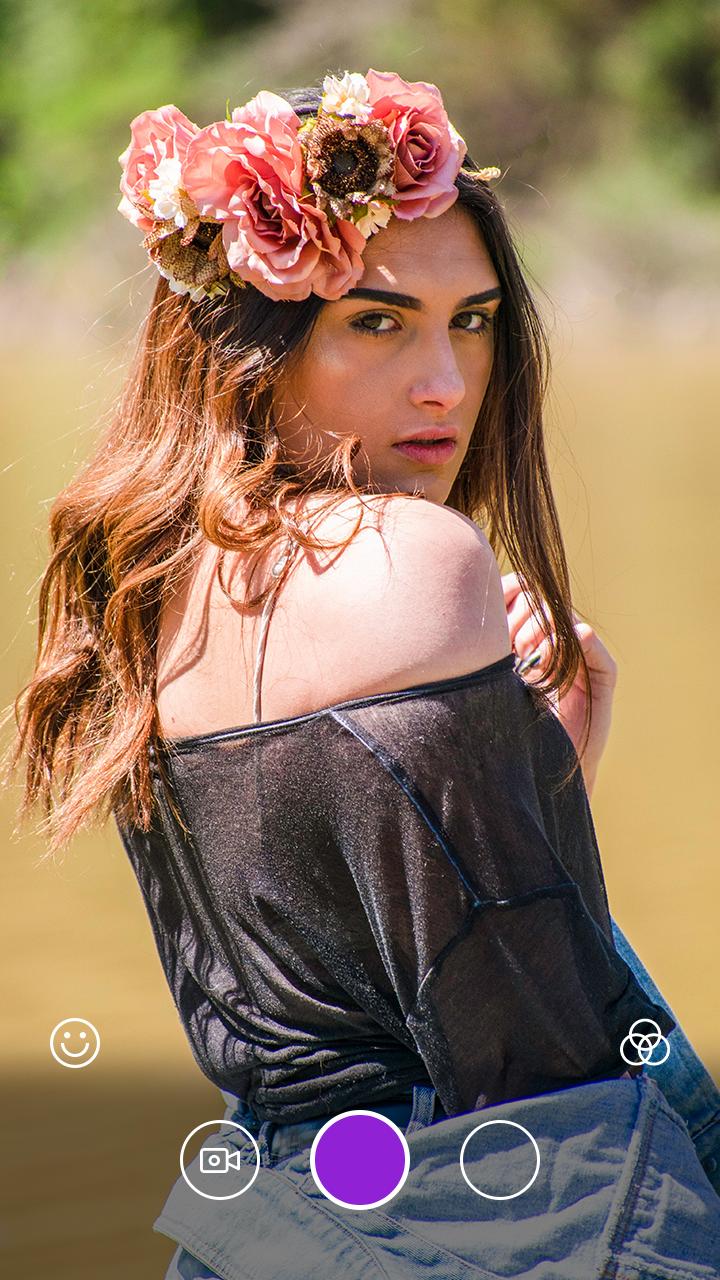
- Realme Camera support real-time live AR stickers, emoji stickers and AR filter for you to take cool and funny photos or videos
- Support HDR mode, help you take better photos
- Pinch to zoom or move shutter button left-right to zoom
- Realme Camera has 200+ professional filters with random filter and also have a filter store to provide other advanced filters
- Realme Camera support make up with skin tone, colorful lips, big eyes, face-lift and etc.
- Realme Camera has amusing mask stickers for taking beauty and funny selfie
- Realme X3 Camera has cool seal sticker and watermark
- Amazing Filters and Filters Store
- Shoton Realme camera photo editor support crop and rotate photo
- Realme X3 photo editor support photo adjustment: Contrast, Saturation, Brightness
- Realme X3 can doodle and text in Realme X3 photo editor
- Wonderful Backgrounds, Fonts and Tags
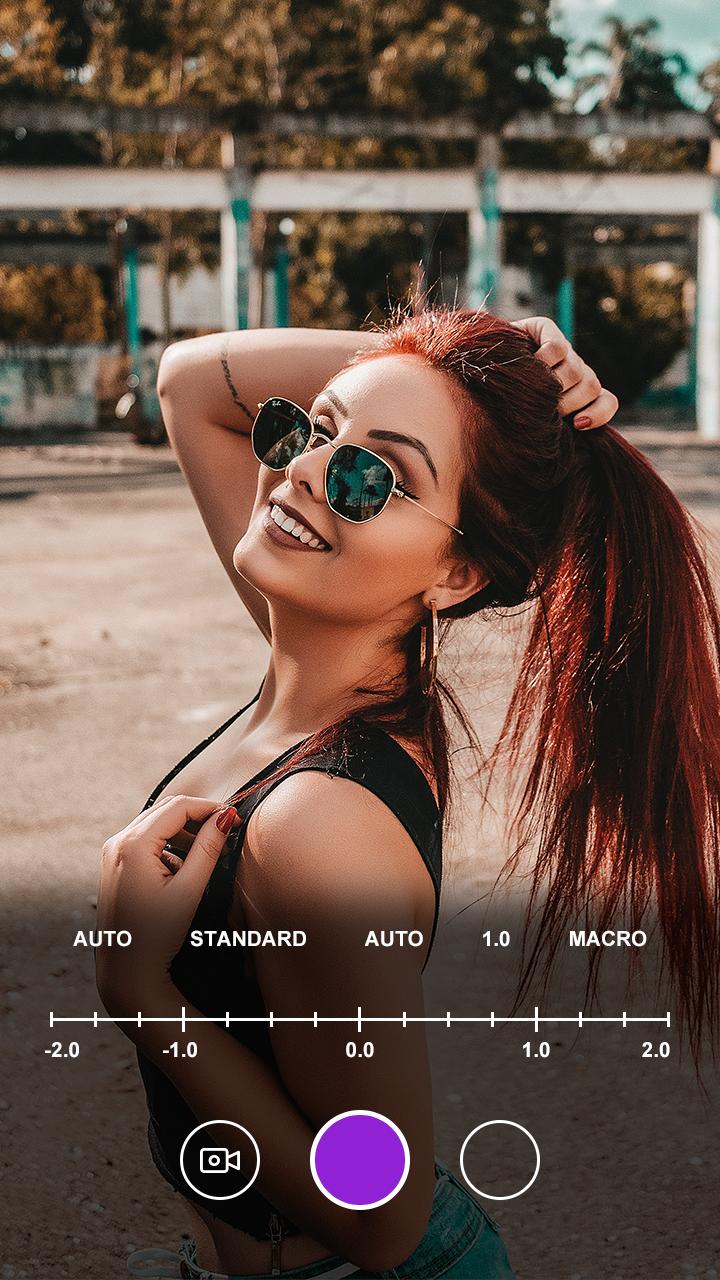
- Professional mode: ISO, White balance, Scene modes, Exposure compensation adjustment, and etc.
- Camera for Realme X3 support Silent capture mode
- Realme Camera support using volume key to take selfie handily
- Realme Camera support resolution adjustment for Camera & Video
Notes to all:
- Android™ is a registered trademark of Google, Inc.
- Realme X3 Camera is inspired by iPhone Camera, it is NOT official iPhone Camera
Main permissions required:
1. Camera permission: take photos and record video
2. Access SD card: manage photos, album
If you like this app then share the link with friends, family, and other loved ones so they can also capture their Best moment in camera. and also, give ratings from 5 stars. probably 5 stars.
Thank you!!
Preview
Information
Developer
Game tools Guide apps
Latest Version
1.0
Last Updated
2020-10-02
Category
Photography
Available on
Google Play
Show More
How to play Camera for Realme X3 – Realme Camera with GameLoop on PC
1. Download GameLoop from the official website, then run the exe file to install GameLoop
2. Open GameLoop and search for “Camera for Realme X3 – Realme Camera” , find Camera for Realme X3 – Realme Camera in the search results and click “Install”
3. Enjoy playing Camera for Realme X3 – Realme Camera on GameLoop
Minimum requirements
OS
Windows 8.1 64-bit or Windows 10 64-bit
GPU
GTX 1050
CPU
i3-8300
Memory
8GB RAM
Storage
1GB available space
Recommended requirements
OS
Windows 8.1 64-bit or Windows 10 64-bit
GPU
GTX 1050
CPU
i3-9320
Memory
16GB RAM
Storage
1GB available space