
Cam Dazz Tips Edit PC
JCBH's pad
Download Cam Dazz Tips Edit on PC With GameLoop Emulator
Cam Dazz Tips Edit sa PC
Ang Cam Dazz Tips Edit, na nagmumula sa developer na JCBH's pad, ay tumatakbo sa Android systerm sa nakaraan.
Ngayon, maaari mong laruin ang Cam Dazz Tips Edit sa PC gamit ang GameLoop nang maayos.
I-download ito sa GameLoop library o mga resulta ng paghahanap. Hindi na tumitingin sa baterya o nakakadismaya na mga tawag sa maling oras.
I-enjoy lang ang Cam Dazz Tips Edit PC sa malaking screen nang libre!
Cam Dazz Tips Edit Panimula
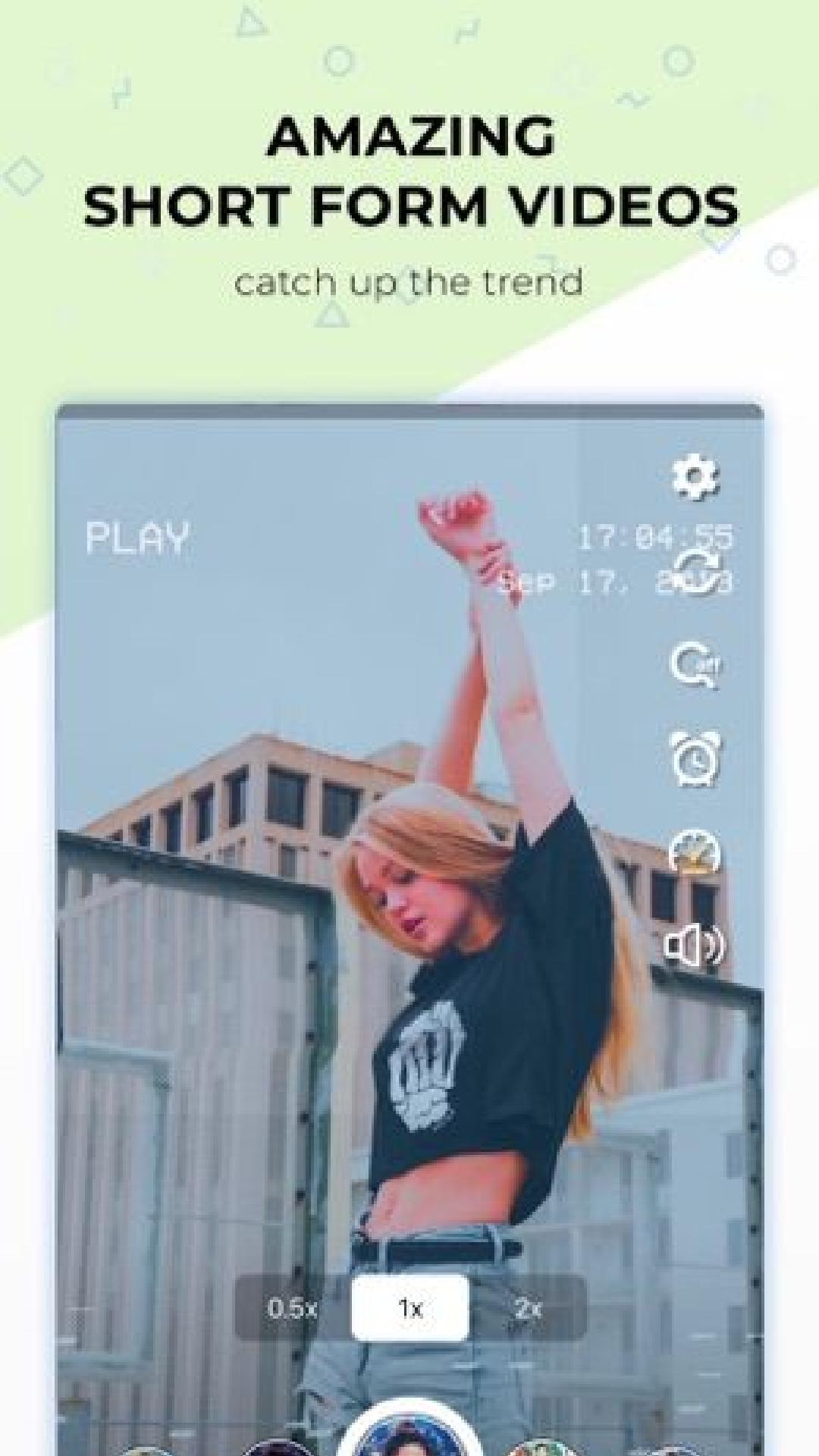
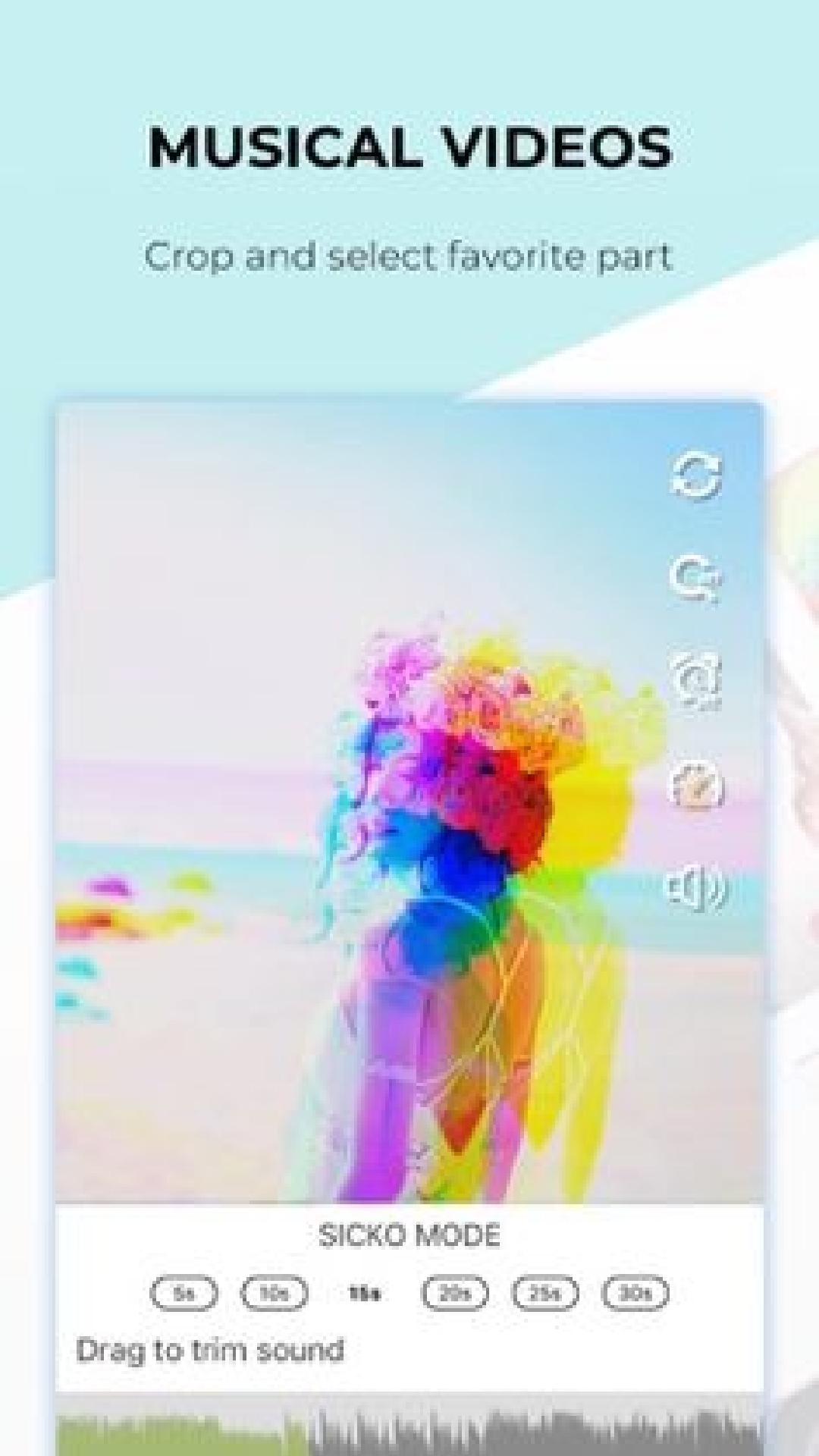
Dazz cam app📸 is a popular pocket photographer app which lets you have stunning and eye catching photos. No need for post-editing, the most realistic film photography or video is instantly presented with a single click. You can apply the dazz cam 3D Effect to stabilize the pictures and videos with Glitch video & photo editor. Dazz Cam editing app provides some appealing tools for creating unique stills and videos with a pronounced vintage-with-a-twist effect. Brings you into a new world of glitch effect, the lomography photo effects world with unique and attractive photo filters, which turns your photos🖼️ and videos into a special Boomerang maker, vintage, polarr, drizzling, trippy, retro, D3D and glitch effect.
As it is inspired by the retro film camera of the 80s, it lets you recreate memories🎞️ with photo vintage using dazz cam retro filters. Once having incredible photos, share them on various social medias. When you share photos on social networks, you can use the dazzcam tag. Dazz cam editor will occasionally select wonderful photos to join your collection. Just capture a perfect moment using the Dazz cam App, add filters and effects. Save the capture and share them.
Use dazz cam application for editing photos, making amazing dazz cam videos. Enjoy the glitch impact and cinematic filters available here. 😉
Please note:❗
This application is not an official app. Just be informed and give us feedback.
Preview
Tags
PhotographyInformation
Developer
JCBH's pad
Latest Version
1.0.0
Last Updated
2022-12-05
Category
Photography
Available on
Google Play
Show More
How to play Cam Dazz Tips Edit with GameLoop on PC
1. Download GameLoop from the official website, then run the exe file to install GameLoop
2. Open GameLoop and search for “Cam Dazz Tips Edit” , find Cam Dazz Tips Edit in the search results and click “Install”
3. Enjoy playing Cam Dazz Tips Edit on GameLoop
Minimum requirements
OS
Windows 8.1 64-bit or Windows 10 64-bit
GPU
GTX 1050
CPU
i3-8300
Memory
8GB RAM
Storage
1GB available space
Recommended requirements
OS
Windows 8.1 64-bit or Windows 10 64-bit
GPU
GTX 1050
CPU
i3-9320
Memory
16GB RAM
Storage
1GB available space