
Birthday Greeting Cards Maker PC
Snowy
Download Birthday Greeting Cards Maker on PC With GameLoop Emulator
Birthday Greeting Cards Maker sa PC
Ang Birthday Greeting Cards Maker, na nagmumula sa developer na Snowy, ay tumatakbo sa Android systerm sa nakaraan.
Ngayon, maaari mong laruin ang Birthday Greeting Cards Maker sa PC gamit ang GameLoop nang maayos.
I-download ito sa GameLoop library o mga resulta ng paghahanap. Hindi na tumitingin sa baterya o nakakadismaya na mga tawag sa maling oras.
I-enjoy lang ang Birthday Greeting Cards Maker PC sa malaking screen nang libre!
Birthday Greeting Cards Maker Panimula
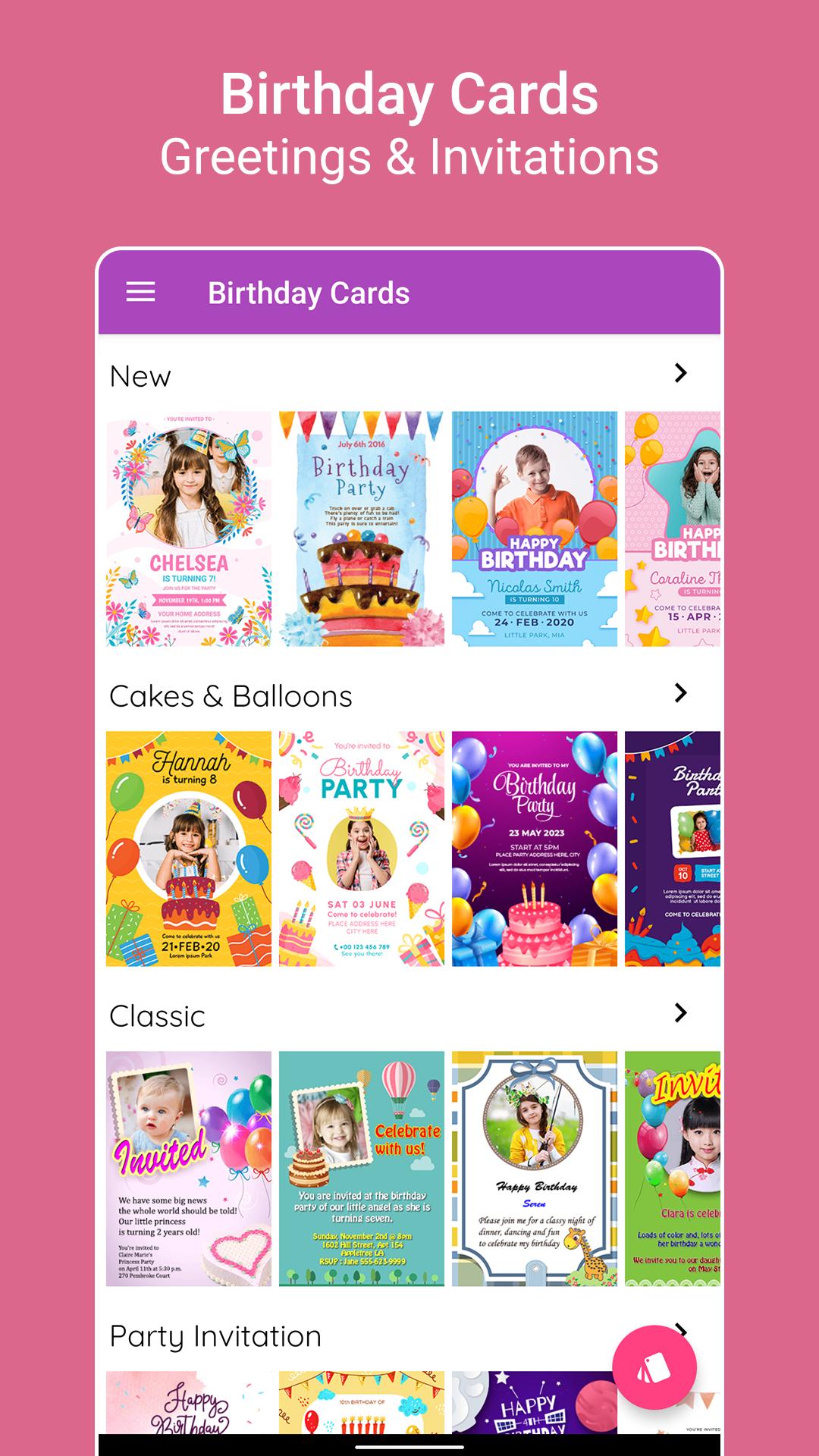
Birthday is the most important day for any person, and eagerly waiting for wonderful wishes and greetings. Now You can create beautiful birthday greeting cards by placing photos in birthday photo frames and by writing Name on Birthday cake.
Send Birthday Wishes to your friends and family with their photos on the greeting cards
and Name on Birthday Cake.
Birthday Greeting Cards Maker has Amazing Features:
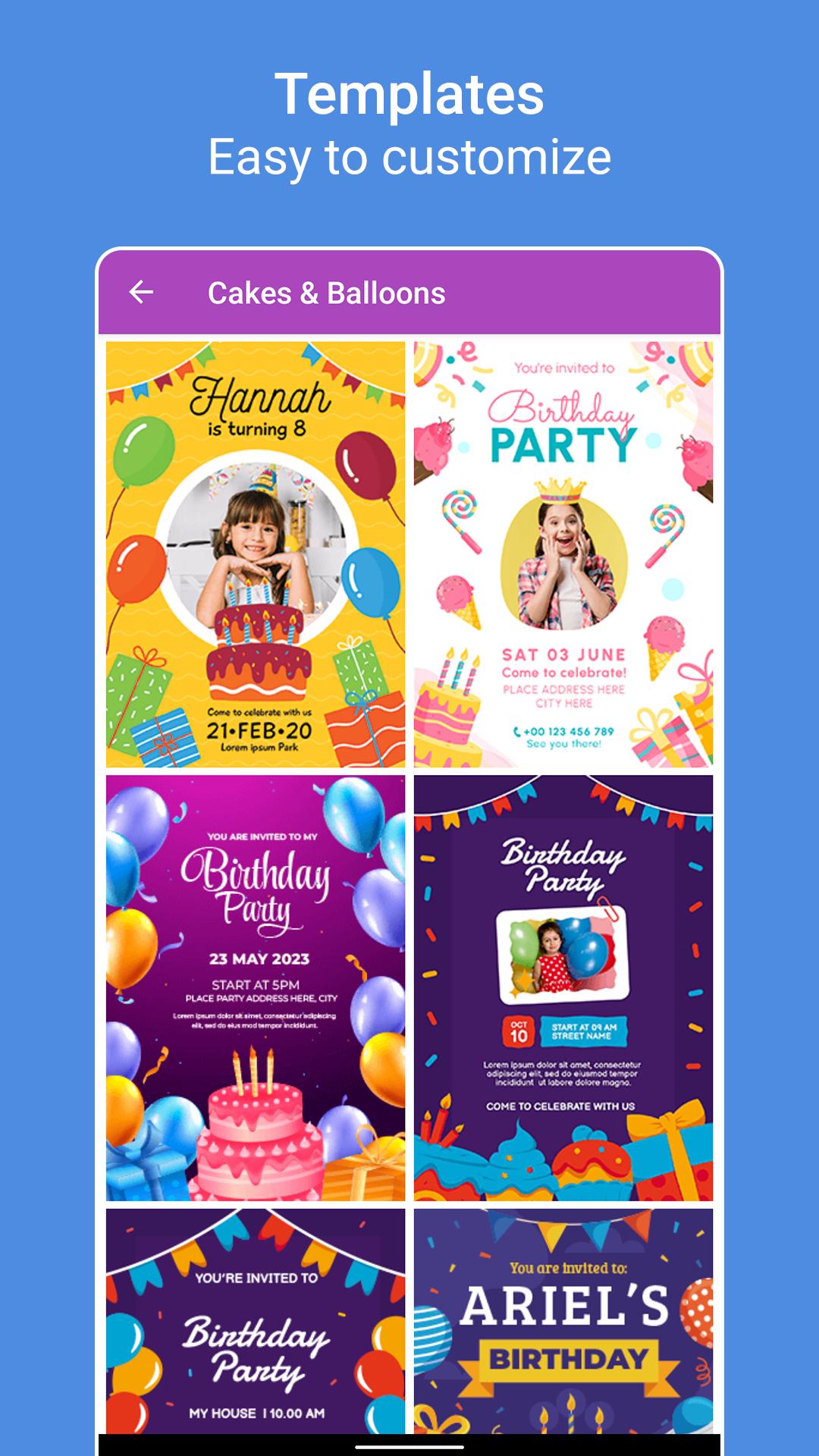
1. Birthday Photo Frames
Insert your Friends and Family photos in beautiful Birthday photo frames, add text, stickers and Share them.
2. Birthday Cakes
Write "Name on Birthday Cake", add photos, apply frames and borders to photos, add stickers.
3. Birthday Messages
Choose your favorite birthday messages from hundreds of birthday message collections
4. Birthday Invitation
Invite your friends and family members with birthday invitation wordings.
5. Birthday Reminders
Add your friends and family birthday dates and get remainders on their birthdays.
6. App Gallery
Save all your creations in App Gallery and you can share them later.
This Free app has various Premium features like:
1. Choose from various HD quality Birthday greeting cards and birthday photo frames
2. Write "Name on Birthday Cake" and choose your favorite fonts and color
3. Share your favorite birthday quotes or birthday messages
4. Add birth dates of your friends and family and get birthday remainders.
5. Choose photos from your mobile gallery.
6. Photos can be adjusted to frames by Rotate, zoom in, zoom out and move with your fingers
7. Wish them with your own text, you can change font style, color, size, gradient, shadow, stroke.
8. You can Save and Share greetings with your mobile's social networking apps
9. It’s easy to use and no internet connection needed.
10. Write Name on Birthday Cake and have photo on birthday cakes
11. Celebrate your friends and family birthdays with the Best Birthday Photo Editor.
12. Download Now for Free!
So, come on Download this "Birthday greeting cards Maker" and surprise your friends with the best Photo Edited Birthday Greeting Cards!
Preview
Tags
PhotographyInformation
Developer
Snowy
Latest Version
4.3
Last Updated
2025-07-05
Category
Photography
Available on
Google Play
Show More
How to play Birthday Greeting Cards Maker with GameLoop on PC
1. Download GameLoop from the official website, then run the exe file to install GameLoop
2. Open GameLoop and search for “Birthday Greeting Cards Maker” , find Birthday Greeting Cards Maker in the search results and click “Install”
3. Enjoy playing Birthday Greeting Cards Maker on GameLoop
Minimum requirements
OS
Windows 8.1 64-bit or Windows 10 64-bit
GPU
GTX 1050
CPU
i3-8300
Memory
8GB RAM
Storage
1GB available space
Recommended requirements
OS
Windows 8.1 64-bit or Windows 10 64-bit
GPU
GTX 1050
CPU
i3-9320
Memory
16GB RAM
Storage
1GB available space