
Background Eraser & Remove BG PC
Galaxy studio apps
Download Background Eraser & Remove BG on PC With GameLoop Emulator
Background Eraser & Remove BG sa PC
Ang Background Eraser & Remove BG, na nagmumula sa developer na Galaxy studio apps, ay tumatakbo sa Android systerm sa nakaraan.
Ngayon, maaari mong laruin ang Background Eraser & Remove BG sa PC gamit ang GameLoop nang maayos.
I-download ito sa GameLoop library o mga resulta ng paghahanap. Hindi na tumitingin sa baterya o nakakadismaya na mga tawag sa maling oras.
I-enjoy lang ang Background Eraser & Remove BG PC sa malaking screen nang libre!
Background Eraser & Remove BG Panimula
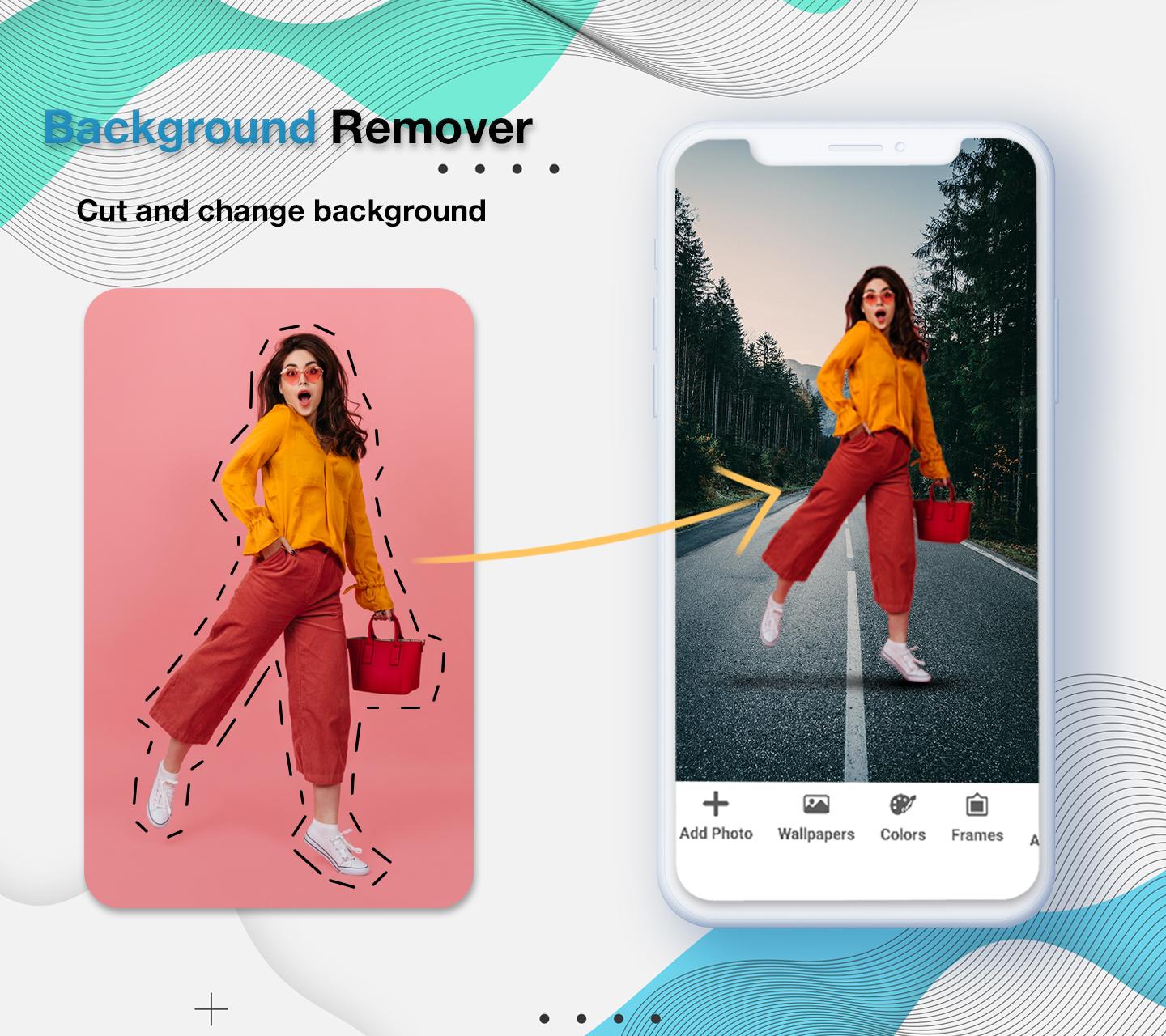
If you want to edit your pictures and remove the background of any picture, now you don’t need to get into many troubles or contact any designer to change the background of your picture because we bring this background eraser: background changer of photo automatically in just seconds. You can easily delete background in picture. You can cut any picture and make its background transparent via this background eraser photo eraser: remove bg app.
Why this Background changer of photo: Background eraser app?
The basic purpose to develop this Background changer of photo: Background eraser app is to remove backgrounds from any photo. Through this background editor: photo editor backround app, you can edit the images anytime and anywhere. Replace existing background and add new background using this transparent background: remove background app.
Salient features for Background changer of photo: Background eraser app
• You can immediately remove bg of any photo by this background changer of photo automatically
• Add text on any photo
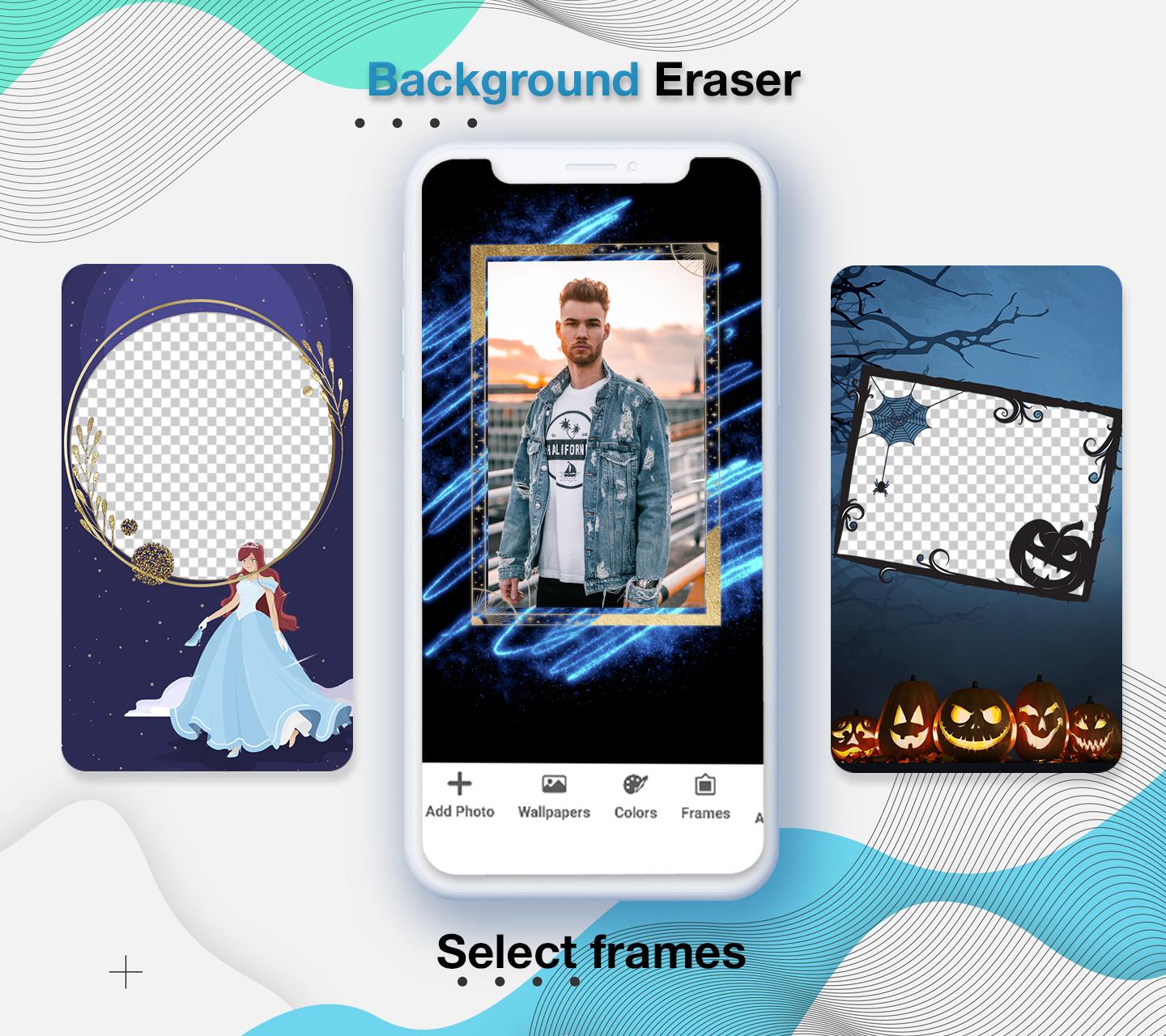
• You can easily add frames on photos
• Add colors on background
• Save pictures to share via social media
• View your all edited photos in the app.
delete background in picture: background changer
Using this remove background app, you can remove the background of your picture and make the background transparent. At the same time, you can choose any other photo of your choice or click an image from the camera and set it as your picture background. Make your pictures into PNG form using this background edit: background eraser photo. Just select a photo of your choice that you want to change the background, wait for a while and the background of your photo will be removed automatically within seconds and you can convert your image into PNG.
What’s amazing in this transparent background: photo background eraser app?
- Auto background remover
- Manually remove background
- Add frames
- Add text
- Crop photo
- Add wallpapers in picture background
Cutout image: magic eraser
You can cutout photos background very quickly and edit backgrounds to give stunning look to your photos. Its not only the background eraser app, you can also add text on photos, add backgrounds colors and crop photos. Use can use our photo background changer: eraser app as an photo editor because it allows you to edit any photo.
Auto eraser: photo editor backround
Remove bg from pictures become easier with this magic eraser: remove bg background app. On a single click auto eraser can remove all backgrounds from photo and convert it into PNG form. Png maker: background remover having a lot of HD colors to set it into as background colors. Background changer also allows you to undo and redo your actions. If you remove anything from photo by mistake, then you can also redo ad undo to get your picture back in real form. You can view your creations inside the app, when you edit any photo through our background remover and changer app, you don’t need to find your creations in the whole phone. Simply open the app and click on creations button to get your edited pictures.
Working for this Background changer of photo: Background eraser app
• Download and install this Background changer of photo BG.
• Open this Background changer of photo BG.
• Click on cut button to edit and remove background of picture.
• Press creations button to view edited photos.
Safe and Secure this Background changer of photo: Background eraser app
We are not collecting your any personal information from your mobile phone. This Background changer of photo: Background eraser app is safe and secure application because it will not take any data and not share any details to others.
Preview
Tags
PhotographyInformation
Developer
Galaxy studio apps
Latest Version
1.4
Last Updated
2022-07-14
Category
Photography
Available on
Google Play
Show More
How to play Background Eraser & Remove BG with GameLoop on PC
1. Download GameLoop from the official website, then run the exe file to install GameLoop
2. Open GameLoop and search for “Background Eraser & Remove BG” , find Background Eraser & Remove BG in the search results and click “Install”
3. Enjoy playing Background Eraser & Remove BG on GameLoop
Minimum requirements
OS
Windows 8.1 64-bit or Windows 10 64-bit
GPU
GTX 1050
CPU
i3-8300
Memory
8GB RAM
Storage
1GB available space
Recommended requirements
OS
Windows 8.1 64-bit or Windows 10 64-bit
GPU
GTX 1050
CPU
i3-9320
Memory
16GB RAM
Storage
1GB available space