Find My Phone Anti Theft Alarm PC
EAGLE APPS
Download Find My Phone Anti Theft Alarm on PC With GameLoop Emulator
Find My Phone Anti Theft Alarm sa PC
Ang Find My Phone Anti Theft Alarm, na nagmumula sa developer na EAGLE APPS, ay tumatakbo sa Android systerm sa nakaraan.
Ngayon, maaari mong laruin ang Find My Phone Anti Theft Alarm sa PC gamit ang GameLoop nang maayos.
I-download ito sa GameLoop library o mga resulta ng paghahanap. Hindi na tumitingin sa baterya o nakakadismaya na mga tawag sa maling oras.
I-enjoy lang ang Find My Phone Anti Theft Alarm PC sa malaking screen nang libre!
Find My Phone Anti Theft Alarm Panimula
📱 Find My Phone Anti Theft Alarm – Clap & Whistle | Don't Touch My Phone
Tired of misplacing your phone and spending hours trying to find it? Meet Find My Phone Anti Theft Alarm, your all-in-one solution to find phone by clap, find phone by whistle, and secure your device with an anti-theft alarm. Whether your phone is lost in your home or you're worried about someone trying to touch it, this app has you covered.
Simply clap or whistle, and your device will ring, vibrate, and flash to help you locate it. Plus, our don't touch my phone alarm instantly alerts you if someone tries to move or unlock your device.
🔍 Top Features of Find My Phone Anti Theft Alarm:
● Clap to find my phone – Locate your phone with a simple clap.
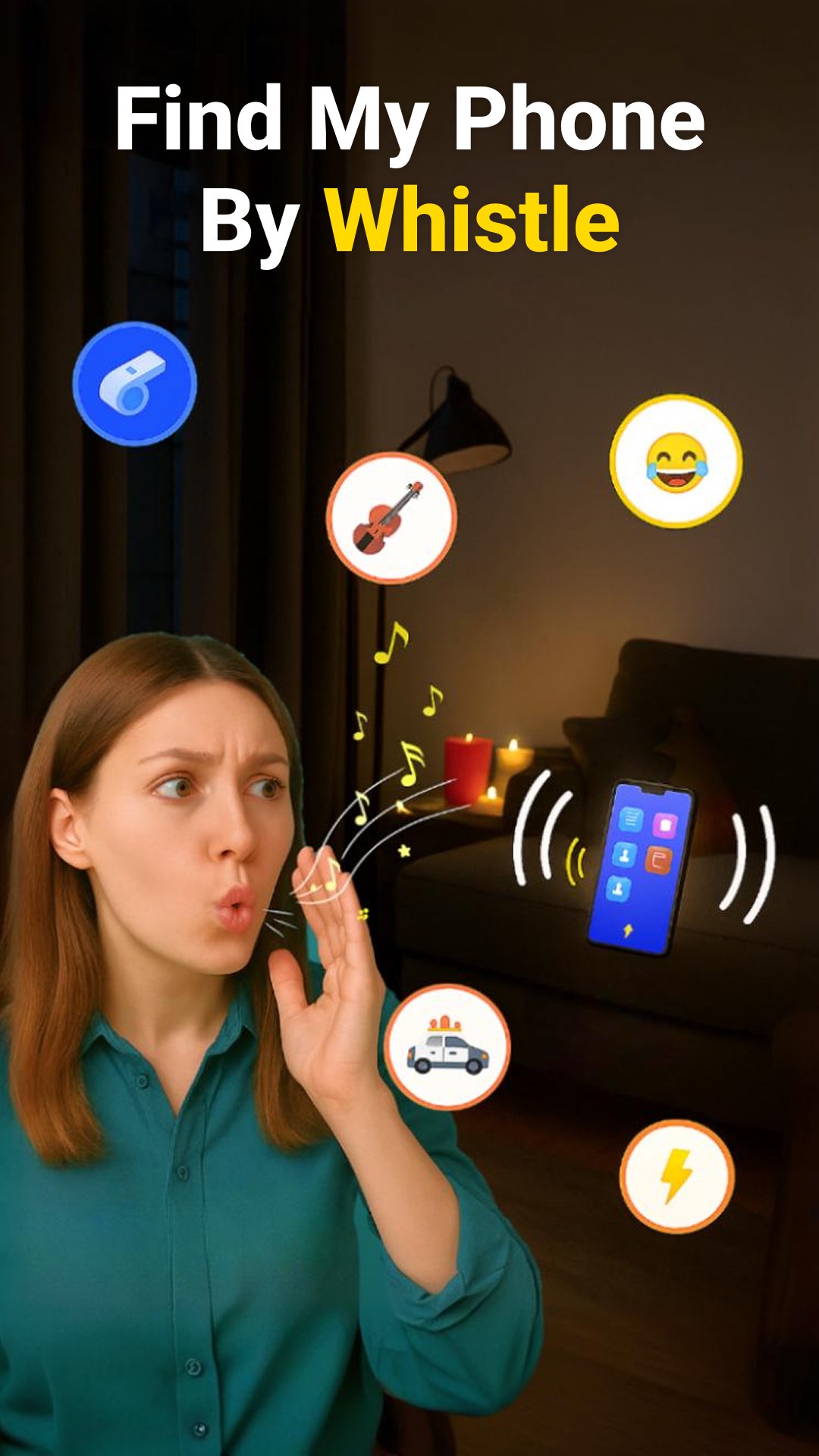
● Whistle to find my phone – Whistle to trigger a loud ringtone.
● Flashlight & vibration when phone is found.
● Multi-color screen light to find phone in dark.
● Don't touch my phone alarm for theft protection.
● Phone touch alarm when someone picks up your phone.
● Smart Mode disables detection during use.
● Offline support – No GPS or internet required.
● Custom sounds – Use phone security alerts or fun ringtones.
👏 Find My Phone by Clap
Just clap your hands to activate the clap phone finder. Ideal for moments when your device is stuck in a couch or under the bed. Get audio, flashlight, and vibration feedback instantly.
📣 Find My Phone by Whistle
Whistle loudly and your device will ring and vibrate to help you locate it. A great lost phone alert tool for noisy environments or dark rooms.
🔐 Anti Theft Alarm – Don’t Touch My Phone
Activate the anti-theft alarm and your phone will instantly ring if moved, picked up, or unlocked. Use this feature in public places or while charging.
💡 Smart Mode & Custom Alerts
Use Smart Mode to pause detection while using your phone. Customize alarm sounds, screen light colors, and vibration patterns for a personalized experience.
🔑 All-in-One Phone Security & Locator
Whether you want to find a phone, find a cell phone, or set a phone alarm security, this app does it all. It combines the power of anti theft alarm app, dont touch my phone app, and find my phone by clap whistle into one must-have tool.
📲 Download Find My Phone Anti Theft Alarm now – the best way to never lose your phone again and always know when someone tries to touch it! Stay protected and connected with the smartest phone security app.
Preview

Tags
PersonalizationProductivityInformation
Developer
EAGLE APPS
Latest Version
1.8.50
Last Updated
2026-01-06
Category
Personalization
Available on
Google Play
Show More
How to play Find My Phone Anti Theft Alarm with GameLoop on PC
1. Download GameLoop from the official website, then run the exe file to install GameLoop
2. Open GameLoop and search for “Find My Phone Anti Theft Alarm” , find Find My Phone Anti Theft Alarm in the search results and click “Install”
3. Enjoy playing Find My Phone Anti Theft Alarm on GameLoop
Minimum requirements
OS
Windows 8.1 64-bit or Windows 10 64-bit
GPU
GTX 1050
CPU
i3-8300
Memory
8GB RAM
Storage
1GB available space
Recommended requirements
OS
Windows 8.1 64-bit or Windows 10 64-bit
GPU
GTX 1050
CPU
i3-9320
Memory
16GB RAM
Storage
1GB available space