Voice Keyboard PC
Digital Awesome Themes
Download Voice Keyboard on PC With GameLoop Emulator
Voice Keyboard sa PC
Ang Voice Keyboard, na nagmumula sa developer na Digital Awesome Themes, ay tumatakbo sa Android systerm sa nakaraan.
Ngayon, maaari mong laruin ang Voice Keyboard sa PC gamit ang GameLoop nang maayos.
I-download ito sa GameLoop library o mga resulta ng paghahanap. Hindi na tumitingin sa baterya o nakakadismaya na mga tawag sa maling oras.
I-enjoy lang ang Voice Keyboard PC sa malaking screen nang libre!
Voice Keyboard Panimula
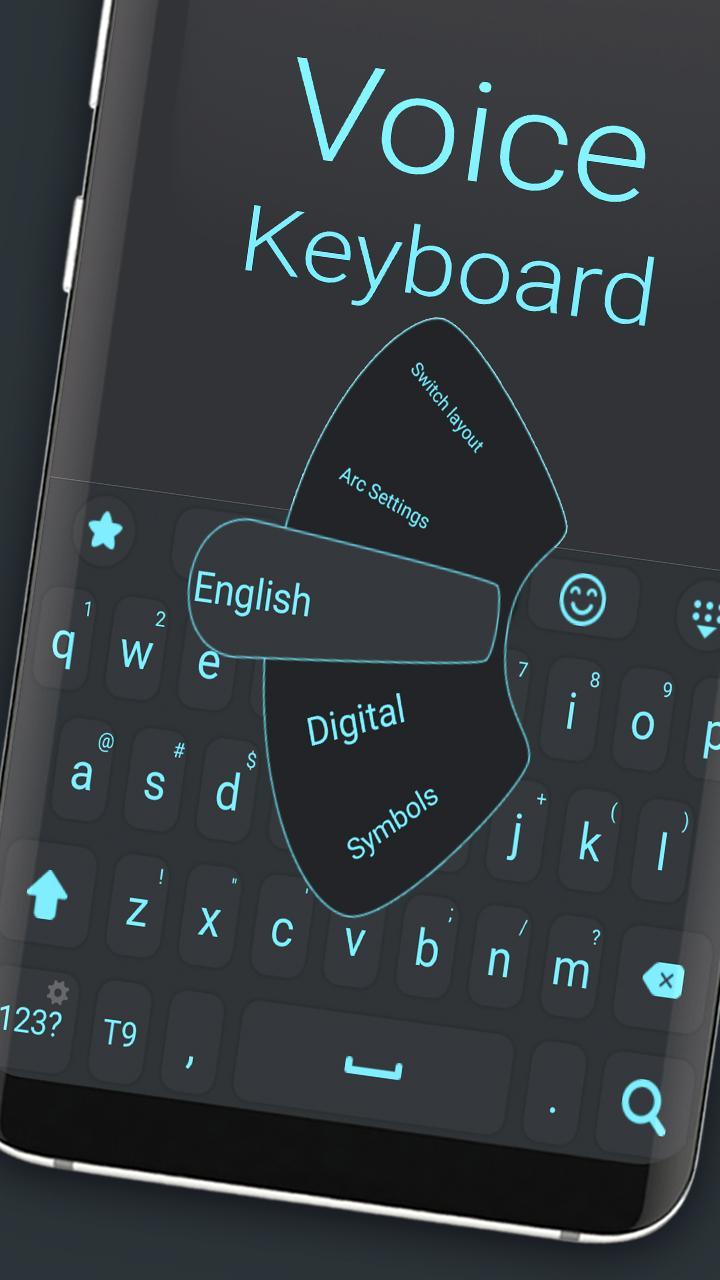
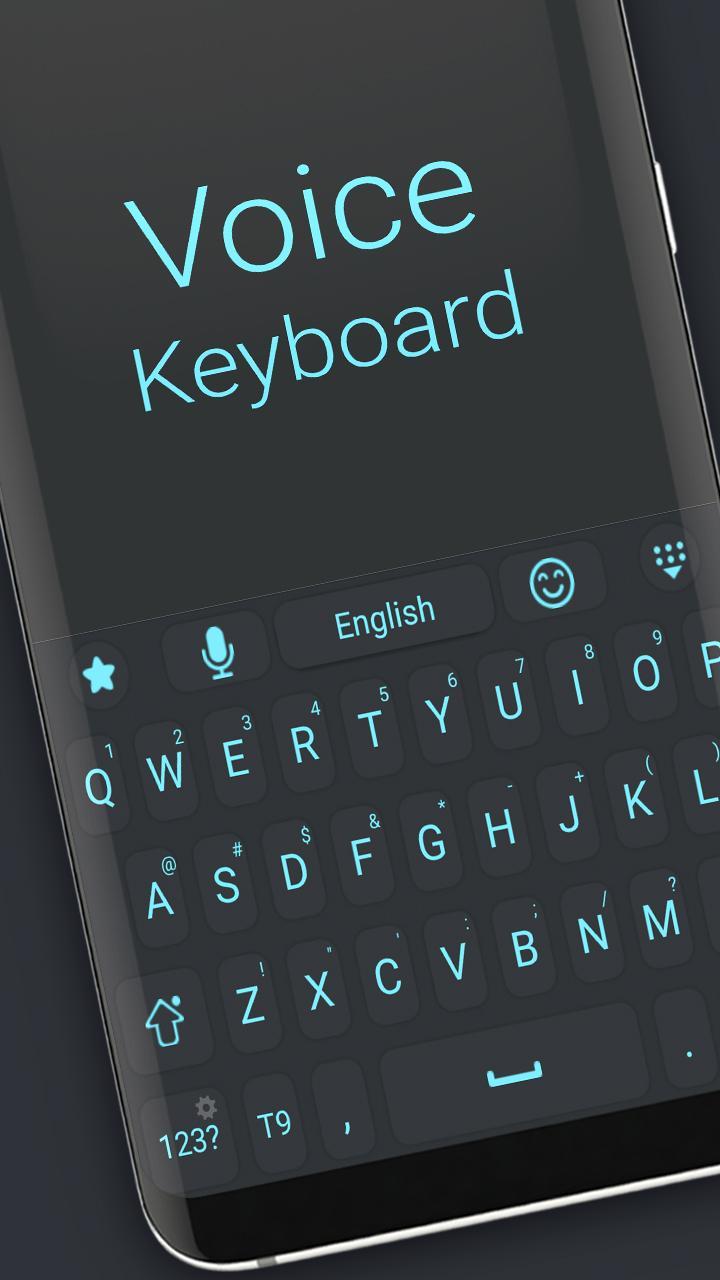
Voice Keyboard – Speak Naturally, Type Effortlessly
Say goodbye to typing struggles and hello to seamless communication with Voice Keyboard! This innovative keyboard lets you convert your voice into text instantly, making messaging, emailing, and note-taking faster and easier than ever before.
Whether you’re on the go, multitasking, or just want to type hands-free, Voice Keyboard delivers highly accurate voice recognition powered by advanced speech-to-text technology. Enjoy clear and natural dictation with punctuation and formatting support.
Why choose Voice Keyboard?
🎤 Fast, accurate voice-to-text conversion with minimal errors
🌐 Supports multiple languages and accents for global users
📝 Edit, delete, or manually type within the same keyboard
🔊 Voice commands for punctuation and formatting
🔒 Privacy-focused design ensures your data stays secure
🌟 Lightweight and easy to use with a sleek, user-friendly interface
Boost your productivity and communicate faster than ever. Try Voice Keyboard today and experience the future of typing!
Preview
Tags
PersonalizationInformation
Developer
Digital Awesome Themes
Latest Version
3.0.1
Last Updated
2025-06-11
Category
Personalization
Available on
Google Play
Show More
How to play Voice Keyboard with GameLoop on PC
1. Download GameLoop from the official website, then run the exe file to install GameLoop
2. Open GameLoop and search for “Voice Keyboard” , find Voice Keyboard in the search results and click “Install”
3. Enjoy playing Voice Keyboard on GameLoop
Minimum requirements
OS
Windows 8.1 64-bit or Windows 10 64-bit
GPU
GTX 1050
CPU
i3-8300
Memory
8GB RAM
Storage
1GB available space
Recommended requirements
OS
Windows 8.1 64-bit or Windows 10 64-bit
GPU
GTX 1050
CPU
i3-9320
Memory
16GB RAM
Storage
1GB available space