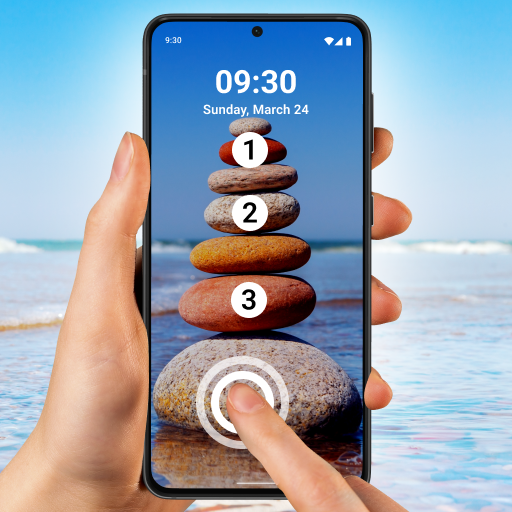
Touch Lock Screen Touch Photo PC
Pic Frame Photo Collage Maker & Picture Editor
Download Touch Lock Screen Touch Photo on PC With GameLoop Emulator
Touch Lock Screen Touch Photo sa PC
Ang Touch Lock Screen Touch Photo, na nagmumula sa developer na Pic Frame Photo Collage Maker & Picture Editor, ay tumatakbo sa Android systerm sa nakaraan.
Ngayon, maaari mong laruin ang Touch Lock Screen Touch Photo sa PC gamit ang GameLoop nang maayos.
I-download ito sa GameLoop library o mga resulta ng paghahanap. Hindi na tumitingin sa baterya o nakakadismaya na mga tawag sa maling oras.
I-enjoy lang ang Touch Lock Screen Touch Photo PC sa malaking screen nang libre!
Touch Lock Screen Touch Photo Panimula
Touch Lock Screen Photo: Your Ultimate Mobile Security Companion!
Concerned about keeping your mobile device secure? Look no further! Introducing Touch Screen Lock Photo, the modern lock designed for mobile security. With this amazing app, you can protect your phone with a touch password, ensuring your sensitive information stays safe and secure.
🔒 Key Features of Touch Screen Lock: 🔒
📸 Touch Lock Screen Protection;
📱 Select Images from Gallery or Camera;
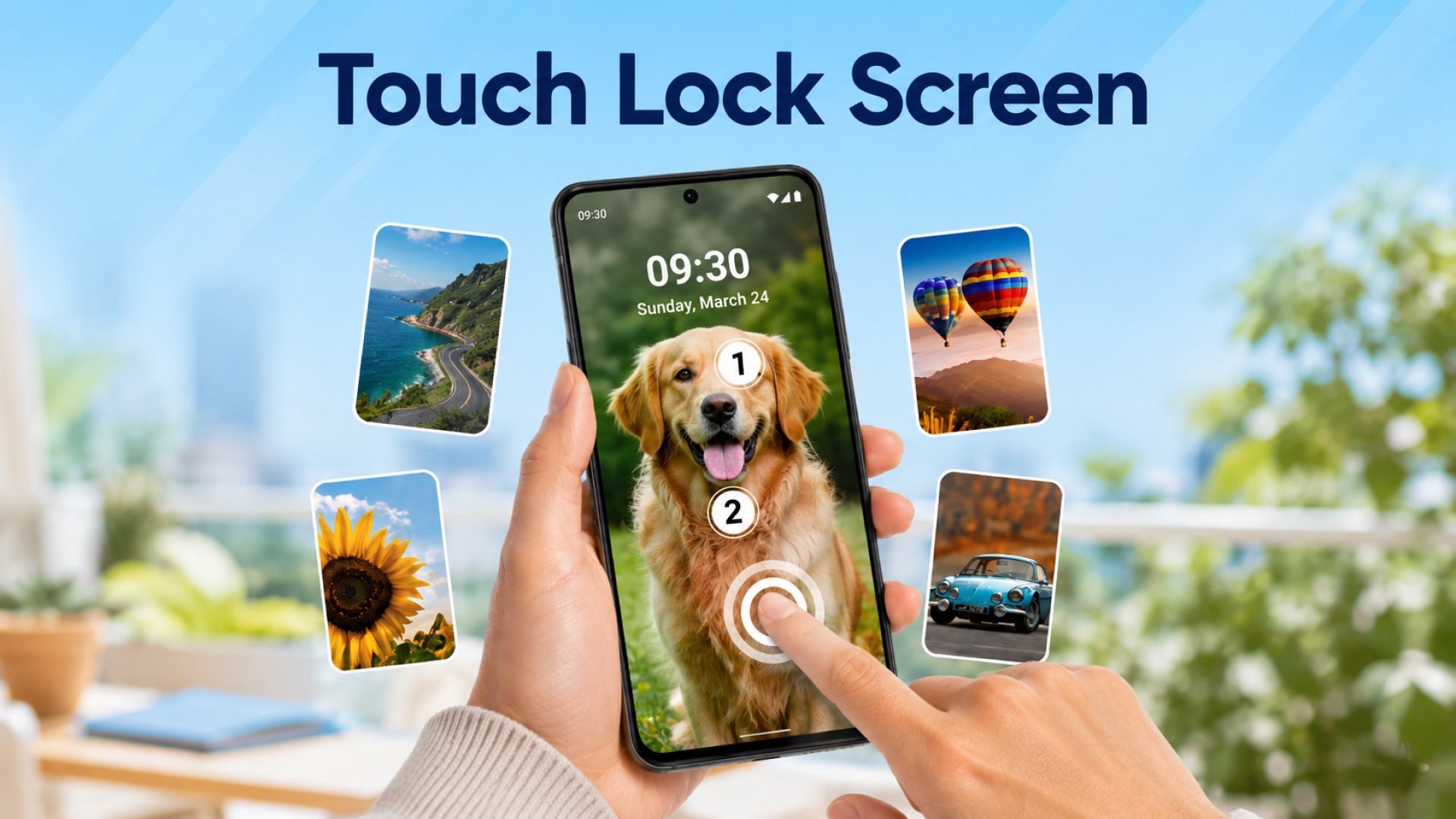
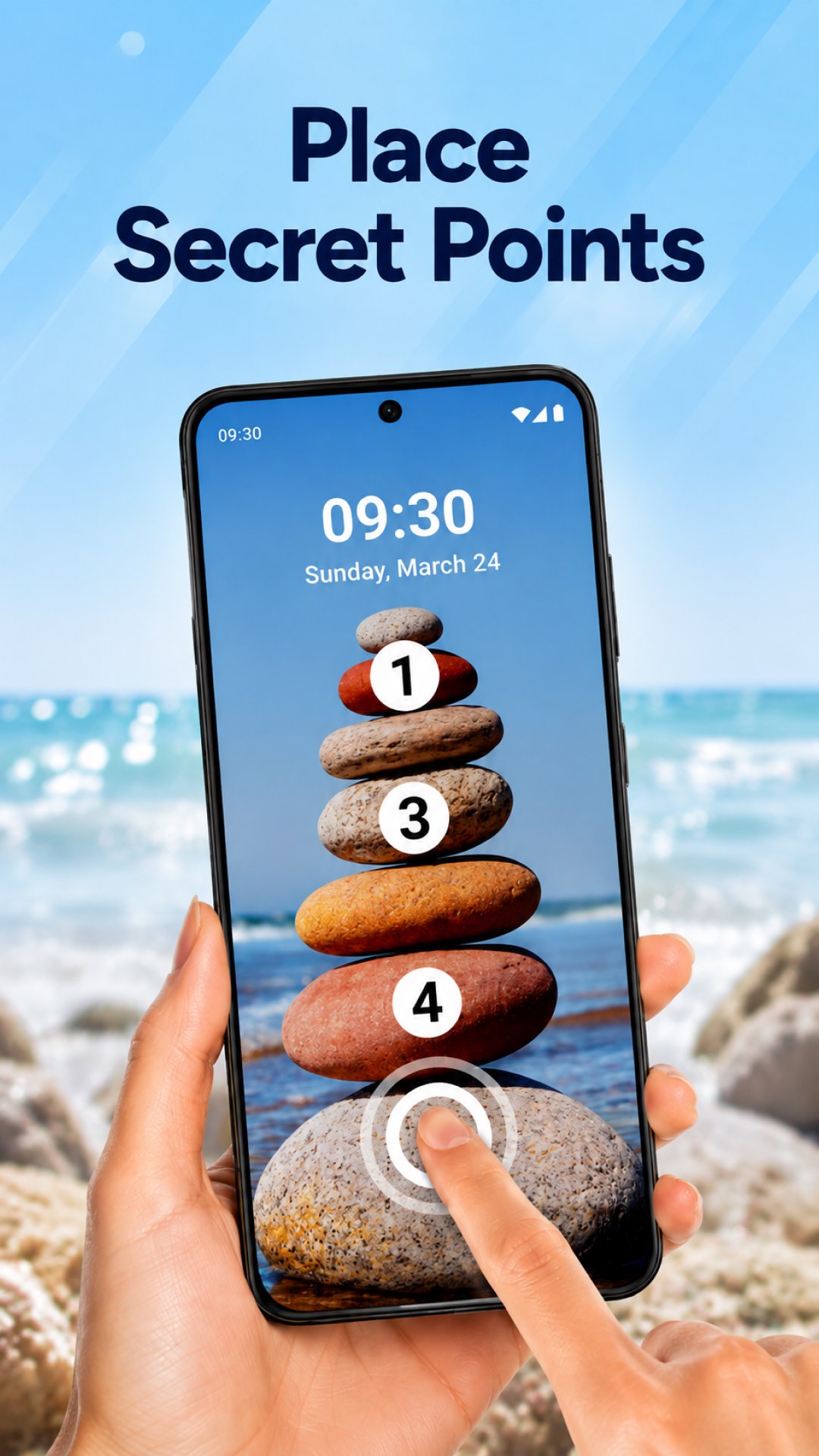
👆 Set Touch Lock Password in Two or Four Positions;
🔑 Recovery Password (PIN Password) Option;
🔊 Enable/Disable Sound and Vibration;
🎨 Wide Range of Themes Available;
🔒 Touch Lock Screen Protection:
Say goodbye to traditional passcodes and embrace the future of mobile security with Touch Lock Screen Photo. This finger lock screen app allows you to set a touch password, utilizing the unique patterns of your fingertips for enhanced protection. With options to select images from your gallery or capture new ones with your camera, you can personalize your phone for added security.
📸 Finger lock screen: Select Images from Gallery or Camera:
Express your creativity and personalize your phone. Choose from various images in your gallery or capture new ones with your device's camera. Make your finger lock screen yours, whether it's a memorable photograph or a favorite wallpaper.
Enjoy Added Security On Your Phone With Just A Few Taps
Secure your phone with style and safety. Set a PIN code for added certainty and choose a theme of your liking!
👆 Set Touch Password in Two or Four Positions:
Customize your security settings easily by setting a touch password in two or four selected positions. This unique feature adds a layer of security to your device, ensuring that only you can access its contents.
🔑 Recovery Password (PIN Password) Option:
Did you forget your Touch Screen Lock password? No need to worry! Touch Lock Screen Photo offers a recovery password option to set a PIN password as a backup. With this Fingerprint Lock Screen feature, you can regain access to your device even if you forget your touch password.
🔊 Fingerprint Lock Screen With Sound and Vibration:
Tailor your security experience to your preferences with the option to enable or disable sound and vibration. Touch Screen Lock gives you full control over whether you prefer a silent and discreet screen or an audible confirmation of your security measures.
Preview
Tags
PersonalizationInformation
Developer
Pic Frame Photo Collage Maker & Picture Editor
Latest Version
4.1.0
Last Updated
2024-03-13
Category
Personalization
Available on
Google Play
Show More
How to play Touch Lock Screen Touch Photo with GameLoop on PC
1. Download GameLoop from the official website, then run the exe file to install GameLoop
2. Open GameLoop and search for “Touch Lock Screen Touch Photo” , find Touch Lock Screen Touch Photo in the search results and click “Install”
3. Enjoy playing Touch Lock Screen Touch Photo on GameLoop
Minimum requirements
OS
Windows 8.1 64-bit or Windows 10 64-bit
GPU
GTX 1050
CPU
i3-8300
Memory
8GB RAM
Storage
1GB available space
Recommended requirements
OS
Windows 8.1 64-bit or Windows 10 64-bit
GPU
GTX 1050
CPU
i3-9320
Memory
16GB RAM
Storage
1GB available space