
Tile Shortcuts: Quick settings PC
Tom Bayley
Download Tile Shortcuts: Quick settings on PC With GameLoop Emulator
Tile Shortcuts: Quick settings sa PC
Ang Tile Shortcuts: Quick settings, na nagmumula sa developer na Tom Bayley, ay tumatakbo sa Android systerm sa nakaraan.
Ngayon, maaari mong laruin ang Tile Shortcuts: Quick settings sa PC gamit ang GameLoop nang maayos.
I-download ito sa GameLoop library o mga resulta ng paghahanap. Hindi na tumitingin sa baterya o nakakadismaya na mga tawag sa maling oras.
I-enjoy lang ang Tile Shortcuts: Quick settings PC sa malaking screen nang libre!
Tile Shortcuts: Quick settings Panimula
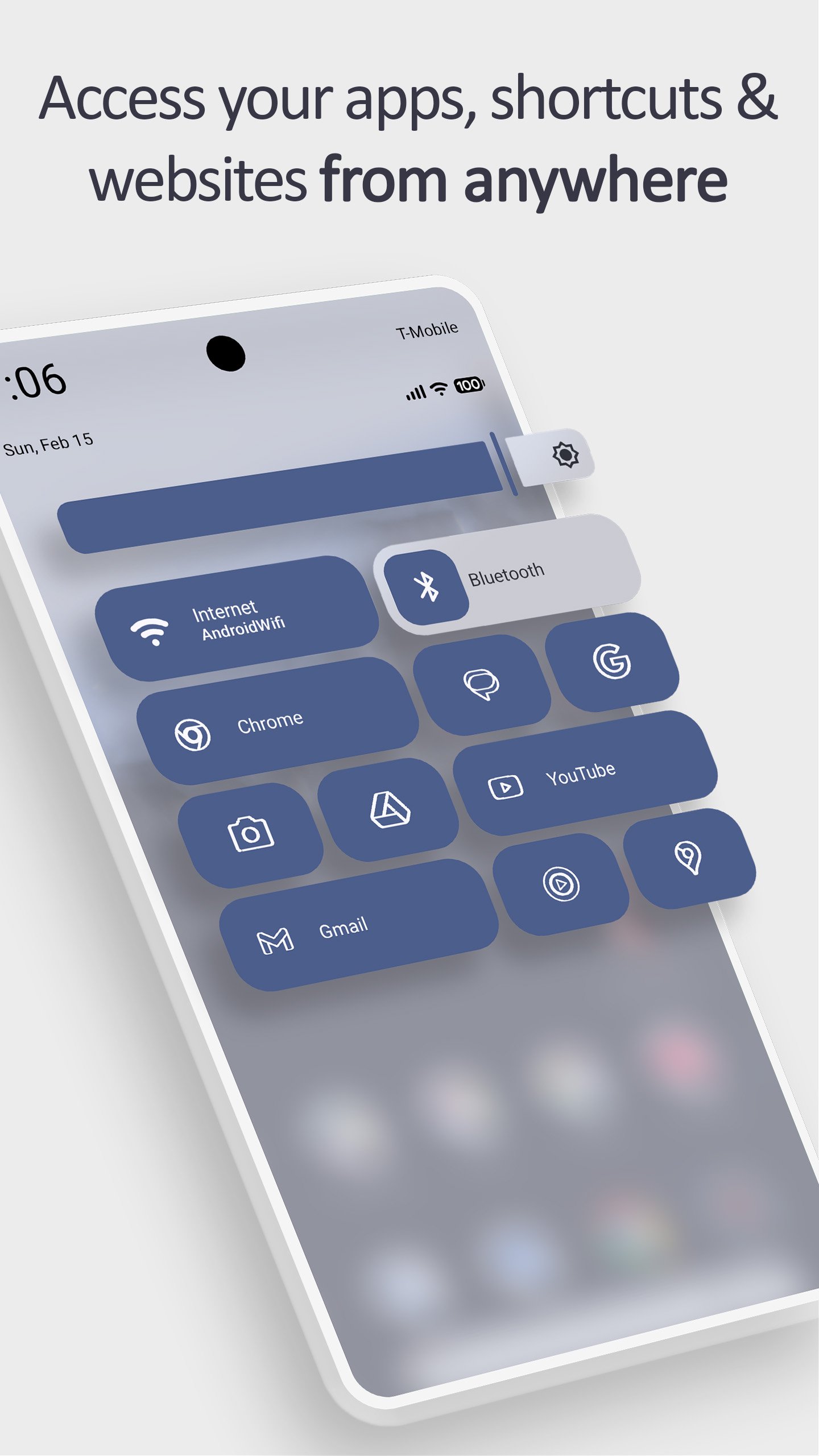
Open any app, shortcut, or website from your Android quick settings panel with a single tap. Get instant one-tap access to everything you use — directly from the notification shade, without digging through your app drawer.
⚡ REAL APP ICONS IN YOUR QUICK SETTINGS
Other quick settings tile apps replace your icon with a letter or a generic placeholder. Tile Shortcuts displays the actual app icon inside every quick settings tile — so you instantly recognize what you're tapping. One glance. One tap. Done.
📱 SHORTCUT TILES
• Apps — launch any installed app directly from the notification shade
• App Shortcuts — trigger specific in-app actions (compose a message, start navigation, open a new note)
• Websites — open any URL with a single tap from the quick settings panel
• Intents & Activities — advanced Android shortcuts for power users
• Shortcut Folders — group multiple shortcuts behind one quick settings tile
🎨 TILE CUSTOMIZATION
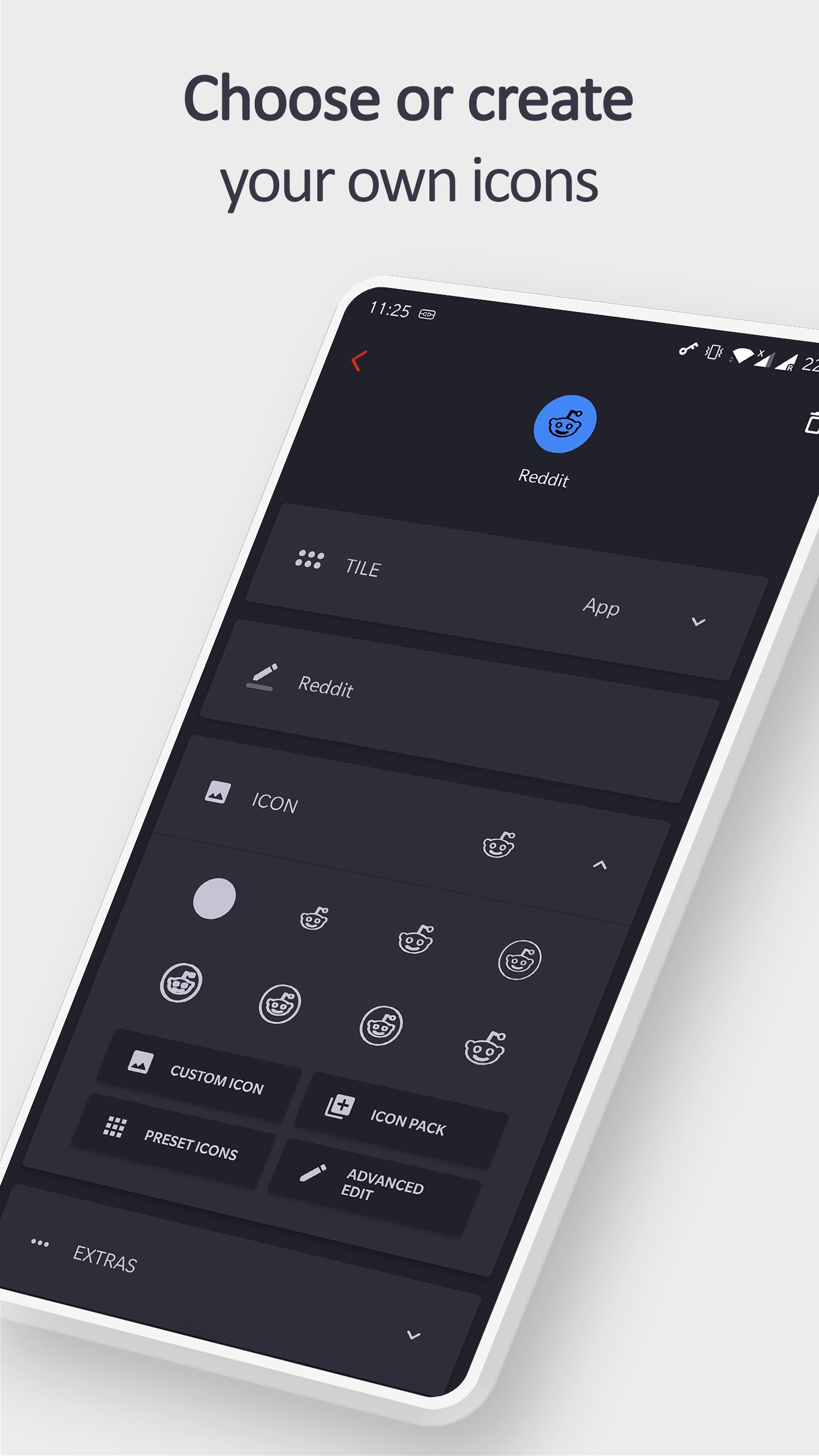
• Real app icons — your actual app icon displayed in the quick settings panel
• Custom icons — use any image from your device
• Icon Pack support — pick icons from any installed icon pack
• Website favicons — real site icons for website tiles
• Custom tile labels — name every quick settings tile anything you want
⚙️ EASY SETUP
1. Open Tile Shortcuts and create a tile — note the number shown beneath it
2. Pull down your notification shade and tap the Edit button in quick settings
3. Drag the matching numbered tile into your active quick settings area
4. Tap your new shortcut tile anytime to launch instantly
📲 BOTTOM QUICK SETTINGS & MIUI-ify COMPATIBLE
Tiles created in Tile Shortcuts work seamlessly with Bottom Quick Settings and MIUI-ify. Build a fully custom quick settings panel complete with real app icons and one-tap shortcuts.
Preview
Tags
PersonalizationInformation
Developer
Tom Bayley
Latest Version
1.8.1
Last Updated
2026-08-20
Category
Personalization
Available on
Google Play
Show More
How to play Tile Shortcuts: Quick settings with GameLoop on PC
1. Download GameLoop from the official website, then run the exe file to install GameLoop
2. Open GameLoop and search for “Tile Shortcuts: Quick settings” , find Tile Shortcuts: Quick settings in the search results and click “Install”
3. Enjoy playing Tile Shortcuts: Quick settings on GameLoop
Minimum requirements
OS
Windows 8.1 64-bit or Windows 10 64-bit
GPU
GTX 1050
CPU
i3-8300
Memory
8GB RAM
Storage
1GB available space
Recommended requirements
OS
Windows 8.1 64-bit or Windows 10 64-bit
GPU
GTX 1050
CPU
i3-9320
Memory
16GB RAM
Storage
1GB available space