Theme for Xiaomi Black Shark PC
Ninja Inc
Download Theme for Xiaomi Black Shark on PC With GameLoop Emulator
Theme for Xiaomi Black Shark sa PC
Ang Theme for Xiaomi Black Shark, na nagmumula sa developer na Ninja Inc, ay tumatakbo sa Android systerm sa nakaraan.
Ngayon, maaari mong laruin ang Theme for Xiaomi Black Shark sa PC gamit ang GameLoop nang maayos.
I-download ito sa GameLoop library o mga resulta ng paghahanap. Hindi na tumitingin sa baterya o nakakadismaya na mga tawag sa maling oras.
I-enjoy lang ang Theme for Xiaomi Black Shark PC sa malaking screen nang libre!
Theme for Xiaomi Black Shark Panimula
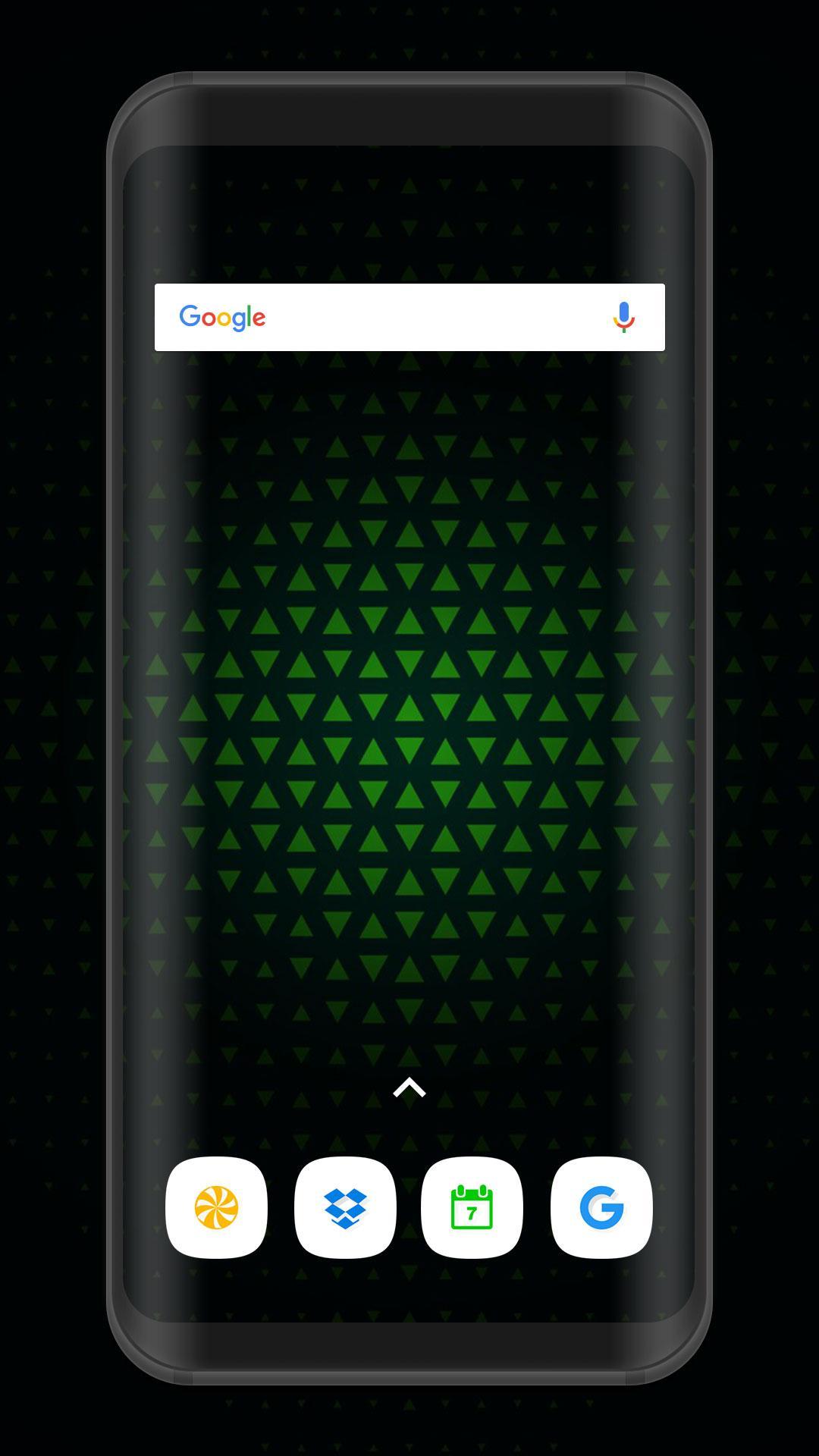
It's time to beautify your screen in contemporary style with our beautiful theme & launcher.
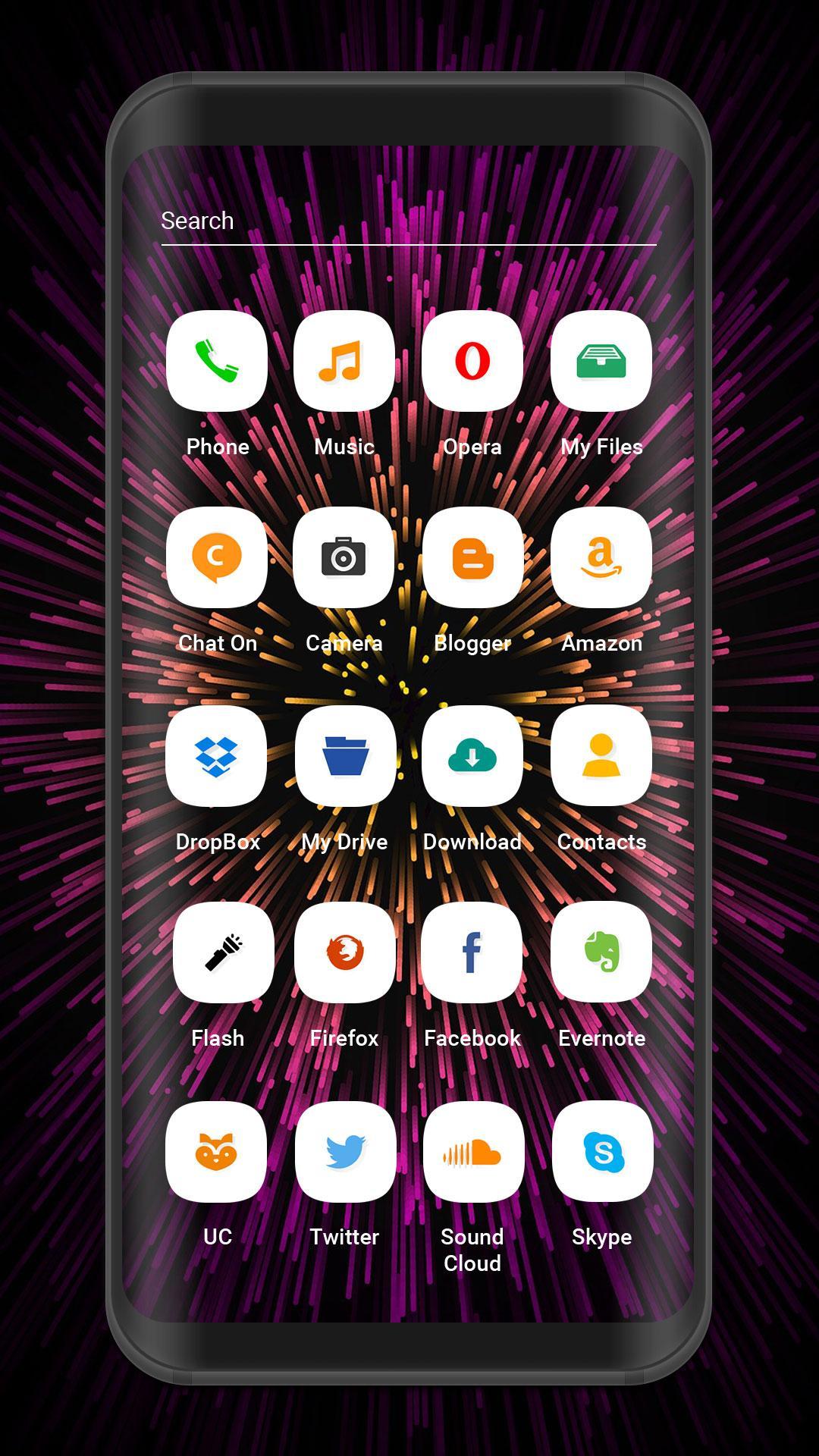
Not just that, this theme bundles awesome HD 4K wallpapers and totally custom icons for your phone.
Install this theme right away and get in contemporary style. Themes support following launchers:
1. Suma Launcher (Android Oreo 8.0 Look also Android P 9.0).
2. Action Launcher.
3. Nova Launcher.
4. ADW Launcher.
5. Lucid Launcher.
6. Holo Launcher.
7. Zero Launcher.
8. Next Launcher.
9. Line Launcher.
FEATURES
★ Amazing static HD 4K Wallpapers.
★ White collection of bundles of icons pack.
★ Customize full fledged animated look.
★ Both landscape and portrait support for phone and tablets.
★ Easy to use.
★ Small in size and very fast and simple.
To set this theme , please follow the following steps:
※ Open Xiaomi Black Shark Theme (icon pack).
※ Tap on Apply Theme item.
※ Select your choice of Launcher on which you want to apply this theme(Suma Launcher Recommended).
※ Then Apply the Theme. wait for almost 20 Seconds to apply the theme.
To change Wallpaper and Lock Screen Background, please follow the following steps:
※ Open Xiaomi Black Shark Theme.
※ Tap on Wallpapers Item.
※ Select any wallpaper either by SET AS WALLPAPER or click on tick mark.
※ Choose Set As Lock Screen and Home Screen.
This Beautiful theme can be run in both smartphone phone & tablet.
This theme will be install to Mi Mix 2s / Redmi Note 5 / Redmi Note 5 (Redmi 5 Plus) / Xiaomi Redmi Y1 / Redmi Y1 Lite / Mi Note 3 / Mi Mix 2 /Mi Mix 2 / Mi A1 / Mi Max 2 / Mi 6 etc.
*This app is not affiliated with or endorsed by Xiaomi or Mi or Redmi.
*This app is not affiliated with or endorsed by Android.
Preview
Tags
PersonalizationInformation
Developer
Ninja Inc
Latest Version
1.7
Last Updated
2018-07-27
Category
Personalization
Available on
Google Play
Show More
How to play Theme for Xiaomi Black Shark with GameLoop on PC
1. Download GameLoop from the official website, then run the exe file to install GameLoop
2. Open GameLoop and search for “Theme for Xiaomi Black Shark” , find Theme for Xiaomi Black Shark in the search results and click “Install”
3. Enjoy playing Theme for Xiaomi Black Shark on GameLoop
Minimum requirements
OS
Windows 8.1 64-bit or Windows 10 64-bit
GPU
GTX 1050
CPU
i3-8300
Memory
8GB RAM
Storage
1GB available space
Recommended requirements
OS
Windows 8.1 64-bit or Windows 10 64-bit
GPU
GTX 1050
CPU
i3-9320
Memory
16GB RAM
Storage
1GB available space