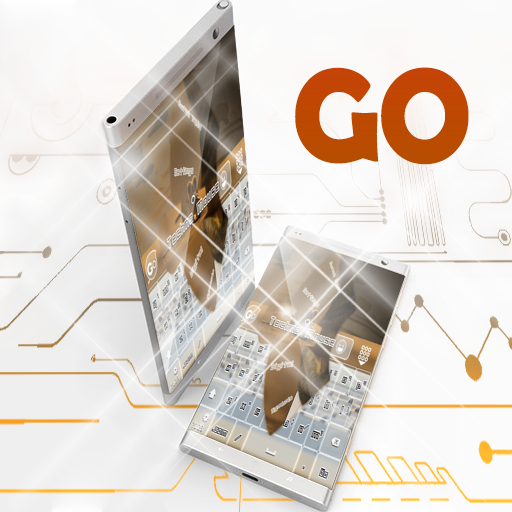
Techno Mouse GO Keyboard PC
CuteKeyboards
Download Techno Mouse GO Keyboard on PC With GameLoop Emulator
Techno Mouse GO Keyboard sa PC
Ang Techno Mouse GO Keyboard, na nagmumula sa developer na CuteKeyboards, ay tumatakbo sa Android systerm sa nakaraan.
Ngayon, maaari mong laruin ang Techno Mouse GO Keyboard sa PC gamit ang GameLoop nang maayos.
I-download ito sa GameLoop library o mga resulta ng paghahanap. Hindi na tumitingin sa baterya o nakakadismaya na mga tawag sa maling oras.
I-enjoy lang ang Techno Mouse GO Keyboard PC sa malaking screen nang libre!
Techno Mouse GO Keyboard Panimula
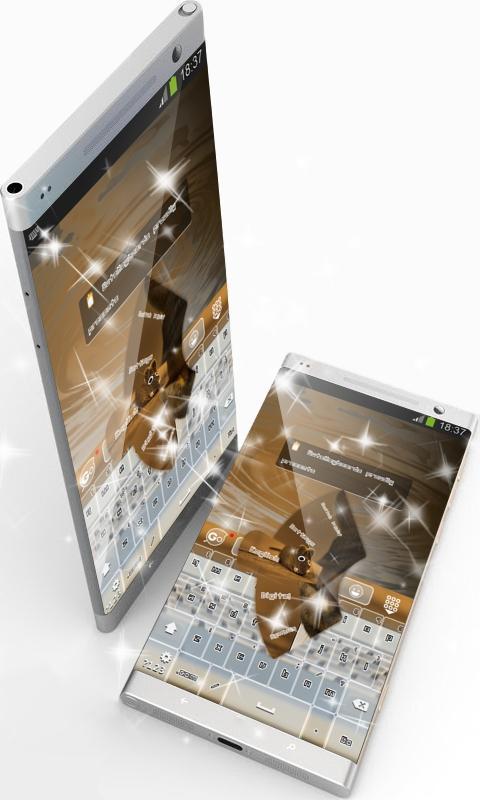
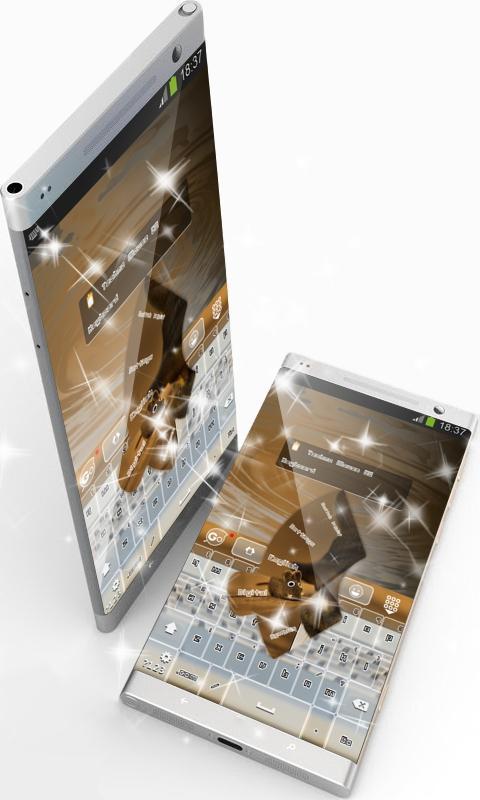
This is the GO Keyboard "Techno Mouse" theme by CuteKeyboards.
Techno Mouse.
With the potential of offering multiple meanings and features to any theme, mouse, cuteness and toy are the elements that inspired this mud brown theme.
If little else, the brain is an educational toy.
Keeping equilibrium within its design with superb purple brown nuances, this keyboard not only that achieved a marvelous look, but it also conveys sublimeness.
The "Techno Mouse" GO Keyboard will become your lucky charm that will make your days easier with its gorgeous features painted in dark brown, so take it straight away!
*** Usage instructions ***
1. Click on the Techno Mouse theme icon
2. Click on the "Apply theme" button
This is a free theme for GO Keyboard. If you do not have it installed on your device, our application will guide you step by step. It will only take a minute.
Please don't hesitate to rate this theme or comment. Your feedback is valuable to us and enables us to improve our applications.
We included the free font Unlearned 2 BRK Normal.
Preview
Information
Developer
CuteKeyboards
Latest Version
4.1 Faded Orange
Last Updated
2016-08-28
Category
Personalization
Available on
Google Play
Show More
How to play Techno Mouse GO Keyboard with GameLoop on PC
1. Download GameLoop from the official website, then run the exe file to install GameLoop
2. Open GameLoop and search for “Techno Mouse GO Keyboard” , find Techno Mouse GO Keyboard in the search results and click “Install”
3. Enjoy playing Techno Mouse GO Keyboard on GameLoop
Minimum requirements
OS
Windows 8.1 64-bit or Windows 10 64-bit
GPU
GTX 1050
CPU
i3-8300
Memory
8GB RAM
Storage
1GB available space
Recommended requirements
OS
Windows 8.1 64-bit or Windows 10 64-bit
GPU
GTX 1050
CPU
i3-9320
Memory
16GB RAM
Storage
1GB available space