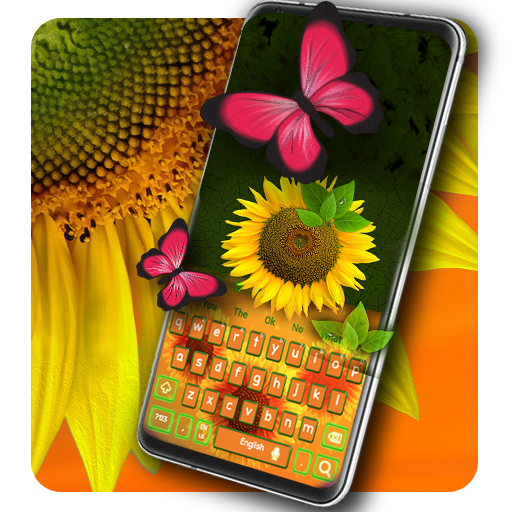
Sunflower Keyboard PC
Luna Themes
Download Sunflower Keyboard on PC With GameLoop Emulator
Sunflower Keyboard sa PC
Ang Sunflower Keyboard, na nagmumula sa developer na Luna Themes, ay tumatakbo sa Android systerm sa nakaraan.
Ngayon, maaari mong laruin ang Sunflower Keyboard sa PC gamit ang GameLoop nang maayos.
I-download ito sa GameLoop library o mga resulta ng paghahanap. Hindi na tumitingin sa baterya o nakakadismaya na mga tawag sa maling oras.
I-enjoy lang ang Sunflower Keyboard PC sa malaking screen nang libre!
Sunflower Keyboard Panimula
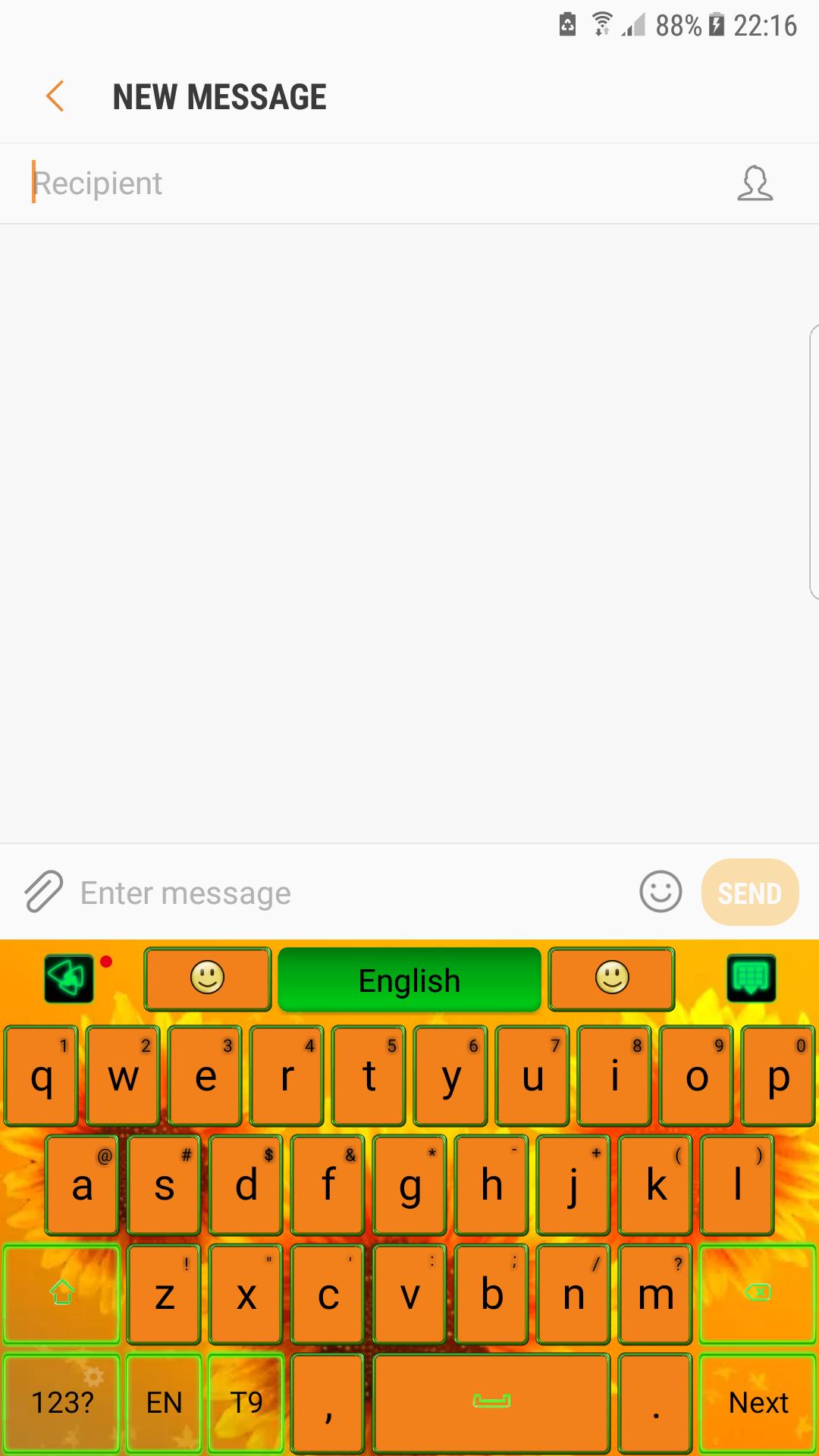
The essence of good taste and a colorful design bathed in glow sun rays, will transform your screen in irresistible gadget. 🌻
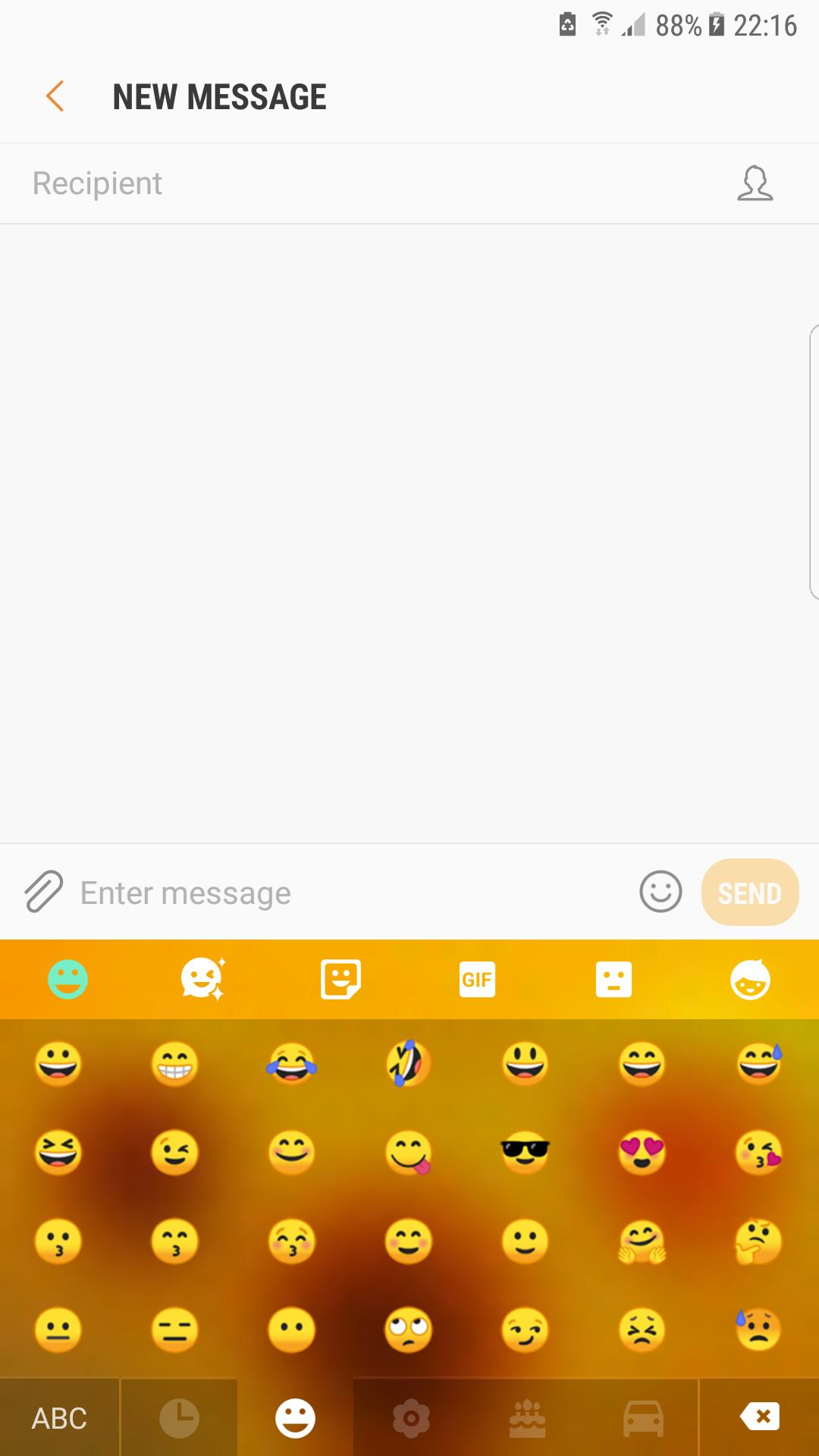
🌻 No chat without emoji😊! So expressive little smiley that helps you to tell more instantly are now on your keypad in a various forms and chic styles, ready to make the conversation more interactive.
🌻 Also gesture input has a beautiful graphic effect and helps a lot to write better and faster, just swiping on the keyboard's surface.
Features:
★Voice Input
★Popular GIFs and Memes
★Customized Fonts
★Auto-correction
★Dynamic Typing Effect
🌻 In golden rays of the sun, this flower symbolize the infinite summer and the joy. Warm shades from colors of nature, orange and green, celebrate the glow of the summer.
🌻 Inspired by the rural side and the famous paintings and artworks, the theme is dedicated to those that want a background with happiness and warmth.
🌻 Download now the sunflower keyboard and wear the beauty of the summer. Nothing compares with the mother nature and its beautiful flowers.
Preview
Information
Developer
Luna Themes
Latest Version
1.0
Last Updated
2019-09-18
Category
Personalization
Available on
Google Play
Show More
How to play Sunflower Keyboard with GameLoop on PC
1. Download GameLoop from the official website, then run the exe file to install GameLoop
2. Open GameLoop and search for “Sunflower Keyboard” , find Sunflower Keyboard in the search results and click “Install”
3. Enjoy playing Sunflower Keyboard on GameLoop
Minimum requirements
OS
Windows 8.1 64-bit or Windows 10 64-bit
GPU
GTX 1050
CPU
i3-8300
Memory
8GB RAM
Storage
1GB available space
Recommended requirements
OS
Windows 8.1 64-bit or Windows 10 64-bit
GPU
GTX 1050
CPU
i3-9320
Memory
16GB RAM
Storage
1GB available space