Storm Animated Keyboard PC
Thalia Premium Photo Montage
Download Storm Animated Keyboard on PC With GameLoop Emulator
Storm Animated Keyboard sa PC
Ang Storm Animated Keyboard, na nagmumula sa developer na Thalia Premium Photo Montage, ay tumatakbo sa Android systerm sa nakaraan.
Ngayon, maaari mong laruin ang Storm Animated Keyboard sa PC gamit ang GameLoop nang maayos.
I-download ito sa GameLoop library o mga resulta ng paghahanap. Hindi na tumitingin sa baterya o nakakadismaya na mga tawag sa maling oras.
I-enjoy lang ang Storm Animated Keyboard PC sa malaking screen nang libre!
Storm Animated Keyboard Panimula
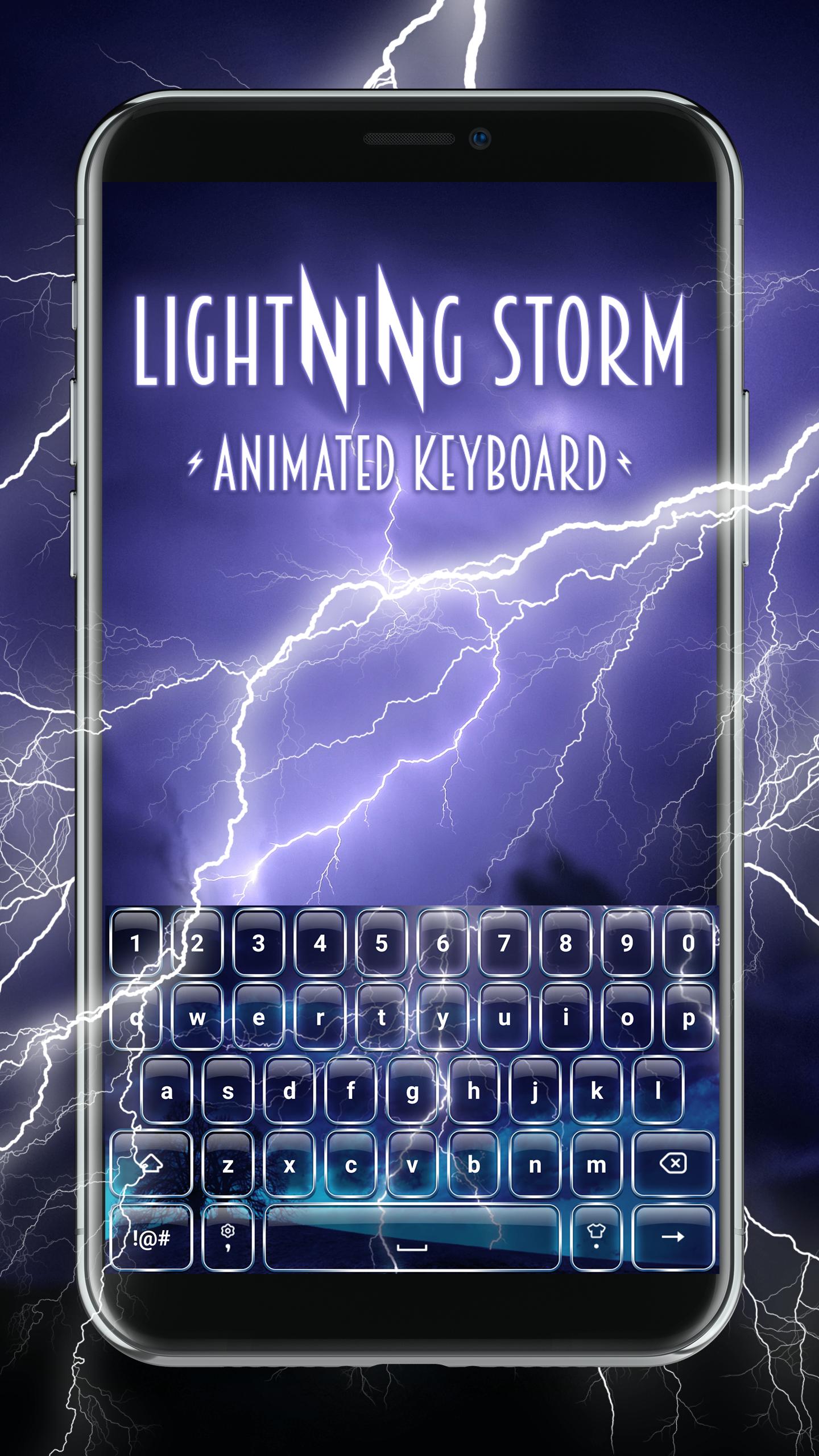
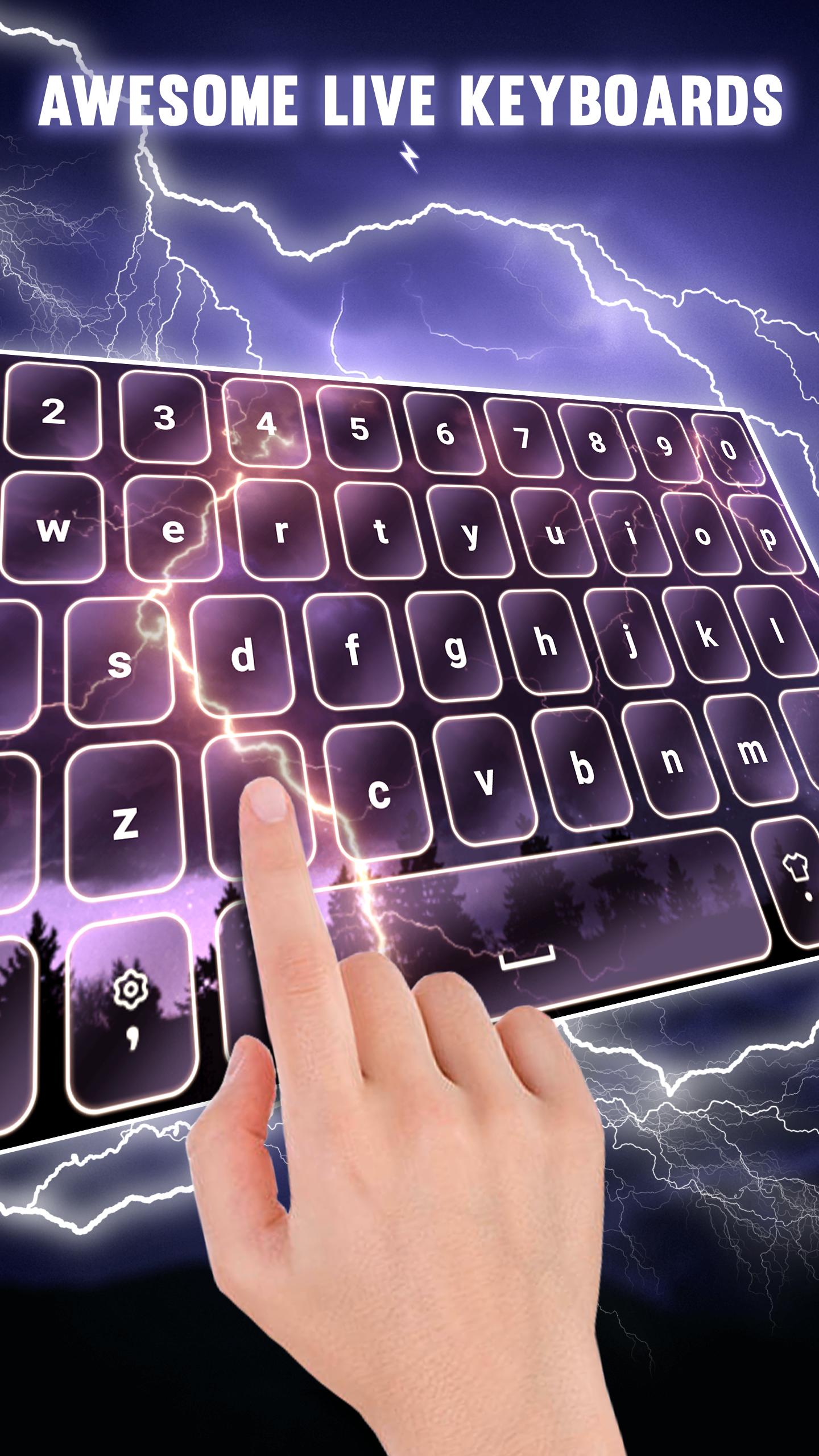
Wanna know how to customize your phone in the coolest possible way? It's very easy – simply download Lightning Storm Animated Keyboard and personalize your phone now! These dope keyboards with thunderstorm will give you an unforgettable typing experience. So, make sure not to miss out on these really cool keyboards free of charge. Isn't it great that you will not only have free custom keyboards? With this app you will also get moving keyboard themes live! Choose your favorite fun keyboards color such as blue, green, violet, or black and personalize your device. Download Lightning Storm Animated Keyboard now and always have fun texting!
Features:
How to set it:
1. Click on 'Themes' and select your favorite storm keypad
2. Click 'Enable Keyboard', then enable 'Lightning Storm Animated Keyboard' and click 'OK'
3. Click 'Set Default Keyboard' and select "Lightning Storm Animated Keyboard", then click 'Apply'
4. Now you can enjoy your customized keyboards and have fun!
→ Easy installation and manipulation!
→ Amazing moving keyboards
→ Quick messages
→ Unique animated keyboards that make sounds
→ This is a standalone app, you can use it without installing any additional keyboards
→ Supported languages: English, German, Spanish, French, Italian, Portuguese, Malay, Vietnamese, Turkish, Polish, Romanian
→ Download these awesome free keyboards for my phone and have fun!
You're one click away from the most interesting "blue lightning thunder keyboard" you have ever seen. You will love it! With this "lightning keyboard with sound" you will be powerful like storm and fast like thunder. And not only that! You will beautify your phone at the same time. This animated keypad theme offers the opportunity to have the coolest typing app. So, don’t waste it! If you’re looking for cool live keypads, this is the right app for you.
Make sure to personalize your phone in the best possible way. Grab your own keypad theme with sound and enjoy texting your friends all day long. You can try a different thunder "lightning keypad" every day! You will never be bored with these stylish keypads. You will express yourself better and faster thanks to these free cool keyboards with thunder animation. Choose your favorite storm theme and sound and personalize your device easily.
Looking for a unique and free thunder keypad? Don’t look any further! Be sure that this "black lightning keyboard" offers more than other beautiful keypads for Android™ phones – it will change your entire typing experience! This flash keypad wallpaper live is all you need to embellish your phone. Explore different types of keypads with thunderstorm animation. You know already – if you wish to pick the coolest keypads 2021, don’t think twice, because you’re at the right place. Hurry up, download lightning "Storm Animated Keyboard" now and make your texting experience exceptional!
*Android is a trademark of Google LLC.
Preview
Tags
PersonalizationInformation
Developer
Thalia Premium Photo Montage
Latest Version
1.0.4
Last Updated
2022-05-16
Category
Personalization
Available on
Google Play
Show More
How to play Storm Animated Keyboard with GameLoop on PC
1. Download GameLoop from the official website, then run the exe file to install GameLoop
2. Open GameLoop and search for “Storm Animated Keyboard” , find Storm Animated Keyboard in the search results and click “Install”
3. Enjoy playing Storm Animated Keyboard on GameLoop
Minimum requirements
OS
Windows 8.1 64-bit or Windows 10 64-bit
GPU
GTX 1050
CPU
i3-8300
Memory
8GB RAM
Storage
1GB available space
Recommended requirements
OS
Windows 8.1 64-bit or Windows 10 64-bit
GPU
GTX 1050
CPU
i3-9320
Memory
16GB RAM
Storage
1GB available space