
Shining Dots Live Wallpaper PC
Screensavers Store
Download Shining Dots Live Wallpaper on PC With GameLoop Emulator
Shining Dots Live Wallpaper sa PC
Ang Shining Dots Live Wallpaper, na nagmumula sa developer na Screensavers Store, ay tumatakbo sa Android systerm sa nakaraan.
Ngayon, maaari mong laruin ang Shining Dots Live Wallpaper sa PC gamit ang GameLoop nang maayos.
I-download ito sa GameLoop library o mga resulta ng paghahanap. Hindi na tumitingin sa baterya o nakakadismaya na mga tawag sa maling oras.
I-enjoy lang ang Shining Dots Live Wallpaper PC sa malaking screen nang libre!
Shining Dots Live Wallpaper Panimula
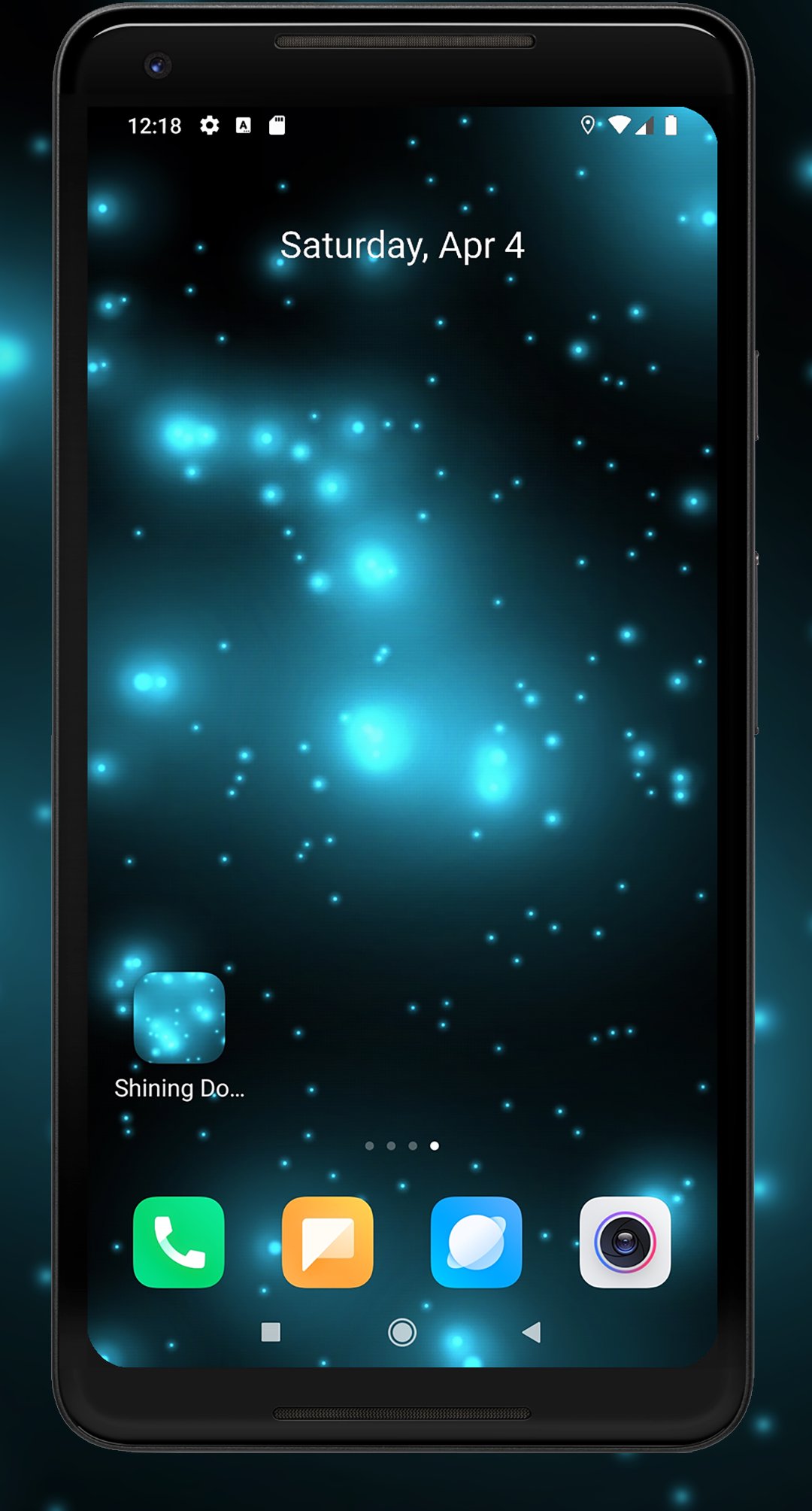
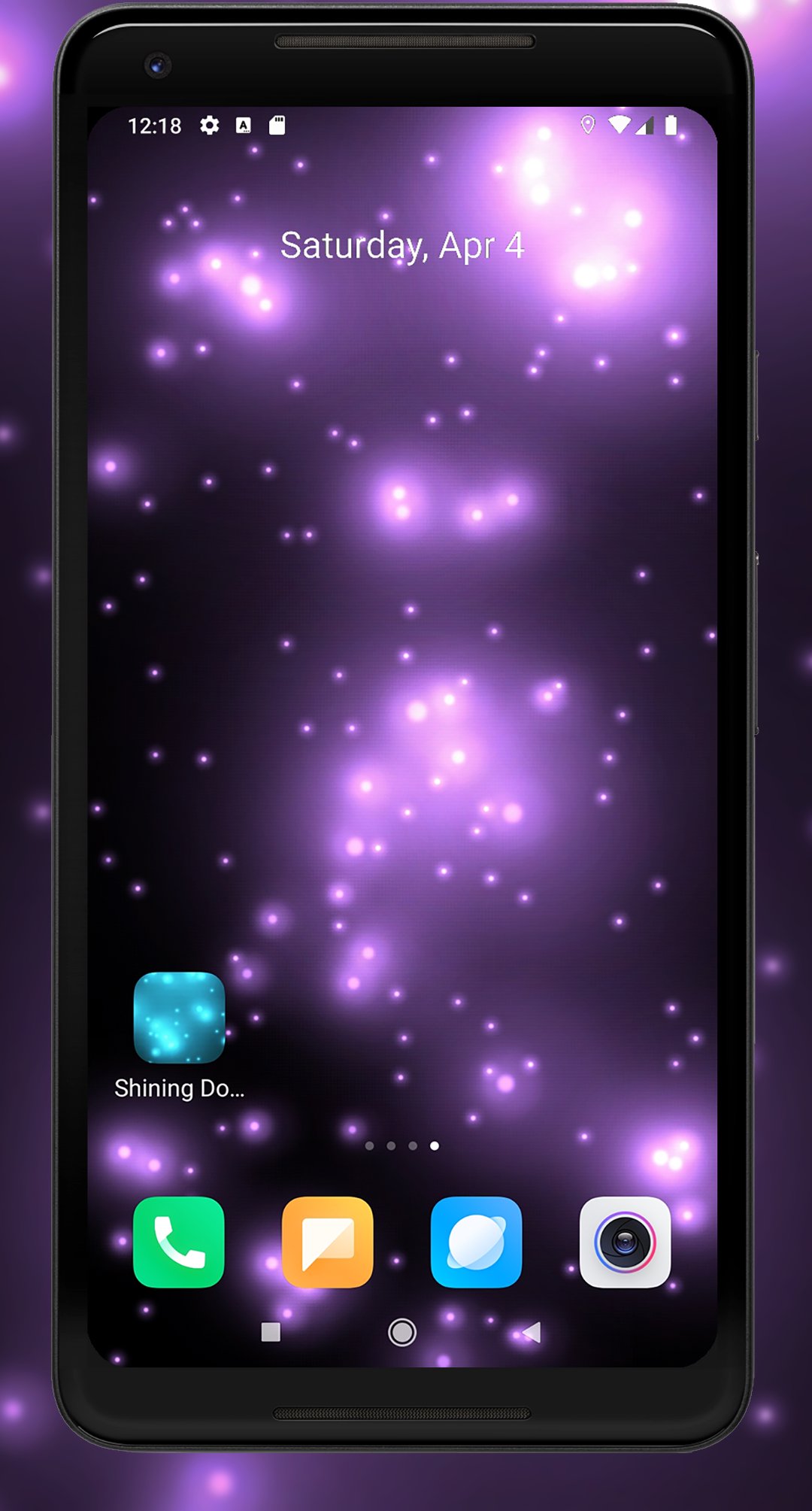
A modern, abstract live wallpaper featuring glowing, flying dots. The mood of this wallpaper can be customized to your liking, helping you concentrate, relax, and feel calm.
Features:
- Customize the speed and number of dots
- Adjust flash size and brightness
- Customize dot and background colors
- Adjust dot size
- Set a custom background image
- Android screensaver support (phones/tablets)
- Android TV and TV box support (Android TV backdrop / screensaver)
Are you tired of distracting wallpapers and looking for something simple, yet fascinating? Shining Dots live wallpaper might be exactly what you need. With the ability to change the color, speed, and size of the dots, as well as the background, this live wallpaper never gets boring.
You can choose a dynamic mode featuring muted blue, green, yellow, white, and purple dots that fly around and appear to explode when they collide. Alternatively, you can opt for a single color of your choice.
If you choose a dark background, this live wallpaper will surely remind you of stars or fireflies flickering in the night sky.
Note: As you increase the size of the dots, the number of dots on the screen automatically decreases to improve the overall visual quality. The number of dots is also reduced when choosing a higher speed or flash brightness. You can always restore the default settings using the reset button within the app.
You can set the wallpaper either through your device's settings or by clicking the "Set Wallpaper" button in the app itself.
Preview
Tags
PersonalizationInformation
Developer
Screensavers Store
Latest Version
1.3.6
Last Updated
2026-08-01
Category
Personalization
Available on
Google Play
Show More
How to play Shining Dots Live Wallpaper with GameLoop on PC
1. Download GameLoop from the official website, then run the exe file to install GameLoop
2. Open GameLoop and search for “Shining Dots Live Wallpaper” , find Shining Dots Live Wallpaper in the search results and click “Install”
3. Enjoy playing Shining Dots Live Wallpaper on GameLoop
Minimum requirements
OS
Windows 8.1 64-bit or Windows 10 64-bit
GPU
GTX 1050
CPU
i3-8300
Memory
8GB RAM
Storage
1GB available space
Recommended requirements
OS
Windows 8.1 64-bit or Windows 10 64-bit
GPU
GTX 1050
CPU
i3-9320
Memory
16GB RAM
Storage
1GB available space