
Screen Light - Night & Reading PC
Apps Wave
Download Screen Light - Night & Reading on PC With GameLoop Emulator
Screen Light - Night & Reading sa PC
Ang Screen Light - Night & Reading, na nagmumula sa developer na Apps Wave, ay tumatakbo sa Android systerm sa nakaraan.
Ngayon, maaari mong laruin ang Screen Light - Night & Reading sa PC gamit ang GameLoop nang maayos.
I-download ito sa GameLoop library o mga resulta ng paghahanap. Hindi na tumitingin sa baterya o nakakadismaya na mga tawag sa maling oras.
I-enjoy lang ang Screen Light - Night & Reading PC sa malaking screen nang libre!
Screen Light - Night & Reading Panimula
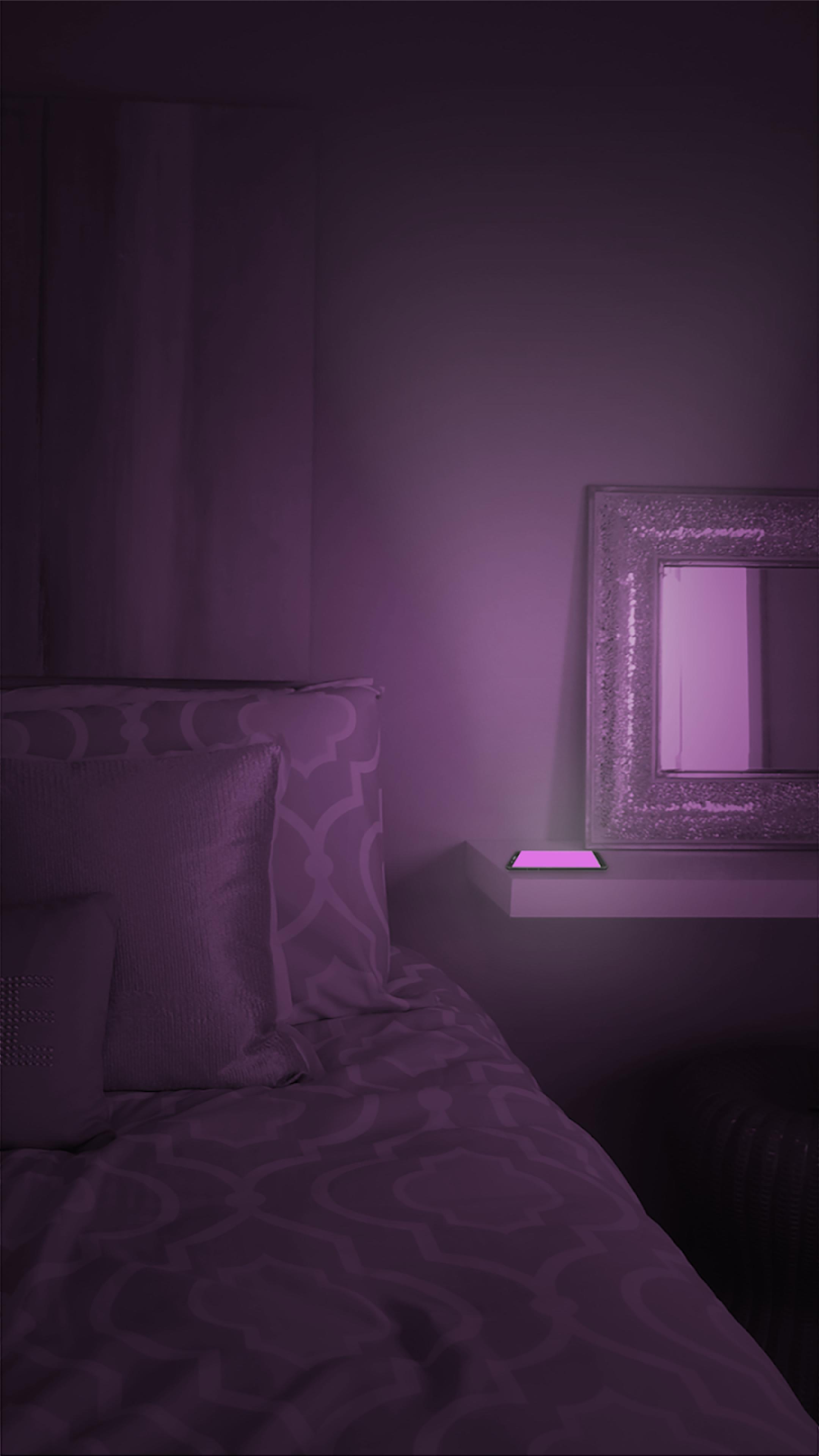
Transform your phone into the perfect bedside lamp, reading light, and relaxation companion!
🌙 Perfect Night Light for Better Sleep
Create the ideal bedtime atmosphere with customizable screen lighting. Choose from warm whites to soothing colors that help you fall asleep naturally without harsh room lights.
📚 Ultimate Reading Light Experience
• Adjustable brightness levels for comfortable reading
• Eye-friendly color temperatures
• Built-in sleep timer - fall asleep reading worry-free
• Reading bookmark tracker for multiple books
🎨 Unlimited Color Customization
• Full RGB color picker - create any color imaginable
• 7 preset colors: White, Red, Yellow, Green, Blue, Purple, Magenta
• Save your favorite settings as personalized profiles
• One-tap access to your preferred lighting setup
🎵 Premium Relaxing Sounds
Enhance your relaxation with high-quality nature sounds:
• Forest ambience & bird songs
• Ocean waves & gentle rain
• Thunderstorms & babbling brooks
• Wind chimes & meditation sounds
✨ Why Choose Screen Light Table Lamp?
• Energy Efficient - Uses your screen instead of battery-draining flashlight
• Portable - Perfect bedside lamp that travels anywhere
• Versatile - Reading light, night light, meditation lamp, emergency light
• Smart Timer - Auto-shutoff saves battery while you sleep
• Zero Eye Strain - Gentle, adjustable lighting
🔥 Perfect For:
• Nighttime reading without disturbing others
• Creating a calming bedtime routine
• Power outage emergency lighting
• Meditation and relaxation sessions
• Baby nursery night light
• Camping and travel lighting
💡 Smart Features:
• Brightness dimmer with precision control
• Sleep timer (15 min to 8 hours)
• Multiple color profiles
• Reading progress tracker
• Intuitive swipe controls
• Battery optimization
Join thousands of users who've improved their sleep and reading experience!
Download now and transform your phone into the perfect ambient lighting solution. Better sleep, comfortable reading, and ultimate relaxation - all in one app.
Perfect for students, book lovers, parents, and anyone seeking better nighttime comfort.
Preview
Tags
PersonalizationToolsInformation
Developer
Apps Wave
Latest Version
6.0.4
Last Updated
2025-09-04
Category
Personalization
Available on
Google Play
Show More
How to play Screen Light - Night & Reading with GameLoop on PC
1. Download GameLoop from the official website, then run the exe file to install GameLoop
2. Open GameLoop and search for “Screen Light - Night & Reading” , find Screen Light - Night & Reading in the search results and click “Install”
3. Enjoy playing Screen Light - Night & Reading on GameLoop
Minimum requirements
OS
Windows 8.1 64-bit or Windows 10 64-bit
GPU
GTX 1050
CPU
i3-8300
Memory
8GB RAM
Storage
1GB available space
Recommended requirements
OS
Windows 8.1 64-bit or Windows 10 64-bit
GPU
GTX 1050
CPU
i3-9320
Memory
16GB RAM
Storage
1GB available space