
Princess Peach Wallpapers 4K PC
omar lablalti
Download Princess Peach Wallpapers 4K on PC With GameLoop Emulator
Princess Peach Wallpapers 4K sa PC
Ang Princess Peach Wallpapers 4K, na nagmumula sa developer na omar lablalti, ay tumatakbo sa Android systerm sa nakaraan.
Ngayon, maaari mong laruin ang Princess Peach Wallpapers 4K sa PC gamit ang GameLoop nang maayos.
I-download ito sa GameLoop library o mga resulta ng paghahanap. Hindi na tumitingin sa baterya o nakakadismaya na mga tawag sa maling oras.
I-enjoy lang ang Princess Peach Wallpapers 4K PC sa malaking screen nang libre!
Princess Peach Wallpapers 4K Panimula
Why you should install Princess Peach Wallpaper 4K ?
- Nice appearance
- Unique and rare Princess Peach images
- Add wallpaper to favorite list
- One click wallpaper setup to your screen device
- Download best wallpaper to your phone
- Compatible with almost all phones
- Simple & easy interface
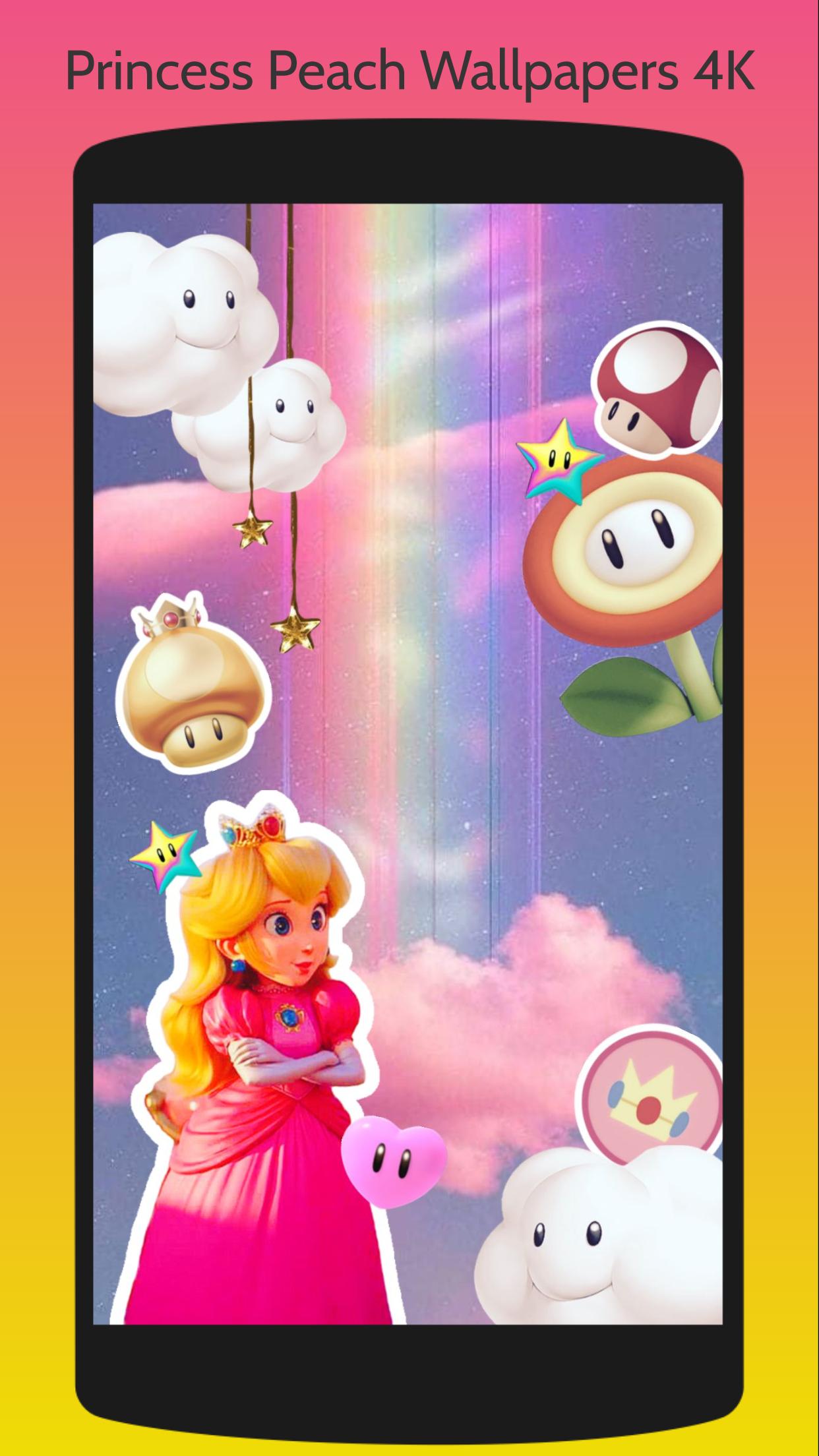
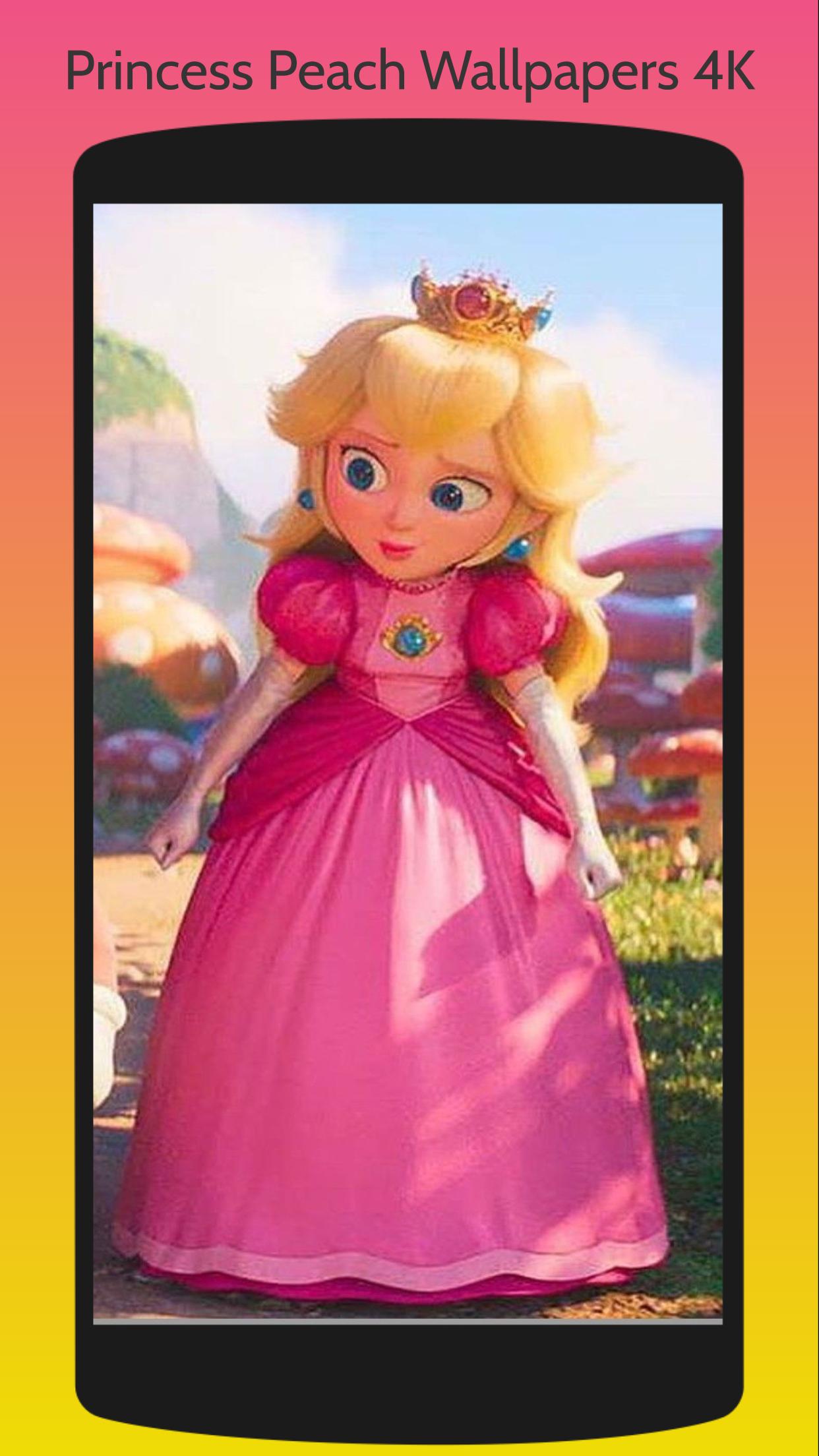
Looking for the perfect wallpaper for your mobile device? Look no further than the Princess Peach Wallpapers Mari HD app! Featuring a stunning collection of high-definition wallpapers of the beloved princess, this app is the perfect way to decorate your device with a touch of royalty.
With a wide range of wallpapers to choose from, you'll find the perfect image to suit your style. From classic Princess Peach images to more modern interpretations, this app has it all. Each wallpaper is carefully selected to ensure that it looks stunning on any device, from smartphones to tablets.
Not only are the wallpapers in this app of the highest quality, but the app itself is easy to use and navigate. You can browse through the collection of wallpapers with ease, and set your favorite image as your device's wallpaper with just a few taps.
* How to use Princess Peach Wallpapers HD app on an android phone :
1. First, Open this Princess Peach Wallpapers.
2. Next, please choose your favorite picture.
3. Tap the Floating Action Button "Set as wallpaper"
4. Crop Image and OK..
5. Congratulations, Your wallpaper has been changed.
* DISCLAIMER :
This app is not officially endorsed. The information contained or used on this app is for general information purpose only.
All content is copyrighted and or trademarked to their respective owners and use for this wallpaper app is included in the fair usage guidelines.
This app is aimed solely for Fans and helps them find an easier way to organize images as their mobile wallpaper.
* NOTE:
This is an Unofficial App. All trademarks and copyright protected to the respective owners. Content compiled from various internet sources.
Have fun with Princess Peach wallpapers.
Thank you.
Preview
Information
Developer
omar lablalti
Latest Version
1.0
Last Updated
2023-05-13
Category
Personalization
Available on
Google Play
Show More
How to play Princess Peach Wallpapers 4K with GameLoop on PC
1. Download GameLoop from the official website, then run the exe file to install GameLoop
2. Open GameLoop and search for “Princess Peach Wallpapers 4K” , find Princess Peach Wallpapers 4K in the search results and click “Install”
3. Enjoy playing Princess Peach Wallpapers 4K on GameLoop
Minimum requirements
OS
Windows 8.1 64-bit or Windows 10 64-bit
GPU
GTX 1050
CPU
i3-8300
Memory
8GB RAM
Storage
1GB available space
Recommended requirements
OS
Windows 8.1 64-bit or Windows 10 64-bit
GPU
GTX 1050
CPU
i3-9320
Memory
16GB RAM
Storage
1GB available space