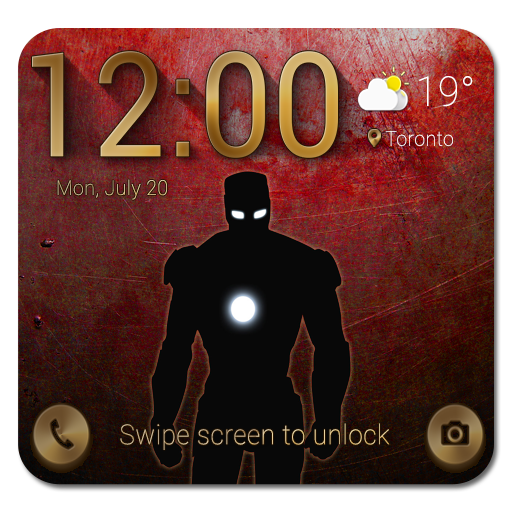
Lock Screen inspired Iron Man PC
MaterialAndroid
Download Lock Screen inspired Iron Man on PC With GameLoop Emulator
Lock Screen inspired Iron Man sa PC
Ang Lock Screen inspired Iron Man, na nagmumula sa developer na MaterialAndroid, ay tumatakbo sa Android systerm sa nakaraan.
Ngayon, maaari mong laruin ang Lock Screen inspired Iron Man sa PC gamit ang GameLoop nang maayos.
I-download ito sa GameLoop library o mga resulta ng paghahanap. Hindi na tumitingin sa baterya o nakakadismaya na mga tawag sa maling oras.
I-enjoy lang ang Lock Screen inspired Iron Man PC sa malaking screen nang libre!
Lock Screen inspired Iron Man Panimula
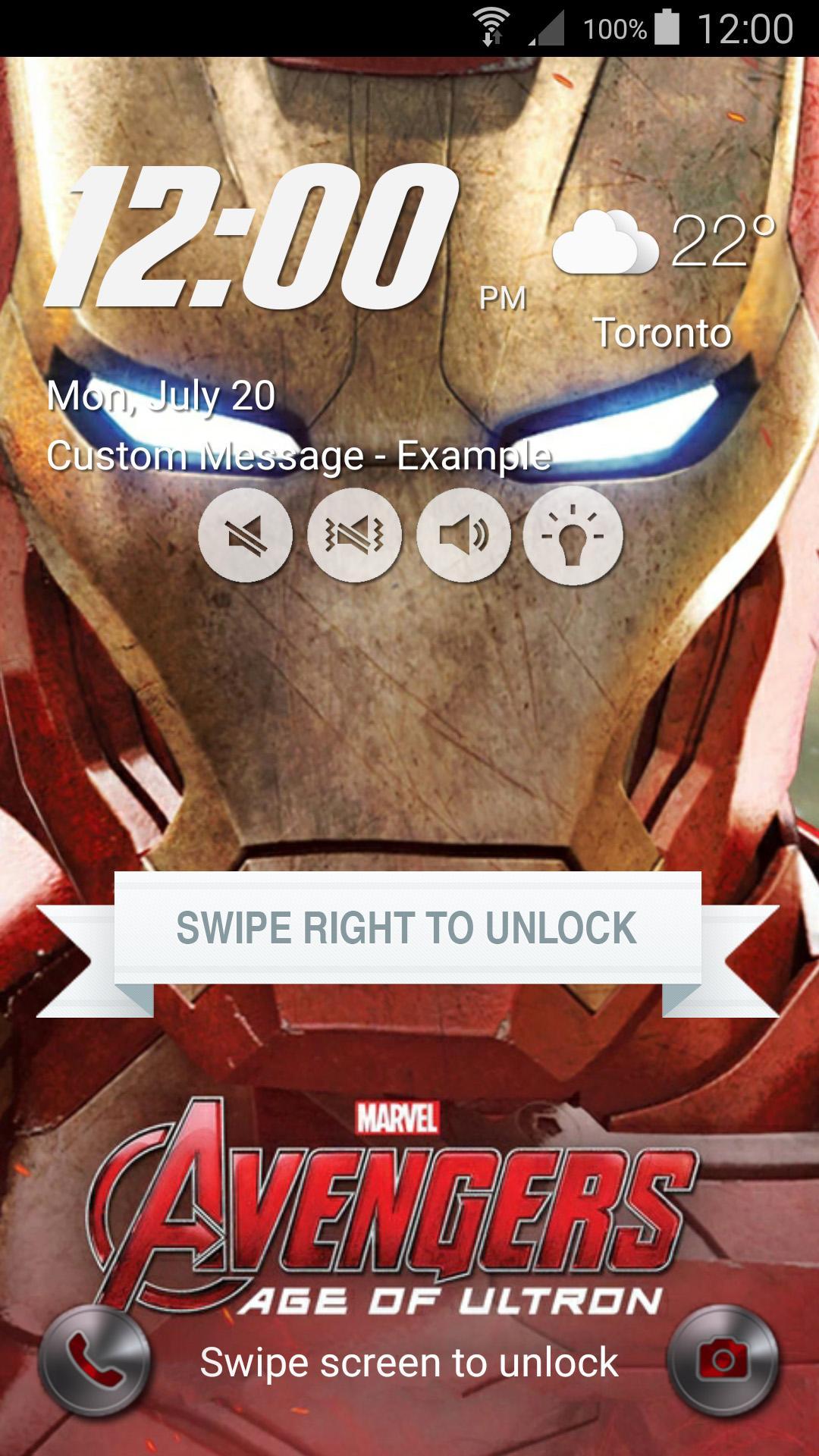
Iron Man inspired Lock Screen Theme for Galaxy S6 and Galaxy S6 Edge is a wonderful Galaxy S6 Edge Launcher Screen Locker with Iron Man theme and custom wallpapers. It is beautiful, secure, highly customizable and easy to use.
Iron Man inspired Lock Screen Theme for Galaxy S6 and Galaxy S6 Edge application features:
1. High quality Iron Man wallpaper along with the feature to change to any wallpaper user chooses.
2. Swipe to easily unlock your phone with exquisite animation and sound just like in Iron Man Galaxy S6 Edge Lock Screen Theme.
3. Accurate Weather information for current city, including temperature and weather icon.
4. Current Time (12 hours and 24 hours), Day, Month and Date all on one screen just like in the Iron Man Lock Screen Theme.
5. Emergency Call button with Iron Man design - Press to open Emergency dialer application.
6. Camera button with Iron Man design - Press to launch Camera application.
7. Swipe to unlock has beautiful animation giving it an original look.
8. Iron Man beautiful wallpapers included.
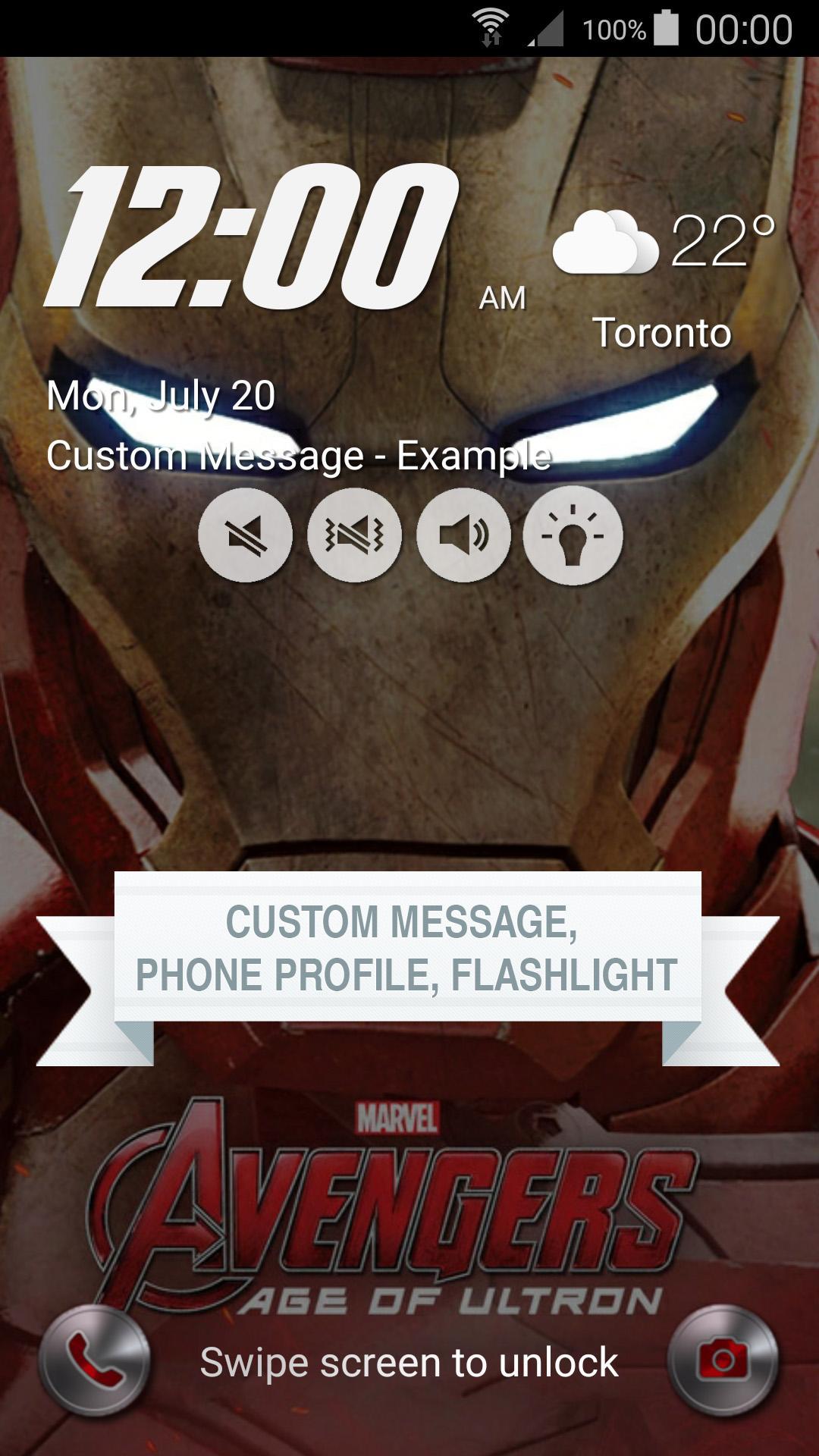
9. Display Custom message on Lock Screen. (Pro version only)
10. Change phone profile to Mute, Vibrate or Normal mode from Lock Screen without having to unlock your phone. (Pro version only)
11. Switch Flashlight on and off from the Lock Screen itself without having to unlock the phone. (Pro version only)
12. Parallex Effect for the background adds a cool effect to the Lock Screen. (Pro version only)
13. Option to use device's background. (Pro version only)
9. Set Pin and Password via Keypad Lock Screen and Face detection to enhance the security Lock of your phone. (Coming soon)
How to Use:
1. Launch the application - Iron Man Galaxy S6 Lock Screen.
2. Disable any screen lock by selecting screen lock as None.
3. Swipe left and right to open menu.
4. Customize lock screen from the Design screen.
5. Tap on 'Enable Lockscreen' to start the Iron Man Galaxy S6 Lock Screen.
Device compatibility:
Our lockscreen has been tested on latest devices such as Samsung Galaxy S6, Samsung Galaxy S6 Edge, Samsung Galaxy S5, Samsung Galaxy S4, Samsung Galaxy S3, Galaxy Note 4, Galaxy Note 3, Nexus 7, Nexus 6, Nexus 5, HTC One and Sony Xperia Z4. Please contact us if your device is not supported.
The wallpaper and the icons used belong to SAMSUNG ELECTRONICS CO., LTD. All copyrights to those images belong to SAMSUNG ELECTRONICS CO., LTD. This app is just inspired by SAMSUNG ELECTRONICS CO., LTD's work.
Preview
Information
Developer
MaterialAndroid
Latest Version
1.0
Last Updated
2015-07-22
Category
Personalization
Available on
Google Play
Show More
How to play Lock Screen inspired Iron Man with GameLoop on PC
1. Download GameLoop from the official website, then run the exe file to install GameLoop
2. Open GameLoop and search for “Lock Screen inspired Iron Man” , find Lock Screen inspired Iron Man in the search results and click “Install”
3. Enjoy playing Lock Screen inspired Iron Man on GameLoop
Minimum requirements
OS
Windows 8.1 64-bit or Windows 10 64-bit
GPU
GTX 1050
CPU
i3-8300
Memory
8GB RAM
Storage
1GB available space
Recommended requirements
OS
Windows 8.1 64-bit or Windows 10 64-bit
GPU
GTX 1050
CPU
i3-9320
Memory
16GB RAM
Storage
1GB available space