Digital Clock PC
Mobile Topup apps
Download Digital Clock on PC With GameLoop Emulator
Digital Clock sa PC
Ang Digital Clock, na nagmumula sa developer na Mobile Topup apps, ay tumatakbo sa Android systerm sa nakaraan.
Ngayon, maaari mong laruin ang Digital Clock sa PC gamit ang GameLoop nang maayos.
I-download ito sa GameLoop library o mga resulta ng paghahanap. Hindi na tumitingin sa baterya o nakakadismaya na mga tawag sa maling oras.
I-enjoy lang ang Digital Clock PC sa malaking screen nang libre!
Digital Clock Panimula
Welcome to the LED Digital Clock Wallpaper App
Turn your mobile lock screen clock into a beautiful digital clock widget while staying updated with time & date using this LED Digital clock App
LED Digital Clock Widget transforms your mobile live wallpaper into a smart clock that displays time & date and gives you an eye-catching digital clock wallpaper. The Smart Clock live wallpaper app provides a variety of live wallpapers that display the date and time in the most stylish possible way, you can uplift your style with a unique LED Digital clock design.
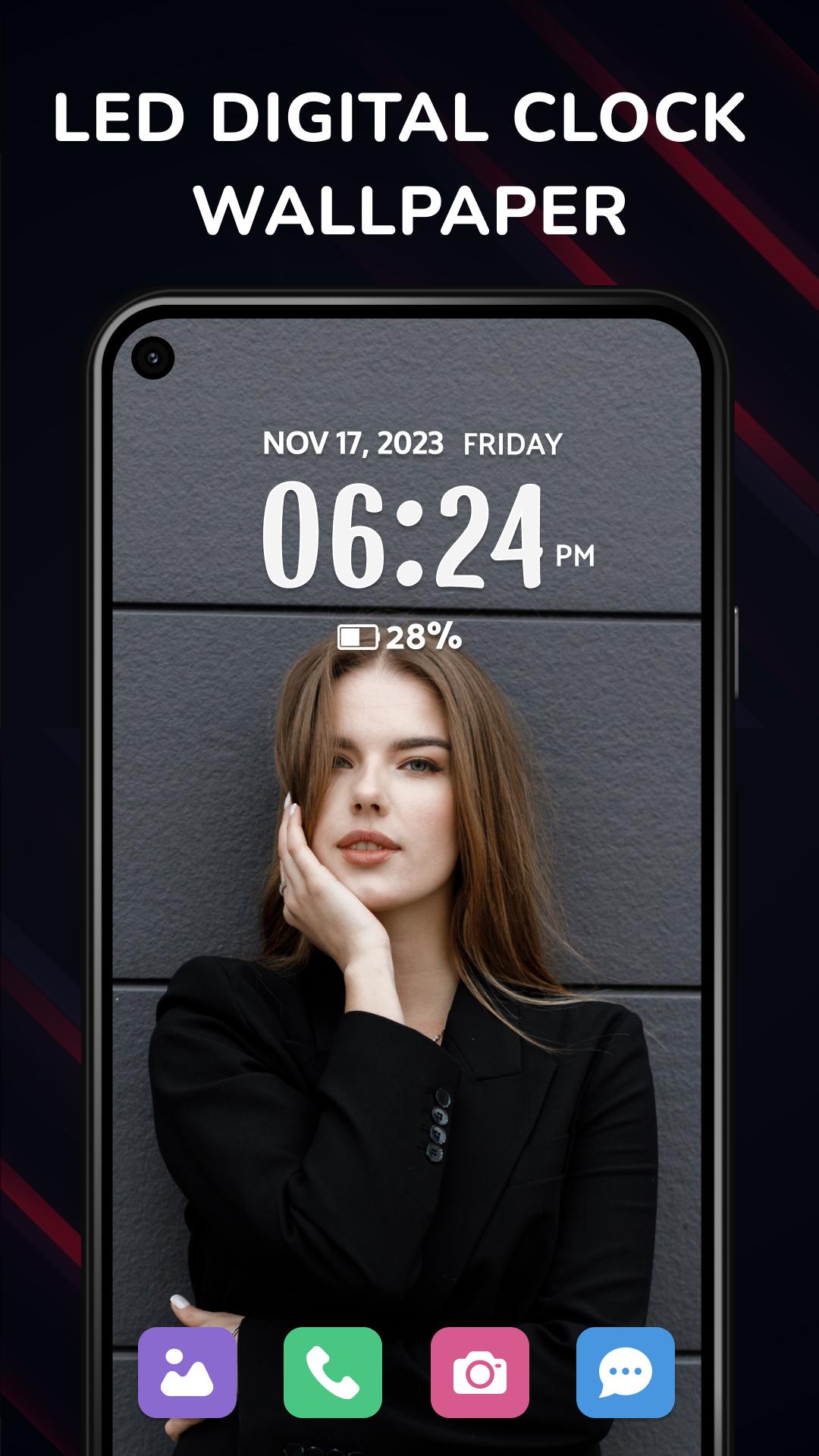
Set a Digital clock wallpaper to easily check the time and date without struggling to find the small-sized clock on your mobile screen. Choose the Digital clock widget live wallpapers to display the time and date prominently. Set live wallpaper on your home screen or lock screen to add more convenience.
Key Features of Smart Clock - LED Digital Clock
- Unique Digital Clock Widget :
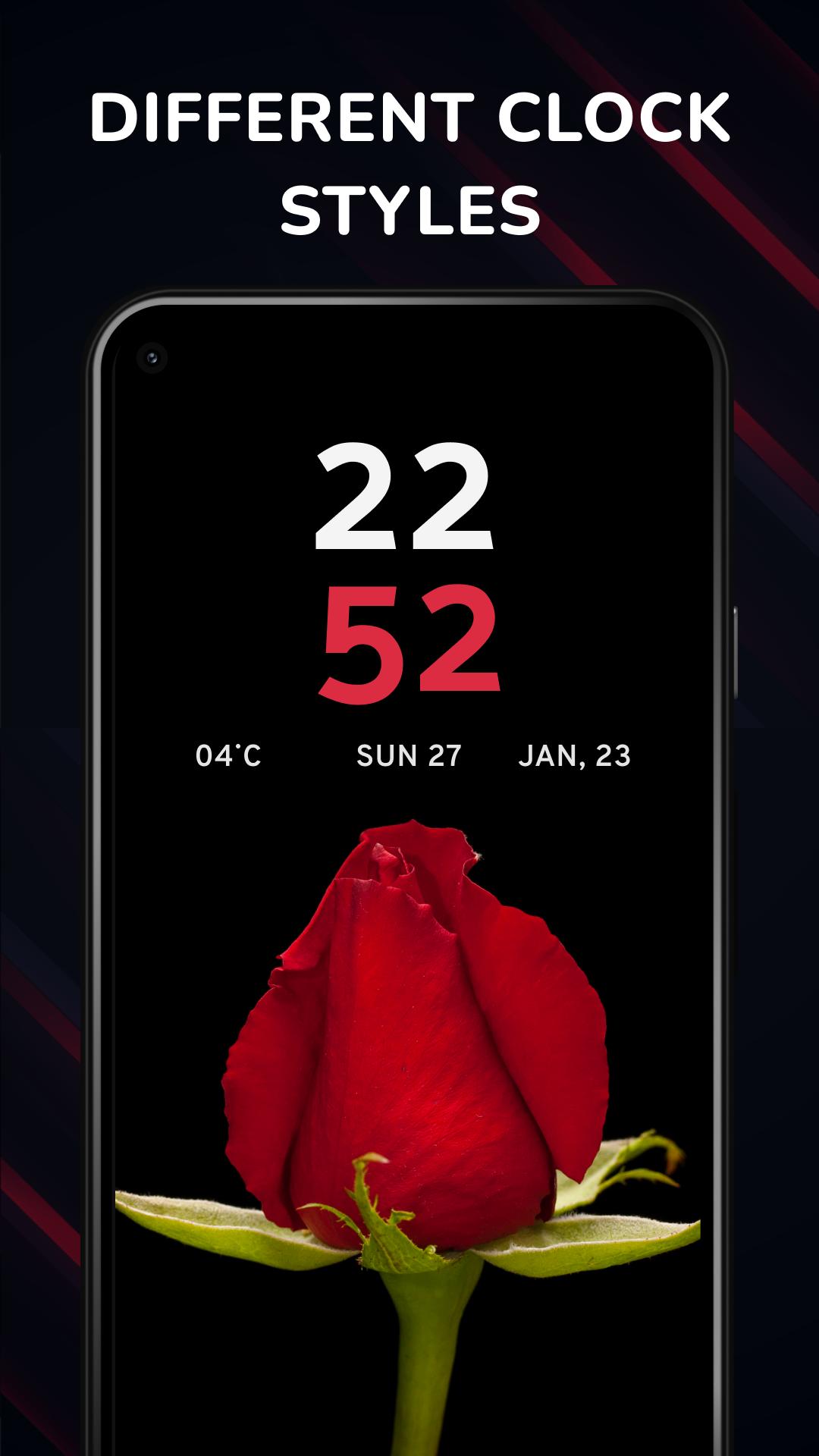
Personalize your phone's screen with beautiful clock live wallpapers in various styles such as Christmas, Super Heroes, and 3D. Choose the perfect LED Digital clock style to display the time and date in a way that suits your taste.
- Best LED Digital Clock Wallpaper:
Choose your perfect live wallpaper for the Home Screen and Lock Screen. You can customize each screen, selecting different time and date formats 12 or 24 hours. We aim to provide the best experience of Digital Clock Widget possible.
- Clock Styles and Clock Themes:
Choose from a variety of clock styles and digital clock designs for your screensaver. LED and flip clocks are available to give your screen a modern look. Select Smart Clock live wallpaper for your mobile background, or bedside LED Digital Clock wallpaper for easy time navigation at night.
- LED digital clock widget live wallpapers:
Stylish wallpapers, including Neon, Animated, and Aviation clocks, are available to customize your mobile background.
- LED Digital Clock Wallpaper Home Screen:
The beautiful lock screen of the digital clock grabs the attention of the user. Using the online digital clock widget you can set the lock screen live wallpaper. It is one of the best time clock apps containing numbers of clock designs. You can easily enable the clock wallpaper with seconds on the mobile lock screen in this time clock app and choose a variety of digital clocks.
Transform your device with the dazzling brilliance of the LED Digital Clock Wallpaper app. This app brings a sleek, glowing digital clock right to your home screen, customizable with a variety of colors and styles to match your unique taste. Perfect for everyone Digital Clock Wallpaper not only enhances the aesthetic of your device but also ensures you never miss a beat.
- Premium Membership:
Upgrade to premium membership for an ad-free experience and access to limitless Digital clock wallpapers at unbeatable prices. With a digital clock widget join the journey of uniqueness today
Digital Clock Widget constantly evolves with our dedicated developers and designers introducing new features and exciting wallpapers. Don't compromise style; choose Digital Clock Wallpapers for a unique and captivating mobile experience.
Download now and style your mobile's aesthetics with LED Digital Clock Wallpaper!
Preview
Tags
PersonalizationInformation
Developer
Mobile Topup apps
Latest Version
7.2
Last Updated
2025-07-24
Category
Personalization
Available on
Google Play
Show More
How to play Digital Clock with GameLoop on PC
1. Download GameLoop from the official website, then run the exe file to install GameLoop
2. Open GameLoop and search for “Digital Clock” , find Digital Clock in the search results and click “Install”
3. Enjoy playing Digital Clock on GameLoop
Minimum requirements
OS
Windows 8.1 64-bit or Windows 10 64-bit
GPU
GTX 1050
CPU
i3-8300
Memory
8GB RAM
Storage
1GB available space
Recommended requirements
OS
Windows 8.1 64-bit or Windows 10 64-bit
GPU
GTX 1050
CPU
i3-9320
Memory
16GB RAM
Storage
1GB available space