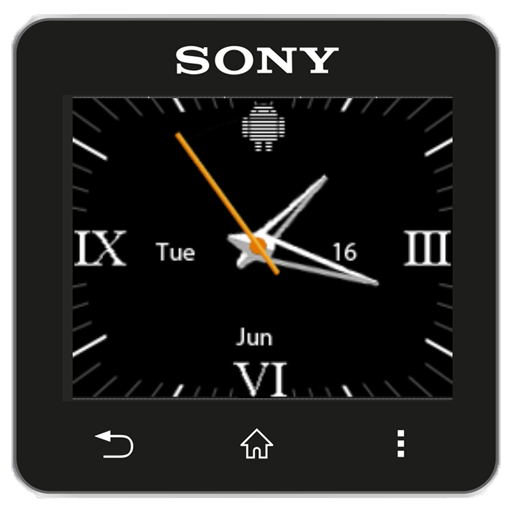
Italian Luxury SW2 Watchfaces PC
dragonstonguegames
Download Italian Luxury SW2 Watchfaces on PC With GameLoop Emulator
Italian Luxury SW2 Watchfaces sa PC
Ang Italian Luxury SW2 Watchfaces, na nagmumula sa developer na dragonstonguegames, ay tumatakbo sa Android systerm sa nakaraan.
Ngayon, maaari mong laruin ang Italian Luxury SW2 Watchfaces sa PC gamit ang GameLoop nang maayos.
I-download ito sa GameLoop library o mga resulta ng paghahanap. Hindi na tumitingin sa baterya o nakakadismaya na mga tawag sa maling oras.
I-enjoy lang ang Italian Luxury SW2 Watchfaces PC sa malaking screen nang libre!
Italian Luxury SW2 Watchfaces Panimula
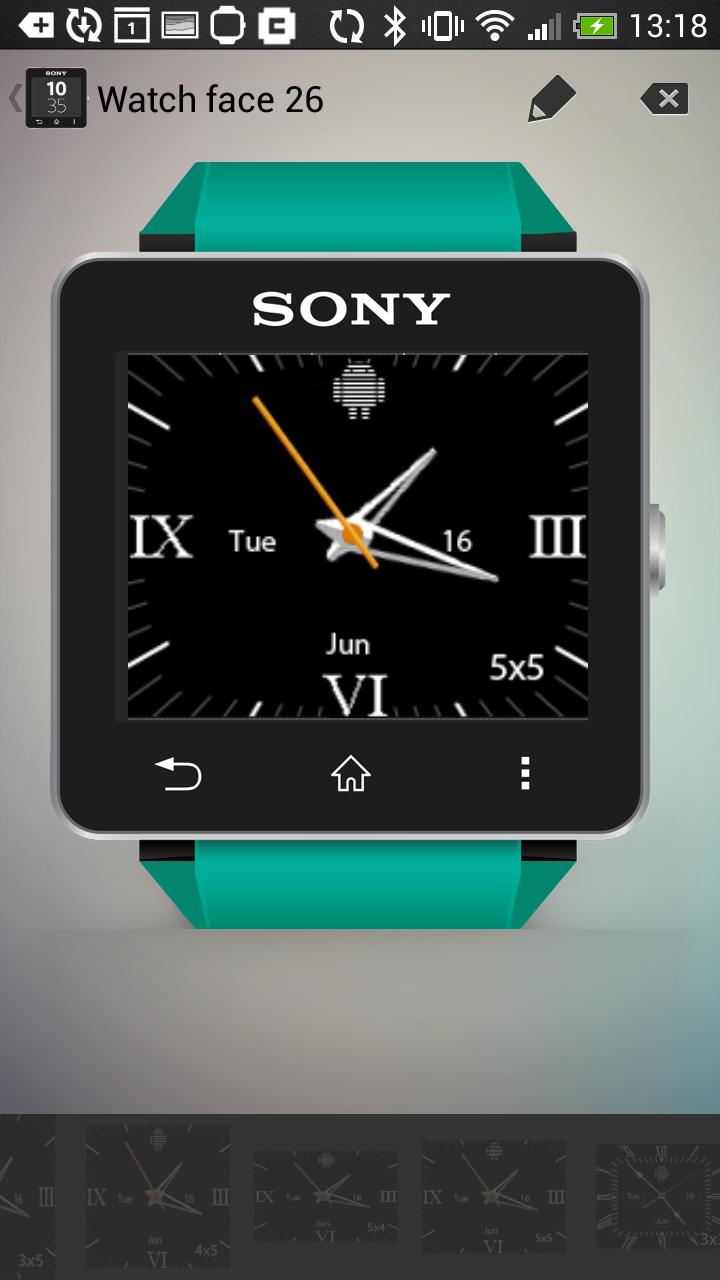
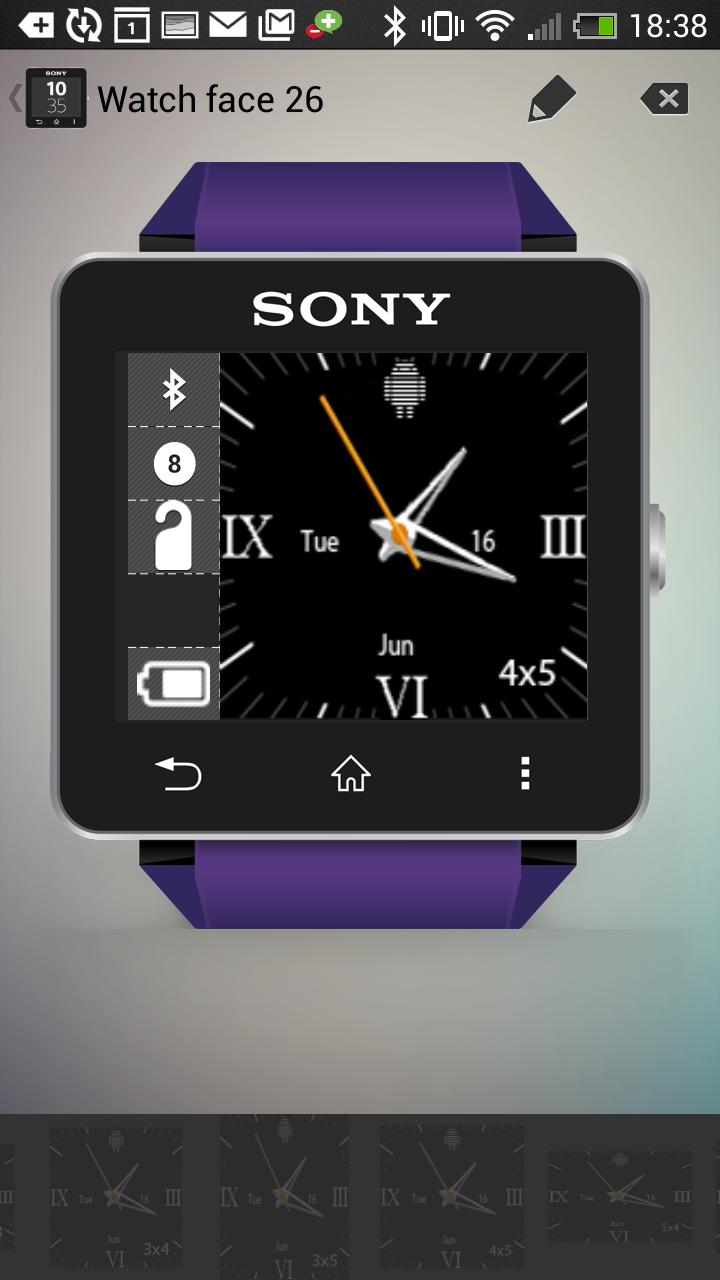
Analog clock watchface widgets for Sony SmartWatch2 based on a traditional luxury Italian style design. Optimised for low power mode and 6 optimised widget sizes allow for additional widgets. Every face includes day of the week, month and day of the month too.
Installation instructions:
1. Download app via Google Play
2. Click the 'SmartWatch 2' notification in the notifications bar to open the SmartWatch 2 configuration app
3. Click 'Edit watch faces' button
4. Create a new watchface or edit an existing one
5. Click 'Clocks'
6. Choose the new watchface from the list of watchfaces selecting the size you want - the sizes are displayed on the previews
7. Enjoy!
Works really well with NeFa studio's WatchFace Widgets SmartWatch2 app to create really feature rich watchfaces.
Thanks to Naheel from XDA forums for providing the guide on how to make custom watchfaces.
Smart Connect extension for SmartWatch 2
Smart extension for SmartWatch 2 clocks
Sony and the Sony logo are trademarks or registered trademarks of Sony Corporation.
This app is in no way associated with, endorsed by, or affiliated with, SONY or Sony Mobile.
The Android robot is reproduced or modified from work created and shared by Google and used according to terms described in the Creative Commons 3.0 Attribution License.
Preview
Information
Developer
dragonstonguegames
Latest Version
1.1
Last Updated
2015-06-28
Category
Personalization
Available on
Google Play
Show More
How to play Italian Luxury SW2 Watchfaces with GameLoop on PC
1. Download GameLoop from the official website, then run the exe file to install GameLoop
2. Open GameLoop and search for “Italian Luxury SW2 Watchfaces” , find Italian Luxury SW2 Watchfaces in the search results and click “Install”
3. Enjoy playing Italian Luxury SW2 Watchfaces on GameLoop
Minimum requirements
OS
Windows 8.1 64-bit or Windows 10 64-bit
GPU
GTX 1050
CPU
i3-8300
Memory
8GB RAM
Storage
1GB available space
Recommended requirements
OS
Windows 8.1 64-bit or Windows 10 64-bit
GPU
GTX 1050
CPU
i3-9320
Memory
16GB RAM
Storage
1GB available space