
Import Photos from Contacts: S PC
SaryElgmal
Download Import Photos from Contacts: S on PC With GameLoop Emulator
Import Photos from Contacts: S sa PC
Ang Import Photos from Contacts: S, na nagmumula sa developer na SaryElgmal, ay tumatakbo sa Android systerm sa nakaraan.
Ngayon, maaari mong laruin ang Import Photos from Contacts: S sa PC gamit ang GameLoop nang maayos.
I-download ito sa GameLoop library o mga resulta ng paghahanap. Hindi na tumitingin sa baterya o nakakadismaya na mga tawag sa maling oras.
I-enjoy lang ang Import Photos from Contacts: S PC sa malaking screen nang libre!
Import Photos from Contacts: S Panimula
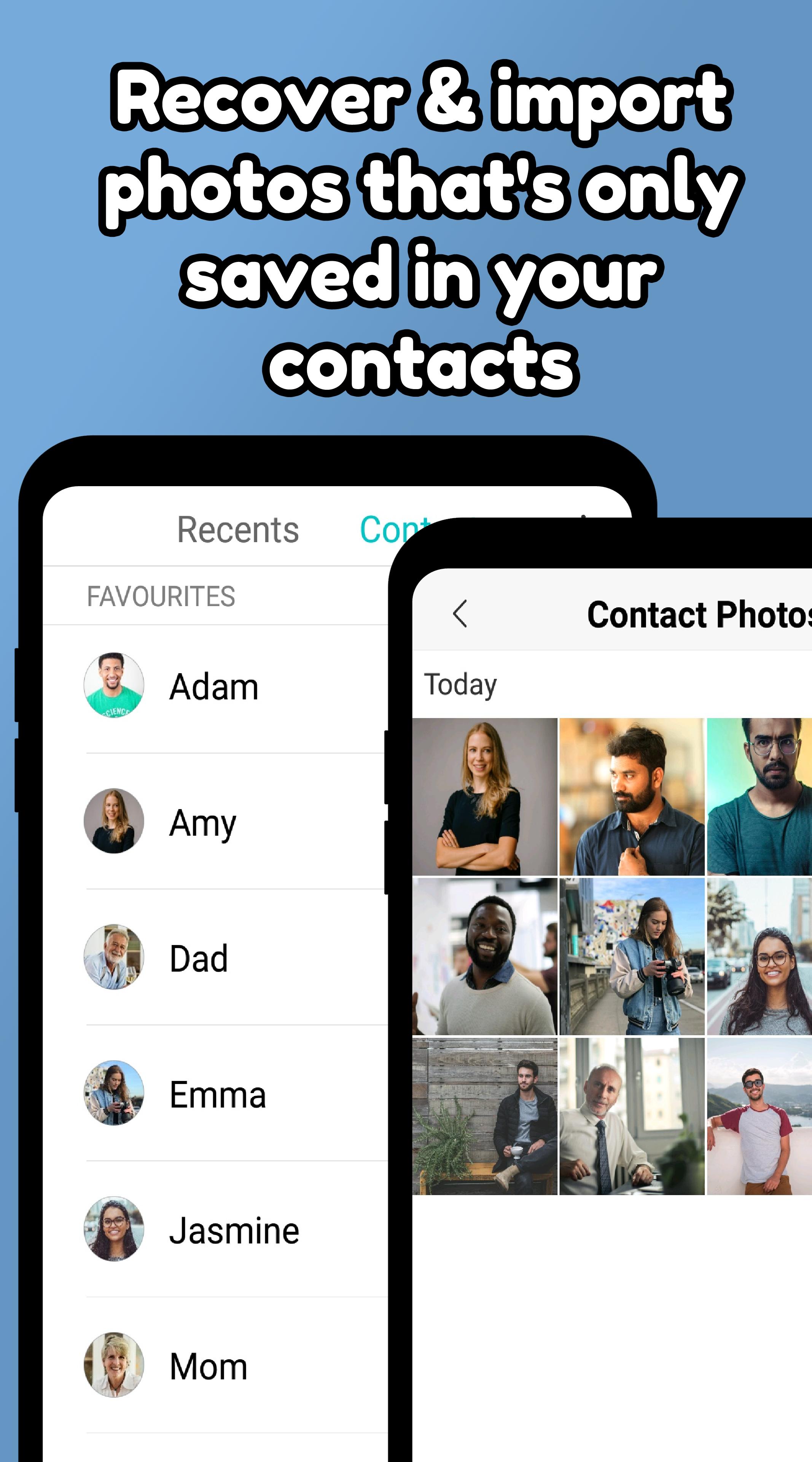
Do you have a photo of someone that only saved in your contacts? Do you want to recover & import contact photos? Are you interested in managing contact photos in a smarter way? Well, Import Photos from Contacts is your smart solution to keep contact photos on your phone!
Our simple contact photo saver enables you to restore photos from contacts and save to your gallery. Finally, you have a simple tool that recover contacts photos, import and save photos to your gallery.
▶HOW TO USE
We specifically designed this photos contact manager so you can create contact gallery and import contact images in the simplest way possible.
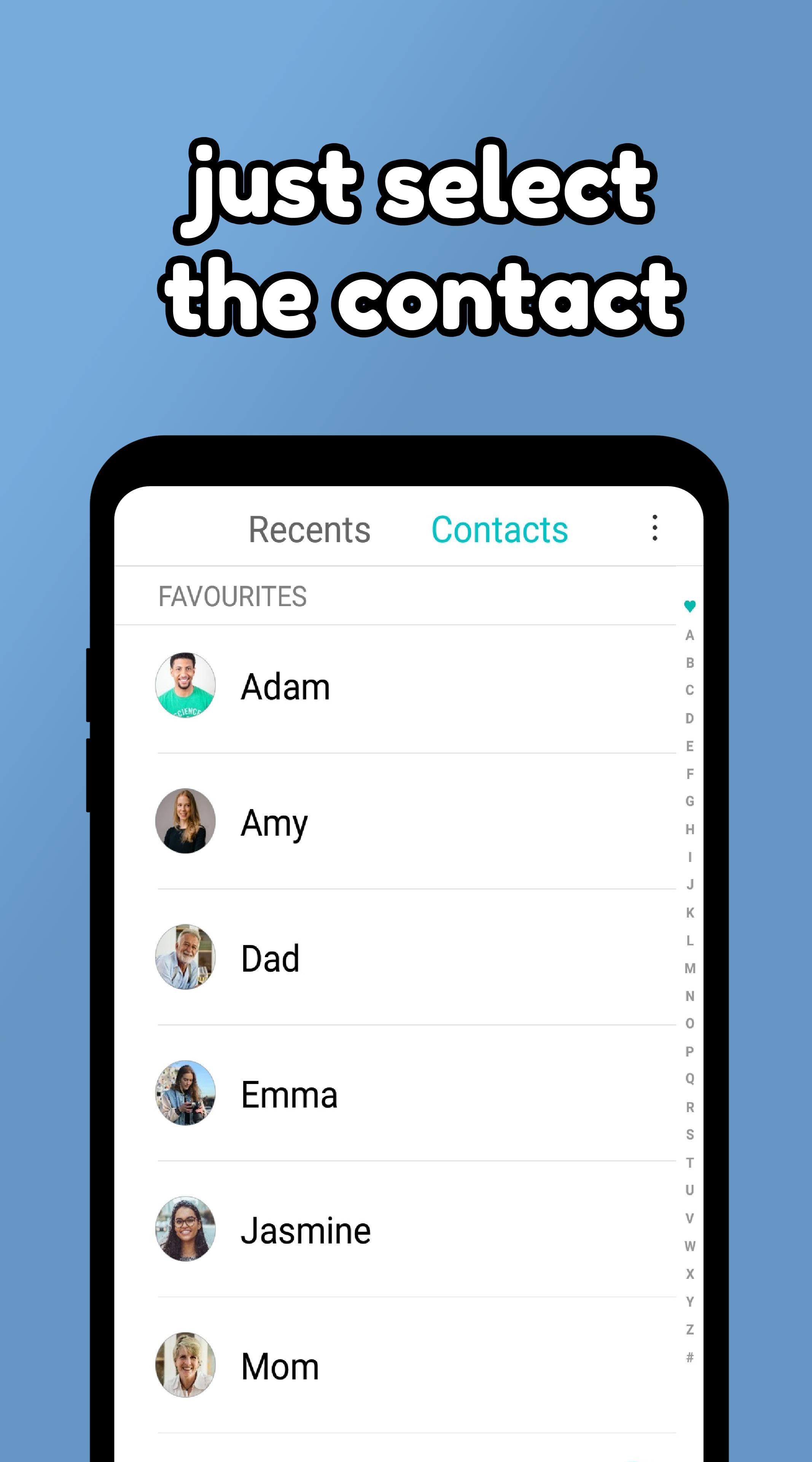
- tap within the app to open your contacts
- just select the contact and the photo will be saved to your gallery
▶RESTORE CONTACT PHOTOS
Since many of the restore contacts apps only give you the ability to recover contacts data and not images, now you can easily recover contact pictures and even transfer contact photos to other phones.
▶SHARE CONTACT PHOTOS
Do you want to share a contact with your colleague or friend? Well, you can easily do that, but rarely which phone will share the contact photo too. Now you can share the contact photo too. Simply save the contact images to your contacts gallery & share the contact photos to various communication channels like email, messaging apps or transfer via Bluetooth and similar contact images sharing methods.
With Import Photos from Contacts: Save Images you are sure share & manage contacts in a better way and practice smarter contacts photos organization.
📲 Download Import Photos from Contacts now for FREE!
Preview
Tags
PersonalizationInformation
Developer
SaryElgmal
Latest Version
1.8
Last Updated
2023-08-08
Category
Personalization
Available on
Google Play
Show More
How to play Import Photos from Contacts: S with GameLoop on PC
1. Download GameLoop from the official website, then run the exe file to install GameLoop
2. Open GameLoop and search for “Import Photos from Contacts: S” , find Import Photos from Contacts: S in the search results and click “Install”
3. Enjoy playing Import Photos from Contacts: S on GameLoop
Minimum requirements
OS
Windows 8.1 64-bit or Windows 10 64-bit
GPU
GTX 1050
CPU
i3-8300
Memory
8GB RAM
Storage
1GB available space
Recommended requirements
OS
Windows 8.1 64-bit or Windows 10 64-bit
GPU
GTX 1050
CPU
i3-9320
Memory
16GB RAM
Storage
1GB available space