dynamicBar - Notification Bar PC
Sweet Sugar
Download dynamicBar - Notification Bar on PC With GameLoop Emulator
dynamicBar - Notification Bar sa PC
Ang dynamicBar - Notification Bar, na nagmumula sa developer na Sweet Sugar, ay tumatakbo sa Android systerm sa nakaraan.
Ngayon, maaari mong laruin ang dynamicBar - Notification Bar sa PC gamit ang GameLoop nang maayos.
I-download ito sa GameLoop library o mga resulta ng paghahanap. Hindi na tumitingin sa baterya o nakakadismaya na mga tawag sa maling oras.
I-enjoy lang ang dynamicBar - Notification Bar PC sa malaking screen nang libre!
dynamicBar - Notification Bar Panimula
Get the latest and unique feature “DynamicBar” on your device.
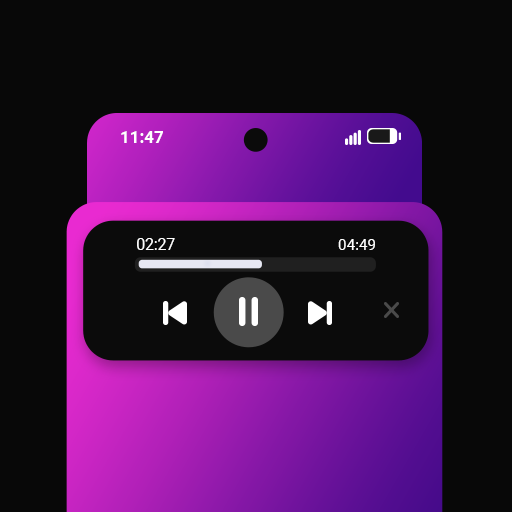
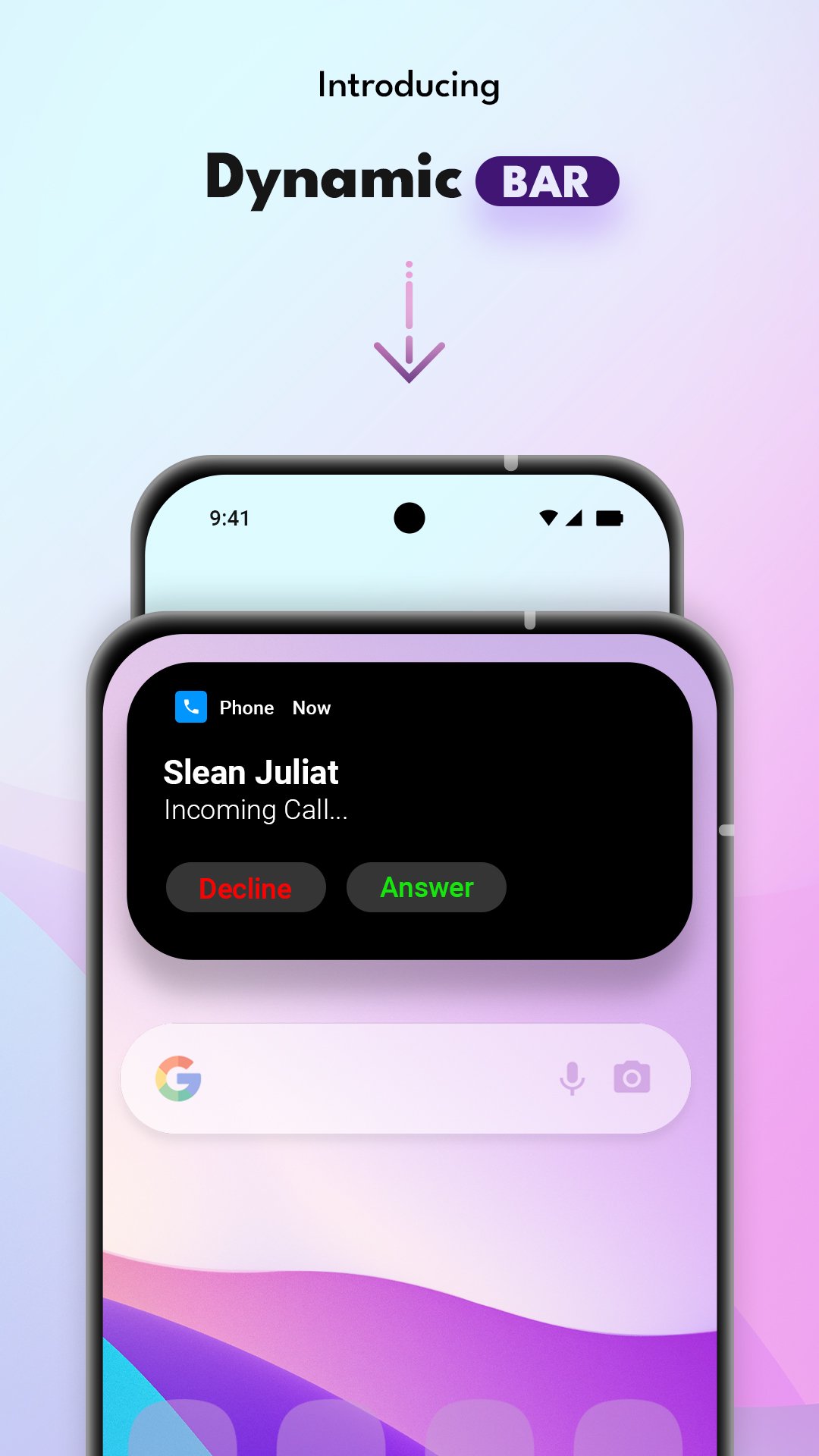
dynamicBar is an interactive pill like cutout that sits on your phone and presents you with a practical and elegant notification bar.
DynamicBar is an elegant notification bar for Android and is an innovative way to use your notification bar.
DynamicBar allows you to use Apps with Notifications, Multitask and Customise with ease.
It's not so much a Notification centre, but rather an alternative to the clean and empty space that normally occupies the top of your screen.
It also has a sleek and minimalist design, as well as prioritising what's more important with its Notch or Pill shaped notification bar.
The DynamicBar can be customised to fit your needs. You can change the size, position, background color, transparency and much more.
DynamicBar maintains an active state to allow users easier access to controls with a simple gestures like tap, hold and swipe without impeding content on the screen.
Features of DynamicBar
- Fully customisable dynamic notification bar
- Display a small dialog to show all the notifications swipe to see all 1 by 1.
- support for music app
Control music form this small
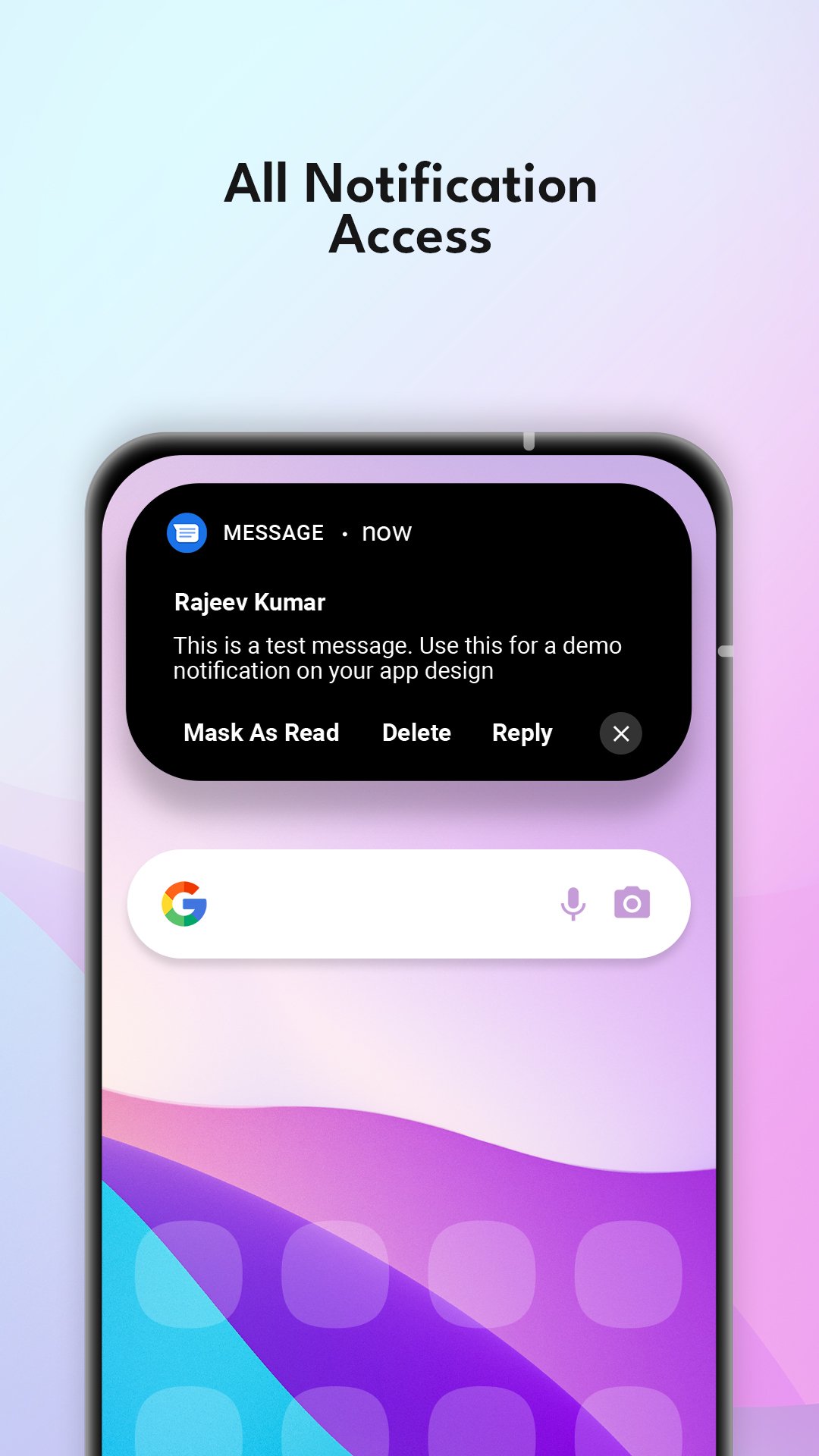
- support for messaging app
mark the message as read or reply to the msg without opening the Messages app.
- visual customisation
Make visual changes that appeal to the theme you like. Make the dynamic bar colourful or add a little transparency to peek behind the bar.
- customisable size, position and curve edges
Don’t like pill shaped bar, no problem just change the size make it wider, taller even change the curved edges to your preference.
It doesn’t matter if your phone has a notch on the left , center or right. We got your back. Place anywhere in the top frame of your phone.
- Choose Apps
Hand pick applications from which you get notifications. The dynamic Bar will only show notifications from those applications.
- Works on Lock Screen
dynamic Bar works even when the phone is locked. And is still interactive
- Small setting bar
Useful accessibility features like taking a screenshot, phone screen lock and power options. Long press the centre of the dynamic bar to access.
- Volume control
Scroll left or right to adjust the device volume for media.
- swipe up the hide the extended notification dialog.
And many more features to come.
MUSIC CONTROLS
• Play / Pause
• Next / Prev
• Touchable seekbar
Text Message Control
- Mark as Read
- Reply
There might be some features which may not work as the app is in the early stage of development. Please feel free to share your feedback and suggestion on existing features and any new feature that you may feel fit for the “dynamic Bar” app. We will be happy to work on your suggestions and bring desired change in upcoming updates.
Share your thoughts at sweetsugarapps@gmail.com
Preview
Tags
PersonalizationInformation
Developer
Sweet Sugar
Latest Version
2.6
Last Updated
2025-09-12
Category
Personalization
Available on
Google Play
Show More
How to play dynamicBar - Notification Bar with GameLoop on PC
1. Download GameLoop from the official website, then run the exe file to install GameLoop
2. Open GameLoop and search for “dynamicBar - Notification Bar” , find dynamicBar - Notification Bar in the search results and click “Install”
3. Enjoy playing dynamicBar - Notification Bar on GameLoop
Minimum requirements
OS
Windows 8.1 64-bit or Windows 10 64-bit
GPU
GTX 1050
CPU
i3-8300
Memory
8GB RAM
Storage
1GB available space
Recommended requirements
OS
Windows 8.1 64-bit or Windows 10 64-bit
GPU
GTX 1050
CPU
i3-9320
Memory
16GB RAM
Storage
1GB available space