Dual Apps - Dual Space Apps PC
Goodteam D.e.v
Download Dual Apps - Dual Space Apps on PC With GameLoop Emulator
Dual Apps - Dual Space Apps sa PC
Ang Dual Apps - Dual Space Apps, na nagmumula sa developer na Goodteam D.e.v, ay tumatakbo sa Android systerm sa nakaraan.
Ngayon, maaari mong laruin ang Dual Apps - Dual Space Apps sa PC gamit ang GameLoop nang maayos.
I-download ito sa GameLoop library o mga resulta ng paghahanap. Hindi na tumitingin sa baterya o nakakadismaya na mga tawag sa maling oras.
I-enjoy lang ang Dual Apps - Dual Space Apps PC sa malaking screen nang libre!
Dual Apps - Dual Space Apps Panimula
Hello Guy!
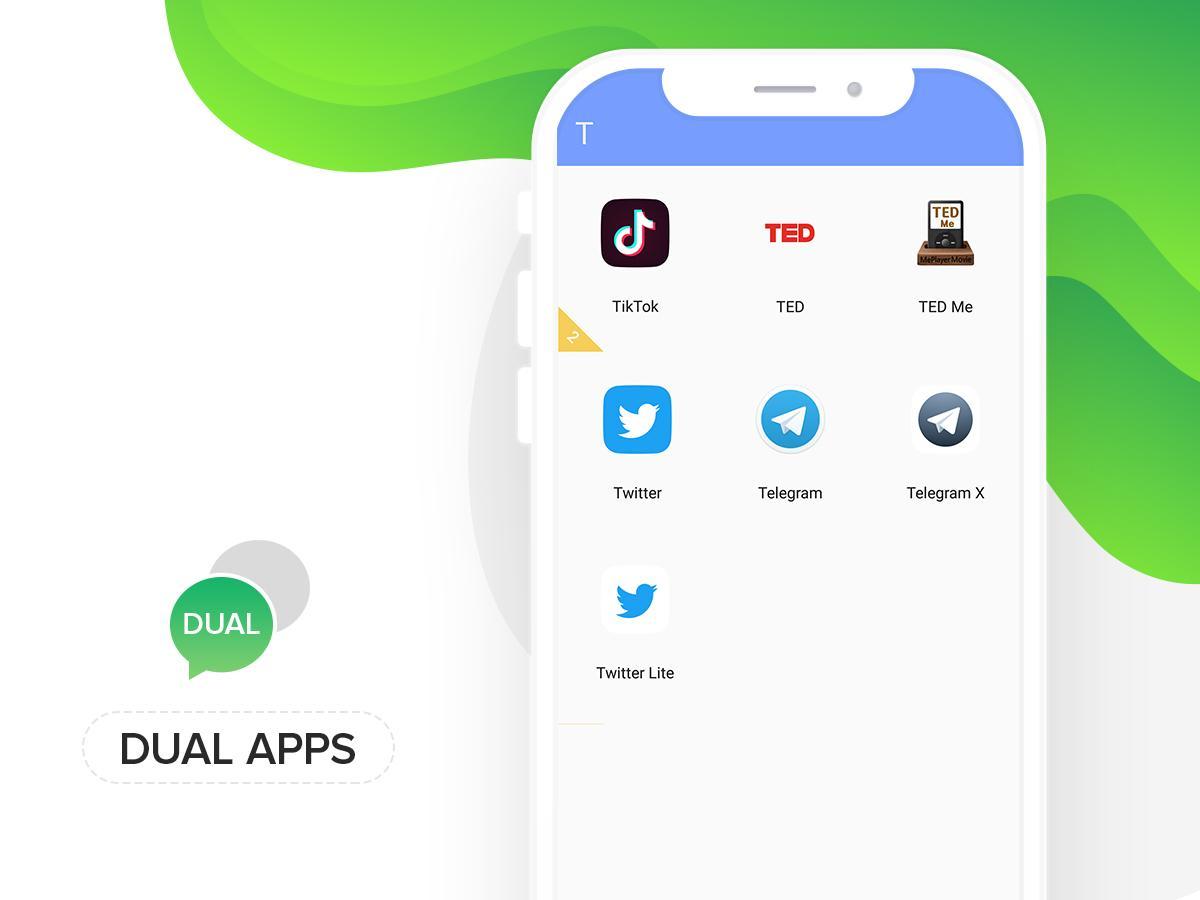
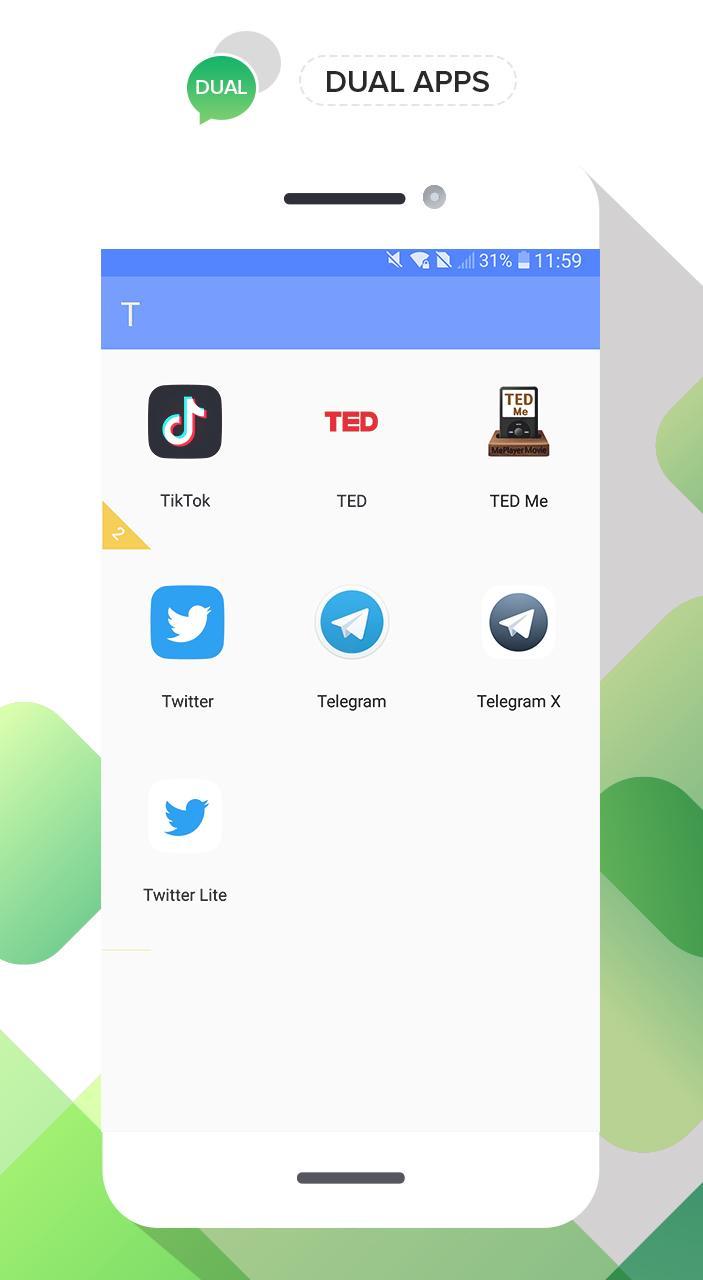
Today we release a application help you using multiple accounts for whatapp, facebook, twitter etc. for differents reason of you. It very easy using for you, Only choose your application in your phone and duals it. It done.
Did you have to frequently switch different social account of same app on your phone?
Have you ever used two or more phones for keeping your accounts online just in case of missing any message from WhatsApp?
Now, the black technology, Dual Space has released! It can perfectly solve your problem! You can easily use one phone to log in multiple accounts and keep them all online at the same time! And you don’t need to worry about the message reception and data storage problem of different accounts, because they will work independently and with no interference to each other.
Keep multiple social accounts logged in simultaneously.
· Keep your personal accounts and work accounts both online at the same time, and you can balance between life and work easily.
· Almost all social apps are supported for a second account in Dual Space. Data from different accounts will not interfere with each other.
Thank you so much for using. we need time for perfect app. We update next version in soon.
Preview
Tags
PersonalizationInformation
Developer
Goodteam D.e.v
Latest Version
1.3
Last Updated
2019-05-05
Category
Personalization
Available on
Google Play
Show More
How to play Dual Apps - Dual Space Apps with GameLoop on PC
1. Download GameLoop from the official website, then run the exe file to install GameLoop
2. Open GameLoop and search for “Dual Apps - Dual Space Apps” , find Dual Apps - Dual Space Apps in the search results and click “Install”
3. Enjoy playing Dual Apps - Dual Space Apps on GameLoop
Minimum requirements
OS
Windows 8.1 64-bit or Windows 10 64-bit
GPU
GTX 1050
CPU
i3-8300
Memory
8GB RAM
Storage
1GB available space
Recommended requirements
OS
Windows 8.1 64-bit or Windows 10 64-bit
GPU
GTX 1050
CPU
i3-9320
Memory
16GB RAM
Storage
1GB available space