DIGI Clock & Wallpaper PC
ForestTree
Download DIGI Clock & Wallpaper on PC With GameLoop Emulator
DIGI Clock & Wallpaper sa PC
Ang DIGI Clock & Wallpaper, na nagmumula sa developer na ForestTree, ay tumatakbo sa Android systerm sa nakaraan.
Ngayon, maaari mong laruin ang DIGI Clock & Wallpaper sa PC gamit ang GameLoop nang maayos.
I-download ito sa GameLoop library o mga resulta ng paghahanap. Hindi na tumitingin sa baterya o nakakadismaya na mga tawag sa maling oras.
I-enjoy lang ang DIGI Clock & Wallpaper PC sa malaking screen nang libre!
DIGI Clock & Wallpaper Panimula
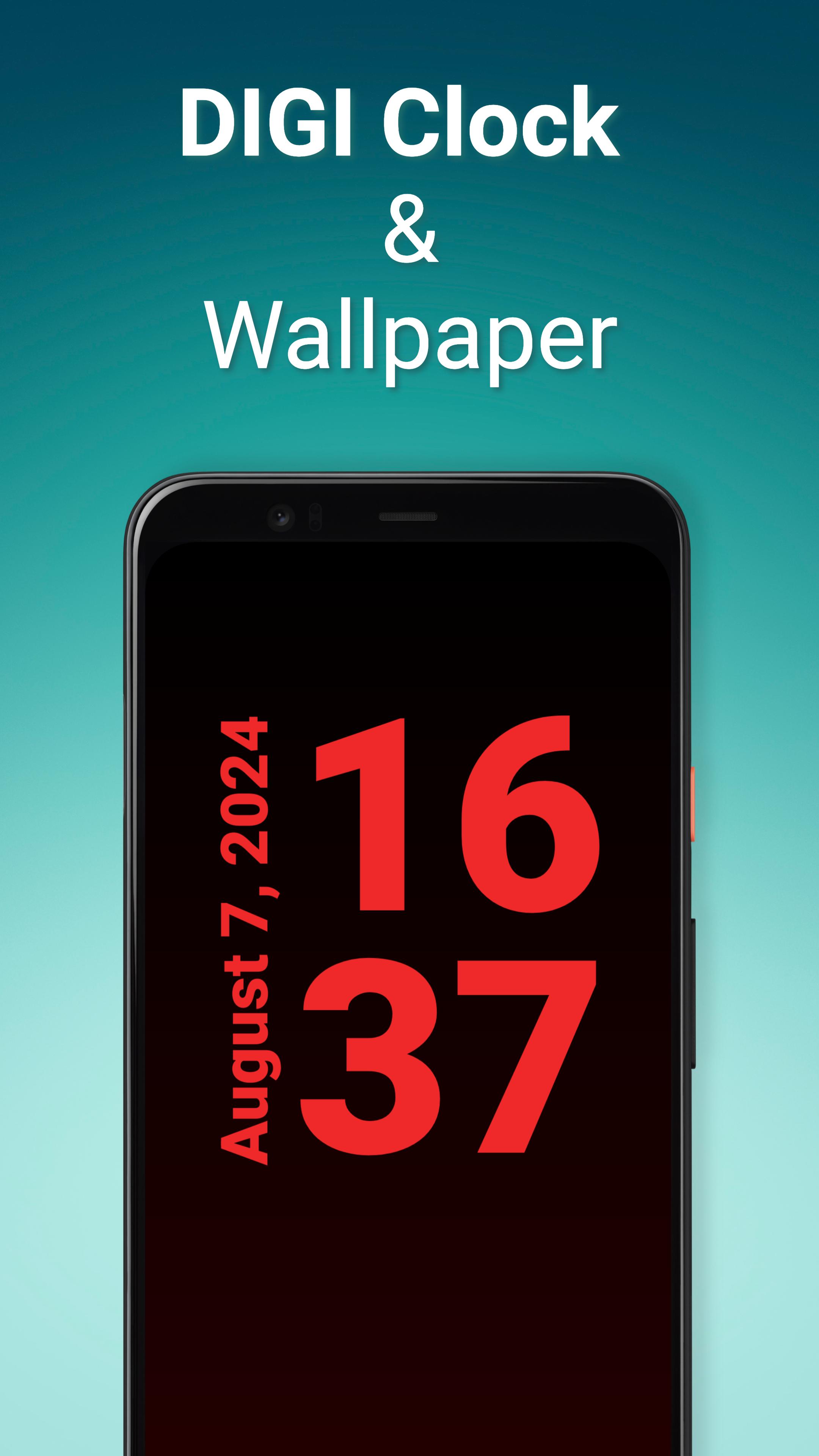
The app will show you the exact time in full screen. In a large and easy-to-read font. It offers many pre-made themes. And when you feel like preparing your own design, you can customize everything with the interactive editor.
DIGI Clock & Wallpaper offers the following features:
⁃ Extra large time display.
⁃ Option to switch the screen to dark night mode.
⁃ Optional display of the date, battery status or time of the next alarm.
⁃ Time format can be set to 12 or 24 hours.
⁃ Supports both portrait and landscape mode display. Orientation can be detected automatically or set directly.
⁃ Status and navigation bar can be optionally hidden.
⁃ Font, color, outlines and font shading are adjustable.
⁃ You can customize the clock background to your mood. Set a monochrome, gradient background or choose a background image from your gallery.
⁃ The display is always on.
A variety of pre-made themes are available in the app. If you want to create your own design, use the theme setup wizard and then you can fine-tune the theme using the interactive editor.
You can set the app as a live background. Whenever you look at the display, you'll see the time in the background.
You can also set the "DIGI Clock and Wallpaper" as a screensaver. When you connect your phone to the charger, the app automatically starts and displays the time. You can then switch the screen to dark night mode using a dedicated button.
If you decide to use the clock long-term, e.g. as a bedside clock, consider connecting the device to the charger. Since the display is always on, it is better to have a power source available. The brightness of the screen can be significantly reduced by switching on the "night mode".
Thanks for using DIGI Clock & Wallpaper!
Preview

Tags
PersonalizationInformation
Developer
ForestTree
Latest Version
4.1.3
Last Updated
2025-03-03
Category
Personalization
Available on
Google Play
Show More
How to play DIGI Clock & Wallpaper with GameLoop on PC
1. Download GameLoop from the official website, then run the exe file to install GameLoop
2. Open GameLoop and search for “DIGI Clock & Wallpaper” , find DIGI Clock & Wallpaper in the search results and click “Install”
3. Enjoy playing DIGI Clock & Wallpaper on GameLoop
Minimum requirements
OS
Windows 8.1 64-bit or Windows 10 64-bit
GPU
GTX 1050
CPU
i3-8300
Memory
8GB RAM
Storage
1GB available space
Recommended requirements
OS
Windows 8.1 64-bit or Windows 10 64-bit
GPU
GTX 1050
CPU
i3-9320
Memory
16GB RAM
Storage
1GB available space