Dark Chic LINE Launcher theme PC
dodol theme
Download Dark Chic LINE Launcher theme on PC With GameLoop Emulator
Dark Chic LINE Launcher theme sa PC
Ang Dark Chic LINE Launcher theme, na nagmumula sa developer na dodol theme, ay tumatakbo sa Android systerm sa nakaraan.
Ngayon, maaari mong laruin ang Dark Chic LINE Launcher theme sa PC gamit ang GameLoop nang maayos.
I-download ito sa GameLoop library o mga resulta ng paghahanap. Hindi na tumitingin sa baterya o nakakadismaya na mga tawag sa maling oras.
I-enjoy lang ang Dark Chic LINE Launcher theme PC sa malaking screen nang libre!
Dark Chic LINE Launcher theme Panimula
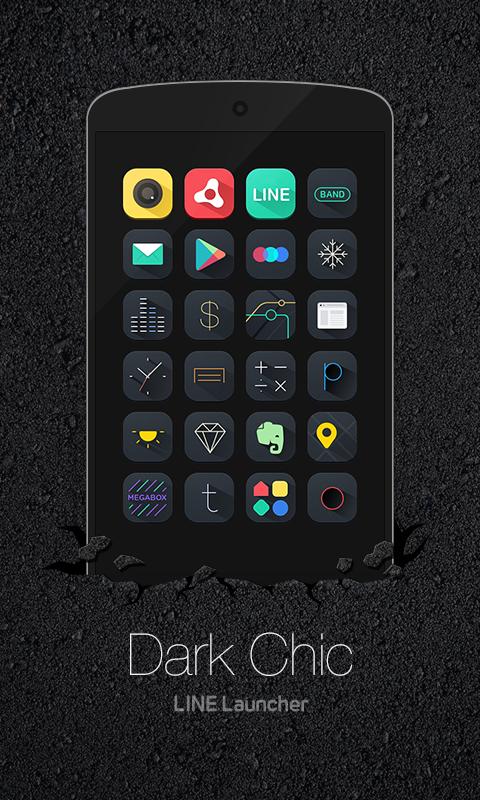
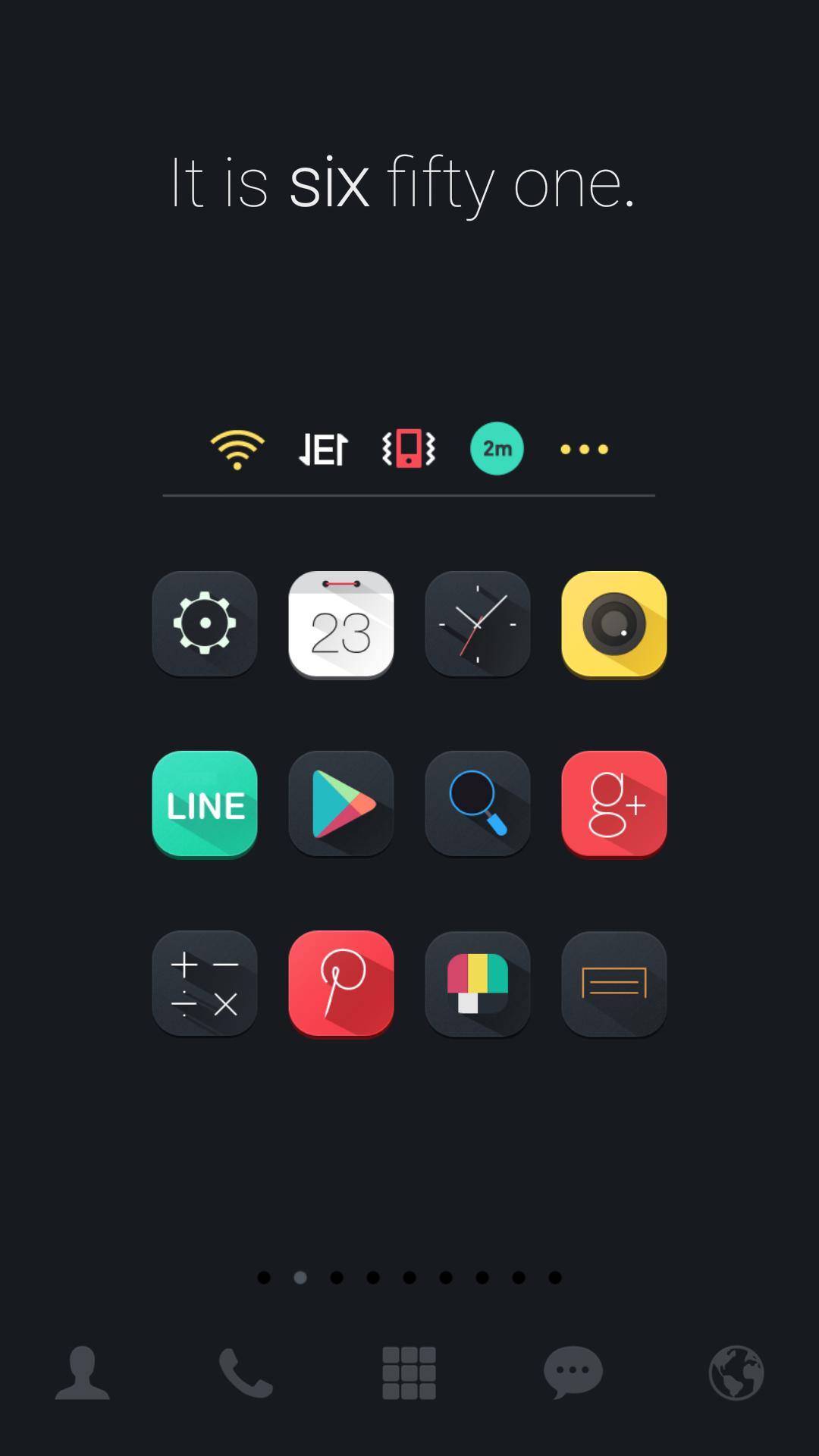
Feel the thrill of discovering color-splashing icons on darkness that lie so chicly on your phone +.+
Dark Chic dodol theme is certainly an eye-opener for you to its attractive image 0_0
LINE Launcher theme
* Apply the theme to transform your background screen, icon and launcher widget! :D
* How to apply a theme
- Install LINE Launcher (if you haven't yet).
- Press the home button and set the LINE Launcher as the default home launcher by selecting [Use as default value for this task] or [Always].
- Open the launcher menu by swiping the home screen upwards, select the [Theme] menu, then select and apply the theme of your choice.
***Customer Support***
- Facebook: https://www.facebook.com/linelauncher
***Precaution***
- Is available only in Android ver. 4.0.3 and above (ICS, Jellybean)
- Some functions cannot be applied in certain devices.
Preview
Information
Developer
dodol theme
Latest Version
4.9
Last Updated
2015-08-31
Category
Personalization
Available on
Google Play
Show More
How to play Dark Chic LINE Launcher theme with GameLoop on PC
1. Download GameLoop from the official website, then run the exe file to install GameLoop
2. Open GameLoop and search for “Dark Chic LINE Launcher theme” , find Dark Chic LINE Launcher theme in the search results and click “Install”
3. Enjoy playing Dark Chic LINE Launcher theme on GameLoop
Minimum requirements
OS
Windows 8.1 64-bit or Windows 10 64-bit
GPU
GTX 1050
CPU
i3-8300
Memory
8GB RAM
Storage
1GB available space
Recommended requirements
OS
Windows 8.1 64-bit or Windows 10 64-bit
GPU
GTX 1050
CPU
i3-9320
Memory
16GB RAM
Storage
1GB available space