Smart Resize Keyboard PC
ThemesJoy
Download Smart Resize Keyboard on PC With GameLoop Emulator
Smart Resize Keyboard sa PC
Ang Smart Resize Keyboard, na nagmumula sa developer na ThemesJoy, ay tumatakbo sa Android systerm sa nakaraan.
Ngayon, maaari mong laruin ang Smart Resize Keyboard sa PC gamit ang GameLoop nang maayos.
I-download ito sa GameLoop library o mga resulta ng paghahanap. Hindi na tumitingin sa baterya o nakakadismaya na mga tawag sa maling oras.
I-enjoy lang ang Smart Resize Keyboard PC sa malaking screen nang libre!
Smart Resize Keyboard Panimula
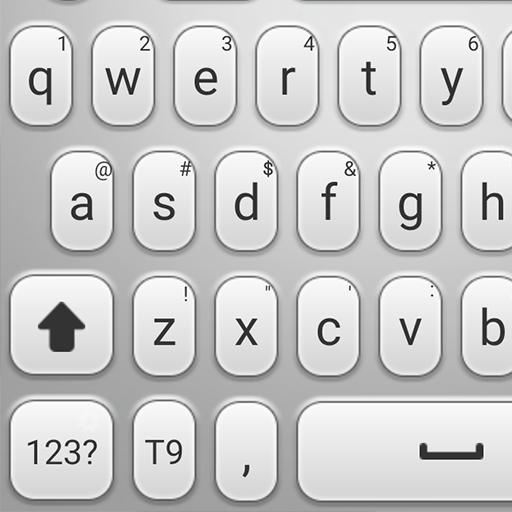
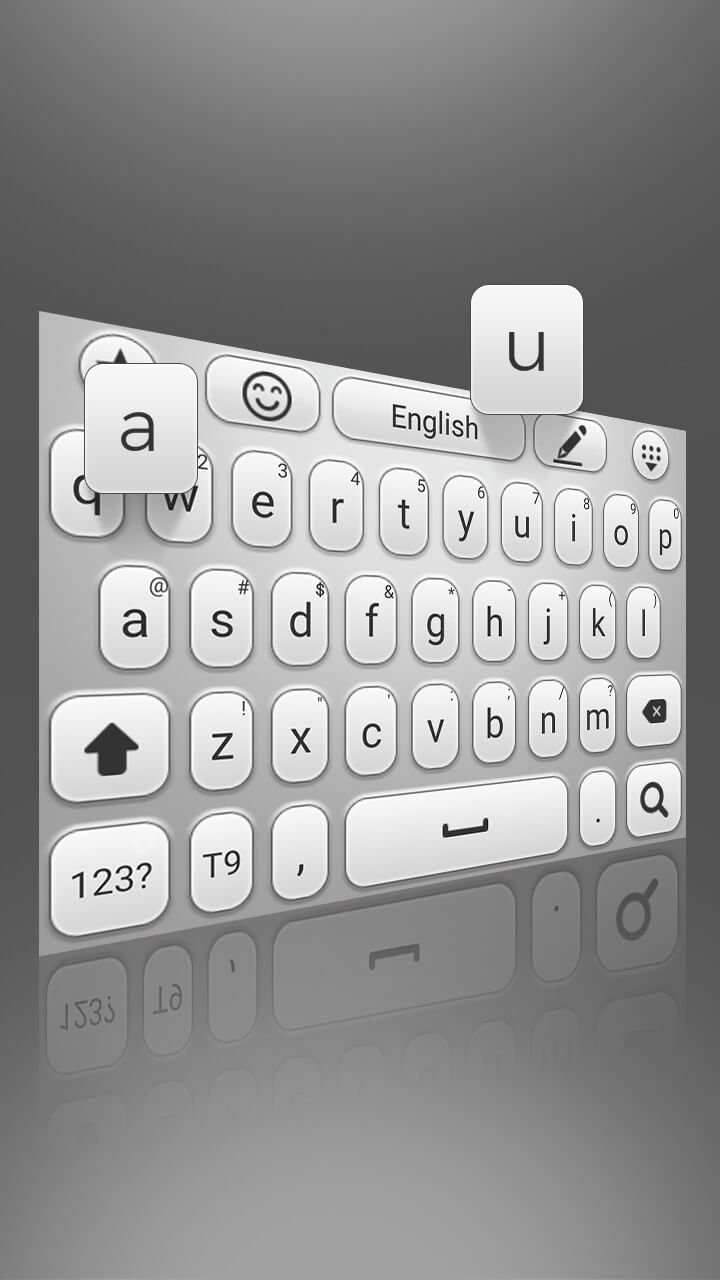
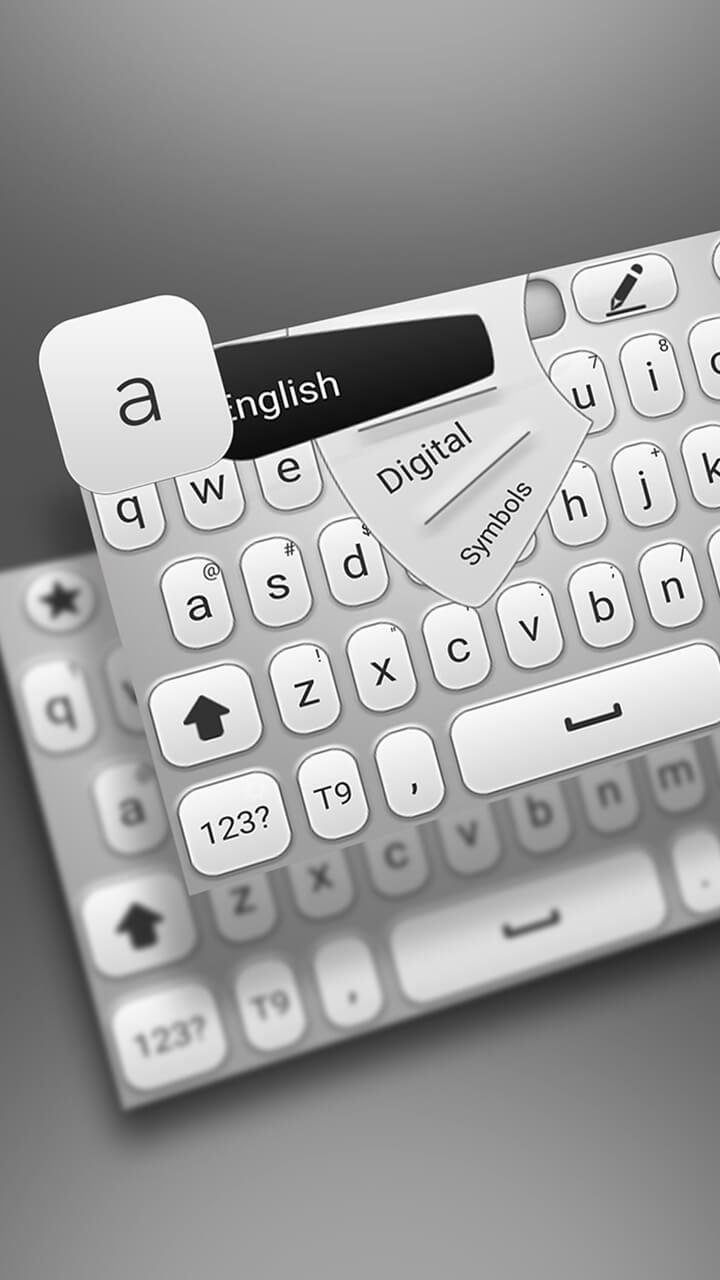
Smart Resize Keyboard is the ultimate keyboard theme for Android, designed to give you full control over how your keyboard looks and feels. With a smooth, clean, and stylish design, this app transforms your typing into a modern and elegant experience.
Tired of the same old keyboard? Smart Resize Keyboard lets you refresh your device with a stunning, unique look. Every detail has been carefully crafted by our design team to ensure your keyboard stands out with a high-quality visual experience you won’t find elsewhere.
Applying the theme is quick and effortless. Just install the app, activate it, and enjoy a brand-new keyboard in seconds—no complicated steps or settings required.
Smart Resize Keyboard is 100% free, with no hidden fees, subscriptions, or locked features. Plus, it's built to be lightweight and responsive, so it won’t slow down your device.
Whether you're sending a quick text, using emojis, or writing long messages, Smart Resize Keyboard delivers both style and performance. Its adjustable layout adapts to your needs, giving you a comfortable and personalized typing experience.
Download Smart Resize Keyboard today and enjoy a beautiful, customizable, and intelligent typing solution made for Android.
Preview
Tags
PersonalizationInformation
Developer
ThemesJoy
Latest Version
3.0.1
Last Updated
2025-06-04
Category
Personalization
Available on
Google Play
Show More
How to play Smart Resize Keyboard with GameLoop on PC
1. Download GameLoop from the official website, then run the exe file to install GameLoop
2. Open GameLoop and search for “Smart Resize Keyboard” , find Smart Resize Keyboard in the search results and click “Install”
3. Enjoy playing Smart Resize Keyboard on GameLoop
Minimum requirements
OS
Windows 8.1 64-bit or Windows 10 64-bit
GPU
GTX 1050
CPU
i3-8300
Memory
8GB RAM
Storage
1GB available space
Recommended requirements
OS
Windows 8.1 64-bit or Windows 10 64-bit
GPU
GTX 1050
CPU
i3-9320
Memory
16GB RAM
Storage
1GB available space