Wave Keyboard: Themes & Fonts PC
Live Wallpapers by Wave Studio
Download Wave Keyboard: Themes & Fonts on PC With GameLoop Emulator
Wave Keyboard: Themes & Fonts sa PC
Ang Wave Keyboard: Themes & Fonts, na nagmumula sa developer na Live Wallpapers by Wave Studio, ay tumatakbo sa Android systerm sa nakaraan.
Ngayon, maaari mong laruin ang Wave Keyboard: Themes & Fonts sa PC gamit ang GameLoop nang maayos.
I-download ito sa GameLoop library o mga resulta ng paghahanap. Hindi na tumitingin sa baterya o nakakadismaya na mga tawag sa maling oras.
I-enjoy lang ang Wave Keyboard: Themes & Fonts PC sa malaking screen nang libre!
Wave Keyboard: Themes & Fonts Panimula
Make every message feel more like you.
Wave Keyboard brings colorful themes, animated touch effects and expressive fonts to your everyday typing. Find a look you love, create your own, and keep useful writing tools right on your keyboard.
A keyboard that matches your mood
Explore styles from soft pastels and clean minimal designs to bold neon and playful patterns. Switch themes whenever you feel like a change.
Bring your taps to life
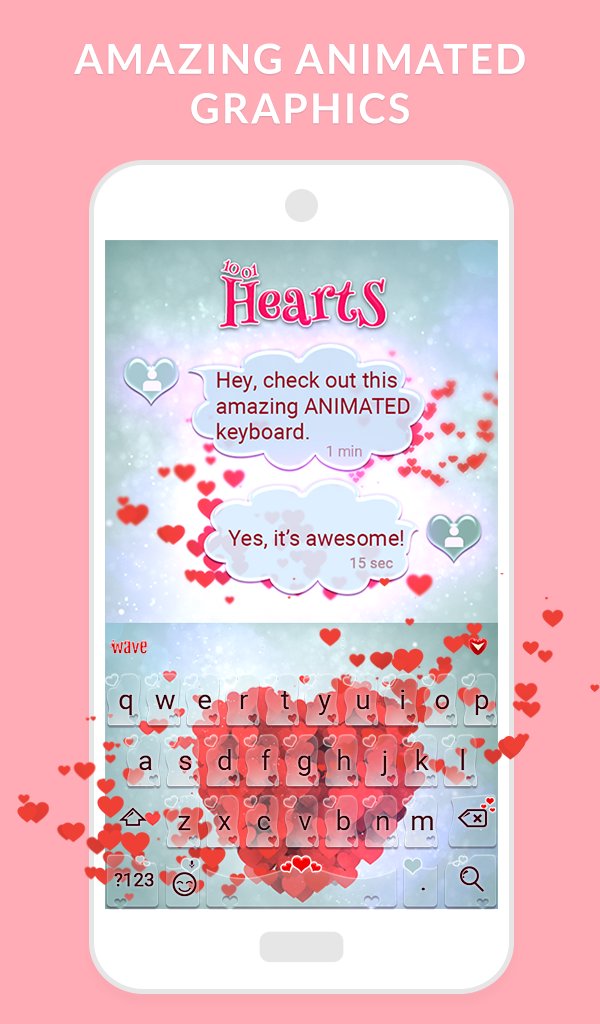
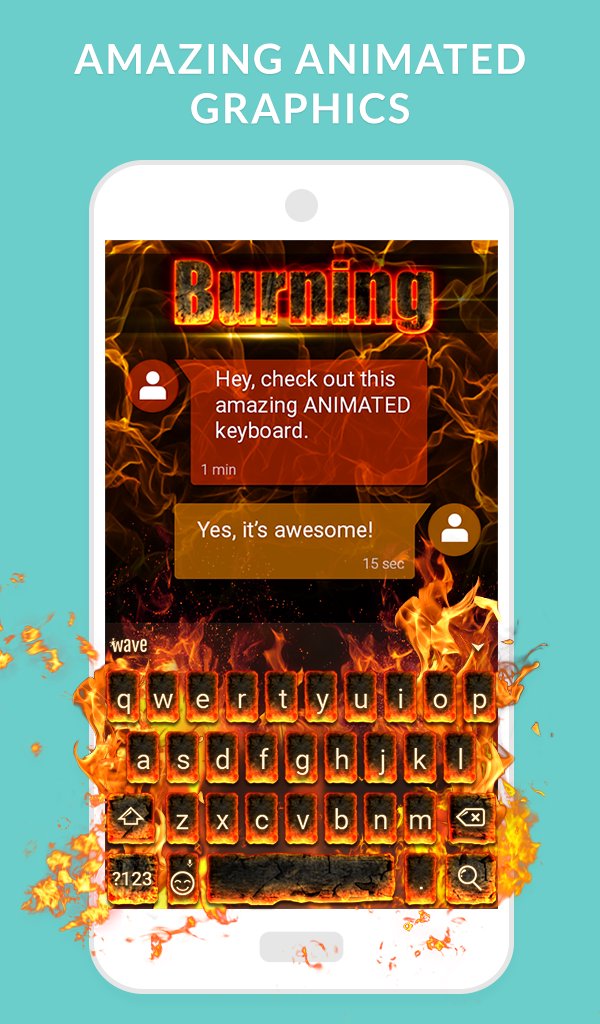
Discover themes with glowing keys, ripples and playful particle effects. Each theme brings its own personality to the way you type.
Create something of your own
Customize colors, key shapes and effects to build your own keyboard theme. Need a starting point? Roll the dice for a fresh combination, then make it yours.
Say it with fancy fonts
Give messages, bios and captions a different look with decorative text styles. Choose a fancy font and type with it directly from the keyboard.
Keep your words flowing
Glide from letter to letter with swipe typing, or tap as usual. Choose the way of typing that feels natural to you.
Get help with your writing
Open Wave AI from the keyboard toolbar to fix grammar, translate your text or change its tone. Turn a rough message into a clearer one, switch from casual to professional, or use Ask AI for help finding the words.
Less retyping, more replying
Save phrases you use often as shortcuts and keep useful text in your clipboard. Reuse a quick reply or a longer message without typing it all again.
Make your milestones count
Collect badges as you type, explore themes and create your own designs. Follow your progress in Rewards and discover your next milestone.
Your style, from the first tap to the last word.
AI features require an internet connection and are subject to usage limits.
Preview
Tags
PersonalizationInformation
Developer
Live Wallpapers by Wave Studio
Latest Version
1.78.4
Last Updated
2026-11-19
Category
Personalization
Available on
Google Play
Show More
How to play Wave Keyboard: Themes & Fonts with GameLoop on PC
1. Download GameLoop from the official website, then run the exe file to install GameLoop
2. Open GameLoop and search for “Wave Keyboard: Themes & Fonts” , find Wave Keyboard: Themes & Fonts in the search results and click “Install”
3. Enjoy playing Wave Keyboard: Themes & Fonts on GameLoop
Minimum requirements
OS
Windows 8.1 64-bit or Windows 10 64-bit
GPU
GTX 1050
CPU
i3-8300
Memory
8GB RAM
Storage
1GB available space
Recommended requirements
OS
Windows 8.1 64-bit or Windows 10 64-bit
GPU
GTX 1050
CPU
i3-9320
Memory
16GB RAM
Storage
1GB available space