Cassettes for KLWP/KWGT PC
BaconBits
Download Cassettes for KLWP/KWGT on PC With GameLoop Emulator
Cassettes for KLWP/KWGT sa PC
Ang Cassettes for KLWP/KWGT, na nagmumula sa developer na BaconBits, ay tumatakbo sa Android systerm sa nakaraan.
Ngayon, maaari mong laruin ang Cassettes for KLWP/KWGT sa PC gamit ang GameLoop nang maayos.
I-download ito sa GameLoop library o mga resulta ng paghahanap. Hindi na tumitingin sa baterya o nakakadismaya na mga tawag sa maling oras.
I-enjoy lang ang Cassettes for KLWP/KWGT PC sa malaking screen nang libre!
Cassettes for KLWP/KWGT Panimula
YOU NEED TO HAVE THE PRO VERSION OF KUSTOM KLWP INSTALLED ON YOUR PHONE TO USE THE WALLPAPERS/KOMPONENTS - https://goo.gl/UkHJ99
YOU NEED TO HAVE THE PRO VERSION OF KUSTOM KWGT INSTALLED ON YOUR PHONE TO USE THE WIDGETS - https://goo.gl/ABJVXq
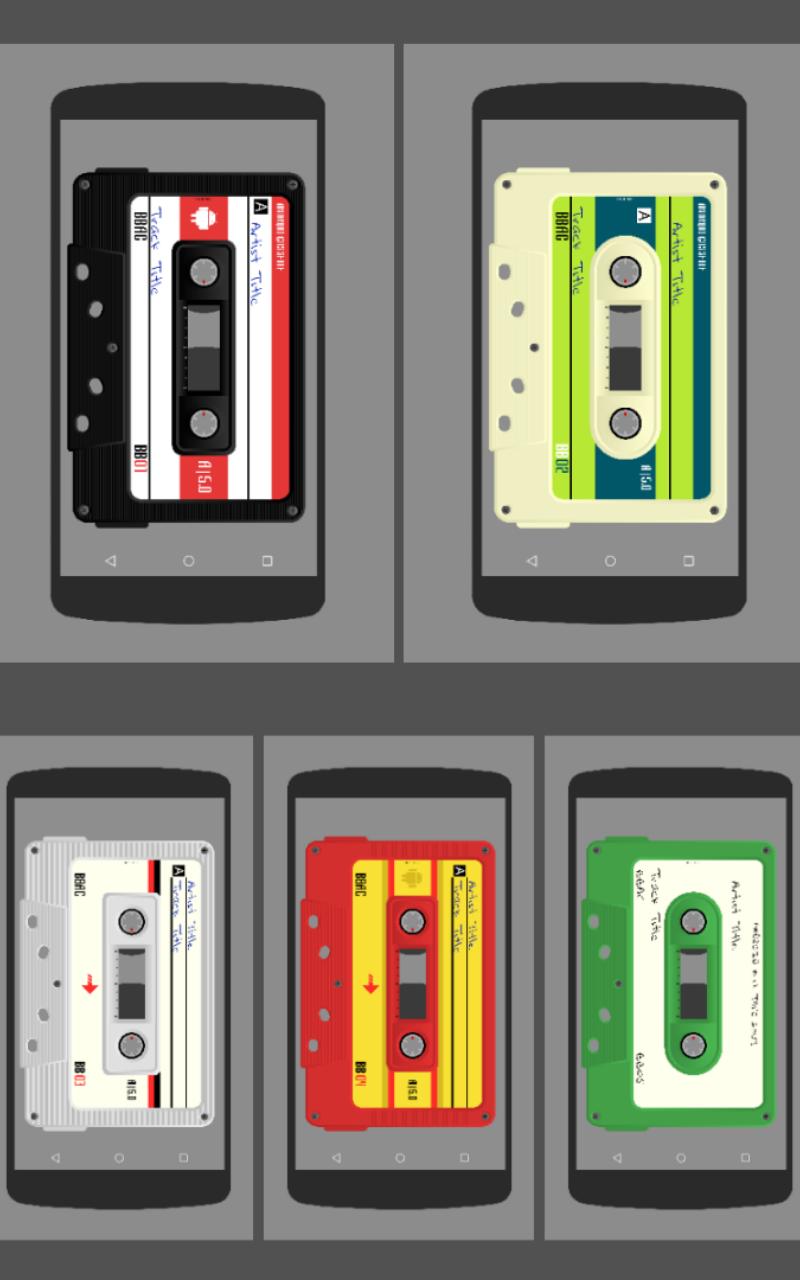
This is a set of 5 Komponents & widgets of different styled and coloured cassette tapes for use in KWLP & KWGT. Use them by themselves or include them in your own KWLP wallpaper setup
Each Komponent & widget has globals to change the colours of the cassette tape -
Body - sets colour of main cassette shape
Bottom - sets colour of bottom rectangular section
borderdr - sets colour of dark shading around the edges
borderlg - sets colour of light shading around the edges
label1, 2 & 3 - sets colours of the different label elements
text1, 2 & 3 - sets colour of different text elements
lines - sets colour of the lines under the track/artist text
marker - sets colour of marks in the centre for progress
infotext, infofont, infosize - sets colour, font and size of text for track and artist info
The Komponents/widgets can also be changed to landscape by tapping the bottom of the tape or by tapping the 'Open Editor Hotspot' selecting the Globals tap and switching the toggle. Scale had been increased/decreased with the scale sliders
Watch the video to see globals in action
HOTSPOTS
Hotspots are assigned to areas of the Komponents to play/pause music, skip to next or previous track, open media app and open Kustom editor
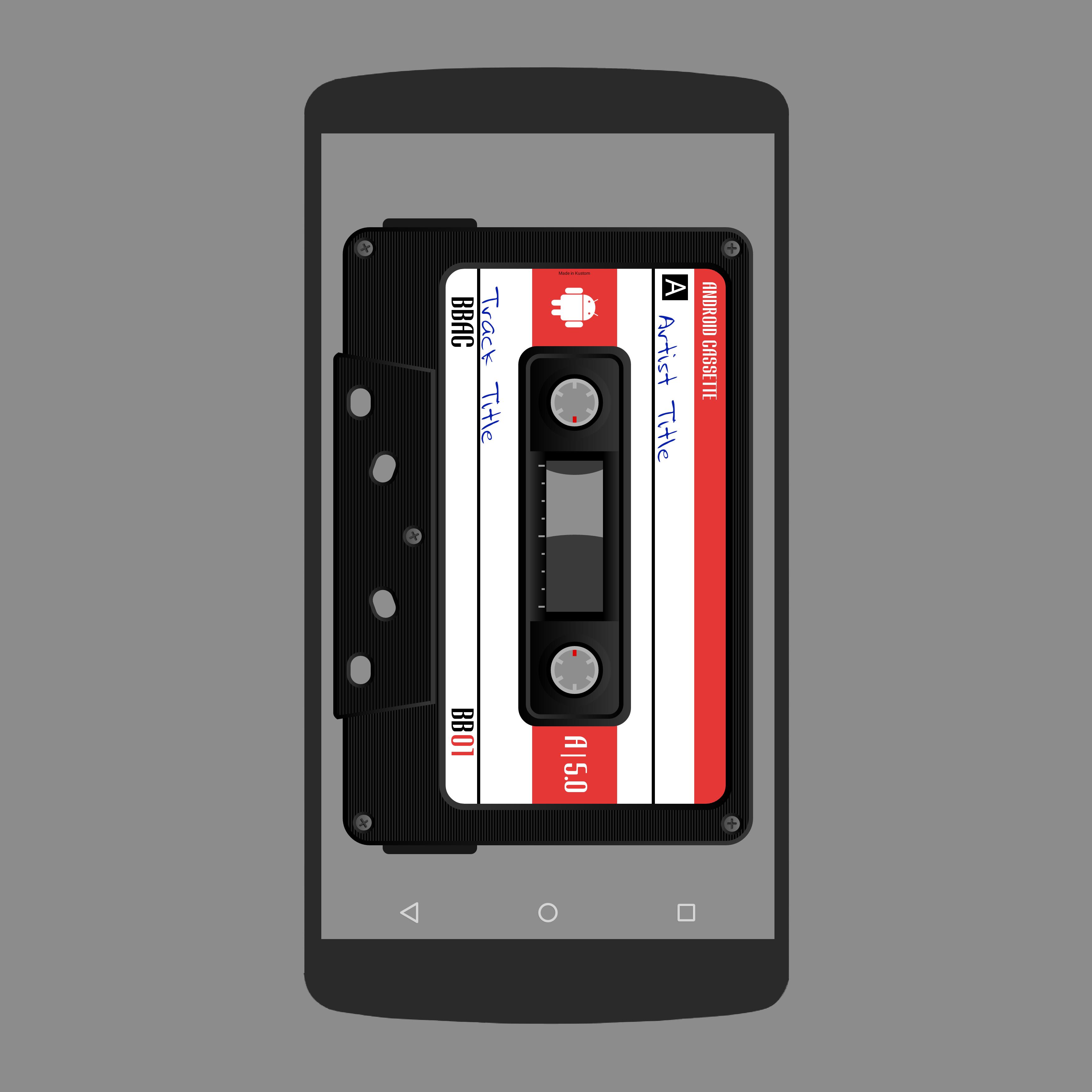
Broswe through the pictures, in this description, to see where the hotspots are
ADDING KOMPONENTS TO YOUR HOMESCREEN
- Open KLWP app
- Tap + icon and select Komponent
- Tap the down arrow and the top
- Select 'Cassettes for Kustom' from the dropdown list
- Select which cassette you wish to use
- Tap the save icon
- Return to homescreen
ADDING WIDGETS TO YOUR HOMESCREEN
- Long press your homescreen and select 'Widgets'
- Scroll down and select KWGT 4x4
- Long press on the KWGT 4x4 widget and drag to your homescreen
- Resize the widget to full screen
- Tap on widget to open KWGT editor
- Tap on the 'Installed' tab and then select 'Cassettes'
- Select one of the five Cassettes widgets
- Resize via the globals menu if needed
- Tap 'Save' icon and return to hoomescreen
TROUBLESHOOTING
If media does not play when the play/pause hotspot is tapped, tap the open media hotspot to open Play Music and begin playback from there before returning to home screen
Any problems please email me instead of rating one star
Enjoy & Thankyou
Find me on Reddit - https://www.reddit.com/user/BaconBitsNI/
or Twitter - https://twitter.com/baconbitskustom
for more Bacon
Preview
Tags
PersonalizationInformation
Developer
BaconBits
Latest Version
2.1
Last Updated
2020-09-01
Category
Personalization
Available on
Google Play
Show More
How to play Cassettes for KLWP/KWGT with GameLoop on PC
1. Download GameLoop from the official website, then run the exe file to install GameLoop
2. Open GameLoop and search for “Cassettes for KLWP/KWGT” , find Cassettes for KLWP/KWGT in the search results and click “Install”
3. Enjoy playing Cassettes for KLWP/KWGT on GameLoop
Minimum requirements
OS
Windows 8.1 64-bit or Windows 10 64-bit
GPU
GTX 1050
CPU
i3-8300
Memory
8GB RAM
Storage
1GB available space
Recommended requirements
OS
Windows 8.1 64-bit or Windows 10 64-bit
GPU
GTX 1050
CPU
i3-9320
Memory
16GB RAM
Storage
1GB available space