
Cartogram - Live Map Wallpaper PC
Round Tower
Download Cartogram - Live Map Wallpaper on PC With GameLoop Emulator
Cartogram - Live Map Wallpaper sa PC
Ang Cartogram - Live Map Wallpaper, na nagmumula sa developer na Round Tower, ay tumatakbo sa Android systerm sa nakaraan.
Ngayon, maaari mong laruin ang Cartogram - Live Map Wallpaper sa PC gamit ang GameLoop nang maayos.
I-download ito sa GameLoop library o mga resulta ng paghahanap. Hindi na tumitingin sa baterya o nakakadismaya na mga tawag sa maling oras.
I-enjoy lang ang Cartogram - Live Map Wallpaper PC sa malaking screen nang libre!
Cartogram - Live Map Wallpaper Panimula
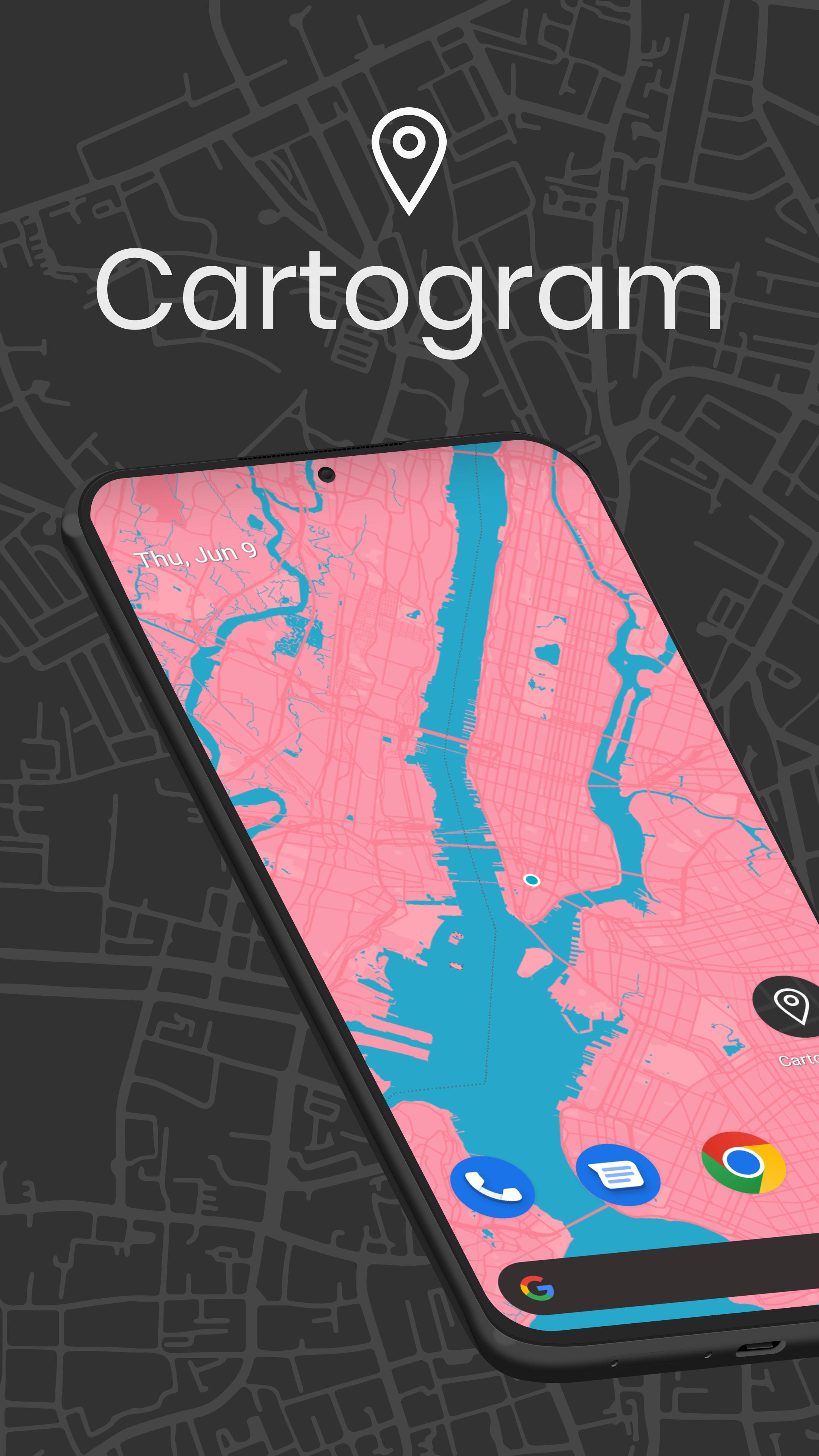
Transform your phone with Cartogram - the #1 Map Wallpaper & Backdrop Generator with Material You support, proudly featured as an Editor's Choice app!
Create stunning live map wallpapers and offline backgrounds that adapt to your style:
- Premium map wallpapers with Material You integration
- Live location tracking backgrounds
- Offline map backdrops - no internet required
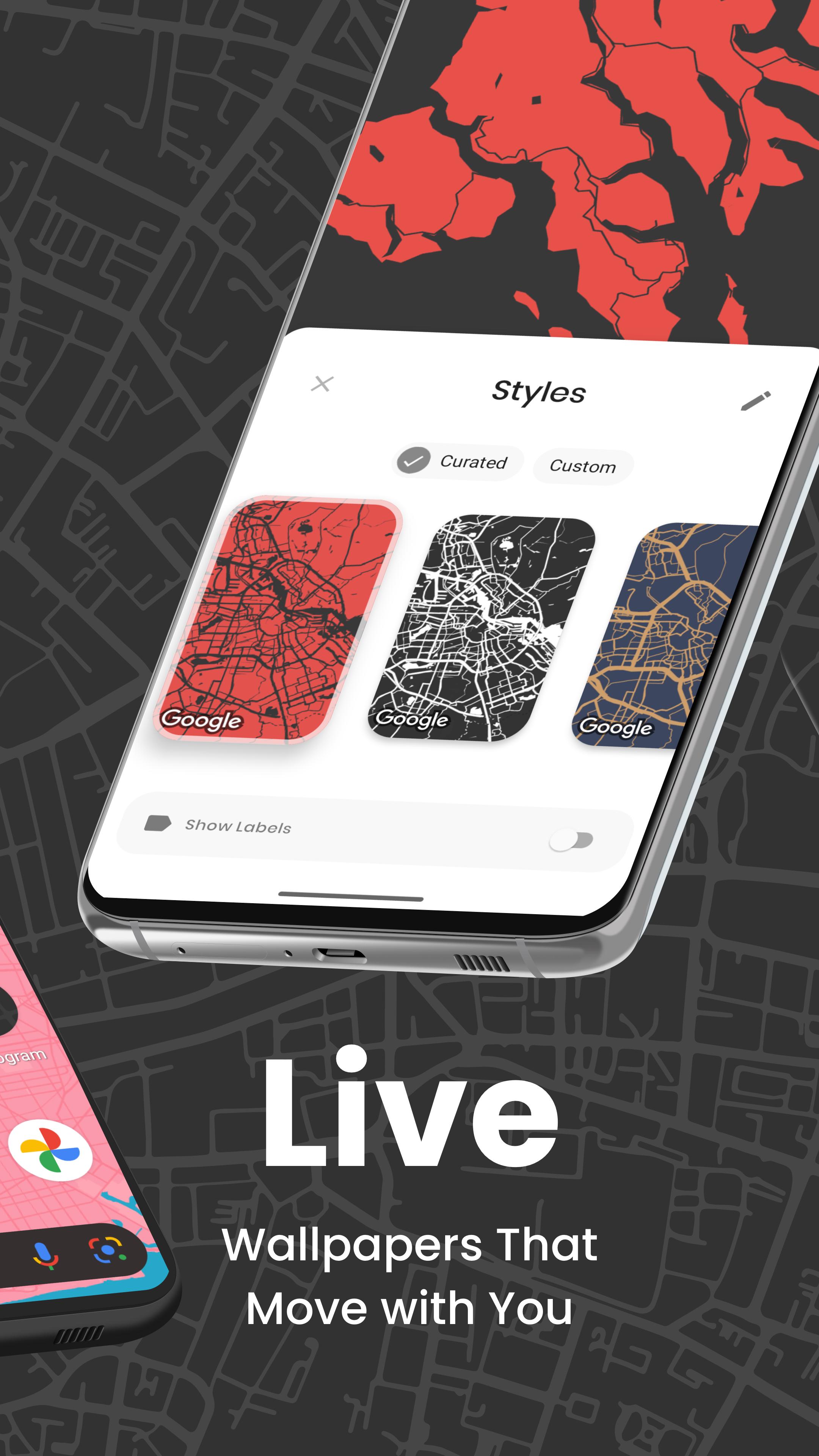
- 30+ custom map styles updated monthly
- Perfect for custom launcher setups
Premium Features:
- Unlimited map wallpapers and backdrops
- AMOLED dark themes & gaming backgrounds
- Custom color schemes with Material You
- Instant preview & one-tap apply
- Ad-free experience
- Dynamic day/night themes
Personalization Options:
- Worldwide location selection
- Real-time location tracking
- Material You color matching
- Advanced style editor
- Location discovery
- Community designs
- Home & lock screen customization
- Easy sharing
Ideal For:
- Material You themes & setups
- Custom launcher enthusiasts
- AMOLED / OLED displays
- Minimalist designs
- Phone & tablet customization
- Offline backdrop generation
Join thousands of satisfied users creating unique map wallpapers with Cartogram.
Your Location, Your Style, Your Wallpaper.
#CreatedWithCartogram
About Round Tower
We're an Irish Digital Product Studio creating premium Android experiences. Connect with us:
Instagram: @round.tower
Twitter: @round_tower
Facebook: RoundTowerSoftware
LinkedIn: Round Tower
Preview
Tags
PersonalizationInformation
Developer
Round Tower
Latest Version
7.2.0
Last Updated
2025-02-06
Category
Personalization
Available on
Google Play
Show More
How to play Cartogram - Live Map Wallpaper with GameLoop on PC
1. Download GameLoop from the official website, then run the exe file to install GameLoop
2. Open GameLoop and search for “Cartogram - Live Map Wallpaper” , find Cartogram - Live Map Wallpaper in the search results and click “Install”
3. Enjoy playing Cartogram - Live Map Wallpaper on GameLoop
Minimum requirements
OS
Windows 8.1 64-bit or Windows 10 64-bit
GPU
GTX 1050
CPU
i3-8300
Memory
8GB RAM
Storage
1GB available space
Recommended requirements
OS
Windows 8.1 64-bit or Windows 10 64-bit
GPU
GTX 1050
CPU
i3-9320
Memory
16GB RAM
Storage
1GB available space