Black Keyboard PC
C10 Studio
Download Black Keyboard on PC With GameLoop Emulator
Black Keyboard sa PC
Ang Black Keyboard, na nagmumula sa developer na C10 Studio, ay tumatakbo sa Android systerm sa nakaraan.
Ngayon, maaari mong laruin ang Black Keyboard sa PC gamit ang GameLoop nang maayos.
I-download ito sa GameLoop library o mga resulta ng paghahanap. Hindi na tumitingin sa baterya o nakakadismaya na mga tawag sa maling oras.
I-enjoy lang ang Black Keyboard PC sa malaking screen nang libre!
Black Keyboard Panimula
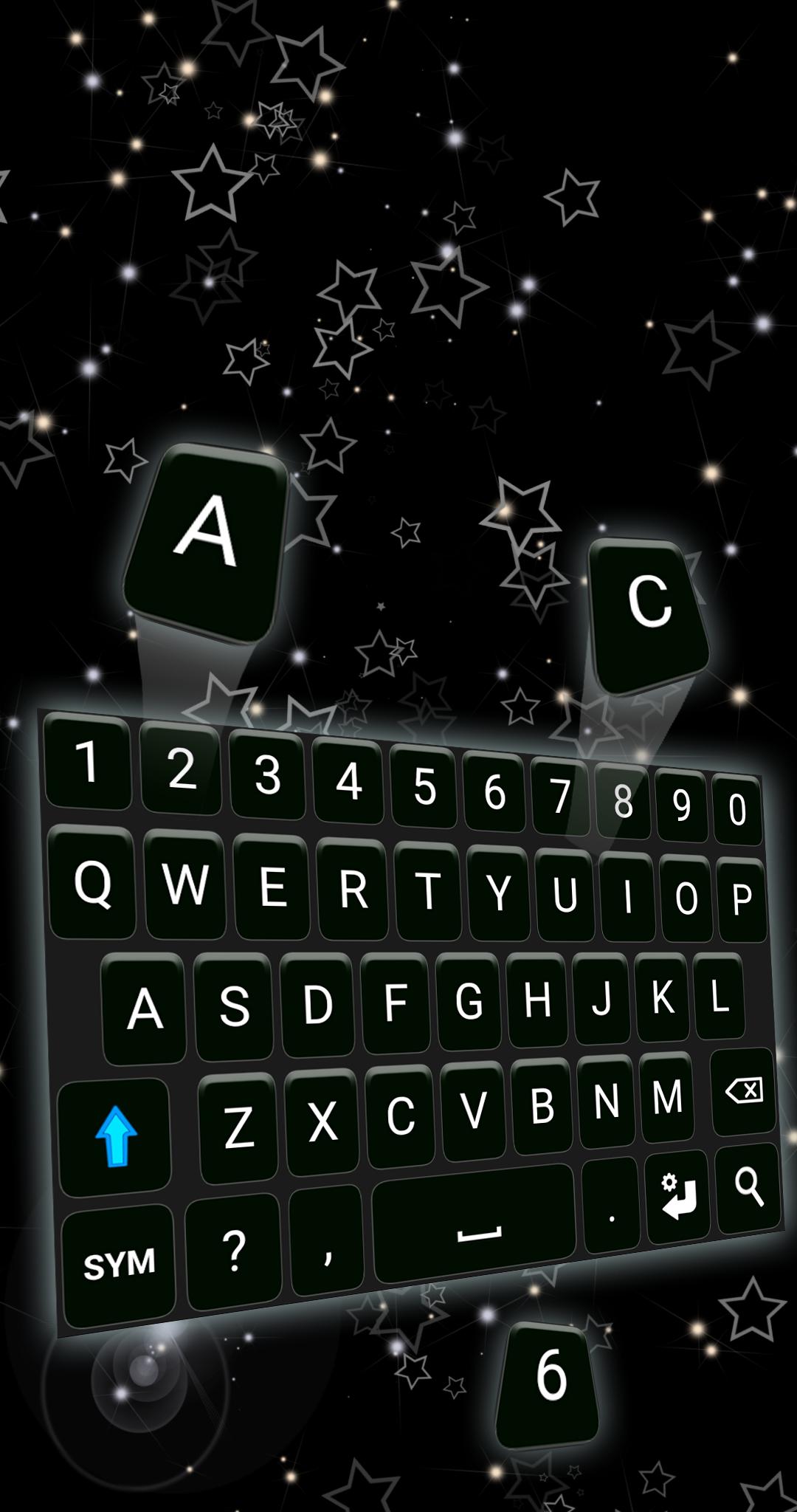
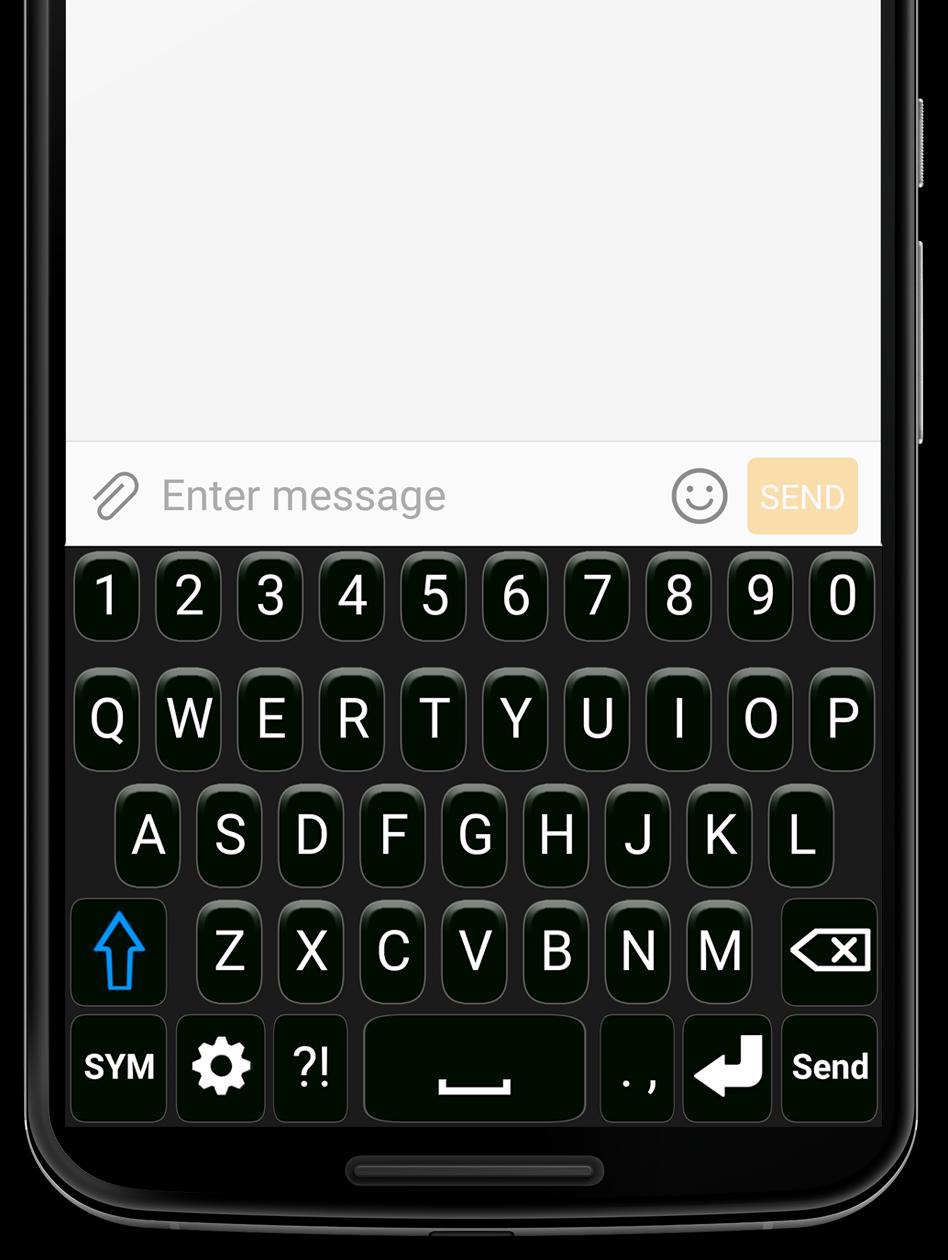
Black Keyboard is the perfect keyboard app for anyone who values both style and functionality. With its trendy design and extra symbols, this keyboard is sure to impress. Download and install Black Keyboard for Android today and enjoy its amazing features for free!
One of the best features of Black Keyboard is the ability to customize the keyboard's layout to your preference. You can choose the format of the keyboard when it's in landscape orientation, either the normal keyboard or the two-hand keyboard format. Additionally, the background color of the keyboard can be easily changed from the settings, giving you the freedom to update your keyboard style anytime you want.
The app also allows you to adjust the keyboard height to fit your typing style, ensuring a comfortable and personalized typing experience.
Key Features:
Suggestions in over 20 languages: Get accurate and helpful word predictions in a variety of languages, including English, French, German, Portuguese, Spanish, and more.
Key shortcuts: Save time with shortcuts that let you quickly store and reuse frequently used phrases, numbers, or even entire messages directly from the keyboard.
Efficient gestures: Use the swipe left function to clear everything on the screen in one go. Activate this feature by checking the "Swipe Left" box in the keyboard settings.
Adjustable vibration intensity: Fine-tune the vibration feedback to your liking for a more enjoyable typing experience.
Installing Black Keyboard is easy. Just follow these steps:
Go to your phone's Settings.
Tap on General Management, then Language and Input, and finally On-Screen Keyboard (or Virtual Keyboard).
Go to Manage Keyboards, check the Black Keyboard box, and set Black Keyboard as your default keyboard in the "Default Keyboard" section.
(Note: Steps may differ depending on your phone model and Android version.)
We value your privacy and assure you that our keyboard does NOT store or collect any kind of information.
If you have suggestions, questions, or bug reports, feel free to email us at support@c10studio.com. We’re always happy to hear from our users!
Preview
Tags
PersonalizationInformation
Developer
C10 Studio
Latest Version
1.6.1
Last Updated
2025-01-20
Category
Personalization
Available on
Google Play
Show More
How to play Black Keyboard with GameLoop on PC
1. Download GameLoop from the official website, then run the exe file to install GameLoop
2. Open GameLoop and search for “Black Keyboard” , find Black Keyboard in the search results and click “Install”
3. Enjoy playing Black Keyboard on GameLoop
Minimum requirements
OS
Windows 8.1 64-bit or Windows 10 64-bit
GPU
GTX 1050
CPU
i3-8300
Memory
8GB RAM
Storage
1GB available space
Recommended requirements
OS
Windows 8.1 64-bit or Windows 10 64-bit
GPU
GTX 1050
CPU
i3-9320
Memory
16GB RAM
Storage
1GB available space