Auto Craft For MCPE - Toolbox PC
UMCC Labs
Download Auto Craft For MCPE - Toolbox on PC With GameLoop Emulator
Auto Craft For MCPE - Toolbox sa PC
Ang Auto Craft For MCPE - Toolbox, na nagmumula sa developer na UMCC Labs, ay tumatakbo sa Android systerm sa nakaraan.
Ngayon, maaari mong laruin ang Auto Craft For MCPE - Toolbox sa PC gamit ang GameLoop nang maayos.
I-download ito sa GameLoop library o mga resulta ng paghahanap. Hindi na tumitingin sa baterya o nakakadismaya na mga tawag sa maling oras.
I-enjoy lang ang Auto Craft For MCPE - Toolbox PC sa malaking screen nang libre!
Auto Craft For MCPE - Toolbox Panimula
Master Auto For Minecraft PE Toolbox is not an official Minecraft product and is not officially approved with Mojang.
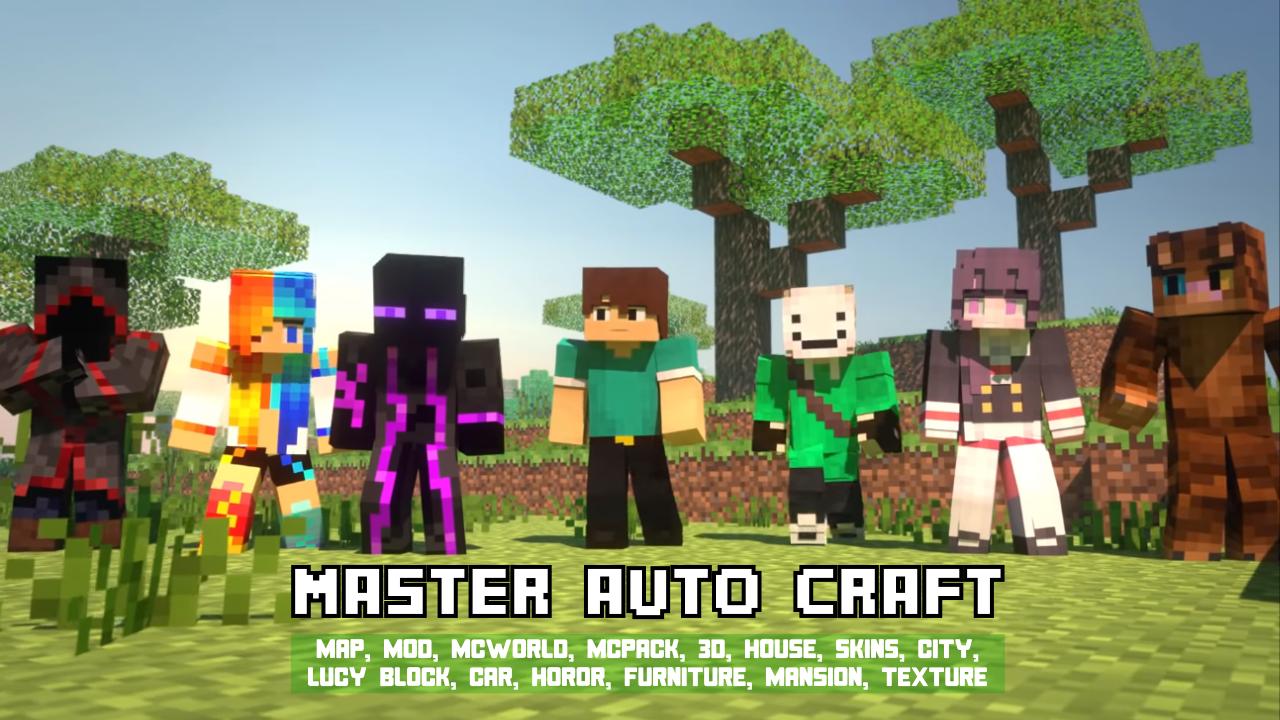
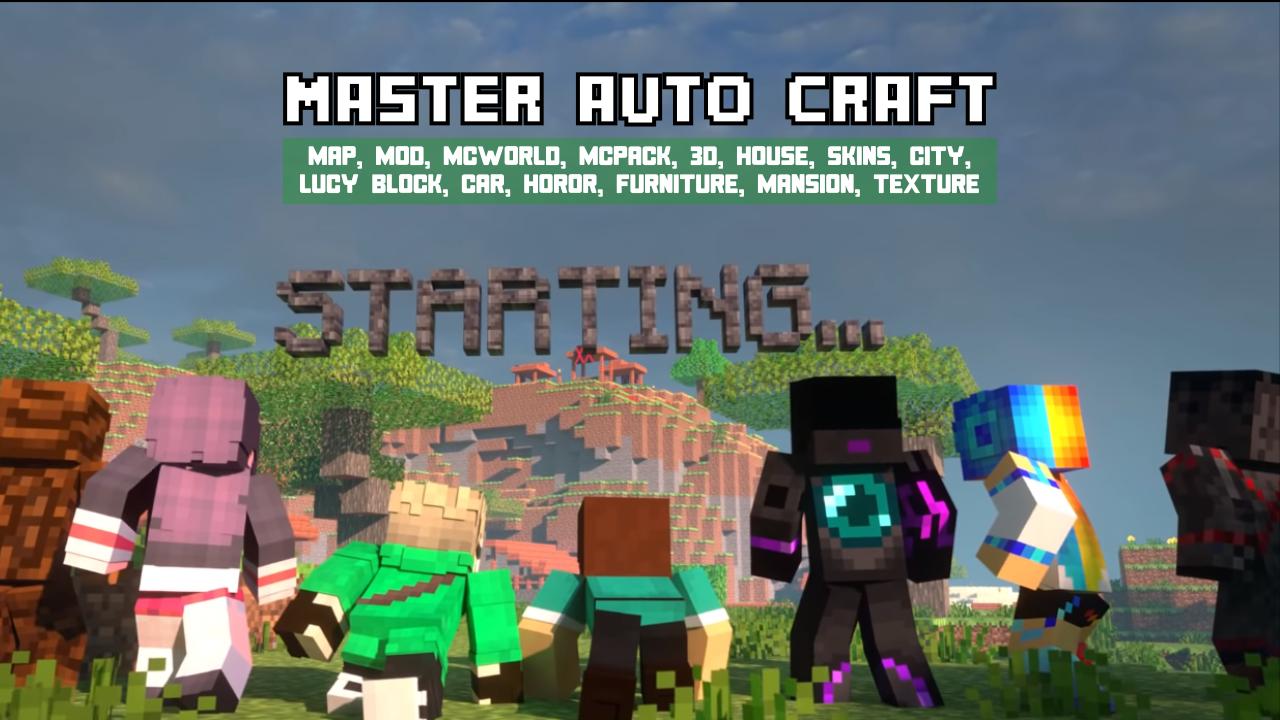
Master Auto For Minecraft PE - Toolbox allows you to play tons of Minecraft addons for free. There are thousands of maps waiting for you to play!
In a few taps, you can start Minecraft Pocket Edition and enjoy the game!
WHAT CAN YOU DO WITH OUR TOOLBOX ?..
- Modify animal / mob skills and behavior (teleport, mount, inventory...)
- Modify animal/mob skins (bat, fire, zombie, skeleton..)
- Support Aquatic update mobs (ghost, dolphin, drowning..)
- Supports Oceanic special mobs (Shark, Crab, ..)
- Support custom furniture mobs (Television, Piano, PC,...)
- Supports special mobs of Animals (Lion, Frog, ...)
- Change blocks, items, armor
- Modify projectiles and TNT
- Automatic package into mcpe addons and import to your game
- No need blocklauncher to play with mods for Minecraft.
MORE than 1000 ADDONS ~
You can choose your favorite world from a variety of different maps, each one unique and looking amazing!
DISCLAIMER
The map for Minecraft PE was not developed by Mojang. Minecraft is a trademark of Mojang AB. Please note that we are not affiliated with Mojang AB but we comply with the terms set by Mojang AB at https://www.minecraft.net/terms
Preview
Tags
PersonalizationInformation
Developer
UMCC Labs
Latest Version
1,0,1
Last Updated
2021-06-13
Category
Personalization
Available on
Google Play
Show More
How to play Auto Craft For MCPE - Toolbox with GameLoop on PC
1. Download GameLoop from the official website, then run the exe file to install GameLoop
2. Open GameLoop and search for “Auto Craft For MCPE - Toolbox” , find Auto Craft For MCPE - Toolbox in the search results and click “Install”
3. Enjoy playing Auto Craft For MCPE - Toolbox on GameLoop
Minimum requirements
OS
Windows 8.1 64-bit or Windows 10 64-bit
GPU
GTX 1050
CPU
i3-8300
Memory
8GB RAM
Storage
1GB available space
Recommended requirements
OS
Windows 8.1 64-bit or Windows 10 64-bit
GPU
GTX 1050
CPU
i3-9320
Memory
16GB RAM
Storage
1GB available space