APUS Flashlight-Free & Bright PC
APUS Group
Download APUS Flashlight-Free & Bright on PC With GameLoop Emulator
APUS Flashlight-Free & Bright sa PC
Ang APUS Flashlight-Free & Bright, na nagmumula sa developer na APUS Group, ay tumatakbo sa Android systerm sa nakaraan.
Ngayon, maaari mong laruin ang APUS Flashlight-Free & Bright sa PC gamit ang GameLoop nang maayos.
I-download ito sa GameLoop library o mga resulta ng paghahanap. Hindi na tumitingin sa baterya o nakakadismaya na mga tawag sa maling oras.
I-enjoy lang ang APUS Flashlight-Free & Bright PC sa malaking screen nang libre!
APUS Flashlight-Free & Bright Panimula
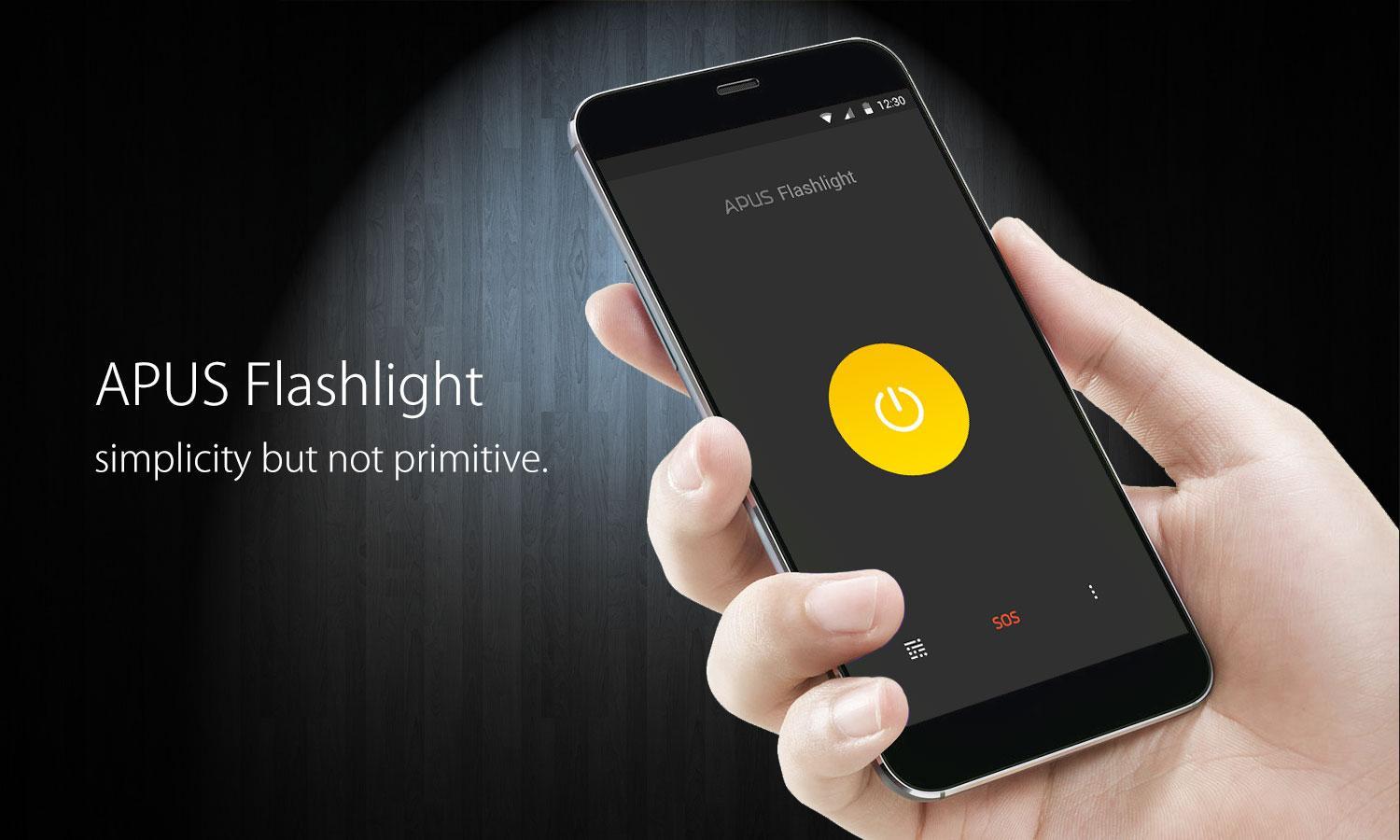
APUS Flashlight, small, free, super bright, the best LED flashlight app for Android phone and tablet. This is a torch app that stays on even if you close the app or switch off screen.
Only 1 MB, APUS Flashlight is developed by APUS Group. This free LED flashlight app makes full use of your back LED camera flashlight and turns your Android phone and tablet to a bright torch.
★ Super Bright
This free flashlight app takes advantage of back camera flashlight and gives the brightest light in the dark.
★ Free
Free but powerful, super bright LED flashlight.
★ Simple, Easy to use
Super fast startup and one tap flashlight, giving you super bright LED torch light in one second.
★ Power saving
Optimized torch, this free flashlight app is bright yet power saving.
★ Smart widget
After sunset, the smart flashlight widget in lock screen gives you the fastest way to flashlight.
★ SOS light
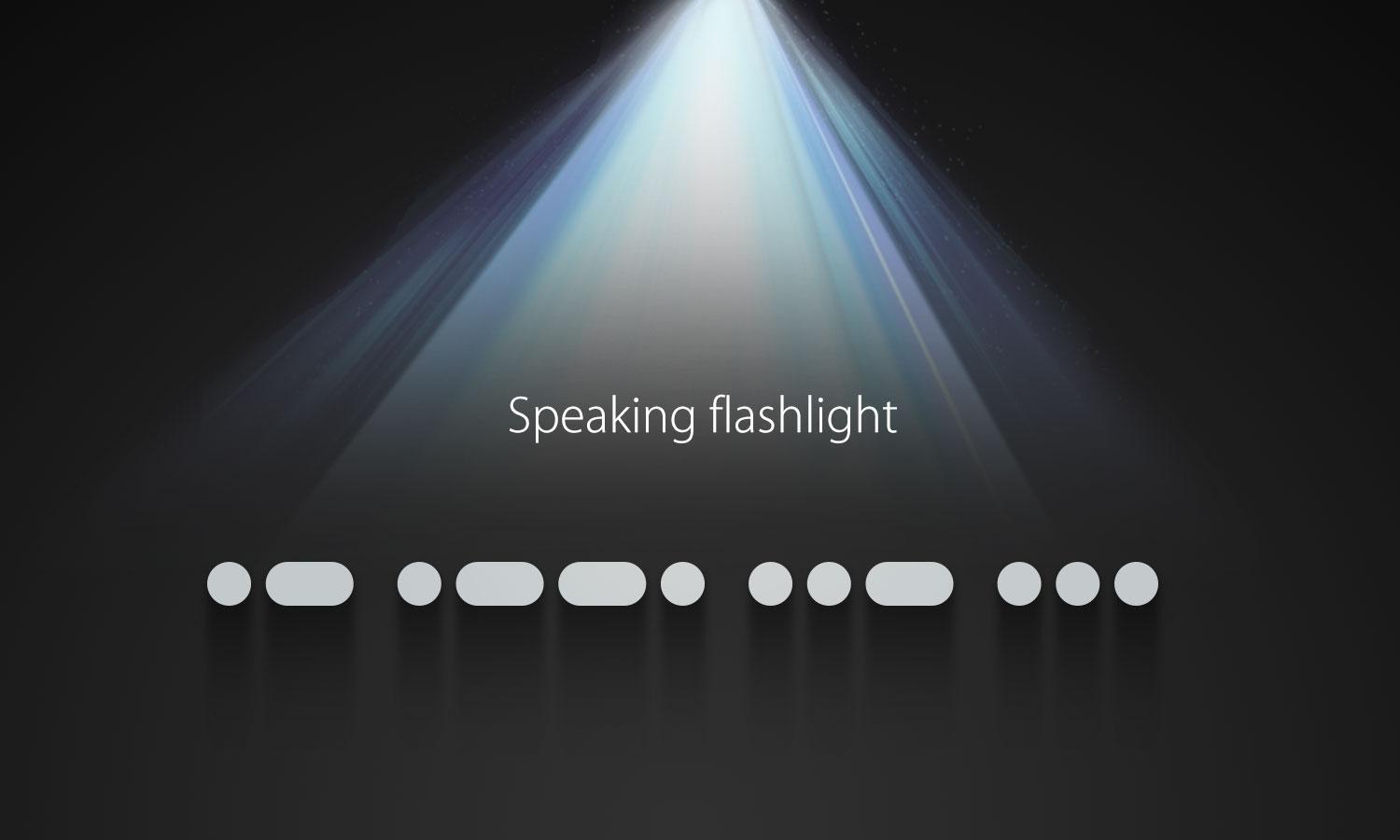
In emergency, this bright flashlight gives you super bright SOS signal in Morse code.
Connect us:
Website: http://www.apusapps.com
Flashlight: http://www.apusapps.com/en/flashlight.html
Feedback: apusecho@gmail.com
Facebook: http://www.facebook.com/APUSGROUP
Preview
Tags
PersonalizationInformation
Developer
APUS Group
Latest Version
1.5.9
Last Updated
2018-12-14
Category
Personalization
Available on
Google Play
Show More
How to play APUS Flashlight-Free & Bright with GameLoop on PC
1. Download GameLoop from the official website, then run the exe file to install GameLoop
2. Open GameLoop and search for “APUS Flashlight-Free & Bright” , find APUS Flashlight-Free & Bright in the search results and click “Install”
3. Enjoy playing APUS Flashlight-Free & Bright on GameLoop
Minimum requirements
OS
Windows 8.1 64-bit or Windows 10 64-bit
GPU
GTX 1050
CPU
i3-8300
Memory
8GB RAM
Storage
1GB available space
Recommended requirements
OS
Windows 8.1 64-bit or Windows 10 64-bit
GPU
GTX 1050
CPU
i3-9320
Memory
16GB RAM
Storage
1GB available space