
App Support PC
East-Hino
Download App Support on PC With GameLoop Emulator
App Support sa PC
Ang App Support, na nagmumula sa developer na East-Hino, ay tumatakbo sa Android systerm sa nakaraan.
Ngayon, maaari mong laruin ang App Support sa PC gamit ang GameLoop nang maayos.
I-download ito sa GameLoop library o mga resulta ng paghahanap. Hindi na tumitingin sa baterya o nakakadismaya na mga tawag sa maling oras.
I-enjoy lang ang App Support PC sa malaking screen nang libre!
App Support Panimula
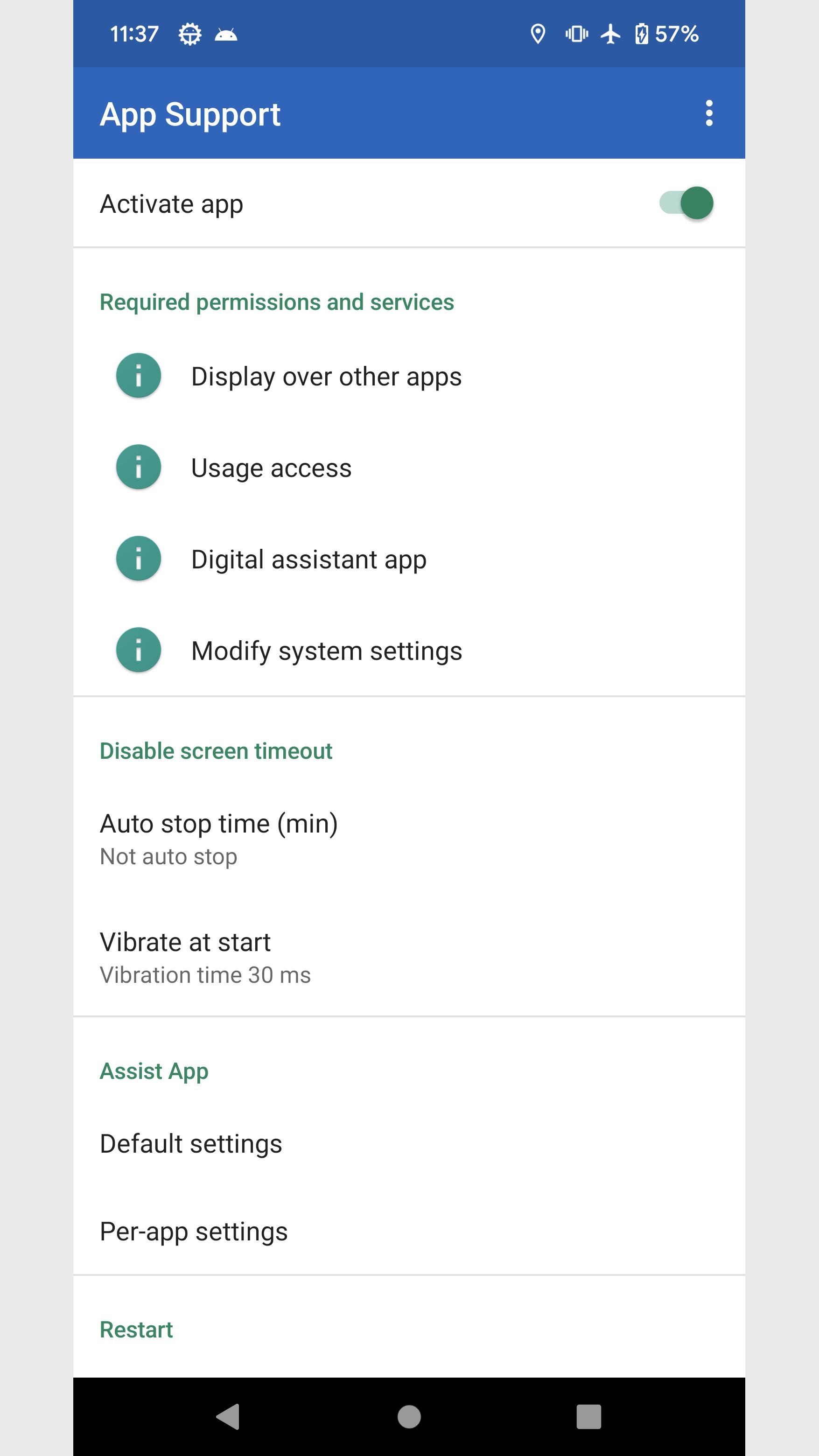
I summarized the functions that I think would be convenient if I could set them for each app.
Configure using the panel that appears in the notification area.
■Settings panel
・Screen orientation
You can forcibly change the screen orientation of apps and home screens whose screen orientation is fixed.
・Screen timeout
Keep screen on and disable screen timeout.
・Check Wi-Fi
Check the Wi-Fi connection when switching apps to prevent inadvertent mass communication.
・Assist app
You can set apps and shortcuts to launch when you press and hold the home button.
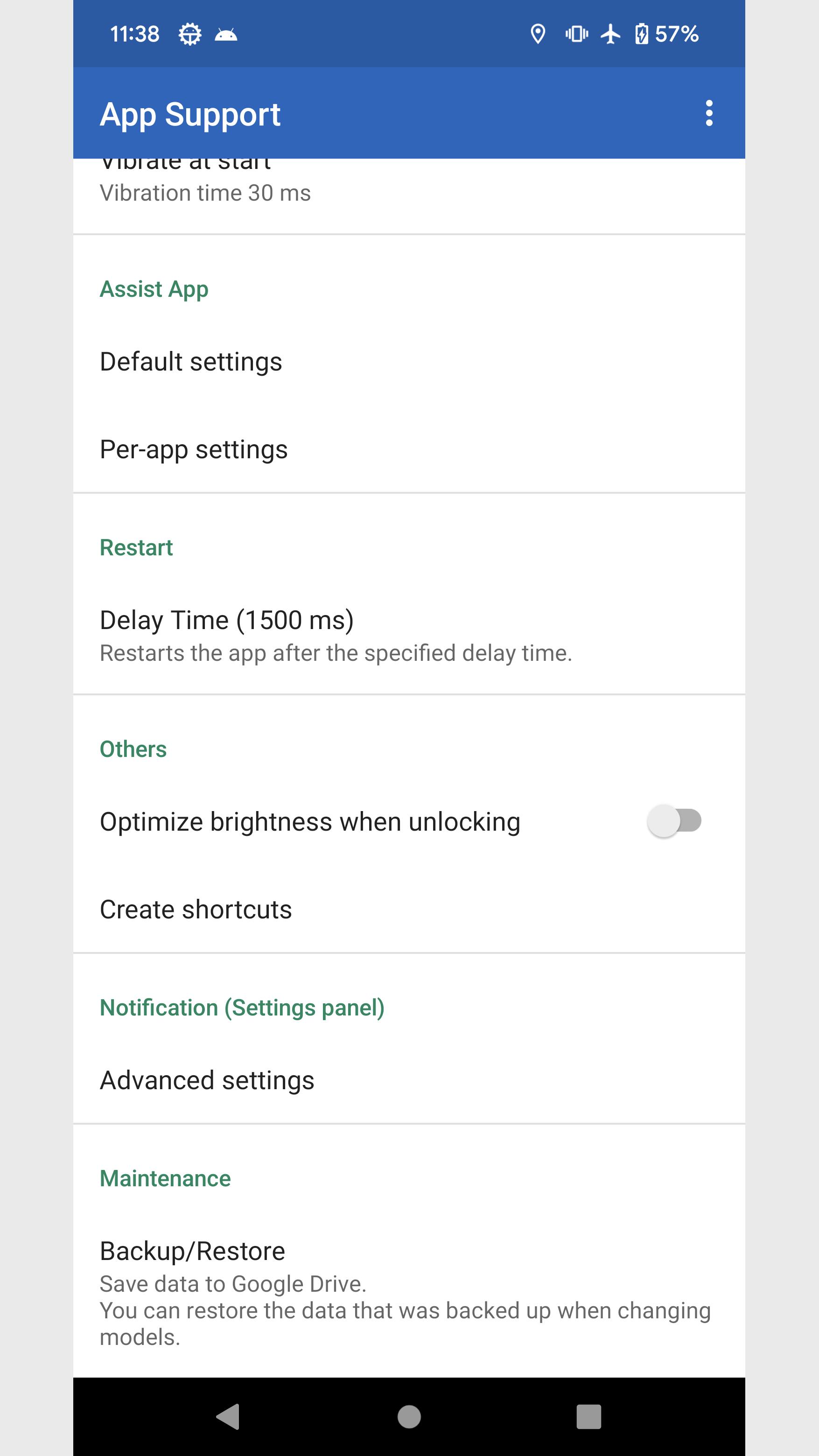
・Restart
Force the app to restart.
■Other support
・Optimize brightness when unlocking
・Create shortcuts
Flashlight *
Volume control *
Brightness Min *
Brightness Fix *
Brightness Max *
File
Activity (deprecated)
* Can be placed on the quick settings panel of the device
■Manually run disable screen timeout
Long press the app icon and tap the shortcut that appears.
Disable screen timeout continues during manual execution instead of per app.
To exit, tap the shortcut again or tap Stop Notifications.
■About permissions
This app uses the following permissions to provide various services. Personal information will not be sent outside the app or provided to third parties.
・Post Notifications
Required to realize the main functionality of the app.
・Get list of apps
Necessary to obtain information about the running app and to implement the launcher function.
・Search for accounts on this device
You will need it when backing up your data to Google Drive.
■Notes
Please note that we are not responsible for any troubles or damages caused by this app.
Preview
Tags
PersonalizationInformation
Developer
East-Hino
Latest Version
6.1
Last Updated
2023-11-12
Category
Personalization
Available on
Google Play
Show More
How to play App Support with GameLoop on PC
1. Download GameLoop from the official website, then run the exe file to install GameLoop
2. Open GameLoop and search for “App Support” , find App Support in the search results and click “Install”
3. Enjoy playing App Support on GameLoop
Minimum requirements
OS
Windows 8.1 64-bit or Windows 10 64-bit
GPU
GTX 1050
CPU
i3-8300
Memory
8GB RAM
Storage
1GB available space
Recommended requirements
OS
Windows 8.1 64-bit or Windows 10 64-bit
GPU
GTX 1050
CPU
i3-9320
Memory
16GB RAM
Storage
1GB available space