
AIO Launcher PC
AIO Mobile Apps
Download AIO Launcher on PC With GameLoop Emulator
AIO Launcher sa PC
Ang AIO Launcher, na nagmumula sa developer na AIO Mobile Apps, ay tumatakbo sa Android systerm sa nakaraan.
Ngayon, maaari mong laruin ang AIO Launcher sa PC gamit ang GameLoop nang maayos.
I-download ito sa GameLoop library o mga resulta ng paghahanap. Hindi na tumitingin sa baterya o nakakadismaya na mga tawag sa maling oras.
I-enjoy lang ang AIO Launcher PC sa malaking screen nang libre!
AIO Launcher Panimula
AIO Launcher — a home screen that helps, not distracts
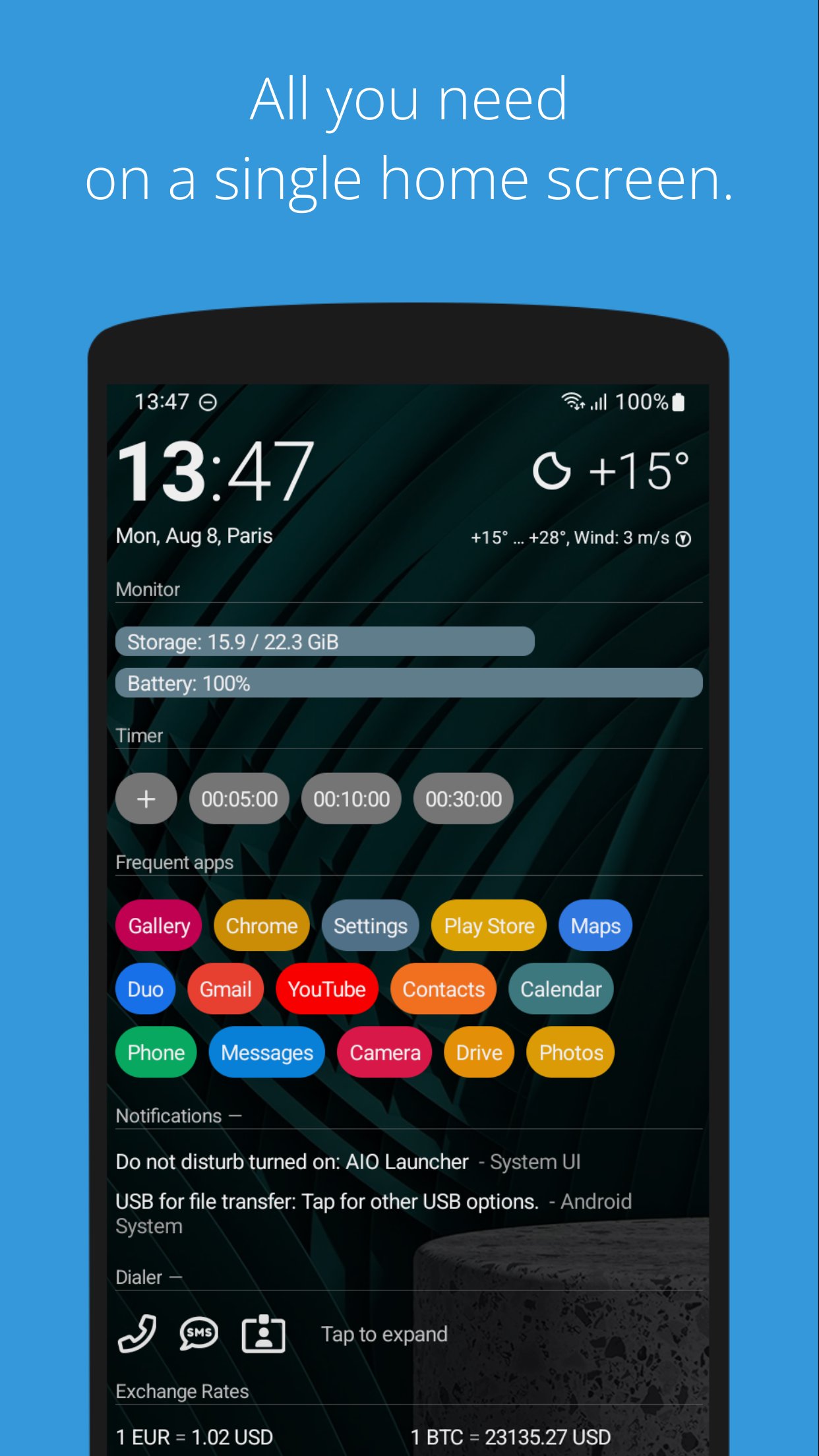
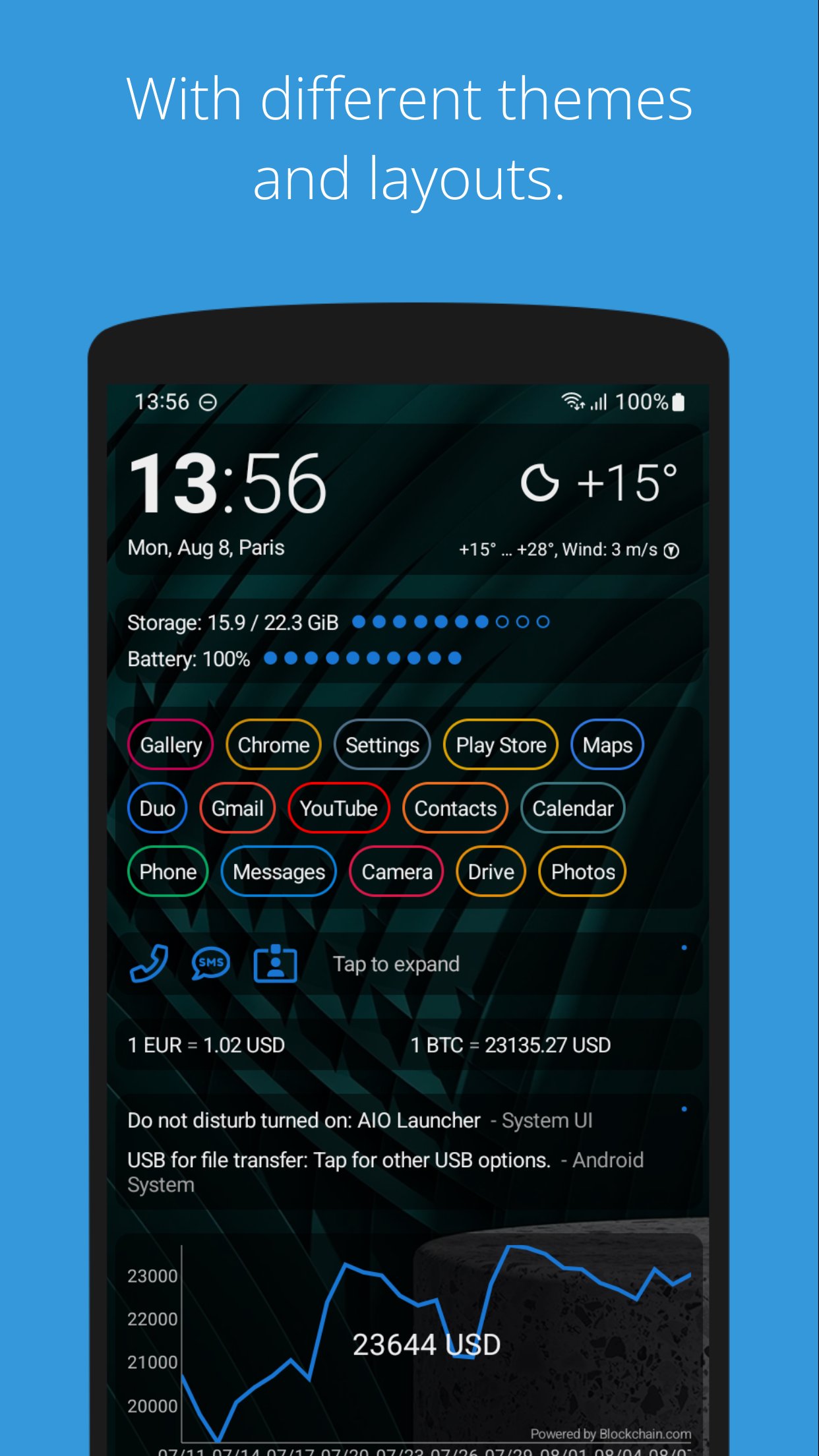
AIO Launcher isn’t just a home screen — it’s a powerful tool for those who want to use their phone more efficiently. A minimalist, fast, and thoughtful interface that shows only what matters and helps you save time.
Why AIO is better:
- Information, not icons. A screen full of useful data instead of a grid of apps.
- Flexible and customizable. Make it your own in just a few minutes.
- Fast and lightweight. No unnecessary animations or slowdowns.
- Private and secure. No tracking, ever.
What AIO Launcher can do:
- 30+ built-in widgets: Weather, notifications, messengers, tasks, finance, and much more.
- Tasker integration and Lua scripting for automating your daily routines.
- Built-in ChatGPT integration — smart replies, automation, and assistance with zero effort.
- Powerful search: Look through the web, apps, contacts, widgets — all in one place.
One developer. More focus. Maximum speed.
I build AIO Launcher alone, and it’s my top priority. Bugs happen, but I fix them faster than big companies reply to emails. If something goes wrong — just reach out and I’ll take care of it.
Not for everyone
AIO Launcher isn’t about pretty wallpapers and animations. It’s a tool for those who want to move faster, manage their information, and stay productive. If you value efficiency — you’re in the right place.
Privacy First
AIO Launcher uses and transmits certain data only with your consent and solely to enable features:
- Location – sent to the weather service for forecasts (MET Norway).
- App List – sent to OpenAI for categorization (ChatGPT).
- Notifications – sent to OpenAI for spam filtering (ChatGPT).
Data is not stored, used for analytics or advertising, or shared with third parties beyond the stated purposes.
They are marked as “collected” on Google Play because policy requires it, even if collection occurs only with user permission.
Accessibility usage
AIO Launcher uses the Accessibility Service to handle gestures and simplify device interaction.
Feedback and support: zobnin@gmail.com
Preview
Tags
PersonalizationInformation
Developer
AIO Mobile Apps
Latest Version
6.0.0
Last Updated
2025-11-28
Category
Personalization
Available on
Google Play
Show More
How to play AIO Launcher with GameLoop on PC
1. Download GameLoop from the official website, then run the exe file to install GameLoop
2. Open GameLoop and search for “AIO Launcher” , find AIO Launcher in the search results and click “Install”
3. Enjoy playing AIO Launcher on GameLoop
Minimum requirements
OS
Windows 8.1 64-bit or Windows 10 64-bit
GPU
GTX 1050
CPU
i3-8300
Memory
8GB RAM
Storage
1GB available space
Recommended requirements
OS
Windows 8.1 64-bit or Windows 10 64-bit
GPU
GTX 1050
CPU
i3-9320
Memory
16GB RAM
Storage
1GB available space