
T-Mobile® FamilyMode™ PC
T-Mobile USA
Download T-Mobile® FamilyMode™ on PC With GameLoop Emulator
T-Mobile® FamilyMode™ sa PC
Ang T-Mobile® FamilyMode™, na nagmumula sa developer na T-Mobile USA, ay tumatakbo sa Android systerm sa nakaraan.
Ngayon, maaari mong laruin ang T-Mobile® FamilyMode™ sa PC gamit ang GameLoop nang maayos.
I-download ito sa GameLoop library o mga resulta ng paghahanap. Hindi na tumitingin sa baterya o nakakadismaya na mga tawag sa maling oras.
I-enjoy lang ang T-Mobile® FamilyMode™ PC sa malaking screen nang libre!
T-Mobile® FamilyMode™ Panimula
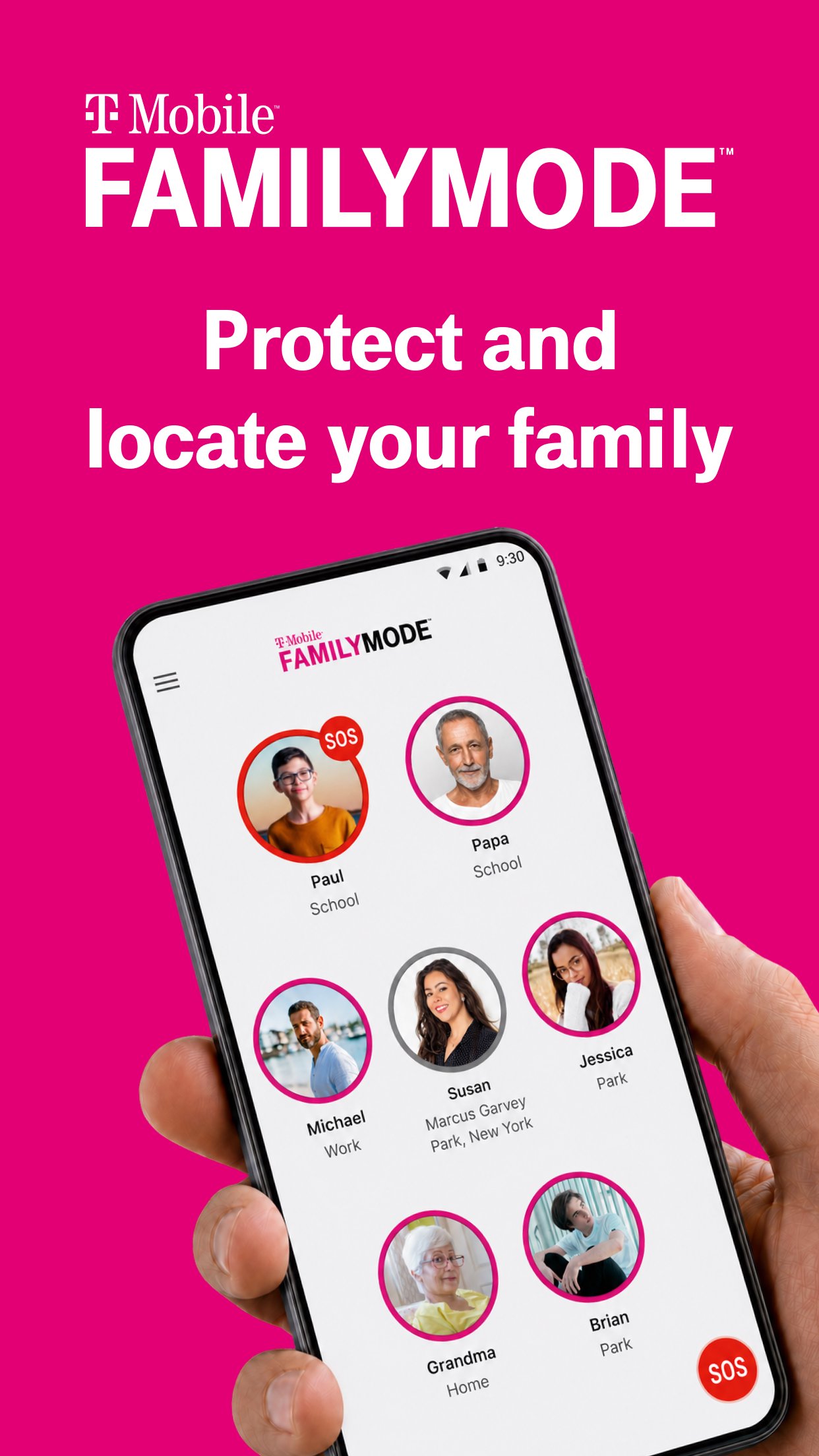
FamilyMode is the all-in-one family safety solution that can help you locate your family in real-time and improve online habits for your kids across devices. From pausing Internet access for dinner, to rewarding good grades with more screen time, FamilyMode helps make digital parenting easier.
FamilyMode features to love:
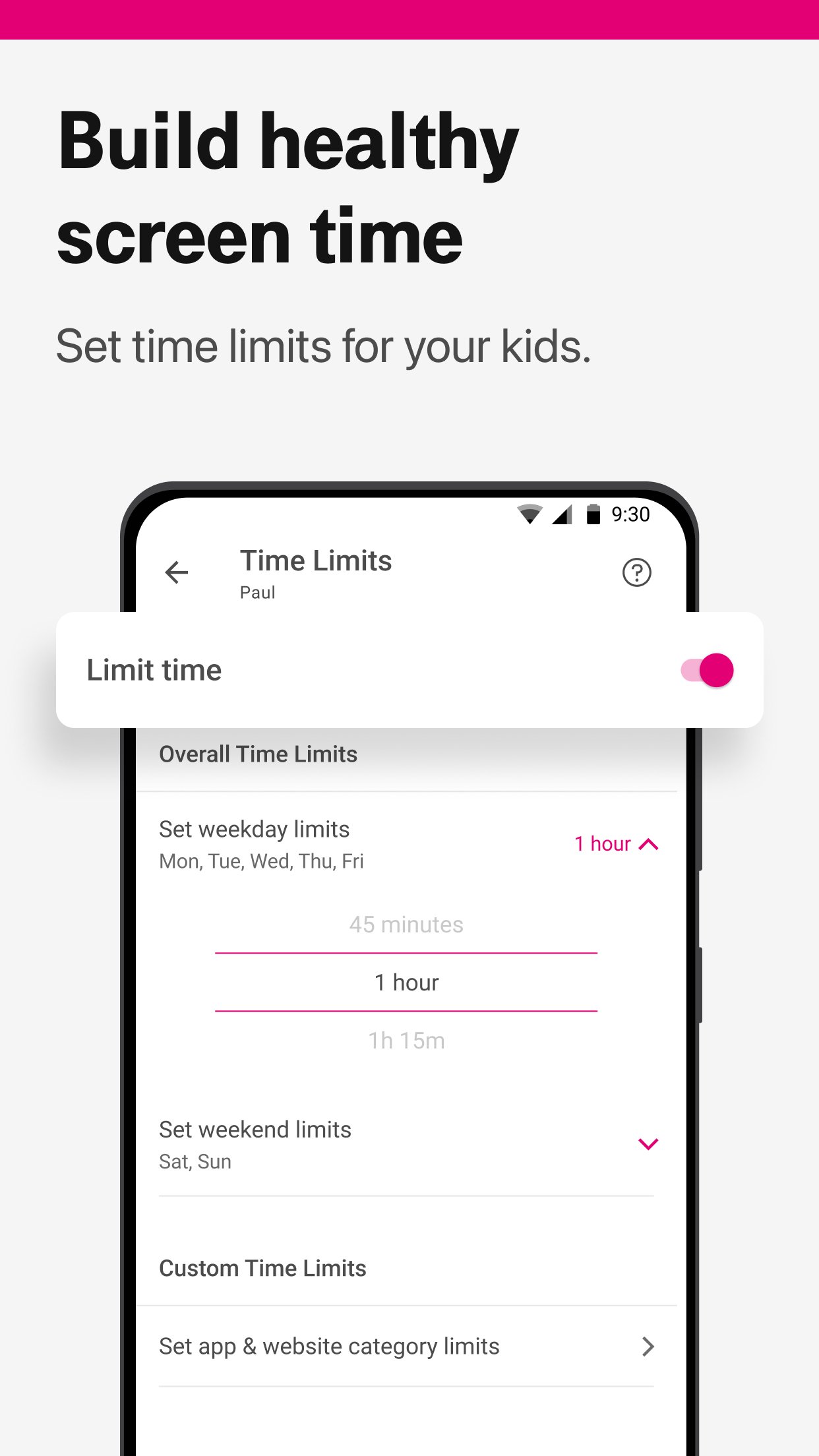
BUILD HEALTHY SCREEN TIME ROUTINES
Set time limits for your kids, pause Internet access, or give screen time as a reward
CONTROL WHAT YOUR KIDS CAN SEE ONLINE
Use pre-set or custom filters to help ensure your kids only see age-appropriate content
SHARE YOUR LOCATION IN A TAP
Check-in and share your location with your family anytime
TRACK LOCATION IN REAL TIME
See where your kids are and the path that they took to get there
GET HELP WHEN YOU NEED IT
Send out an SOS alert with the touch of a button
LOCATE A LOST DEVICE EASILY
Ring a misplaced phone to find it quickly
Note: FamilyMode uses Google Accessibility Services API to enable parents to set up parental controls on their children’s phones to protect them from unwanted or dangerous content. No information is processed or collected using this API except for the purpose of blocking the content defined by the user. FamilyMode uses the VpnService API to enforce parental controls restrictions on child devices.
Preview
Tags
ParentingInformation
Developer
T-Mobile USA
Latest Version
4.2.2
Last Updated
2026-06-18
Category
Parenting
Available on
Google Play
Show More
How to play T-Mobile® FamilyMode™ with GameLoop on PC
1. Download GameLoop from the official website, then run the exe file to install GameLoop
2. Open GameLoop and search for “T-Mobile® FamilyMode™” , find T-Mobile® FamilyMode™ in the search results and click “Install”
3. Enjoy playing T-Mobile® FamilyMode™ on GameLoop
Minimum requirements
OS
Windows 8.1 64-bit or Windows 10 64-bit
GPU
GTX 1050
CPU
i3-8300
Memory
8GB RAM
Storage
1GB available space
Recommended requirements
OS
Windows 8.1 64-bit or Windows 10 64-bit
GPU
GTX 1050
CPU
i3-9320
Memory
16GB RAM
Storage
1GB available space