AI Voice Changer - Magicmic PC
iMyfone Technology Co., Ltd.
Download AI Voice Changer - Magicmic on PC With GameLoop Emulator
AI Voice Changer - Magicmic sa PC
Ang AI Voice Changer - Magicmic, na nagmumula sa developer na iMyfone Technology Co., Ltd., ay tumatakbo sa Android systerm sa nakaraan.
Ngayon, maaari mong laruin ang AI Voice Changer - Magicmic sa PC gamit ang GameLoop nang maayos.
I-download ito sa GameLoop library o mga resulta ng paghahanap. Hindi na tumitingin sa baterya o nakakadismaya na mga tawag sa maling oras.
I-enjoy lang ang AI Voice Changer - Magicmic PC sa malaking screen nang libre!
AI Voice Changer - Magicmic Panimula
🎙️ MagicMic —Best Real Time AI Voice Changer 🎧✨
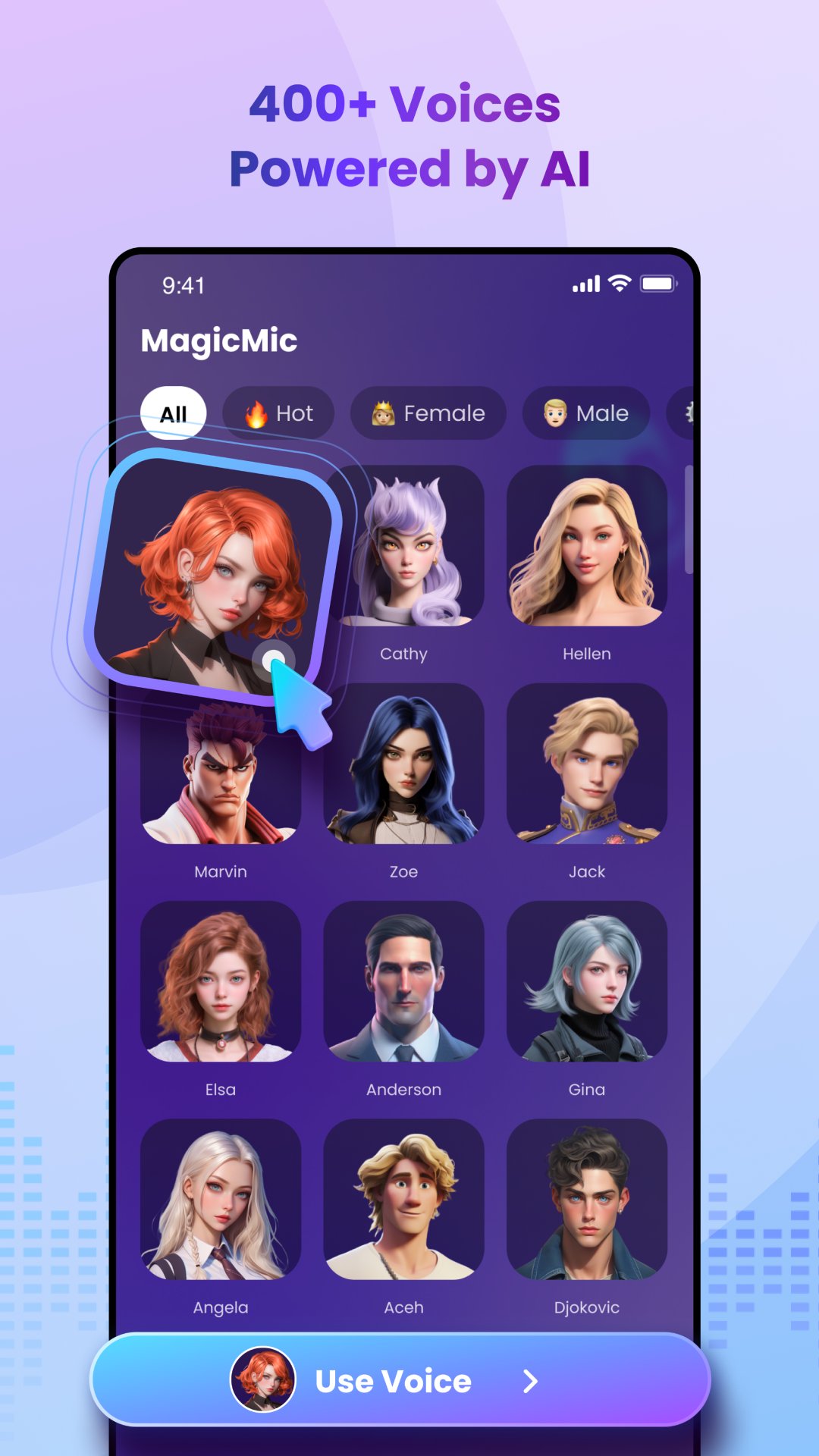
MagicMic is a professional real-time AI voice changer that changes your voice while communicating online. It's easy to use, has extremely low latency, features high quality AI voices and is compatible with all systems. Discover 500+ AI voices and 100K+ meme soundboards with MagicMic today!
🎤 AI Voice Generator & Text to Speech (TTS)
Create natural, expressive, and multilingual voiceovers using the built-in AI voice generator. MagicMic provides various emotional tones, narrator voices, character styles, anime voices, robotic narration, deep voices, soft voices, and creator-friendly presets.
Perfect for:
• Video narration
• Ads & product videos
• Audiobooks
• Explainer videos
• YouTube storytelling
• TikTok / Reels voiceover
MagicMic works like an advanced online voice generator and TTSmaker-level tool, giving you high-quality speech output with fast rendering. Supports keywords: text to speech, TTS, ttsmaker, AI voice over.
🎧 Real-Time Voice Changer
Use MagicMic’s voice changer to transform your voice live during games, chats, or recording sessions. Choose from 300+ effects including girl voice, boy voice, robot, alien, singer styles, autotune, fantasy characters, animal voices, deep voice, and meme effects.
Great for Discord, Roblox, Minecraft, PUBG Mobile, Free Fire, Zoom, roleplay, streaming, and prank content. 🎮🎭
🧬 AI Voice Cloning
Clone your voice with high-precision voice cloning technology. Create your digital voice that maintains tone, emotion, and speaking style. Use your cloned voice for scripts, storytelling, YouTube narration, e-learning, short videos, and character dialogue. 🎙️⚡
🎙️ Voice Recorder
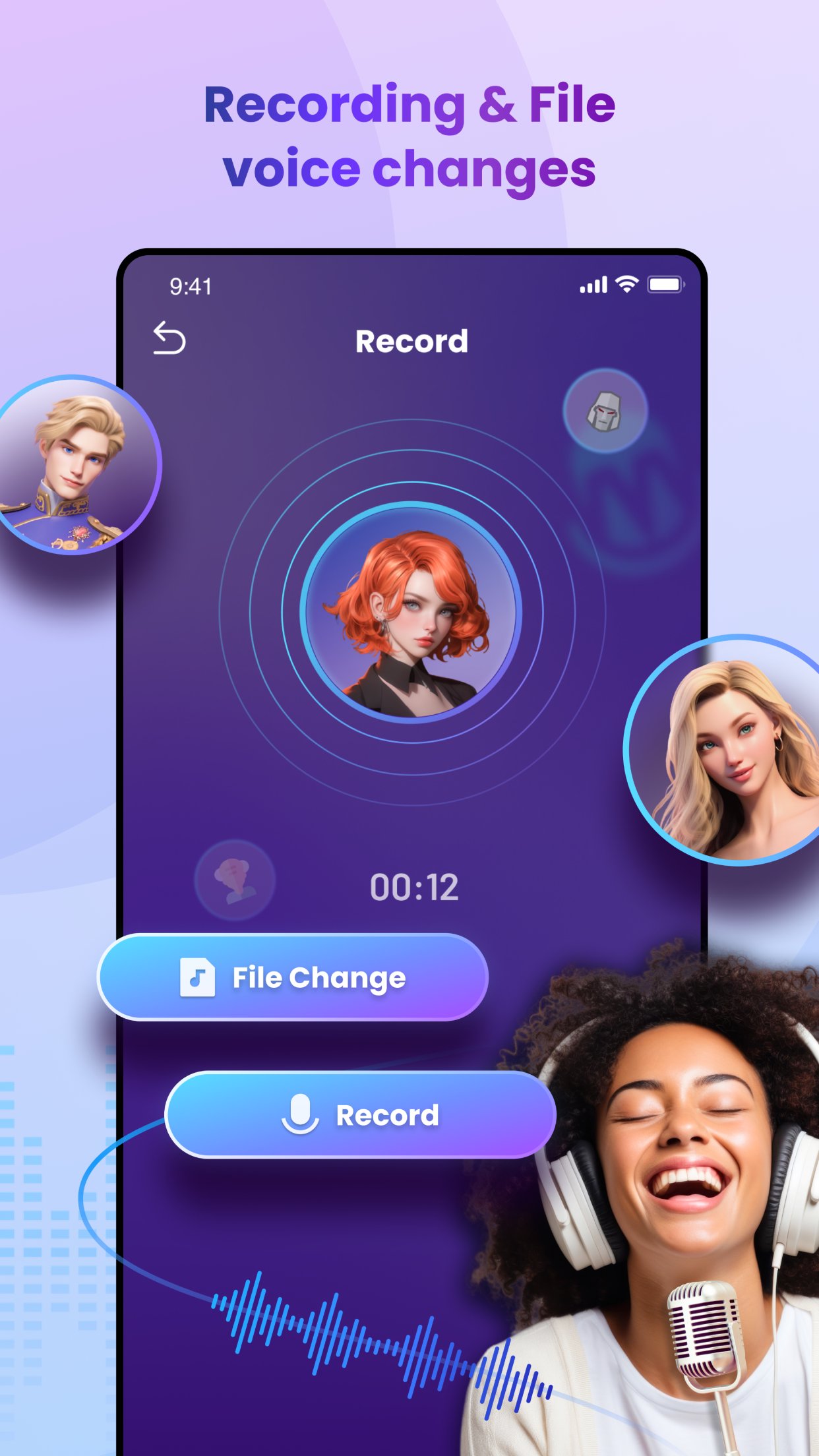
MagicMic includes a clean, high-quality voice recorder with noise reduction and vocal enhancement. Perfect for podcasts, singing, voice memos, studio recording, interviews, and all content that requires clear audio. 🎧🎼
📝 Speech to Text
Convert your audio into accurate text instantly using the speech to text engine. Ideal for notes, interviews, scripts, video captions, meeting summaries, and content preparation. Quickly turn recordings into usable written content. 📄✨
🎬 AI Voice Over for Videos
Create professional voiceovers for TikTok, YouTube, Reels, Shorts, advertisements, educational videos, animations, and storytelling.
Just type → choose a voice → export.
Supports: voice over, AI voice over, TTS, narration generator. 🎤📢
🌟 Who is MagicMic Made For?
• Video creators & editors
• TikTok / Instagram Reels influencers
• YouTubers & narrators
• Gamers & roleplay players
• Podcasters & voice actors
• Musicians & audio creators
• Teachers, educators, and online trainers
MagicMic delivers the features of an AI voice generator, text to speech tool, online voice generator, ai speech generator, voice editor, voice effects studio, and dubbing tool in one simple and powerful app.
💡 Keyword Coverage (Naturally Embedded)
AI voice generator, text to speech, TTS, ttsmaker, voice recorder, voice changer, voice cloning, speech to text, voice over, online voice generator, AI voice over, ai voice studio, narration tool, voice effects, voice filters, audio enhancer, ai sound creator, dubbing tool, real-time voice changer.
🎧 Start Creating with MagicMic
Whether you want to create AI voiceovers, convert text to speech, record audio, clone your voice, or transform your voice live, MagicMic gives you studio-grade tools with one tap.
Unlock the power of AI audio and instantly level up your content. 🎙️✨
◆ Privacy Policy: https://filme.imyfone.com/company/privacy-policy-2018-05/✔️
◆ Terms of Service: https://filme.imyfone.com/company/terms-conditions-2018-05/✔️
◆ Support: https://filme.imyfone.com/company/contact-us/✔️
✨Download MagicMic now! The fast, funny AI voice changer for prank calls, dubbing, voiceover, and more. Record, edit, and share your best (and silliest) voices today!✨
Preview
Tags
Music-&Information
Developer
iMyfone Technology Co., Ltd.
Latest Version
2.9.8
Last Updated
2026-08-04
Category
Music-audio
Available on
Google Play
Show More
How to play AI Voice Changer - Magicmic with GameLoop on PC
1. Download GameLoop from the official website, then run the exe file to install GameLoop
2. Open GameLoop and search for “AI Voice Changer - Magicmic” , find AI Voice Changer - Magicmic in the search results and click “Install”
3. Enjoy playing AI Voice Changer - Magicmic on GameLoop
Minimum requirements
OS
Windows 8.1 64-bit or Windows 10 64-bit
GPU
GTX 1050
CPU
i3-8300
Memory
8GB RAM
Storage
1GB available space
Recommended requirements
OS
Windows 8.1 64-bit or Windows 10 64-bit
GPU
GTX 1050
CPU
i3-9320
Memory
16GB RAM
Storage
1GB available space